Free trial
The entire tool is free to use without an account, so no separate trial is needed. Free use includes unlimited swaps, but videos are limited to the first 5 seconds and GIFs to 2MB.
Learn moreFree, no-signup face swap for videos, photos and GIFs in your browser

FaceswapFree is a no-signup, unlimited-use face swap tool for photos, GIFs and short videos. Free users get watermark-free results but video processing is limited to the first 5 seconds, with Pro available for longer clips and selective multi-face swaps.
FaceswapFree is a browser-based face swap tool that handles videos, still photos and animated GIFs. The workflow is deliberately minimal. You upload a source file (JPEG, PNG, WEBP, MP4 or GIF), upload a separate face image, and press start. The AI detects faces in the source, blends the supplied face into them, and returns a finished file within moments. No account, no payment details and no watermark on the result. The free tier is generous on volume but narrow on length. You can run as many swaps as you like each day with no quota, but video uploads are capped at 500MB and only the first 5 seconds are processed. GIFs must be 2MB or smaller, and the tool automatically swaps every face it detects in the media. For longer videos, selective multi-face swaps, faster queue-free processing and a higher-quality model, a Pro tier is available from the site. It suits casual creators, meme makers, social media editors and teachers who want a quick visual gag without an account wall. The appeal is speed and simplicity rather than fine control: there are no manual masking, keyframing or per-face selection options on the free plan. Files are not stored on the servers according to the site, which matters for anyone swapping personal photos. Compared with paid face swap suites, FaceswapFree trades advanced controls and long-form video support for unrestricted, watermark-free access. It is a good first stop for a fast result; users who need longer clips or multi-face precision will need the Pro plan or a dedicated desktop tool.
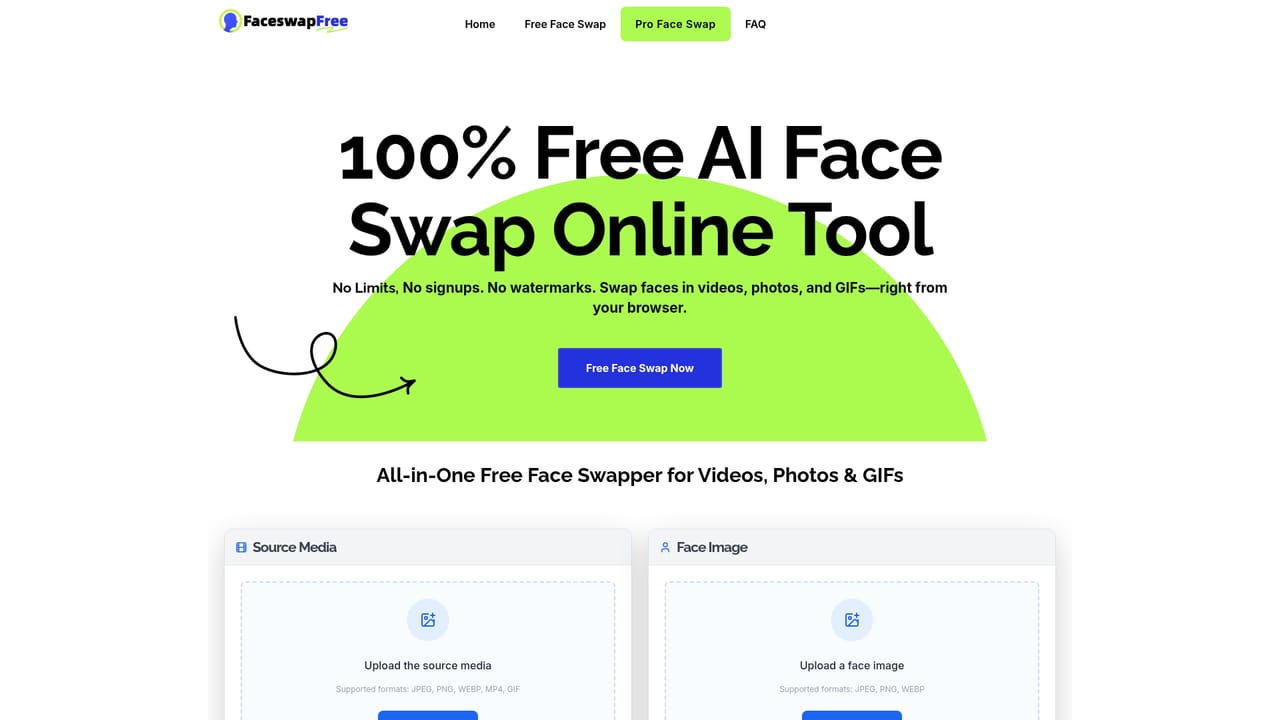
The entire tool is free to use without an account, so no separate trial is needed. Free use includes unlimited swaps, but videos are limited to the first 5 seconds and GIFs to 2MB.
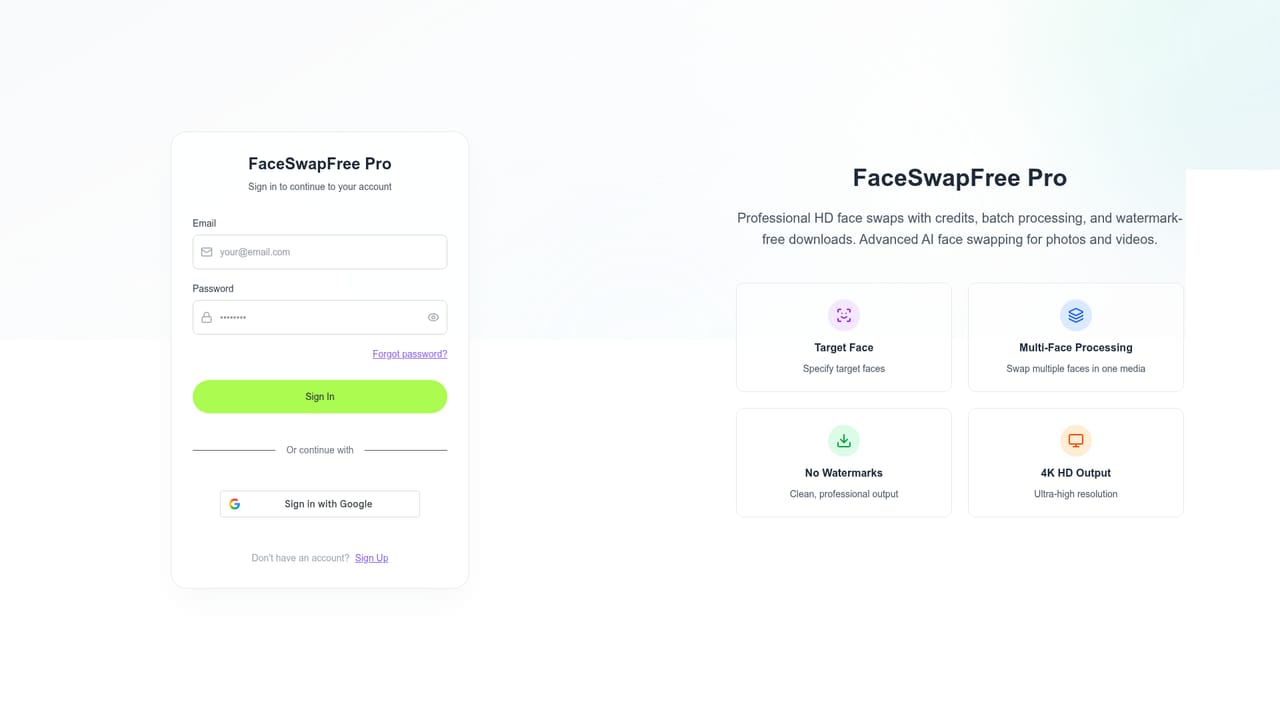
Learn moreThe core tool is free with no signup, no usage limits and no watermark. A Pro tier adds 30-minute video support, instant processing with no queue, multi-face swapping, an exclusive Pro model and more. Exact Pro prices are not stated on the homepage.
Learn moreSupport is handled through the FAQ on the homepage, which covers free limits, supported formats, file privacy and watermarking. No dedicated support page or contact channel is listed on the site.
Face swap for photos, videos and GIFs in the browser. Accepts JPEG, PNG, WEBP, MP4 and GIF sources. Automatically detects and swaps all faces in the media. No signup required, unlimited swaps on the free tier, watermark-free output, and files are not stored on the servers after processing. Pro adds video processing up to 30 minutes, queue-free instant processing, selective multi-face swapping and a higher-quality Pro model.
Learn more AI Angels400+ customizable AI girlfriends for NSFW chat, voice calls, and roleplay
 Candy AIExperience the future of companionship with AI friends who chat, role-play, and connect with you on a human level.
 ourdream.aiA vast AI roleplay platform with millions of characters for chat, images, video and voiceAI Angels400+ customizable AI girlfriends for NSFW chat, voice calls, and roleplayCandy AIExperience the future of companionship with AI friends who chat, role-play, and connect with you on a human level.ourdream.aiA vast AI roleplay platform with millions of characters for chat, images, video and voice


