Free trial
A free trial is advertised that gives access to all features without pre-payment, and the site pushes a free start on its chat page. No trial length or usage cap is stated.
Learn moreA chat agent that reads, summarizes and translates your PDFs

FilePower AI is a web based AI document assistant for chatting with PDFs, PPTs, Word and Excel files, summarizing long documents, translating them with one click and keeping uploads organized in a library. It targets students, researchers, analysts and managers who work through dense reports.
FilePower AI is a browser based document assistant built around a single idea: instead of opening a PDF and hunting for the right page, you ask the file a question. The homepage presents the product as an AI agent for PDFs, PPTs, Word and Excel files, with four core functions that cover most day to day document work: chatting with a file, summarizing it, translating it and organizing it inside a personal library. The chat feature is the center of the product. You upload a document, then ask questions and get answers drawn from its contents, which is the workflow most people already know from general purpose chatbots but applied specifically to long files. Summarization condenses a document so the key points surface quickly, and the FAQ notes this is aimed at long reports where reading every page is impractical. Translation is offered as a one click action, and the site describes it loosely as translating documents to all voices, which reads more like a convenience feature than a certified localization service. The document management layer is what pushes FilePower AI past a simple PDF reader. Uploaded files are kept organized like a library, so repeated work on the same set of contracts, papers or reports does not mean re-uploading each session. The vendor claims the most advanced LLM available, longer memory for context, and support for all major file formats, and the testimonial section positions the tool for students collecting sources for essays, researchers writing detailed reports, analysts processing financial documents and managers summarizing work reports. It fits in the crowded space between dedicated PDF chat tools and all in one AI workspaces. Users who want one focused, low friction place to interrogate and tidy up office documents will find the scope appropriate; teams that need shared workspaces, granular permissions or audit trails should check whether those exist before committing, because the homepage does not describe them.
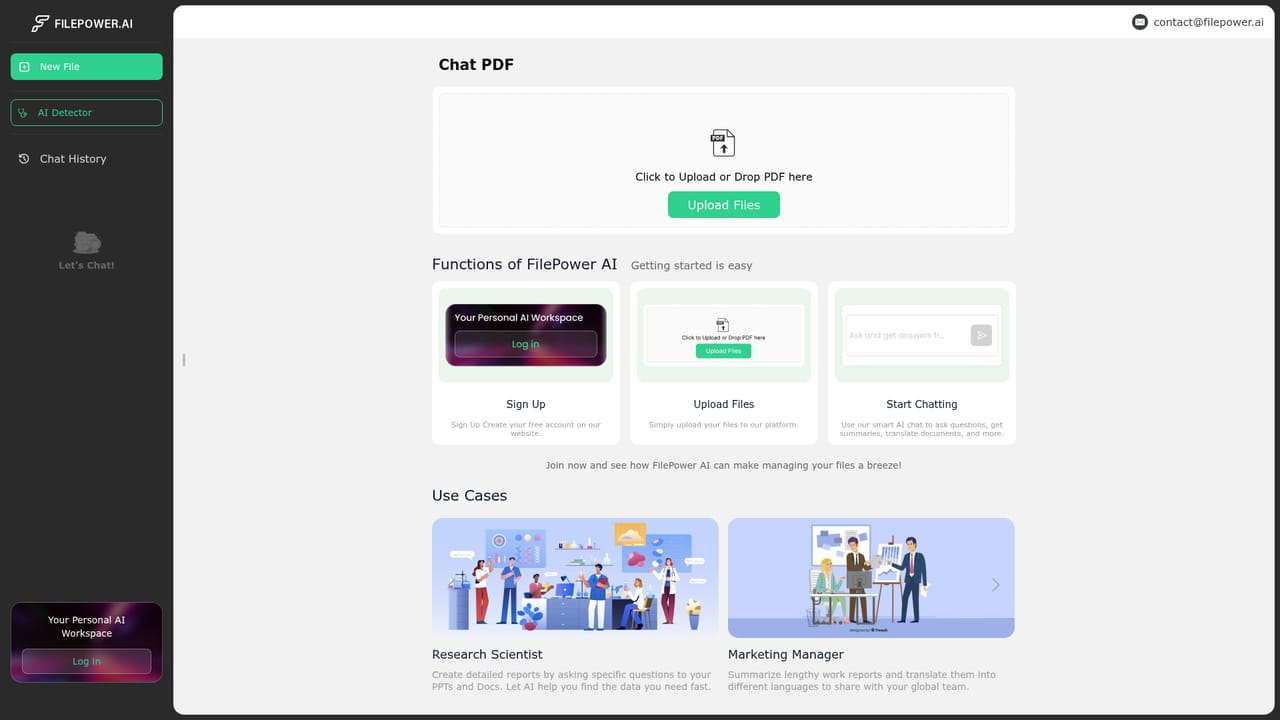
A free trial is advertised that gives access to all features without pre-payment, and the site pushes a free start on its chat page. No trial length or usage cap is stated.
Learn moreFour functions are listed: chat with a file for question answering, one click summarization for long documents, document translation, and a library style document management view. The vendor also claims the most advanced LLM, longer memory for context, and support for all major formats including PDF, PPT, Excel and Word.
 AI Angels400+ customizable AI girlfriends for NSFW chat, voice calls, and roleplay
 Candy AIExperience the future of companionship with AI friends who chat, role-play, and connect with you on a human level.
 ourdream.aiA vast AI roleplay platform with millions of characters for chat, images, video and voiceAI Angels400+ customizable AI girlfriends for NSFW chat, voice calls, and roleplayCandy AIExperience the future of companionship with AI friends who chat, role-play, and connect with you on a human level.ourdream.aiA vast AI roleplay platform with millions of characters for chat, images, video and voice


