Free trial
The homepage states plainly that there is no free trial. Live CoPilot sessions require an active Pro subscription; the free plan is limited to preparation.
Learn moreReal-time interview answers in a window only you can see

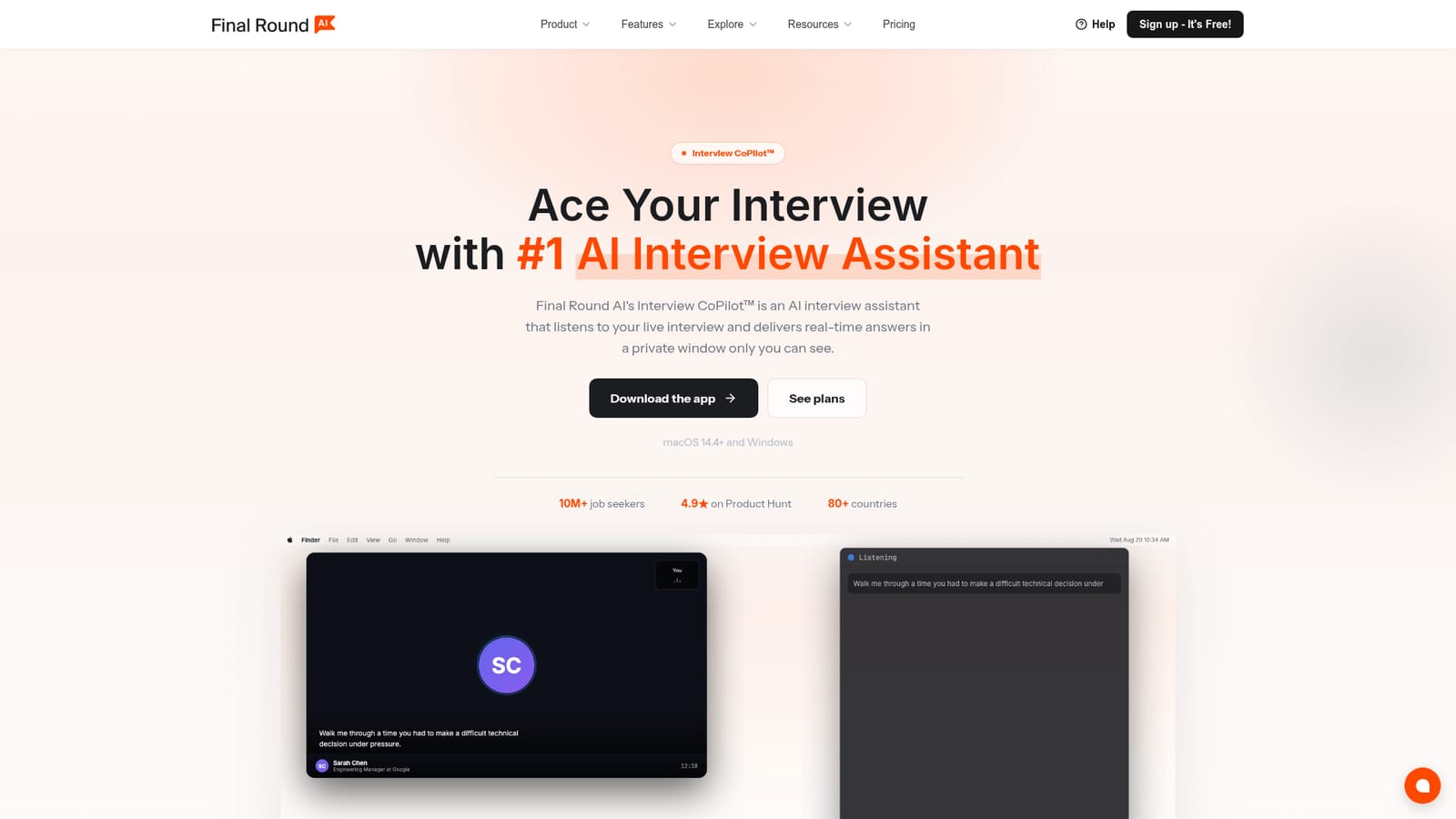
Final Round is a ChatGPT overlay tool. A macOS and Windows desktop app that listens to live interviews and privately streams suggested answers, wrapped in a Goal-based prep, practice and debrief loop with Stealth Mode on by default. Free tier covers preparation only; live sessions need a Pro subscription.
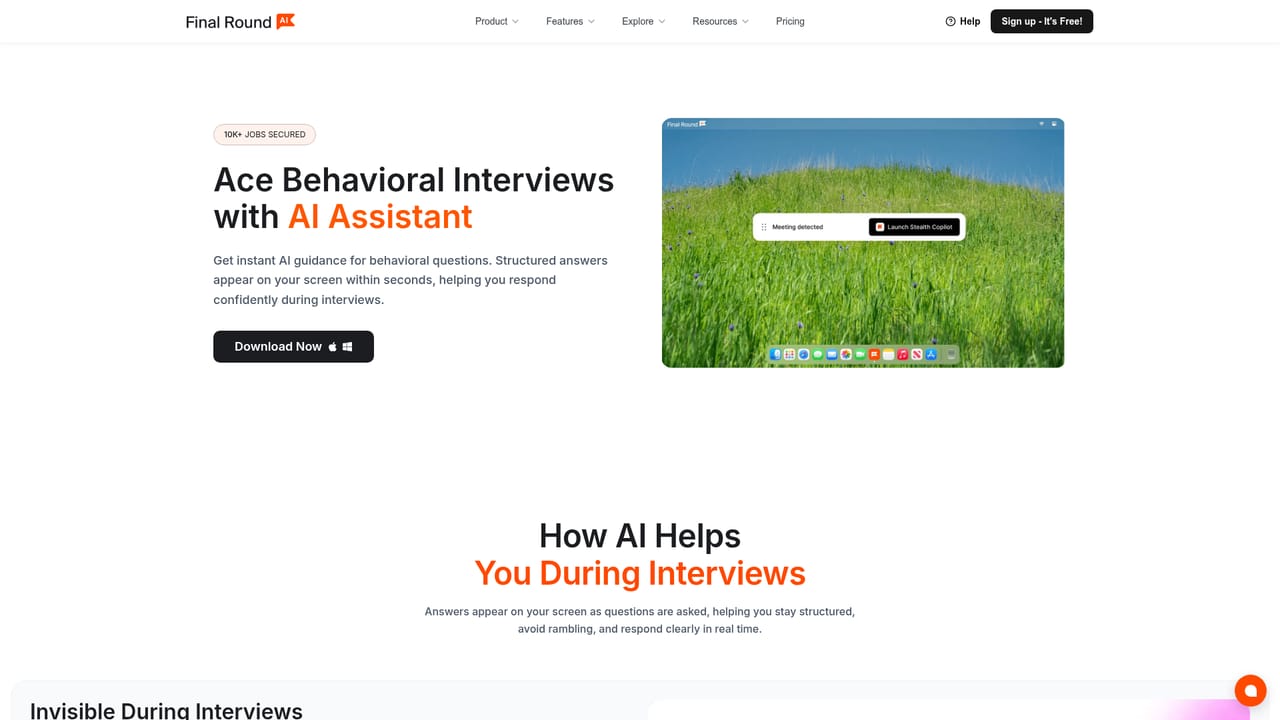
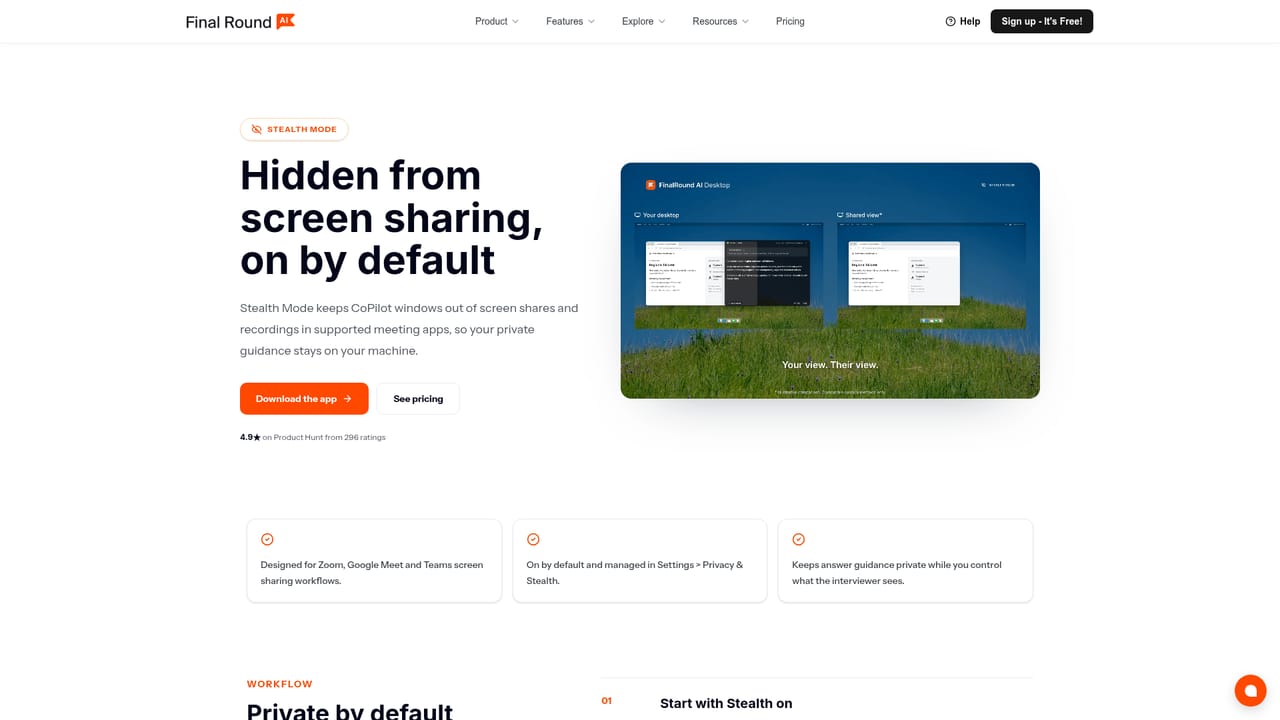
Final Round AI is a desktop interview assistant built around a single idea: one job application gets one Goal, and everything else hangs off that. A Goal holds the role, the target company, your resume and any prep materials, along with the interview round you are preparing for. A checklist flags what is still missing before you sit down. From there the app splits into three connected stages: prepare, perform and review, and each session feeds the next. The performance layer is Interview CoPilot. Once a live call is running, the app listens to the conversation and streams a short suggested answer into a private floating window, written the way a person would actually say it rather than as an essay. It recognizes behavioral, coding, system design, case and domain questions without requiring a mode switch, and the answer language and code language are set per session in Preflight. Supported contexts include Zoom, Meet, Teams, Webex, HackerRank, CoderPad and phone screens through a second device. Screen Help reads problems, diagrams, spreadsheets and errors directly from your display, either automatically or on demand, and puts full written coding and system design solutions in a results panel while your spoken answer stays brief. Stealth Mode is on by default and keeps those floating windows out of screen shares and recordings across the major meeting tools. No bot joins the call and the assistant never speaks aloud. Practice is the same engine pointed inward: eight scenarios (general, coding, system design, behavioral, product case, data and ML, salary negotiation, recruiter screen) launch against the Goal so the AI interviewer already knows your background, and re-drill replays the weak spots from your last debrief. Debriefs write themselves when a session ends, with readiness signals that carry into the next round. It suits candidates in structured, multi-round loops, particularly software engineers, product managers, data scientists, finance and operations roles. The free tier is preparation only. Live CoPilot requires Pro at $25+/mo, and there is no free trial.

The homepage states plainly that there is no free trial. Live CoPilot sessions require an active Pro subscription; the free plan is limited to preparation.
Learn moreFree at $0 covers unlimited Goals with resume and materials, job description parsing, the prep checklist and the macOS and Windows desktop app. Pro starts at $25+/mo and unlocks unlimited live Interview CoPilot sessions, Stealth Mode, automatic debriefs, practice interviews and Auto-capture screen help. Annual billing is advertised as saving up to 40%.
Learn moreA website chat widget shows live agent availability with typical replies in a few minutes. The homepage also carries an FAQ covering pricing, privacy, screen sharing visibility and supported interview formats.
Interview CoPilot works alongside Zoom, Google Meet, Microsoft Teams, Webex, HackerRank and CoderPad. No API or third party app integrations are documented on the homepage.
Interview CoPilot streams private suggested answers during live calls on Zoom, Meet, Teams, Webex, HackerRank, CoderPad and phone screens. Practice covers eight scenarios with re-drill of flagged weak spots. Debriefs write themselves at session end. Screen Help reads problems and diagrams from your display. Stealth Mode is on by default.
Learn more AI Angels400+ customizable AI girlfriends for NSFW chat, voice calls, and roleplay
 Candy AIExperience the future of companionship with AI friends who chat, role-play, and connect with you on a human level.
 ourdream.aiA vast AI roleplay platform with millions of characters for chat, images, video and voiceAI Angels400+ customizable AI girlfriends for NSFW chat, voice calls, and roleplayCandy AIExperience the future of companionship with AI friends who chat, role-play, and connect with you on a human level.ourdream.aiA vast AI roleplay platform with millions of characters for chat, images, video and voice


