Free trial
A forever free plan with no credit card required covers three 15 minute copilot sessions, five AI mock interviews and stealth mode. Paid upgrades are optional.
Learn moreReal-time AI answers on screen during live job interviews

Verve AI is a ChatGPT overlay tool. A live interview assistant that transcribes questions, drafts answers from uploaded resume and job description material, and stays hidden during screen share. It covers behavioral, coding and online assessment rounds across Zoom, Meet, Teams and Webex, with a free tier and three paid plans.
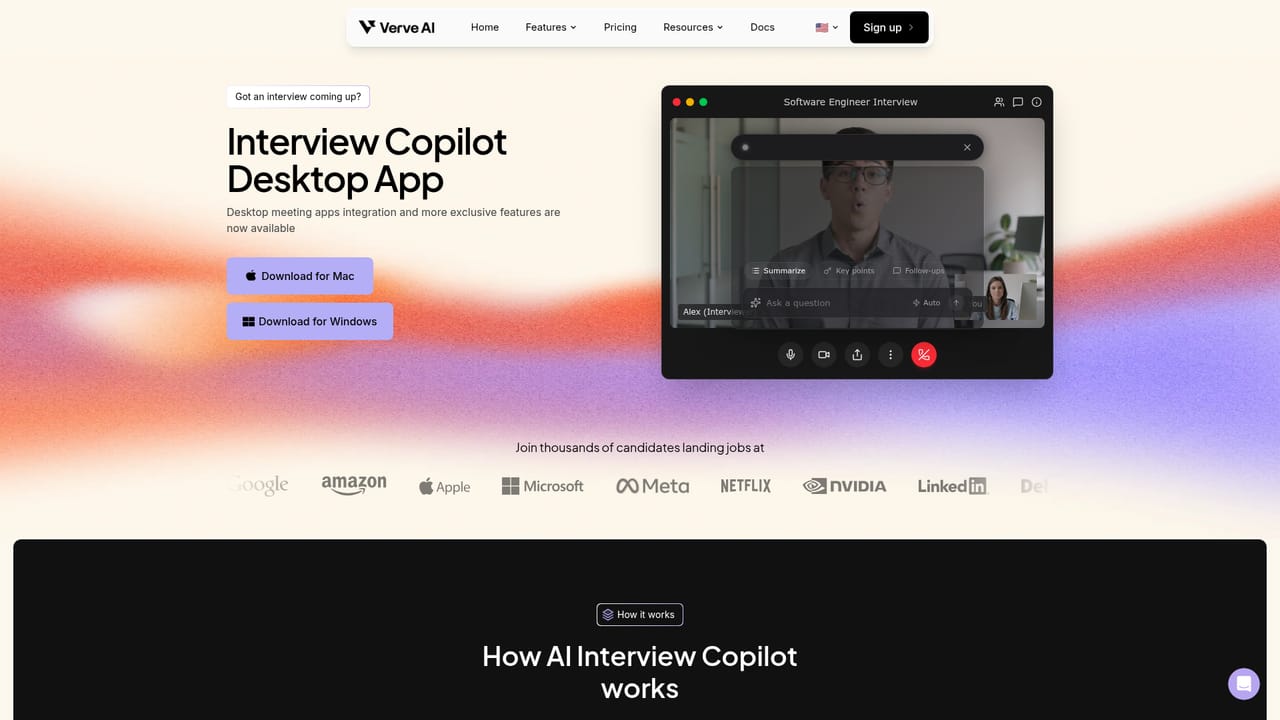
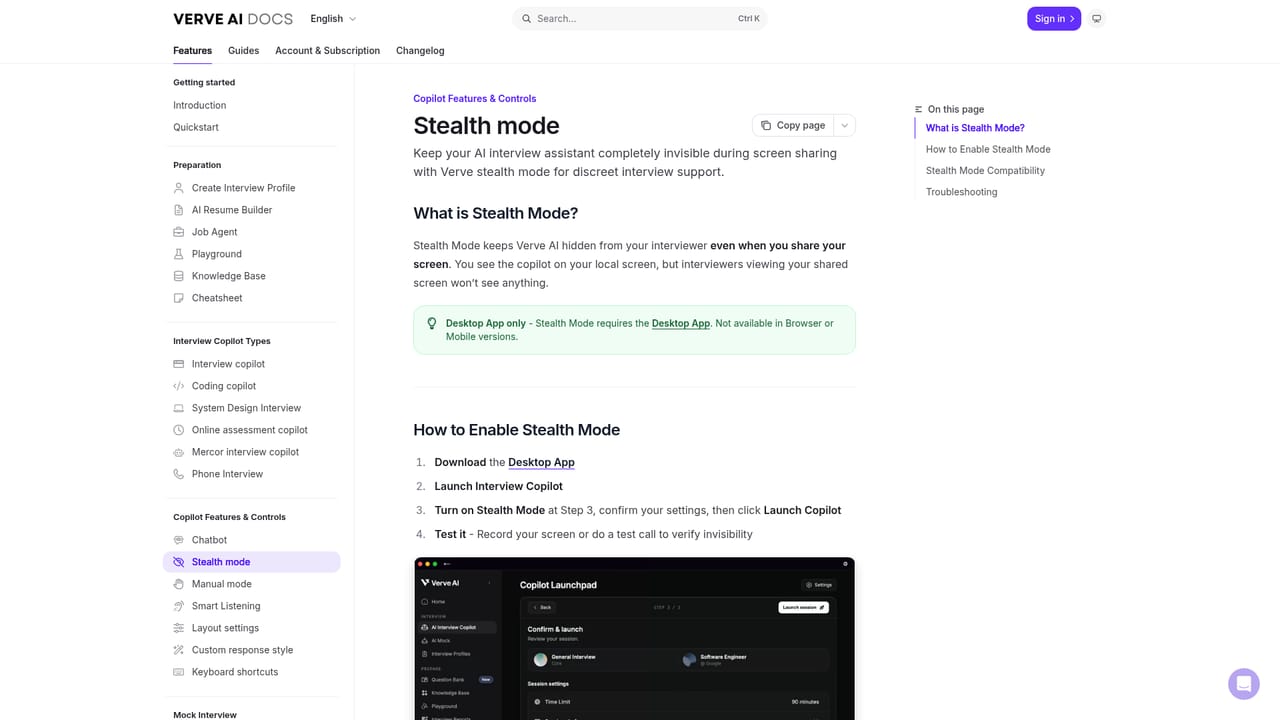
Verve AI is an interview copilot that runs alongside a live video call and feeds suggested answers to the candidate in real time. The product is explicitly built for actual interviews rather than rehearsal: it listens to the interviewer's questions, draws on documents the user uploads beforehand (resume, job description, company values), and writes a response on screen within a stated latency of under 300 milliseconds. A dedicated coding mode handles LeetCode-style problems during technical rounds. Setup follows a three-part rhythm that maps to the hiring process. Before the call, the user uploads background material so the copilot can speak in their own terms. During the call, question detection runs automatically and suggestions appear in a side panel. After the call, the tool produces a report with the full transcript plus ratings for relevance, accuracy and clarity. A snap and solve feature captures anything visible on screen, which covers online assessments and multiple choice screens as well as spoken questions. Privacy is the core design claim. Stealth mode keeps the copilot window invisible to other participants during screen sharing, and the vendor publishes a technical explainer arguing the overlay cannot be captured. Support spans browser, macOS and Windows desktop apps, and mobile, with compatibility named for Zoom, Google Meet, Microsoft Teams, Webex and Amazon Chime. Question answering is offered in more than 50 languages, and users can switch between model backends from OpenAI, Google, Anthropic and Meta. Positioning is aimed squarely at active job seekers, from career changers returning after a long break to engineers facing live coding rounds. Verve competes with other interview assistant tools on session length and domain breadth rather than on mock practice alone. The tradeoff is that it assists in the moment instead of building durable skill, so candidates should weigh how much they rely on it against what happens when the panel asks an unscripted follow-up.
A forever free plan with no credit card required covers three 15 minute copilot sessions, five AI mock interviews and stealth mode. Paid upgrades are optional.
Learn moreFour tiers. Free at $0 with 3 sessions of 15 minutes, 5 mock interviews, 14 AI tools and stealth mode. Standard at $16.99 per month adds 60 sessions of 60 minutes and unlimited mocks. Pro at $34.99 per month adds unlimited 90 minute sessions, 20 interview domains and reasoning models. Annual billing is advertised at up to 59 percent off.
Learn moreThe homepage does not describe support channels, response times or a help centre beyond a documentation link covering stealth mode.
Learn moreWorks inside Zoom, Google Meet, Microsoft Teams, Webex and Amazon Chime through the browser or desktop app. No third party or API integrations are listed.
Live question detection with on-screen answer suggestions, document-based personalization from resume and job description, stealth mode for screen share, snap and solve screen capture, a coding copilot for technical rounds, post-interview transcript and performance scoring, mock interviews, more than 50 supported languages, selectable model backends and 14 supporting tools such as resume and cover letter builders and an ATS checker.
Learn more AI Angels400+ customizable AI girlfriends for NSFW chat, voice calls, and roleplay
 Candy AIExperience the future of companionship with AI friends who chat, role-play, and connect with you on a human level.
 ourdream.aiA vast AI roleplay platform with millions of characters for chat, images, video and voiceAI Angels400+ customizable AI girlfriends for NSFW chat, voice calls, and roleplayCandy AIExperience the future of companionship with AI friends who chat, role-play, and connect with you on a human level.ourdream.aiA vast AI roleplay platform with millions of characters for chat, images, video and voice


