Free trial
Every new account gets 10,000 trial characters without a card: 5,000 in the browser extension and 5,000 in the Telegram bot. All tools except Voice to Text are unlocked during the trial.
Learn moreGrammar, rewriting and translation inside the box you type in

FixMeBot is a grammar checker tool. AI writing assistant that corrects, paraphrases, translates, shortens and explains text in 90+ languages. It runs as a browser extension that rewrites your selection in place in any text field, and as a Telegram bot for phone writing, with ten tools on one character-metered subscription.
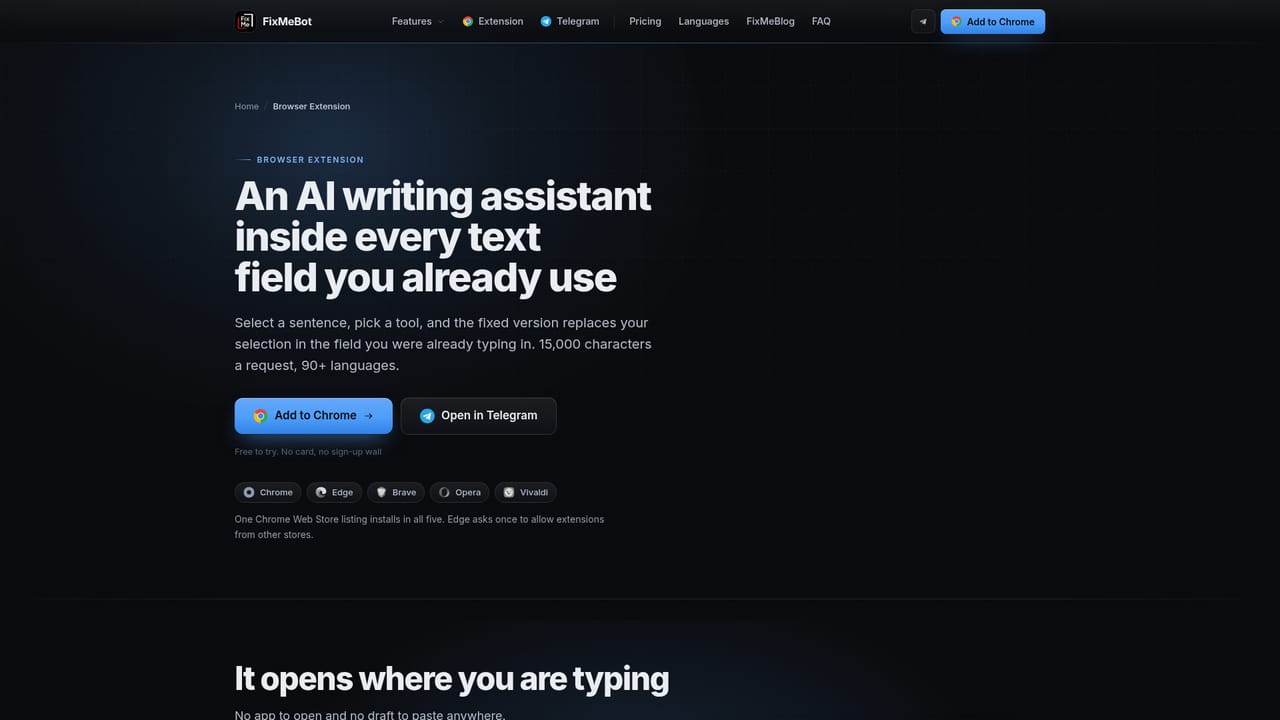
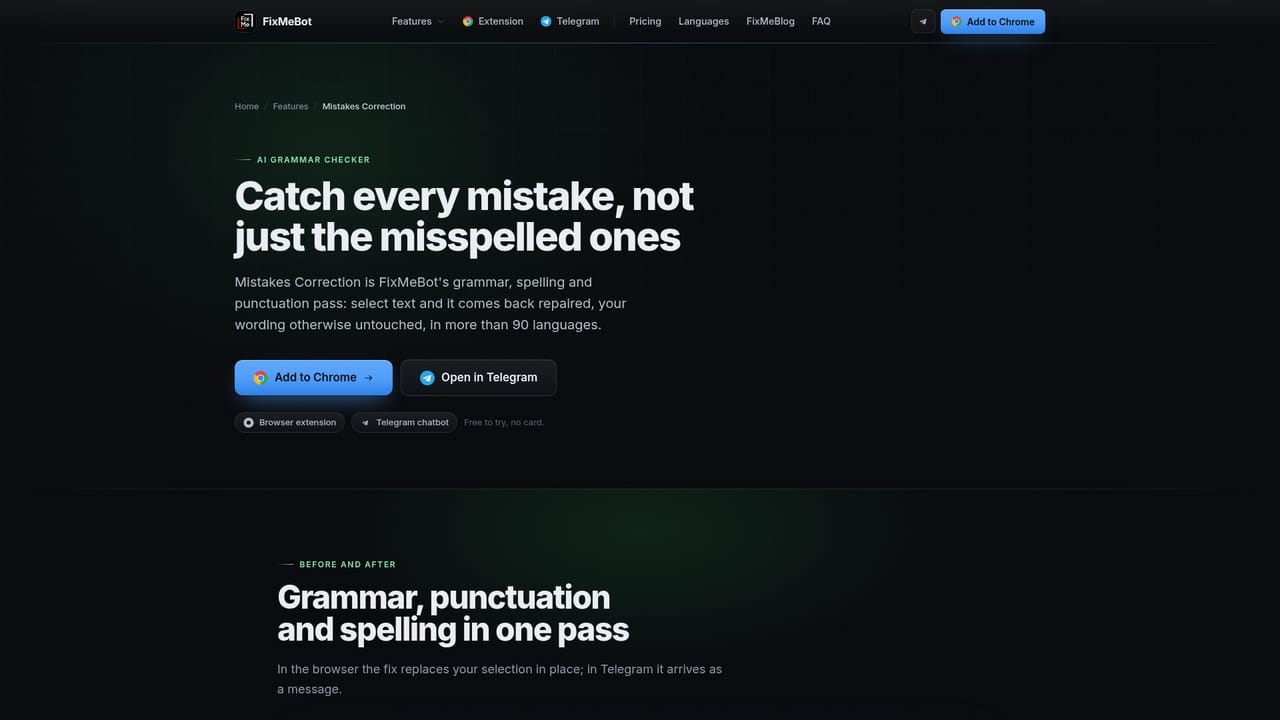
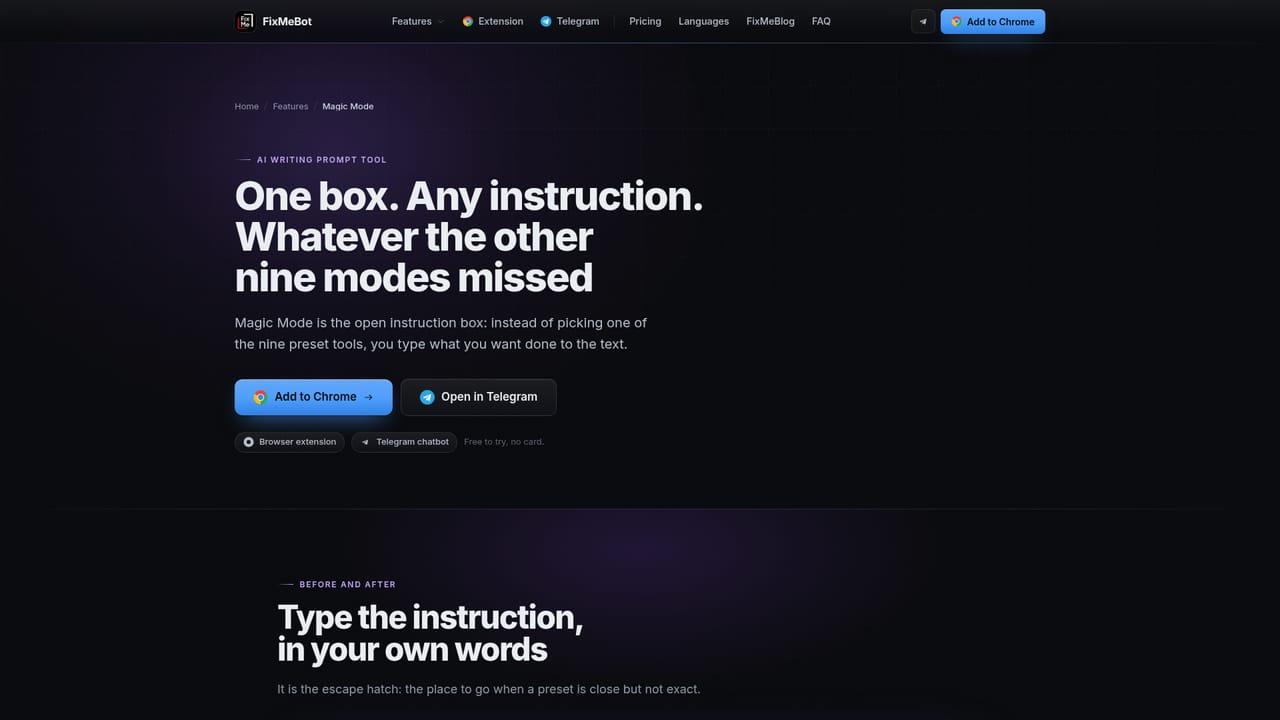
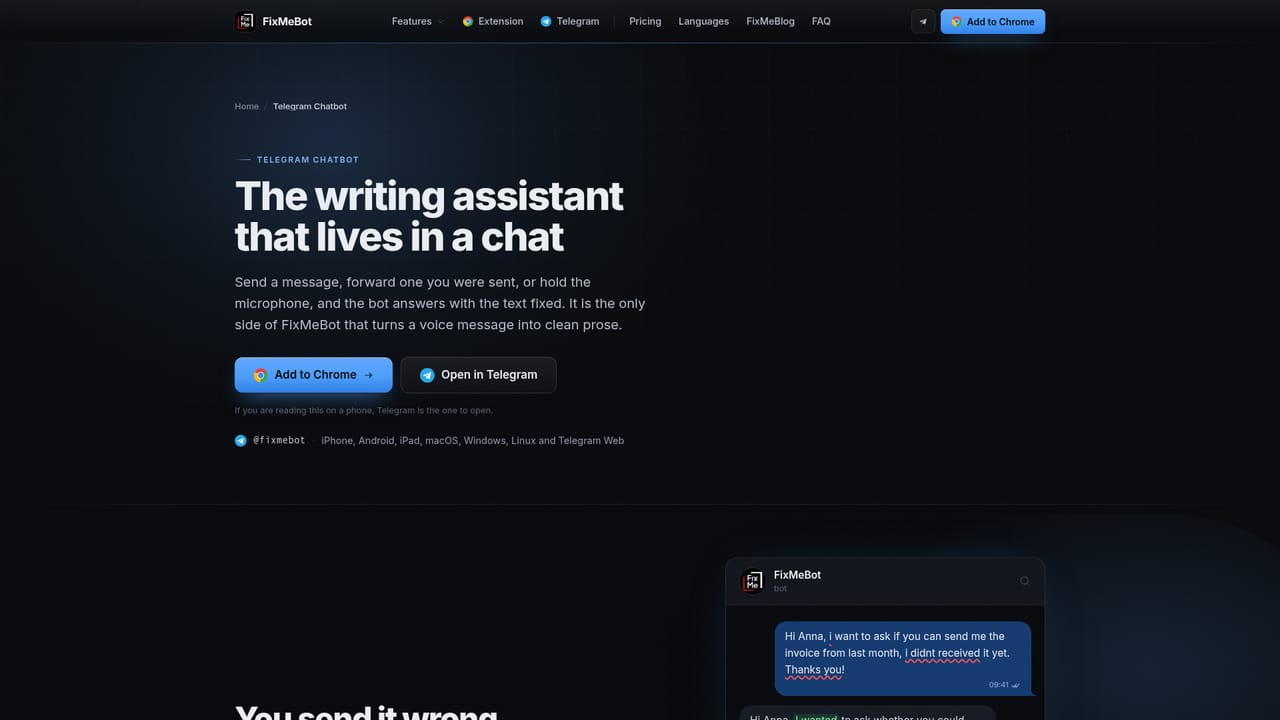
FixMeBot is an AI writing assistant built around a simple idea: the text should be fixed where it was written. Instead of copying a draft into a separate chat window and pasting the result back, the browser extension watches for a text selection in any editable field on any site and opens a small toolbar above it. Picking a tool replaces the selection in place. Gmail, LinkedIn, Google Docs, a CRM, a support console and a comment box all behave the same way, with requests capped at 15,000 characters each. The toolkit has ten functions, and most of them are sentence-level chores rather than full drafting: mistakes correction, paraphrasing in a chosen register, translation, shortening or expanding, auto reply, emojifying, hashtagifying, explanation of a clause or acronym, a free-form Magic Mode where the instruction is typed in plain words, and voice to text. A second front door covers phones: the Telegram bot takes a pasted or forwarded message, or a voice note, and returns the cleaned version as an ordinary message. Telegram messages are limited to 4,096 characters and the account is created from the Telegram profile itself. A web app with the same tools is listed as coming soon. The audience is narrow but large. FixMeBot reports more than 600,000 users and says most of them write at work in a second language, so the pitch is the removed second read-through before hitting send, plus the colleague who used to proofread. Support and sales teams answering the same ticket in different moods, and students squeezing an abstract under a word limit, are the other two cases the site names. Coverage of more than 90 languages, with translation preserving register, is the differentiator against English-first assistants. Pricing is metered on outgoing characters rather than on seats: the free 10,000 goes 5,000 to the extension and 5,000 to Telegram, then plans run from a 200,000 character Basic tier to an unlimited Pro tier that also unlocks the higher-accuracy models. That makes it cheap for occasional writing and a real cost to model for heavy volume, which is where a flat-rate grammar tool or a general chatbot subscription is the obvious alternative.
Every new account gets 10,000 trial characters without a card: 5,000 in the browser extension and 5,000 in the Telegram bot. All tools except Voice to Text are unlocked during the trial.
Learn moreFree trial of 10,000 characters with no card. Basic is €4.99 per month for 200,000 characters, Standard €9.99 for 350,000, Premium €14.99 for 500,000 and Pro €29.99 for unlimited characters and the highest-accuracy models. Yearly billing charges ten months instead of twelve and raises the allowance.
Learn moreNo third-party integrations are listed. FixMeBot reaches your work through a Chrome extension that acts inside any website's text fields and through a Telegram bot, both on one account and allowance.
Ten tools on one account: mistakes correction, paraphrasing, translation across 90+ languages, length adjustment, auto reply, emojifying, hashtagifying, explanation, Magic Mode for free-form instructions, and voice to text. The extension handles up to 15,000 characters per request, the Telegram bot up to 4,096 per message.
Learn more AI Angels400+ customizable AI girlfriends for NSFW chat, voice calls, and roleplay
 Candy AIExperience the future of companionship with AI friends who chat, role-play, and connect with you on a human level.
 ourdream.aiA vast AI roleplay platform with millions of characters for chat, images, video and voiceAI Angels400+ customizable AI girlfriends for NSFW chat, voice calls, and roleplayCandy AIExperience the future of companionship with AI friends who chat, role-play, and connect with you on a human level.ourdream.aiA vast AI roleplay platform with millions of characters for chat, images, video and voice


