Flawless

Assistive AI for film and TV that keeps performers in control

Advanced
Screenshot of Flawless, Assistive AI for film and TV that keeps performers in control

What is Flawless?

Flawless is a dialogue generator tool. Assistive AI for film and TV post-production, built around DeepEditor for dialogue and performance edits on existing shots, with actor consent and project-only data handling designed for studio workflows.

Flawless is an assistive AI platform aimed squarely at film and television production rather than general content creation. Its flagship tool, DeepEditor, lets editors apply new or adjusted dialogue to existing shots without cutaways, transfer a stronger performance onto a better shot, and prepare versions of a scene for different markets. Outputs run up to 8K at 16-bit, which places the tool in finishing and post-production workflows rather than quick social video work. A companion In-Vision ADR use case syncs existing shots to re-recorded dialogue, so a line can be re-performed without reshooting the scene. The company positions itself against generative tools trained on scraped material. Flawless states that models are built with rights and provenance in mind, that what a client creates stays fully copyrightable and owned, and that media is ring-fenced for the contracted project and never used to train general models. Marketing use requires separate explicit consent. A mechanism called the Artistic Rights Treasury (A.R.T.) is designed so that when AI refines a performance, the actor reviews and consents to every change before release. The company says the product was developed with guilds, unions, studios and post-production partners, and it publishes security credentials including TPN Gold membership, SOC2 and ISO 27001 via an AWS shared responsibility model, MPA Content Security Best Practices v5.2 compliance, TLS 1.3 transport encryption and AES-256 storage encryption. In practice this is a tool for post houses, studio editorial teams and producers working on scripted film and TV, not for solo creators looking for a cheap clip generator. The workflow centers on footage a team already owns, with consent checkpoints built into review. Alternatives split into two camps: conventional VFX and ADR pipelines, which offer no AI-assisted performance editing, and general generative video tools, which are cheaper and easier to access but carry rights and quality risk that studios are reluctant to accept. Flawless sits in the narrow space between them, trading broad accessibility for industry-grade compliance.

How do you use Flawless?

  1. 1Review the product and use cases
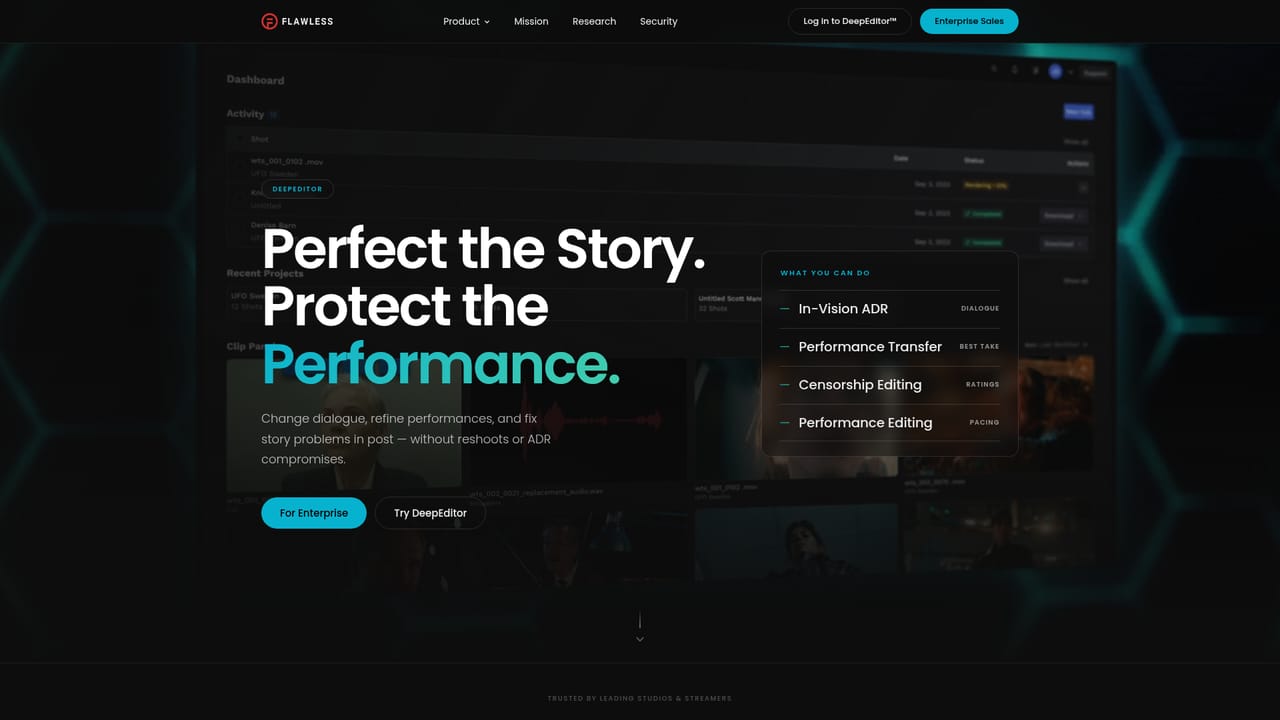
    Start on the Flawless site to see how DeepEditor and In-Vision ADR are described, and confirm the workflow matches your production needs.
    Flawless — Review the product and use cases
  2. 2Study the In-Vision ADR workflow
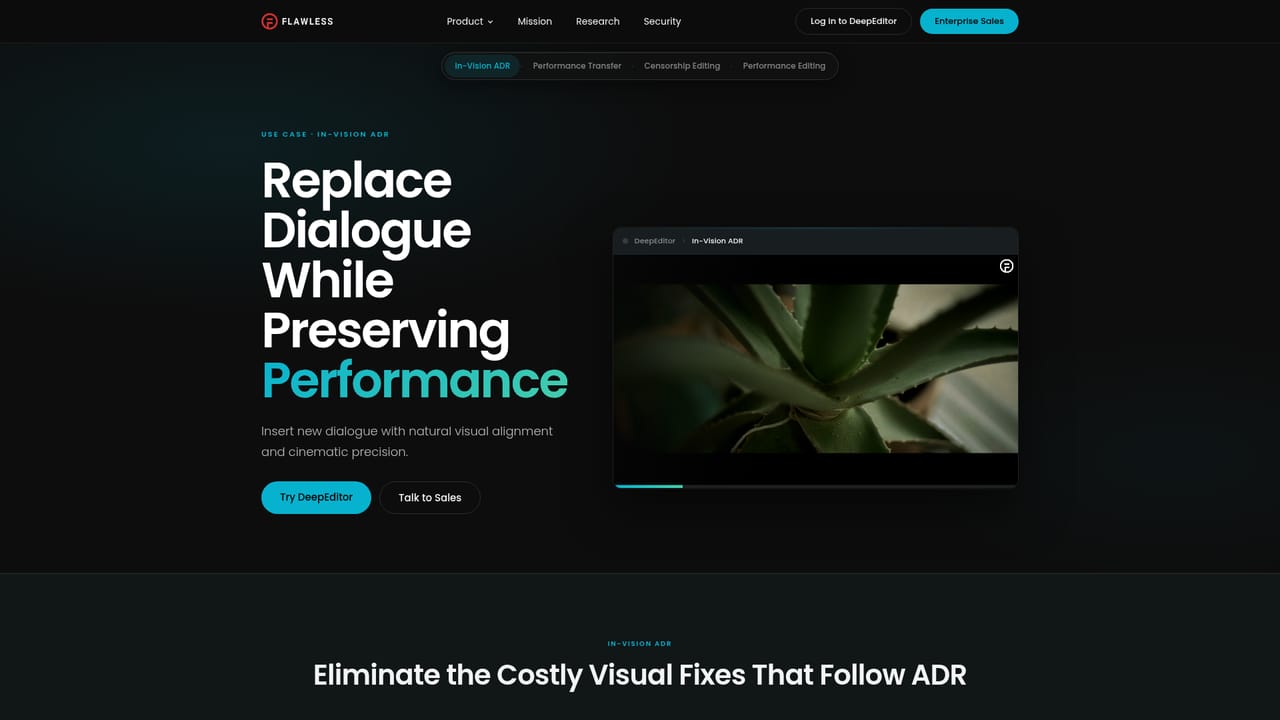
    Read the In-Vision ADR use case page to understand how existing shots are matched to adjusted dialogue before you commit footage.
    Flawless — Study the In-Vision ADR workflow
  3. 3Sign up for DeepEditor access
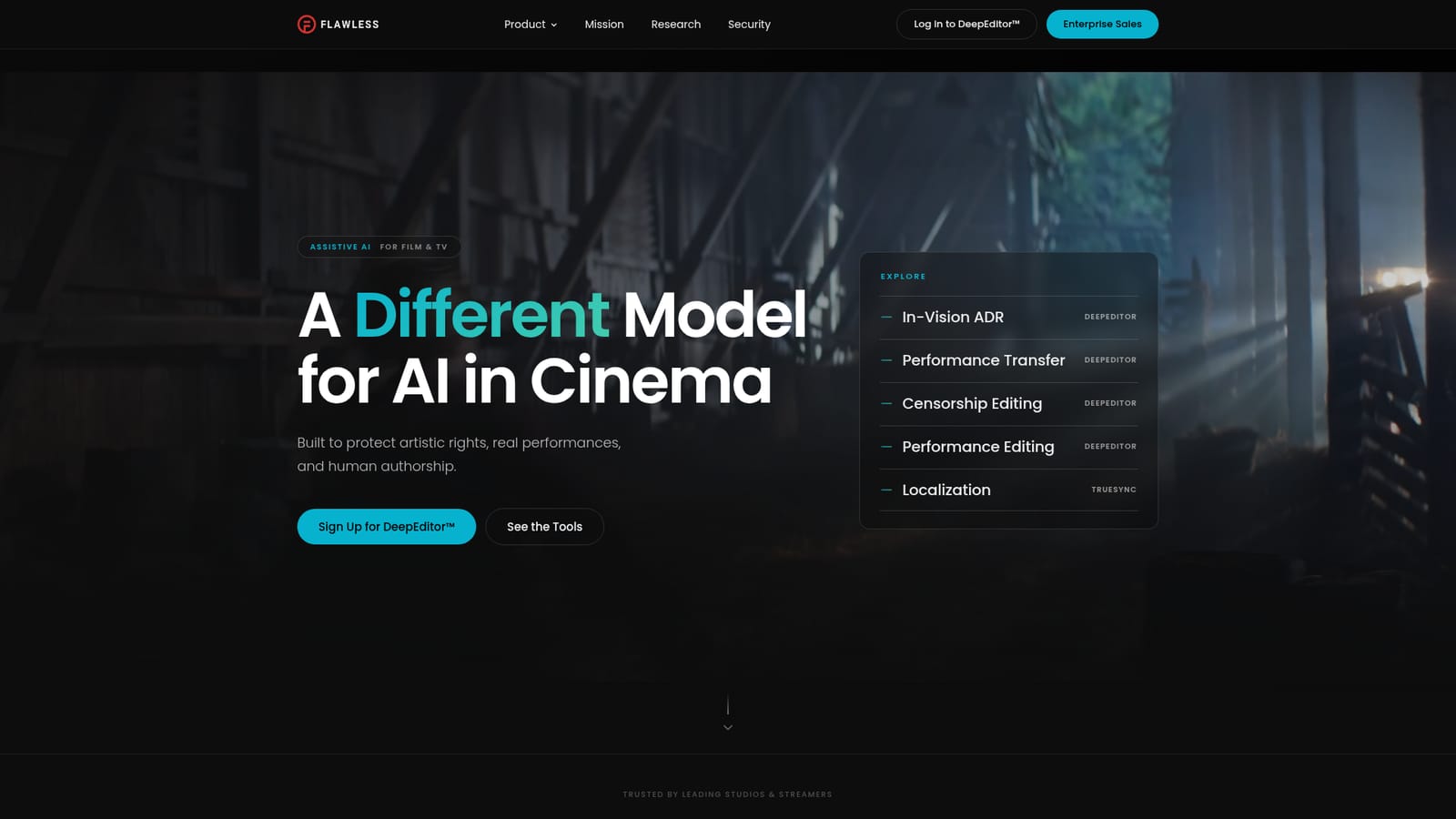
    Use the DeepEditor sign-up link on the homepage to request access. Expect a review step rather than instant self-serve onboarding.
    Flawless — Sign up for DeepEditor access
  4. 4Scope the project with the team
    Contact enterprise sales to discuss your project or slate, including footage volume, delivery format and consent requirements.
  5. 5Set up consent and security terms
    Agree how A.R.T. review and project-only data handling apply to your production before any media is uploaded.

Pros and cons

Pros

  • DeepEditor handles dialogue and performance changes on existing shots without cutaways or reshootsAI
  • Outputs up to 8K at 16-bit, matching professional finishing requirementsAI
  • A.R.T. consent flow gives performers review and approval over AI-assisted changesAI
  • Project-only data handling with explicit no-training and no-marketing defaultsAI
  • Published TPN Gold, SOC2, ISO 27001 and MPA v5.2 security credentialsAI

Cons

  • No public pricing, so cost can only be assessed through an enterprise sales conversationAI
  • Access appears gated to studio and production clients, which rules out casual or solo useAI
  • Only film and TV workflows are covered; no support for marketing, social or short-form videoAI
  • In-Vision ADR is limited to syncing shots to adjusted dialogue rather than broader voice workAI
  • Homepage lists no third-party editing integrations, so pipeline fit must be confirmed manuallyAI

How much does Flawless cost?

Features

DeepEditor applies new or adjusted dialogue to existing shots without cutaways and transfers the best performance onto the best shot. Output reaches up to 8K at 16-bit. In-Vision ADR syncs existing shots to adjusted dialogue, and listed use cases cover performance transfer, censorship editing, performance editing and localization. A.R.T. consent, project-only media handling and copyrightable outputs underpin every workflow.

Learn more

Frequently asked questions about Flawless

  • How do you use Flawless?
    The walkthrough on this page covers 5 steps: 1. Review the product and use cases 2. Study the In-Vision ADR workflow 3. Sign up for DeepEditor access 4. Scope the project with the team 5. Set up consent and security terms.
  • What platforms does Flawless support?
    Flawless is available on Web App.
  • What are the limitations of Flawless?
    No public pricing, so cost can only be assessed through an enterprise sales conversation. Access appears gated to studio and production clients, which rules out casual or solo use. Only film and TV workflows are covered; no support for marketing, social or short-form video.

Status

StatusActive
Views0
Outbound clicks0
Added10/21/2026

Platforms

Web App

Pricing

Paid