Float UI

Open source Tailwind CSS components and website templates for fast shipping

Intermediate
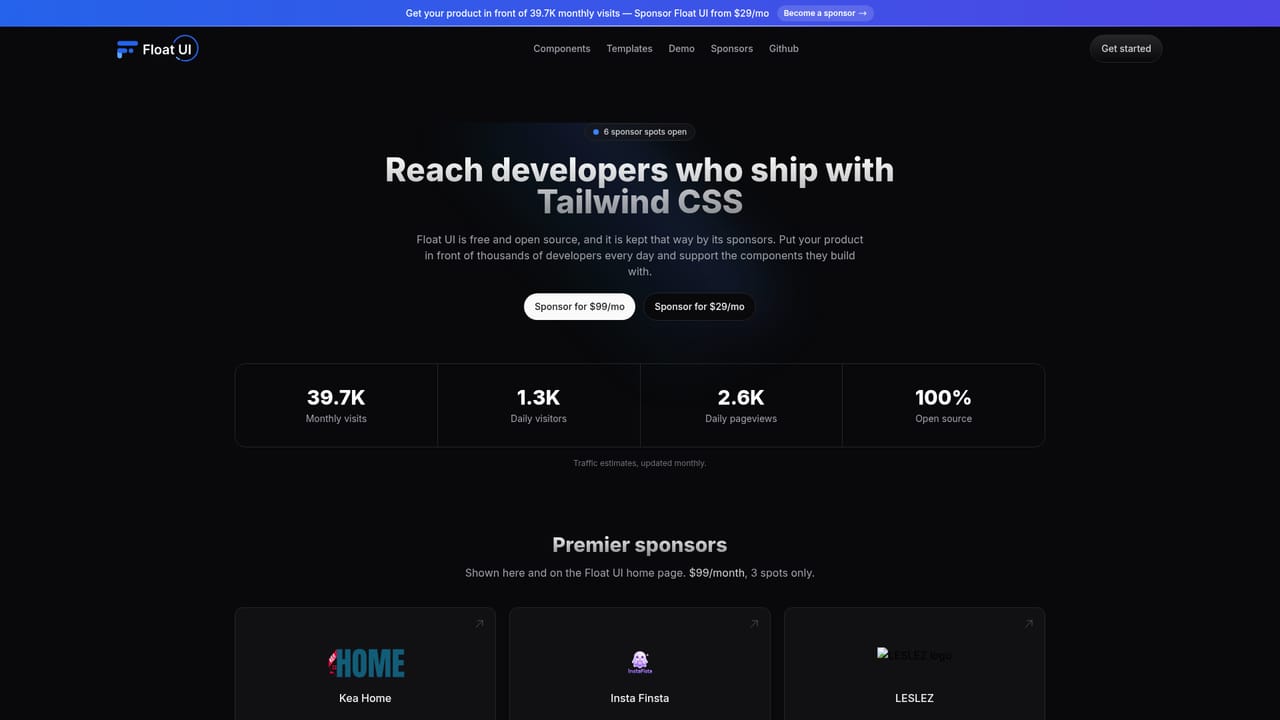
Screenshot of Float UI, Open source Tailwind CSS components and website templates for fast shipping

What is Float UI?

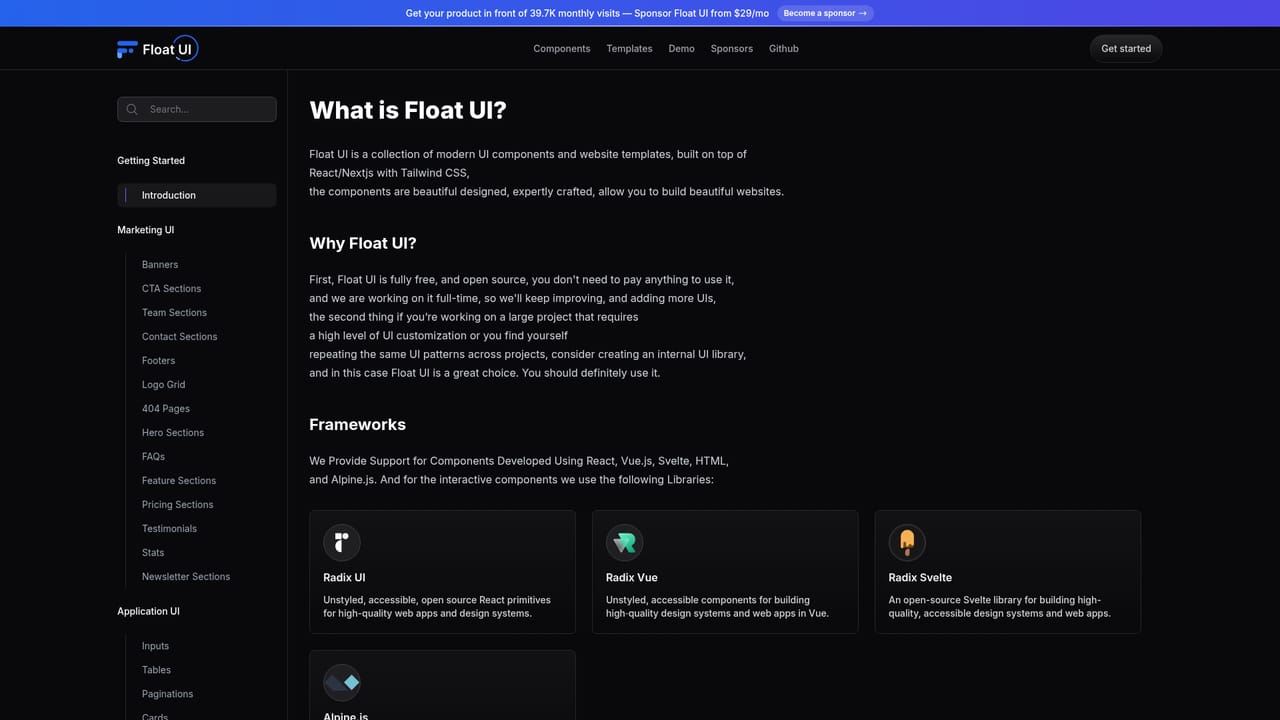
Float UI is a free, open source collection of Tailwind CSS UI components and React/Next.js website templates, offered for HTML, React, Vue and Svelte. Components are copied directly into your project and restyled with utility classes, making it a practical starting point for developers who want modern, responsive pages without a designer.

Float UI is an open source library of Tailwind CSS UI components and prebuilt website templates aimed at developers and founders who need to launch a polished product site without a dedicated design team. The collection covers the building blocks of a typical startup site, from team member lists and headers to full page templates, and everything is free to use. The project positions itself as a shortcut between an idea and a working interface: instead of designing each screen from scratch, you assemble pages from parts that already look modern and consistent. In practice the workflow is copy and paste. Each component is published with its markup, so you drop the code into your own project and adjust classes, colors and content to fit. Float UI ships the same components for plain HTML as well as React.js, Vue.js and Svelte.js, which means the library stays useful whether you are on a simple static page or a component-driven app. The templates are built on React and Next.js with Tailwind CSS, and the site claims they are fast, easy to use and well suited to search engines, so the output is meant to be production ready rather than a mockup. Responsiveness is handled at the component level: layouts are designed to hold up across screen sizes, which removes a lot of the manual breakpoint work that slows down small teams. Customizability comes from the Tailwind approach itself, since styles are expressed as utility classes you can edit in place. The project also points to MarsX as an environment where the same components can be used. Float UI sits in the same space as commercial Tailwind component marketplaces and paid template shops, but its open source, no cost model changes the tradeoffs. There is no license fee and no gated library, at the price of relying on community momentum and sponsor support. It best suits developers who are comfortable editing markup directly and who want a clean visual baseline more than a full design system with documentation, theming tools and support contracts.

How do you use Float UI?

  1. 1Browse the component library
    Open the components page to see the available blocks. Each entry shows the rendered result next to its Tailwind markup, so you can judge both the look and the code before committing.
    Float UI — Browse the component library
  2. 2Pick your framework variant
    Choose HTML, React.js, Vue.js or Svelte.js for the component you want. The markup adjusts to the syntax of the framework you are already using in the project.
  3. 3Copy the component into your project
    Copy the code block and paste it into the relevant file in your app. Because styles are Tailwind utility classes, the component inherits your existing Tailwind setup.
  4. 4Customize content and utilities
    Replace placeholder text, images and links, then adjust color, spacing and typography classes to match your brand. Responsive breakpoints are already expressed in the markup and can be tuned.
  5. 5Add a website template
    For a full starting point, take one of the professional templates built on React and Next.js with Tailwind CSS and adapt its sections rather than assembling every page from single components.
  6. 6Support the project or reuse in MarsX
    If the library saves you time, the sponsors page explains how to back the project. Components can also be used inside MarsX if that is your build environment.
    Float UI — Support the project or reuse in MarsX

Pros and cons

Pros

  • Free and open source with no license fee or gated tierAI
  • Components provided for HTML, React.js, Vue.js and Svelte.js, so the same library fits different stacksAI
  • Copy and paste delivery means components drop straight into an existing codebaseAI
  • Templates are prebuilt on React and Next.js with Tailwind CSS, giving a full page starting pointAI
  • Responsive layouts and modern visual styling come out of the box, useful for teams without a designerAI

Cons

  • No visual builder or theming system: every change happens by editing utility classes in codeAI
  • The library is funded by sponsors and community effort, so component breadth and update cadence depend on that supportAI
  • Site pages concentrate on components and templates, with little public documentation on versioning, accessibility or long term maintenanceAI
  • Marketplace-style alternatives usually bundle support and design files, which this project does not advertiseAI
  • Teams that avoid handwritten Tailwind markup in favor of a component framework will find limited value hereAI

How much does Float UI cost?

Pricing

Float UI states that its components and templates are 100% free and open source. The project is funded through sponsors, with a sponsorship offer starting from $29 per month for placement in front of the site's audience. No paid product tiers are described.

Learn more

Integrations

Components are provided in HTML, React.js, Vue.js and Svelte.js, and the site notes the components can also be used in MarsX.

Features

A Tailwind CSS component and template library: modern prebuilt UI blocks, responsive layouts across screen sizes, components delivered in HTML, React.js, Vue.js and Svelte.js, copy and paste customization through utility classes, and professional website templates built on React and Next.js.

Learn more

Frequently asked questions about Float UI

  • How much does Float UI cost?
    Float UI states that its components and templates are 100% free and open source. The project is funded through sponsors, with a sponsorship offer starting from $29 per month for placement in front of the site's audience. No paid product tiers are described.
  • How do you use Float UI?
    The walkthrough on this page covers 6 steps: 1. Browse the component library 2. Pick your framework variant 3. Copy the component into your project 4. Customize content and utilities 5. Add a website template 6. Support the project or reuse in MarsX.
  • What platforms does Float UI support?
    Float UI is available on Web App.
  • What does Float UI integrate with?
    Components are provided in HTML, React.js, Vue.js and Svelte.js, and the site notes the components can also be used in MarsX.
  • What are the limitations of Float UI?
    No visual builder or theming system: every change happens by editing utility classes in code. The library is funded by sponsors and community effort, so component breadth and update cadence depend on that support. Site pages concentrate on components and templates, with little public documentation on versioning, accessibility or long term maintenance.

Status

StatusActive
Views0
Outbound clicks0
Added11/3/2026

Platforms

Web App

Pricing

FreeFreemium