Floik

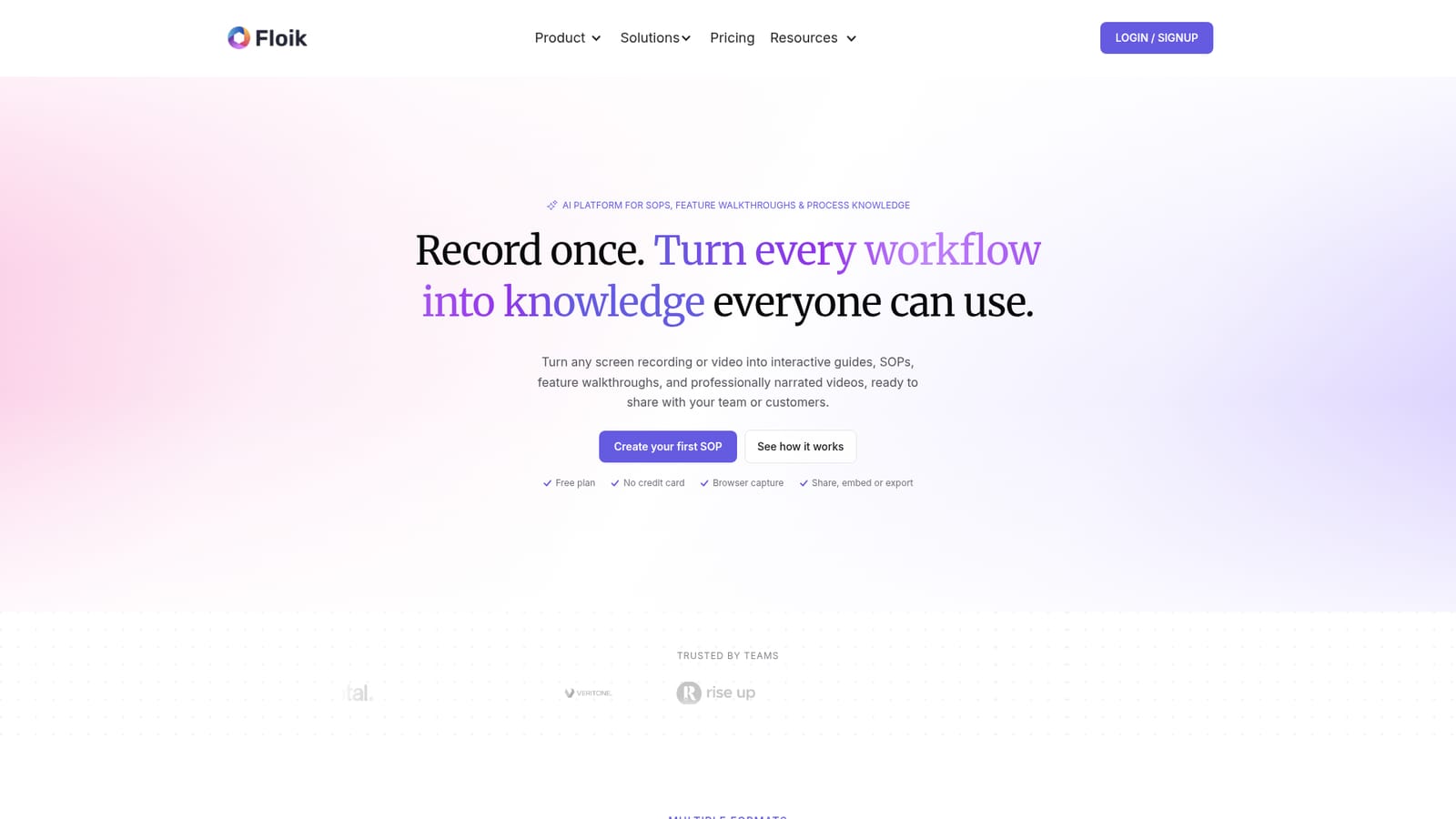
Record once, get AI guides, SOPs and narrated videos from the same workflow.

Beginner
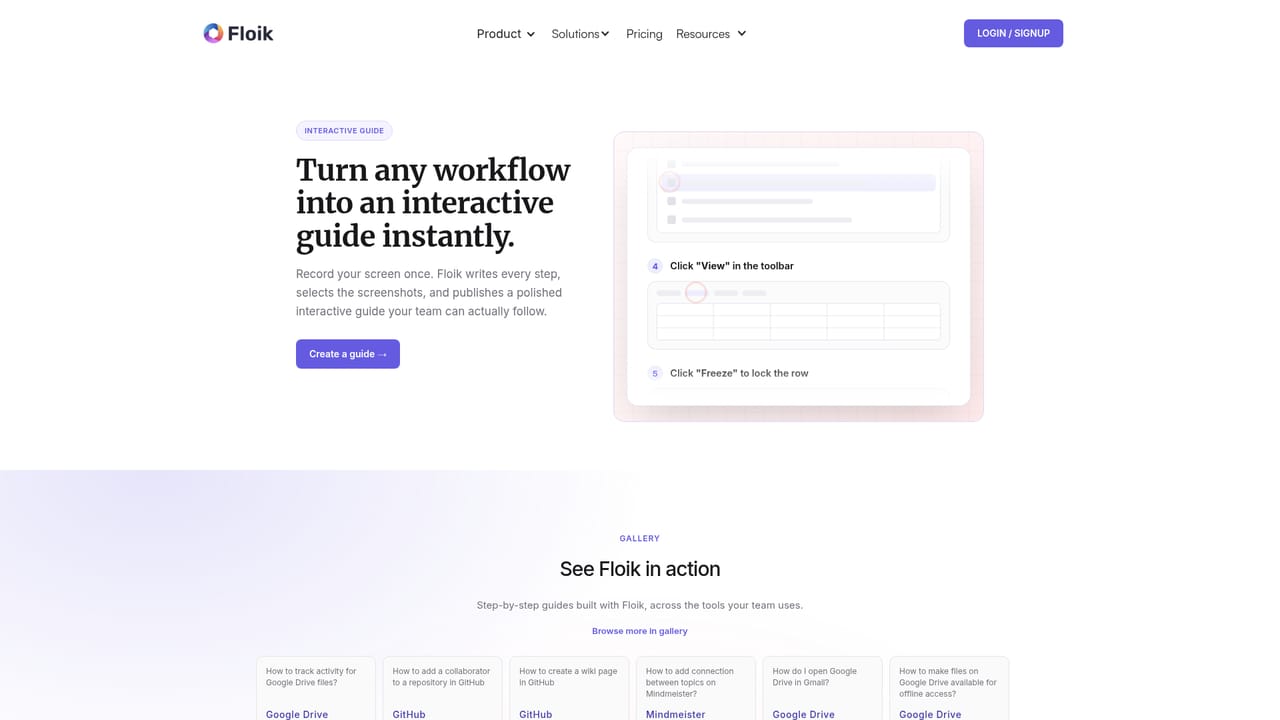
Screenshot of Floik, Record once, get AI guides, SOPs and narrated videos from the same workflow

What is Floik?

Floik is an AI screen analyzer tool that records once, get AI guides, SOPs and narrated videos from the same workflow. Floik turns one screen recording into AI-written SOPs, interactive guides and narrated explainer videos. It targets teams that document recurring workflows for employees or customers, with embedding, export and admin controls.

Floik is a workflow documentation platform that converts a single screen recording into several finished formats. You install a Chrome extension and click through a process the way you would normally, or upload an existing MP4. The tool captures each step and screenshot, then writes the instructions, titles and descriptions for you. The output can be an interactive guide, a clickable interactive video, or an explainer video with AI narration. Annotations, highlights and blur tools are available for sensitive data, and guides can be edited and republished as processes change. The product is aimed at teams that maintain process knowledge: operations, IT and software rollout, training and onboarding, customer support and customer education. It is also used by change management and sales enablement groups that need to explain a workflow quickly. Because the same recording feeds all three formats, a support article, a demo and a training video can come from one capture session rather than three separate productions. In practice, the main work happens after capture. Floik drafts the steps, and you review the wording, adjust screenshots, add narration (available in more than 40 languages and regional dialects) and decide whether the piece is a guide, an interactive walkthrough or a video. Output can be embedded in knowledge bases, help centres and websites, exported as PDF, Markdown or MP4, or shared through a demo centre. Admin controls such as SSO, roles and permissions, private sharing and custom domains are offered for larger organisations. Floik sits close to Scribe, Tango, Guidde and similar capture-to-guide tools, and the site provides direct comparisons with those products. Its differentiator is producing narrated video and interactive experiences from the same capture rather than specialising in static documentation alone. Buyers who only need text SOPs may find the feature set broader than necessary; buyers who want a single source for guides, demos and video have a good match.

How do you use Floik?

  1. 1Install the Floik Chrome extension
    Add Floik to Chrome once. The extension is the capture layer for any web product and needs no configuration before recording.
    Floik — Install the Floik Chrome extension
  2. 2Record your workflow
    Click through the product as you normally would. Floik captures every action and screenshot automatically in the background.
  3. 3Review the AI-generated steps
    Open the draft in the Floik app. Edit titles and descriptions, refine instructions, and annotate or blur parts of screenshots as needed.
    Floik — Review the AI-generated steps
  4. 4Choose an output format
    Decide whether the recording becomes an interactive guide, an interactive video or an explainer video. Add AI voiceover in one of the supported languages.
    Floik — Choose an output format
  5. 5Share or export
    Embed the result in a help centre or knowledge base, or export it as PDF, Markdown or MP4 depending on the format.

Pros and cons

Pros

  • One recording produces a step-by-step guide, an interactive walkthrough and a narrated video, which cuts duplicate production work.AI
  • AI drafts step titles, descriptions and summaries, reducing the blank-page problem in process documentation.AI
  • Narration supports more than 40 languages and regional dialects, useful for multilingual teams.AI
  • Embedding works with common knowledge bases and help desks such as Notion, Confluence, Zendesk and Intercom.AI
  • Admin features include SSO, roles and permissions, private sharing and custom domains.AI

Cons

  • Browser capture depends on a Chrome extension, so workflows in other browsers or native desktop apps need the MP4 upload route.AI
  • AI-written steps still need human review for accuracy, which adds an editing pass on every guide.AI
  • The breadth of formats and settings can overwhelm users who only need simple text SOPs.AI
  • Pricing details are not stated on the homepage, so cost planning requires a separate visit.AI

How much does Floik cost?

Pricing

The homepage mentions a free plan with no credit card required, and describes a paid tier with enterprise features such as SSO, roles and permissions, private sharing and custom domains. Specific prices and plan limits are not shown on the homepage.

Learn more

Support

The homepage offers priority support as part of its enterprise tier and lists a contact page. No separate help centre or documentation site is named in the provided content.

Learn more

Integrations

Floik content can be embedded in knowledge bases, help centres, intranets and websites. The homepage lists Notion, Confluence, Zendesk, Salesforce, Slack, HubSpot, Intercom, Jira, Asana, Microsoft Teams, Loom, GitBook, GitHub, SharePoint, Outlook, HTML embed and web embed.

Features

Core features include AI-generated step-by-step guides with annotated screenshots, clickable interactive videos with hotspots and camera overlays, and narrated explainer videos. AI narration covers more than 40 languages and regional dialects. Users can blur sensitive data, add text and images, apply zoom and spotlight effects, and export to PDF, Markdown or MP4. Embedding and a demo centre support sharing, while SSO, roles, private sharing and custom domains cover admin needs.

Learn more

Frequently asked questions about Floik

  • How much does Floik cost?
    The homepage mentions a free plan with no credit card required, and describes a paid tier with enterprise features such as SSO, roles and permissions, private sharing and custom domains. Specific prices and plan limits are not shown on the homepage.
  • How do you use Floik?
    The walkthrough on this page covers 5 steps: 1. Install the Floik Chrome extension 2. Record your workflow 3. Review the AI-generated steps 4. Choose an output format 5. Share or export.
  • What platforms does Floik support?
    Floik is available on Web App and Browser extension.
  • What does Floik integrate with?
    Floik content can be embedded in knowledge bases, help centres, intranets and websites. The homepage lists Notion, Confluence, Zendesk, Salesforce, Slack, HubSpot, Intercom, Jira, Asana, Microsoft Teams, Loom, GitBook, GitHub, SharePoint, Outlook, HTML embed and web embed.
  • What are the limitations of Floik?
    Browser capture depends on a Chrome extension, so workflows in other browsers or native desktop apps need the MP4 upload route. AI-written steps still need human review for accuracy, which adds an editing pass on every guide. The breadth of formats and settings can overwhelm users who only need simple text SOPs.

Status

StatusActive
Views0
Outbound clicks0
Added10/21/2026

Platforms

Web AppBrowser extension

Pricing

FreemiumSubscription