Pricing
FoldSum is free to use, with no token cost for summarization or translation. Requests are handled by your own logged in ChatGPT or POE session, so the only requirement is an account on one of those services.
Learn moreSummarize and translate selected web page text inline with your own ChatGPT or POE session

FoldSum is an AI summarizer tool that summarizes and translates selected web page text inline with your own ChatGPT or POE session. FoldSum is a free Chrome extension that summarizes selected text on any web page, replaces the passage inline, and can translate the summary in the same step.
FoldSum is a Chrome extension that condenses text you select on any web page and swaps the original passage for the generated summary in place, so the page reads shorter without a separate chat window. It works by borrowing an already logged in ChatGPT or POE tab as the summarization engine: the extension wraps your selection into a prompt, sends it through that tab, and writes the result back into the page. The design suits heavy readers who already have a ChatGPT or POE account open: researchers skimming long articles, students working through dense material, and anyone reading in a second language. Because the summary replaces the original text inline, the page keeps its structure. FoldSum also supports layered nested summaries, letting you condense an already summarized block again, and it can translate the summary into another language in the same operation, with the target language set on the settings page. A floating button appears over selected text by default; it can be disabled, after which the same action lives in the right click browser menu. The economics are the selling point. The extension itself costs nothing and does not meter tokens, since requests run through the ChatGPT or POE page you already pay for, if anything. No account sits between you and the underlying model. Two caveats matter. Summaries depend entirely on having such a tab open and logged in, and if both POE and ChatGPT are running, FoldSum uses whichever page was opened most recently until you close it. Prompt formatting is fixed by the developer, and there are no keyboard shortcuts, so the workflow is mouse driven. Against alternatives, FoldSum is narrower than standalone summarizer extensions that bundle their own model and API key, but it avoids a second subscription and keeps generation inside a service you already use. FoldSum states it collects no user information and only supports Chrome and other Chromium browsers, so Safari and Firefox readers are left out.
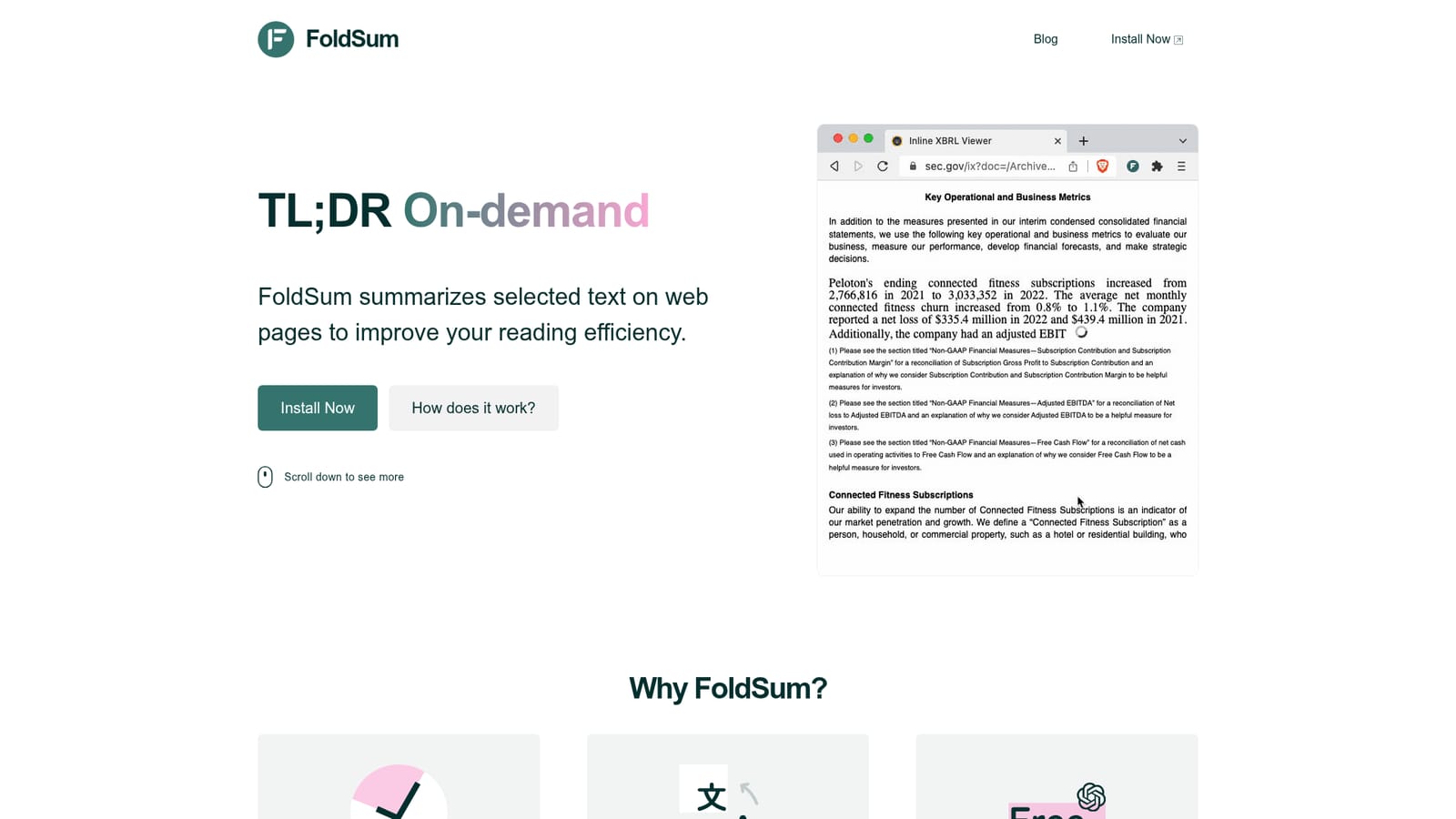
FoldSum is free to use, with no token cost for summarization or translation. Requests are handled by your own logged in ChatGPT or POE session, so the only requirement is an account on one of those services.
Learn moreQuestions go to contact@foldsum.com, and the homepage includes an FAQ covering browser support, the floating button, language switching and privacy.
FoldSum connects to web based ChatGPT (chat.openai.com) and POE (poe.com) as its summarization and translation backends. When both are open, the most recently opened tab is used by default.
Unlimited summarization of selected text on any web page, inline replacement of the original passage, layered nested summaries, and translation of the summary into multiple languages. Runs on web based ChatGPT or POE as the summarization engine, with a toggle for the floating button and a right click menu alternative.
 AI Angels400+ customizable AI girlfriends for NSFW chat, voice calls, and roleplay
 Candy AIExperience the future of companionship with AI friends who chat, role-play, and connect with you on a human level.
 ourdream.aiA vast AI roleplay platform with millions of characters for chat, images, video and voiceAI Angels400+ customizable AI girlfriends for NSFW chat, voice calls, and roleplayCandy AIExperience the future of companionship with AI friends who chat, role-play, and connect with you on a human level.ourdream.aiA vast AI roleplay platform with millions of characters for chat, images, video and voice


