Free trial
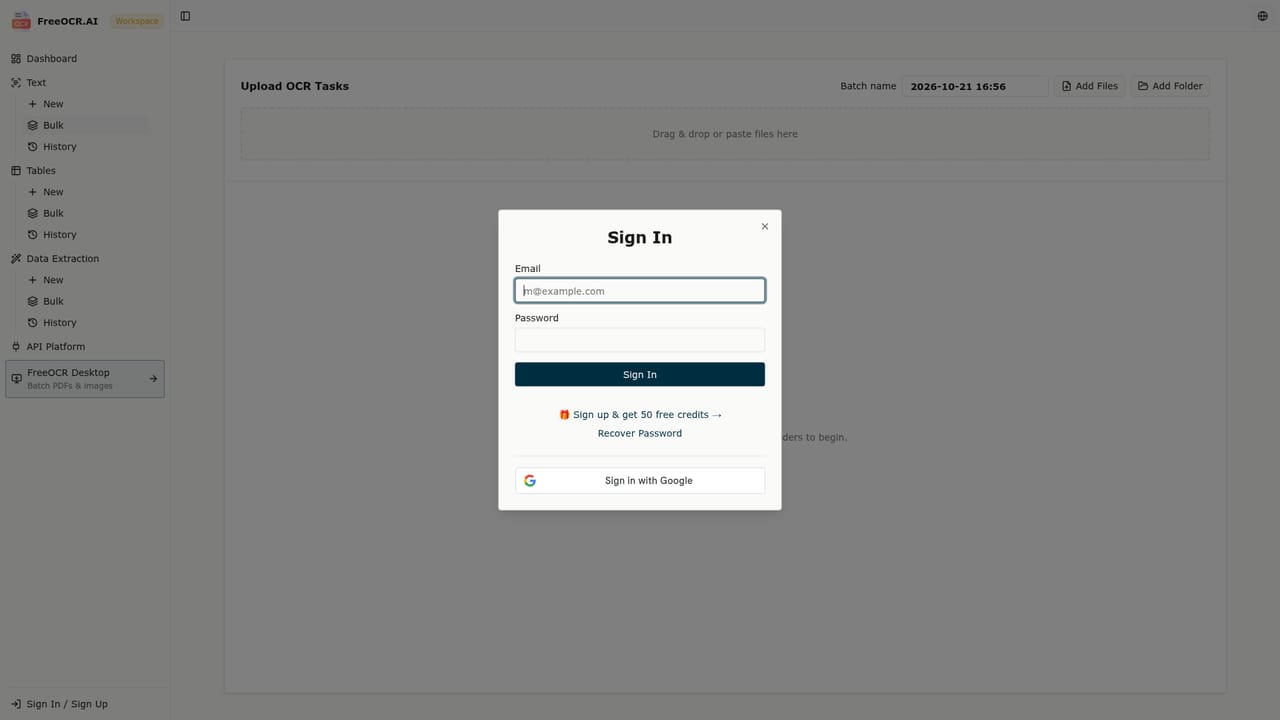
A free daily allowance of 10 images requires no account. New accounts receive 50 bonus credits to test paid features.
Learn moreAI OCR that turns photos, screenshots and handwriting into editable text.

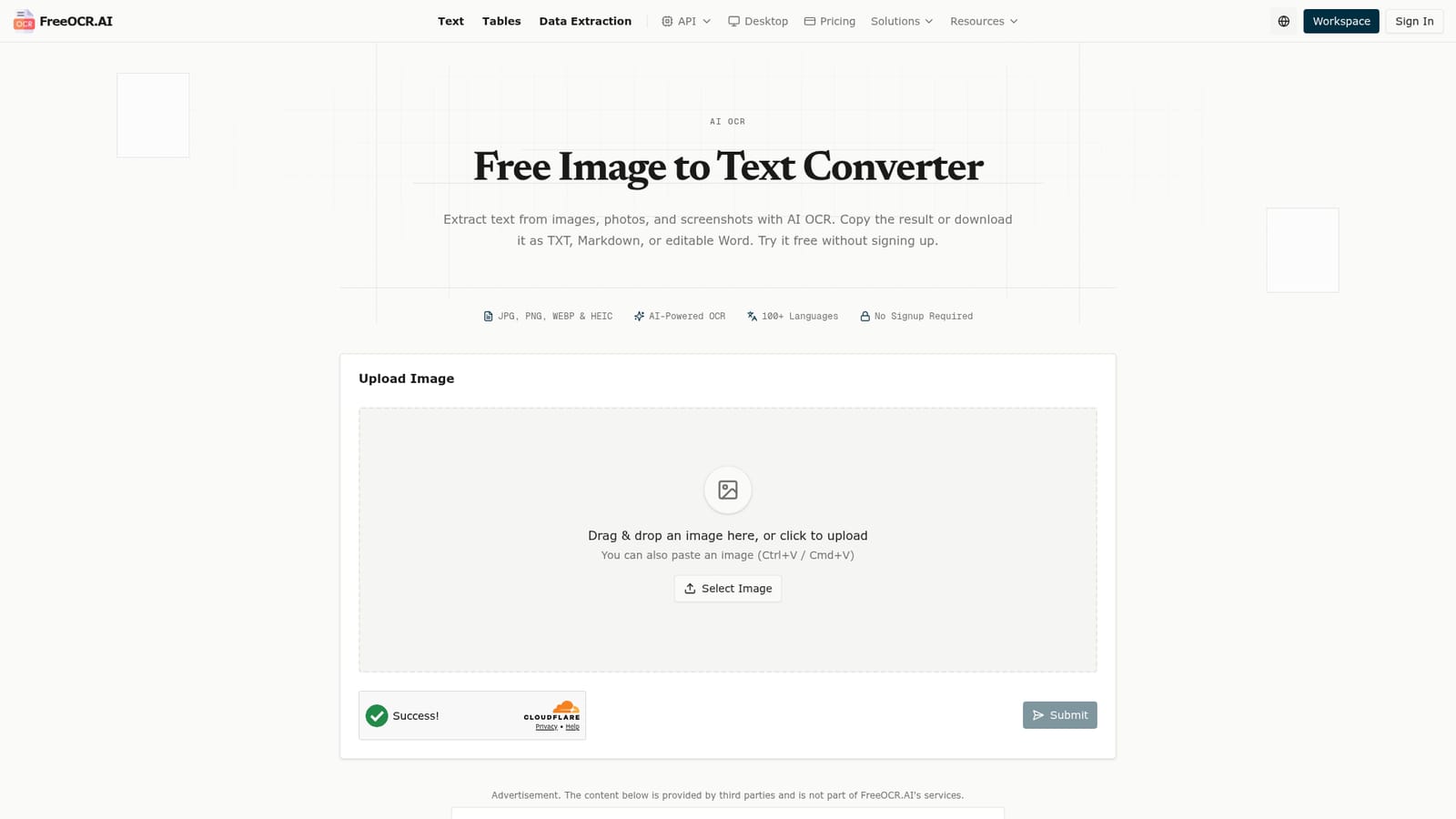
FreeOCR.AI converts images, screenshots and clear handwriting into editable text, with table and formula recognition across 100+ languages. The online converter is free with a daily allowance, while batch image processing runs in the workspace and multi page PDFs need the desktop app.
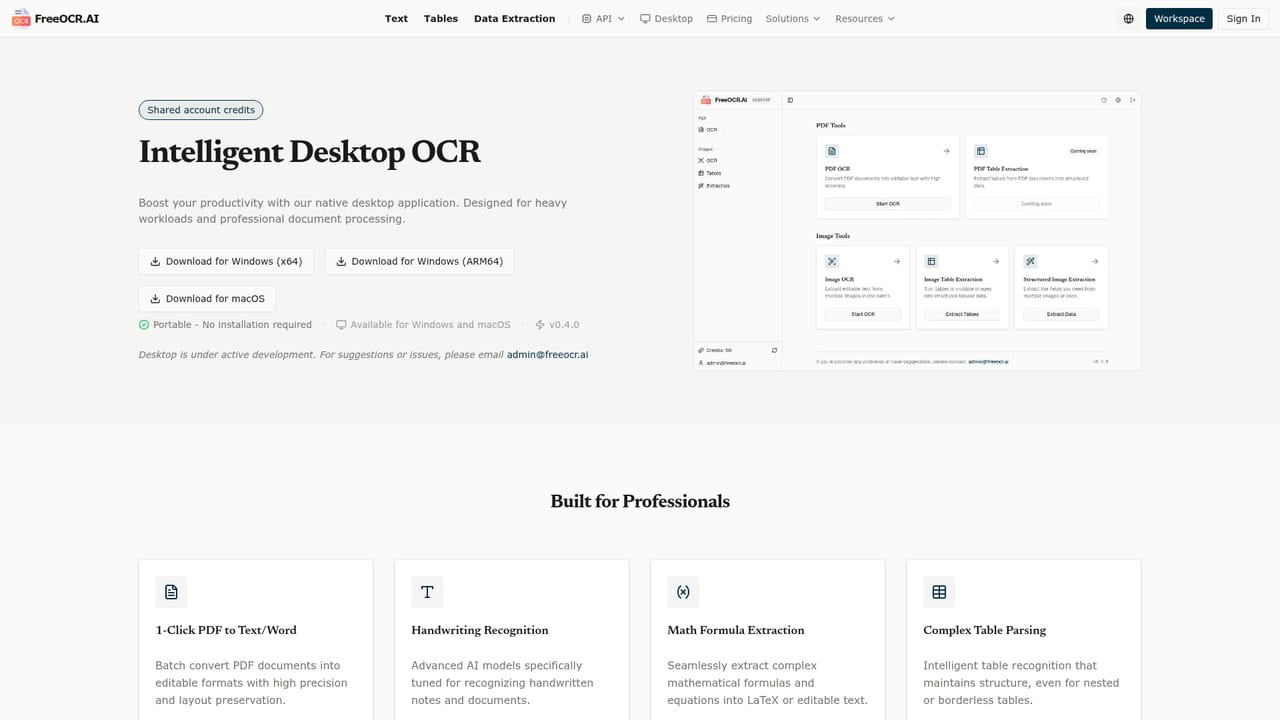
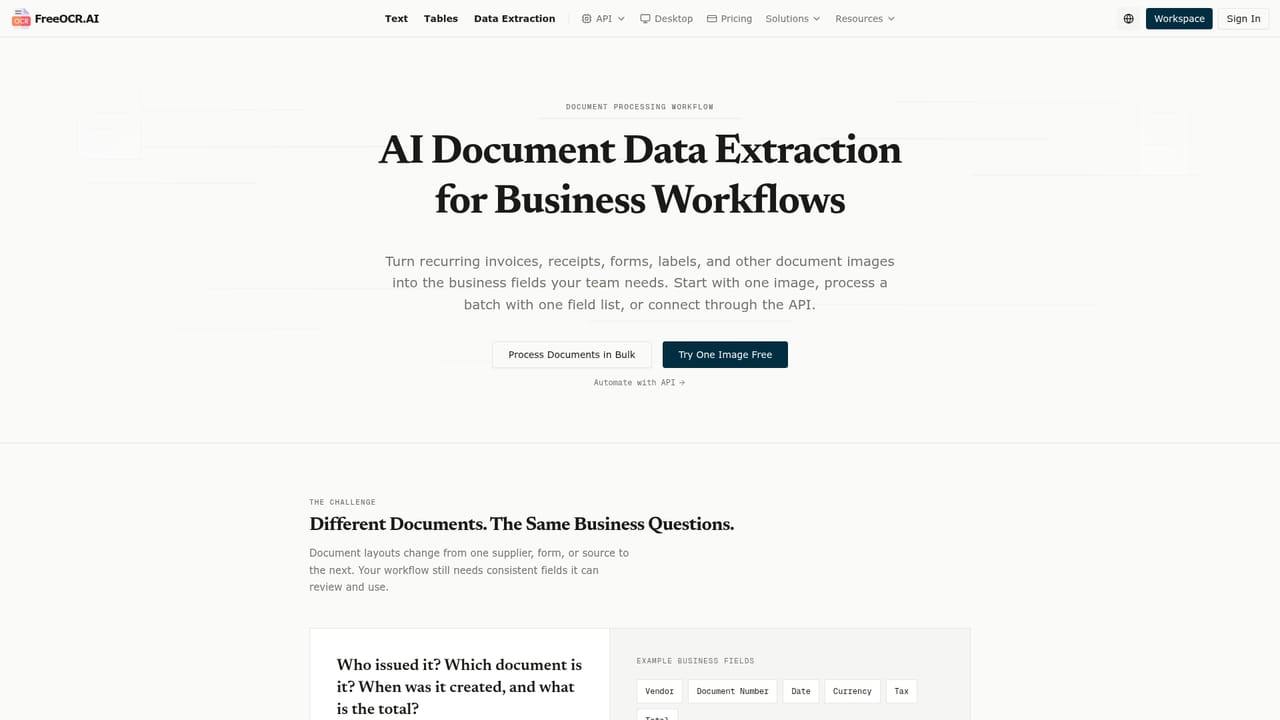
FreeOCR.AI is a browser based OCR service built around a modern AI recognition engine rather than the pattern matching approach of older converters. You upload an image, drag it into the page or paste a screenshot, and the tool returns editable text. The supported inputs are JPG, JPEG, PNG, WEBP, BMP, HEIC and HEIF, which covers phone photos, scans and screen captures alike. Output can be copied to the clipboard or downloaded as TXT, Markdown or an editable Word document, so the result moves straight into a notes app or word processor without reformatting. The recognition layer goes beyond plain characters. FreeOCR.AI can recover tables with rows and columns, retain reading order in multi column layouts, read clear handwriting and return mathematical notation in Markdown or LaTeX. It detects more than 100 languages and handles mixed language images without asking you to pick a language before each scan. The site is candid that accuracy depends on image clarity, handwriting style and layout complexity, which is a fair disclaimer for any OCR engine. The product is split into three workflows. The single image converter sits on the homepage and shares a daily free allowance of 10 images across OCR, table and field extraction, with no sign in required. Batch processing of multiple images happens in the workspace, and multi page PDFs, including whole folders of them, are handled by a desktop application. Focused tools cover image to Excel, image to Word, image to LaTeX, receipt OCR, invoice OCR and configurable field extraction, and a usage based API is available for developers who want extraction inside their own software. FreeOCR.AI fits best for people who handle documents occasionally and want a quick, no account conversion, or for teams that need structured output such as spreadsheets and invoice fields. Compared with basic image to text sites, the strengths are layout preservation, formula handling and multilingual support. Uploads on standard tool pages are not saved to account history, which matters for confidential paperwork, though temporary technical handling and third party AI providers are involved as described in the privacy policy. Review important extracted data before relying on it.
A free daily allowance of 10 images requires no account. New accounts receive 50 bonus credits to test paid features.
Learn moreOCR, table and field extraction share 10 free images per day without signing in. After that, signing in continues on the same page with credits. New accounts get 50 bonus credits, and you can buy permanent credits or a subscription. Batch processing uses the workspace. API usage is billed separately on a usage basis.
Learn moreHelp is available through tutorials for Google Keep, Goodnotes, OneNote, iPad and a general tutorials section. The homepage FAQ answers common questions, and a troubleshooting link appears during verification.
Learn moreA usage based OCR API lets developers add text and document extraction to their own applications, with documentation on the API page.
Learn moreExtracts editable text from photos, scans, screenshots and common image formats. Recognizes tables, rows, columns, reading order, clear handwriting, formulas in Markdown or LaTeX, and text in 100+ languages without manual selection. Outputs to clipboard, TXT, Markdown or Word. Separate workflows cover single images, batch processing and multi page PDFs via desktop, plus focused tools for Excel, Word, LaTeX, receipts and invoices.
 AI Angels400+ customizable AI girlfriends for NSFW chat, voice calls, and roleplay
 Candy AIExperience the future of companionship with AI friends who chat, role-play, and connect with you on a human level.
 ourdream.aiA vast AI roleplay platform with millions of characters for chat, images, video and voiceAI Angels400+ customizable AI girlfriends for NSFW chat, voice calls, and roleplayCandy AIExperience the future of companionship with AI friends who chat, role-play, and connect with you on a human level.ourdream.aiA vast AI roleplay platform with millions of characters for chat, images, video and voice


