Free trial
A free monthly character allowance covers cloud text to speech, and the browser audio tools are free to use without upgrading.
Learn moreBrowser audio toolkit with TTS, transcription and eight editing tools

FreeTTS is an AI narration tool. A free browser audio suite combining AI text to speech, speech to text, vocal removal, voice enhancement, and four editing utilities (cutter, joiner, compressor, converter) with local processing where possible and credit-based cloud voices.
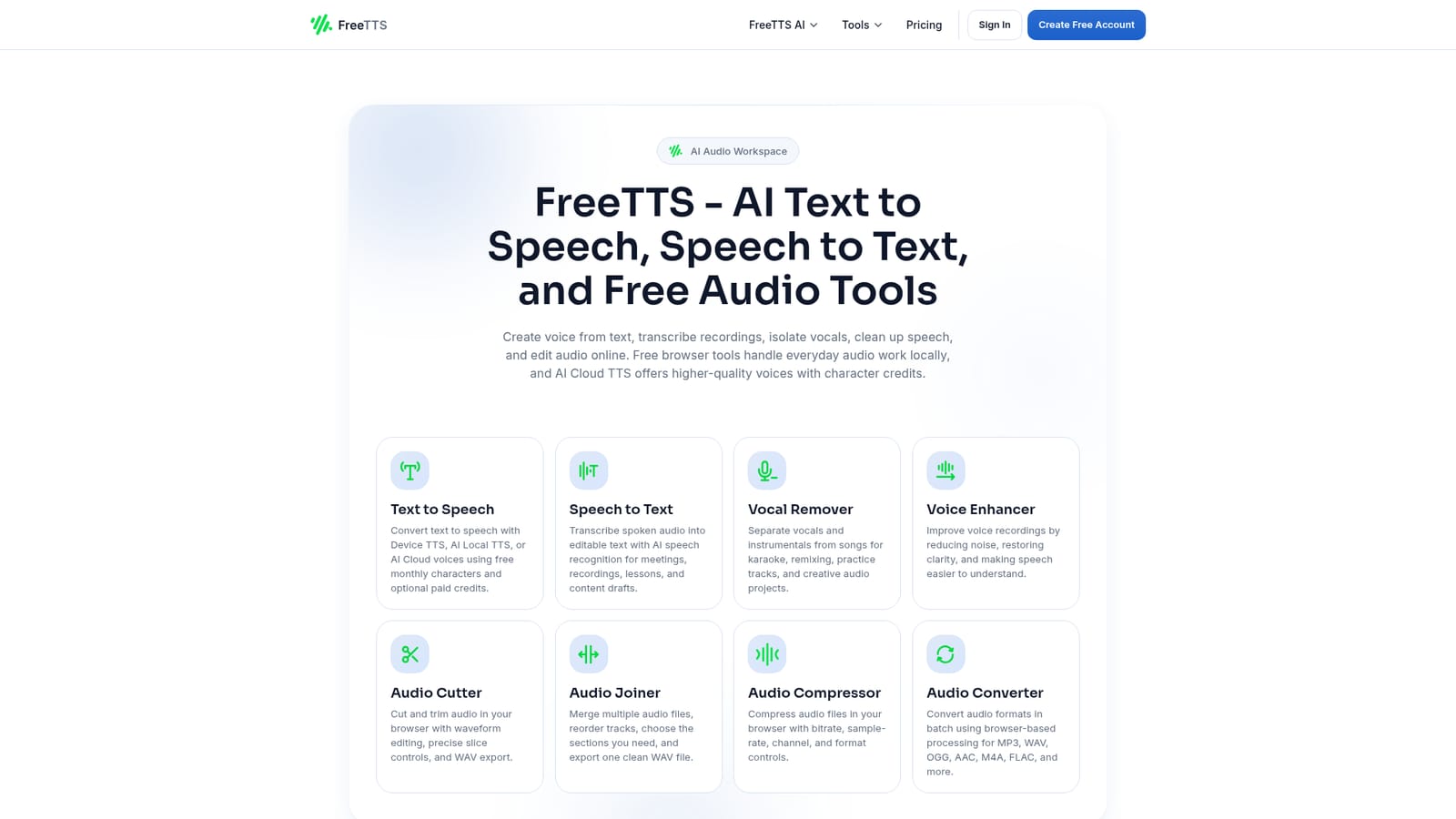
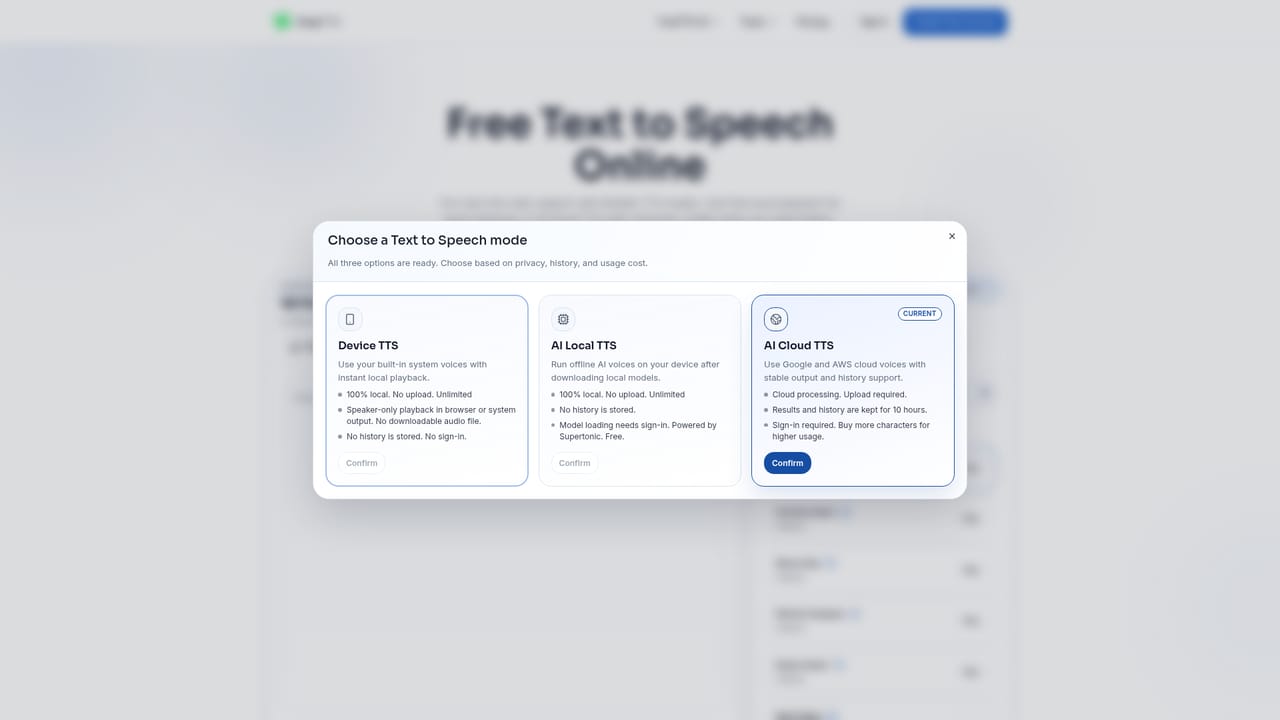
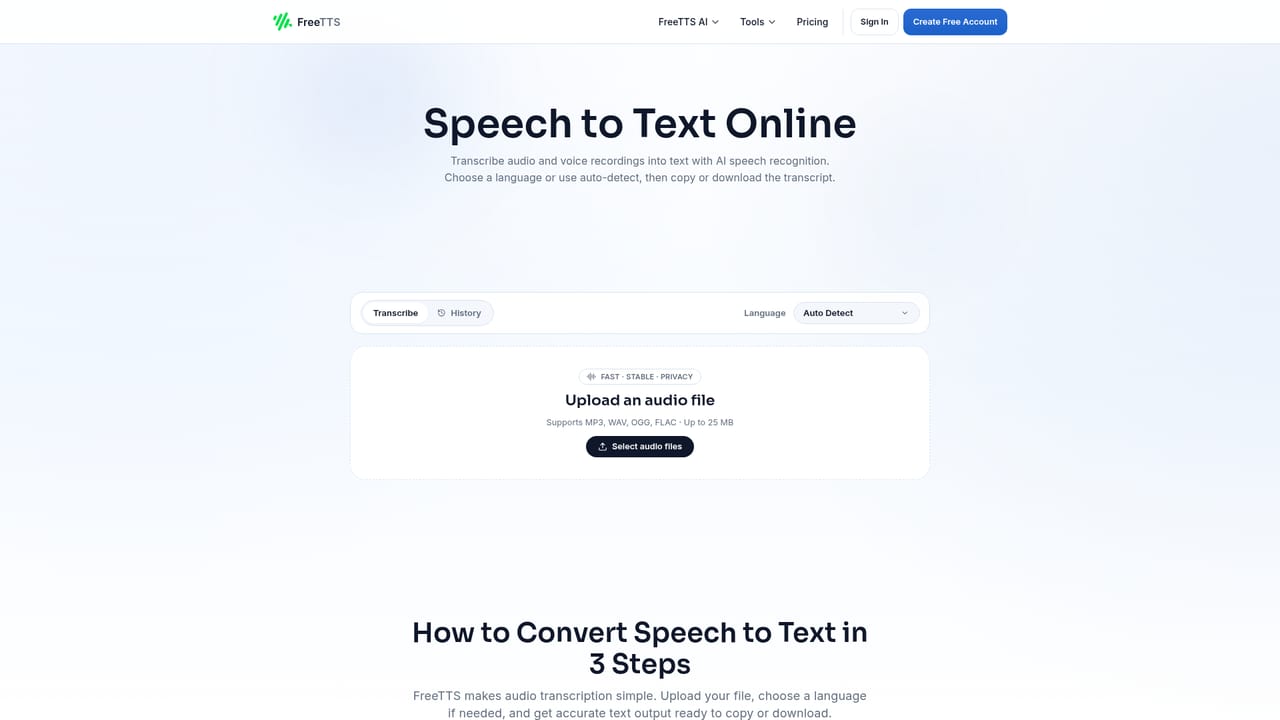
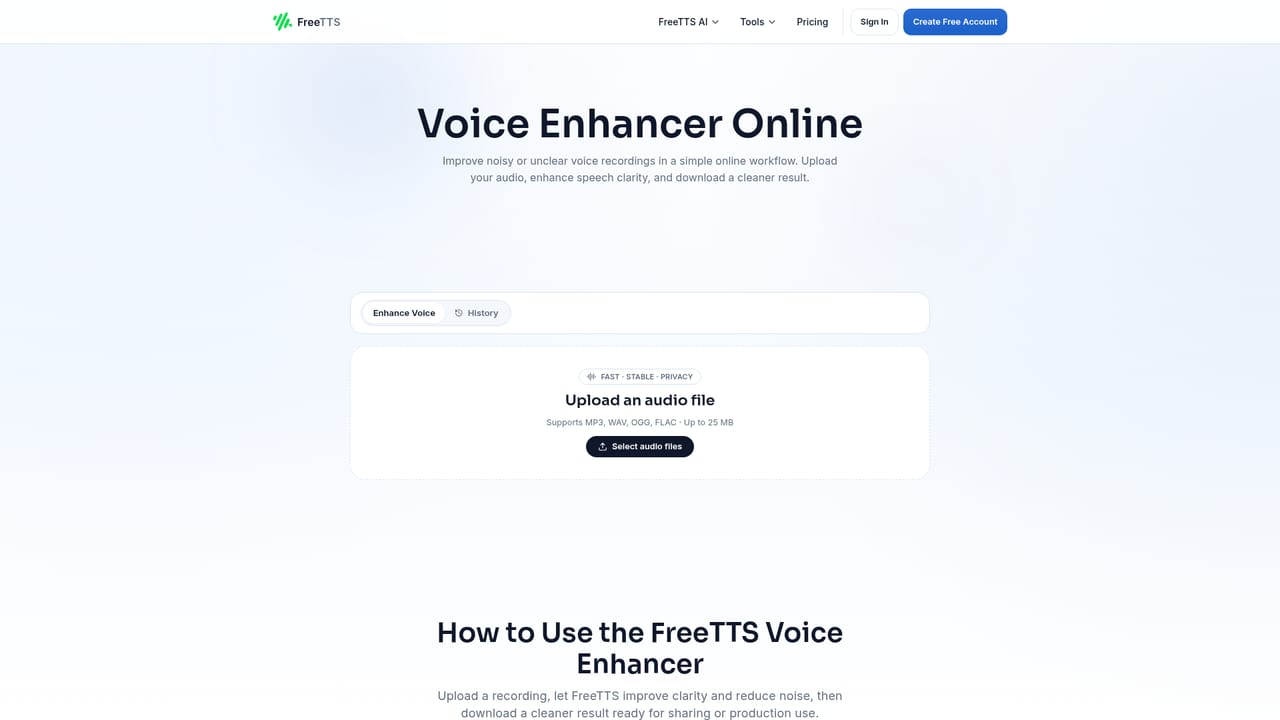
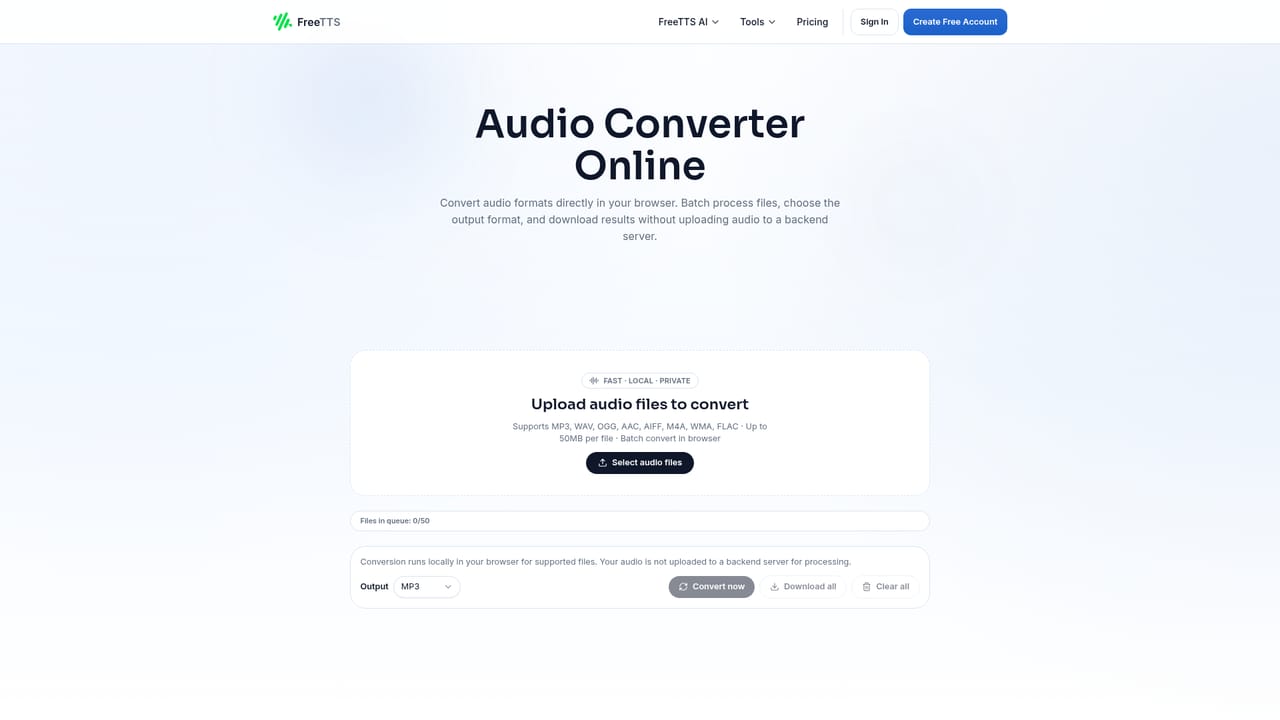
FreeTTS is a browser-based audio workspace that bundles text to speech, speech to text, and a set of everyday editing utilities into a single site. The text to speech module offers three routes: Device TTS, AI Local TTS, and AI Cloud voices. Cloud synthesis runs on monthly character credits, with a free allowance to start and optional paid credits when a project needs more. The same page handles presentations, audiobooks, and voiceover work according to the site's own positioning. The rest of the suite is where the tool quietly earns its place. Speech to text turns meetings, lessons, and recordings into editable drafts. The vocal remover splits a song into vocals and instrumental for karaoke, remixing, or practice tracks. The voice enhancer reduces noise and restores clarity on recorded speech. Four editing utilities round it out: an audio cutter with waveform slicing and WAV export, a joiner for merging and reordering tracks, a compressor with bitrate, sample rate, channel, and format controls, and a batch converter covering MP3, WAV, OGG, AAC, M4A, and FLAC. Privacy is handled by splitting the work. Browser tools process files locally where possible, while cloud AI features use server processing with short retention windows and automatic file removal after the processing window. The interface is deliberately plain: upload, adjust, export. Batch processing is included, which matters for anyone converting or enhancing a folder of files rather than a single clip. FreeTTS sits between single-purpose TTS services and full desktop audio editors. It does not attempt multi-track production, but it covers the common chain of generating speech, transcribing it, cleaning it, cutting it, and converting it without leaving the browser. Beginners get a fast path with no install; teams handling repetitive audio chores get a free, transparent credit model instead of a subscription.
A free monthly character allowance covers cloud text to speech, and the browser audio tools are free to use without upgrading.
Learn moreCore browser tools are free with no subscription required. AI Cloud text to speech runs on character credits: a free monthly allowance to start, with optional paid credits when more characters are needed. The homepage does not list credit prices or tier sizes.
Learn moreText to speech with Device, AI Local, and AI Cloud voices; speech to text transcription; AI vocal remover for vocals and instrumentals; voice enhancer for noise reduction and clarity; audio cutter with waveform slicing; audio joiner for merging and reordering; audio compressor with bitrate, sample rate, channel, and format controls; batch audio converter.
Learn more AI Angels400+ customizable AI girlfriends for NSFW chat, voice calls, and roleplay
 Candy AIExperience the future of companionship with AI friends who chat, role-play, and connect with you on a human level.
 ourdream.aiA vast AI roleplay platform with millions of characters for chat, images, video and voiceAI Angels400+ customizable AI girlfriends for NSFW chat, voice calls, and roleplayCandy AIExperience the future of companionship with AI friends who chat, role-play, and connect with you on a human level.ourdream.aiA vast AI roleplay platform with millions of characters for chat, images, video and voice


