Free trial
One free graphical abstract can be generated without signing up, and signing up grants free credits.
Learn moreAI graphical abstracts for researchers, drafted from your paper text

GAAbstract turns a pasted abstract or PDF into an editable, journal-sized graphical abstract using AI. It offers seven layout templates, optional style references, and credit-based plans for individual researchers and labs.
GAAbstract is a web-based graphical abstract maker aimed at researchers who need a clear visual summary of a paper without building it by hand in slide software or a vector editor. The user pastes an abstract or uploads a PDF, and the AI identifies the key entities, steps and relationships in the work, then lays them out as a structured scientific schematic. In practice the workflow is short. A generation form accepts text or a PDF, an optional style reference image (PNG, JPEG or WebP up to 10 MB) that the output should visually match, and an optional extra prompt with an AI optimize helper. Seven layout templates are offered: flow, comparison, branching, matrix, circular, timeline and radial. A journal image spec setting defaults to 4 by 2 inches at 300 DPI, which suits typical submission requirements. After generation the result opens on its own page, where layout, labels, icons and styles can be edited and the figure exported. Paid plans remove watermarks and add high-resolution export. The tool is built around scientific communication. Lab managers can reuse one style across projects to keep figures consistent, PhD students and postdocs can iterate on variations quickly when co-authors request changes, and science communicators can produce versions suited to slides and social media. The same account also reaches sibling tools on the site: a journal cover maker, a scientific poster generator, a paper explainer and an AI abstract writer. Among alternatives, GAAbstract sits between general design suites and specialist scientific illustration libraries. It trades the hand-drawn precision of a manual illustration tool for speed: a first draft arrives in seconds and is then refined. Because the output is generated, scientific accuracy still has to be checked by the author. Credits govern usage, with each generation costing 5 credits and monthly plans scaling from occasional use to lab-level volume. One free abstract can be generated without signing up, which makes it easy to judge quality before paying.
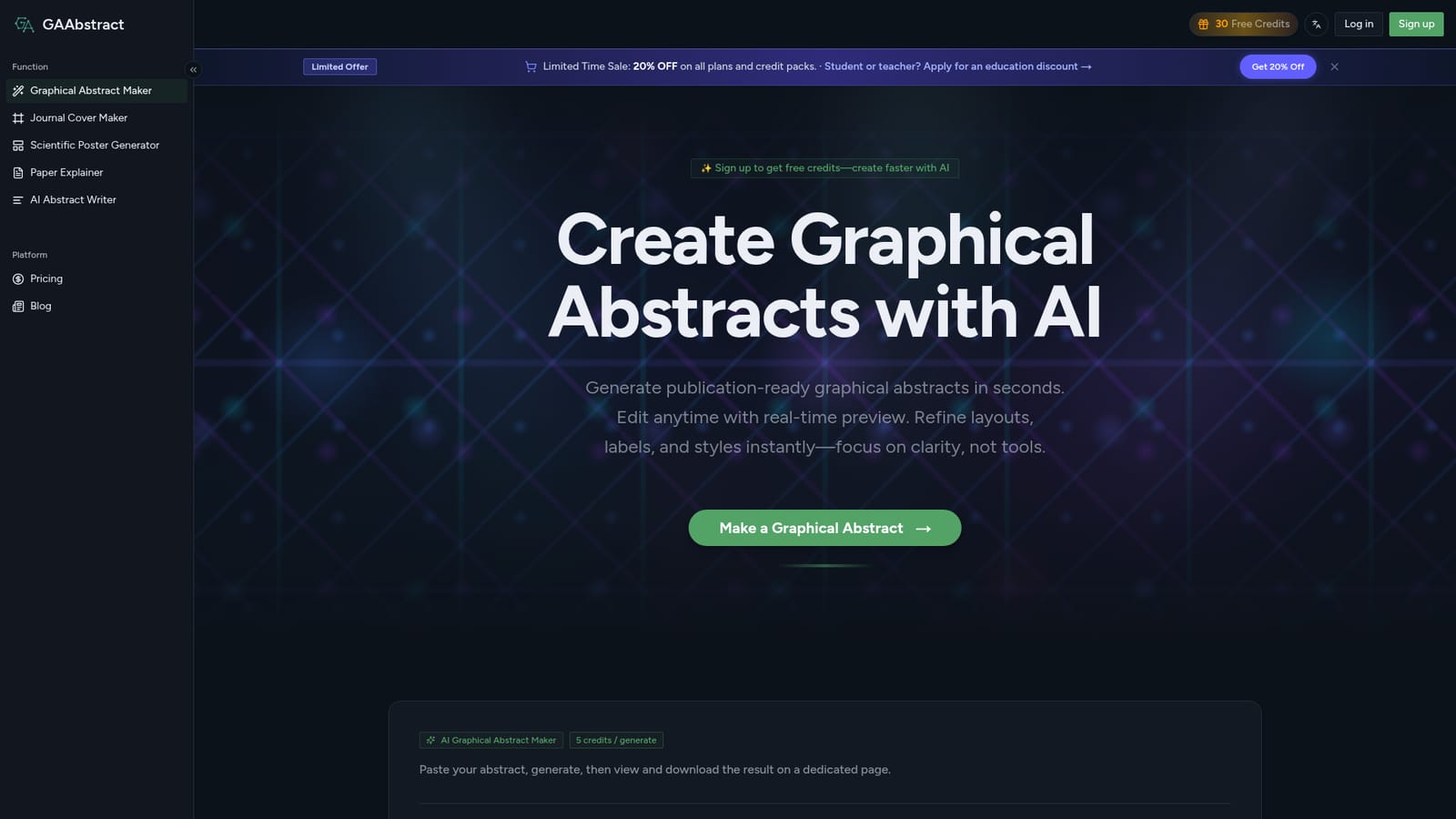

One free graphical abstract can be generated without signing up, and signing up grants free credits.
Learn moreThree monthly plans: BASIC at $8.25/month (100 credits), PRO at $16.58/month (250 credits) and MAX at $24.92/month (500 credits), with a yearly option and a 20% limited-time sale. Each generation costs 5 credits. Education discounts are available.
Learn morePRO and MAX plans include priority email support.
AI reads pasted abstracts or PDFs, drafts a structured schematic in seconds, offers seven layout templates, optional style reference images, journal image specs, full editing, and multiple export formats with high-resolution, watermark-free output on paid plans.