Integrations
Runs as a browser extension that embeds its widget into YouTube watch pages. Summarization combines Gistly's proprietary AI with OpenAI GPT. No other third party integrations are stated.
AI summaries and key insights for any YouTube video

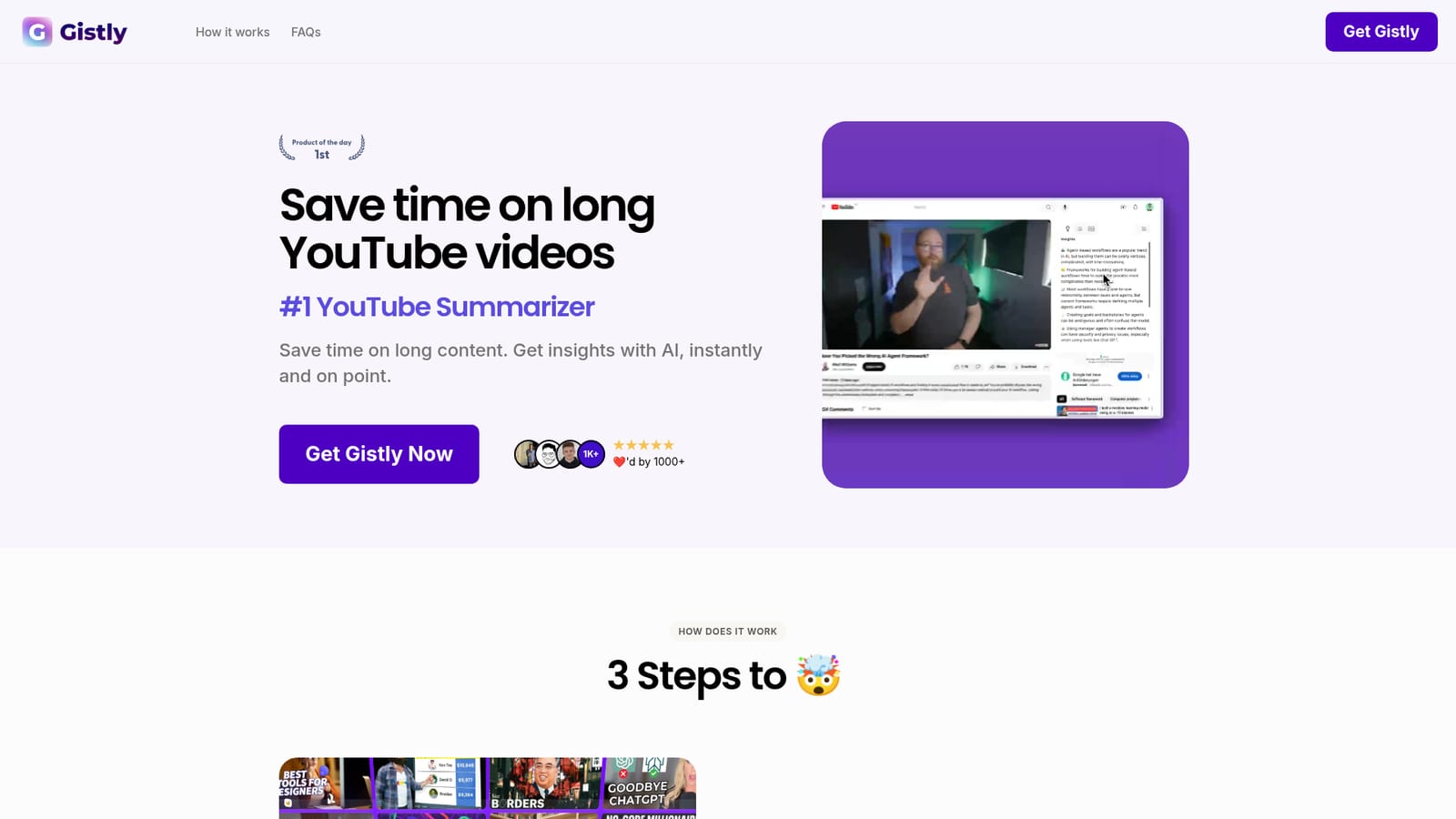
Gistly is a browser extension that adds an AI summary widget to YouTube videos, producing TLDR summaries, key insights, timestamped breakdowns, transcripts and translations in over 40 languages. It works only with YouTube content and requires no separate dashboard.
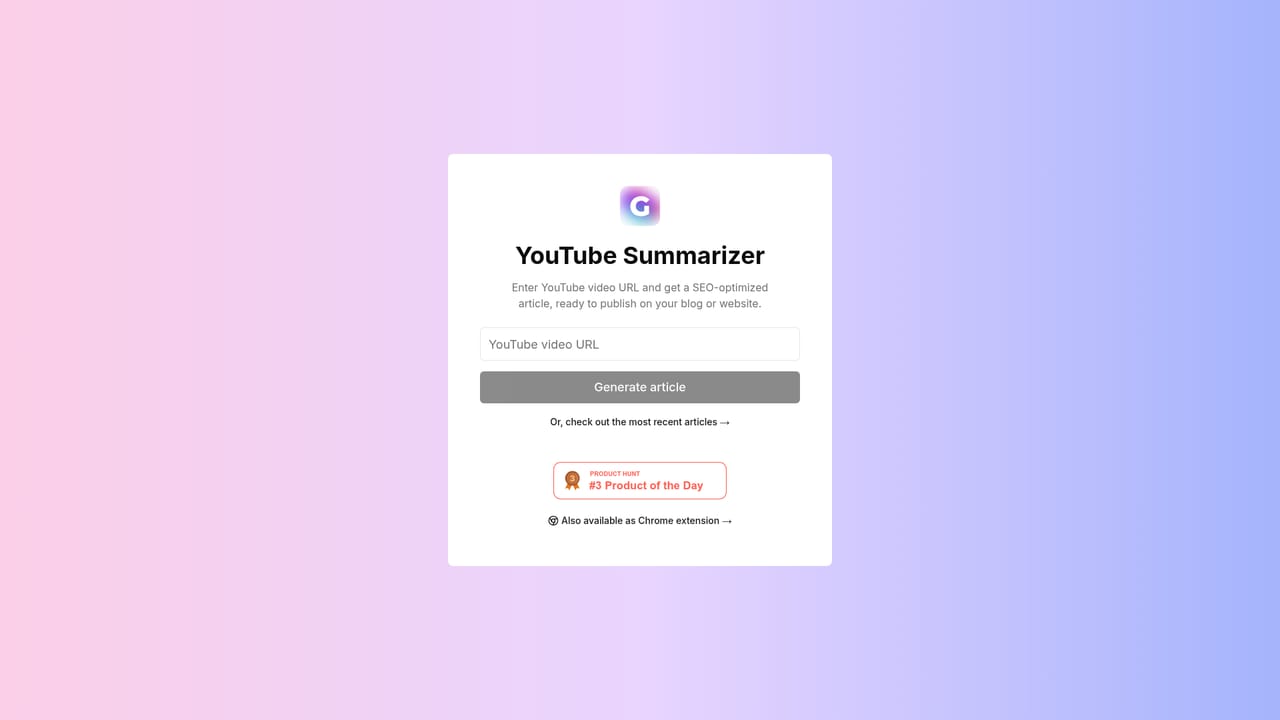
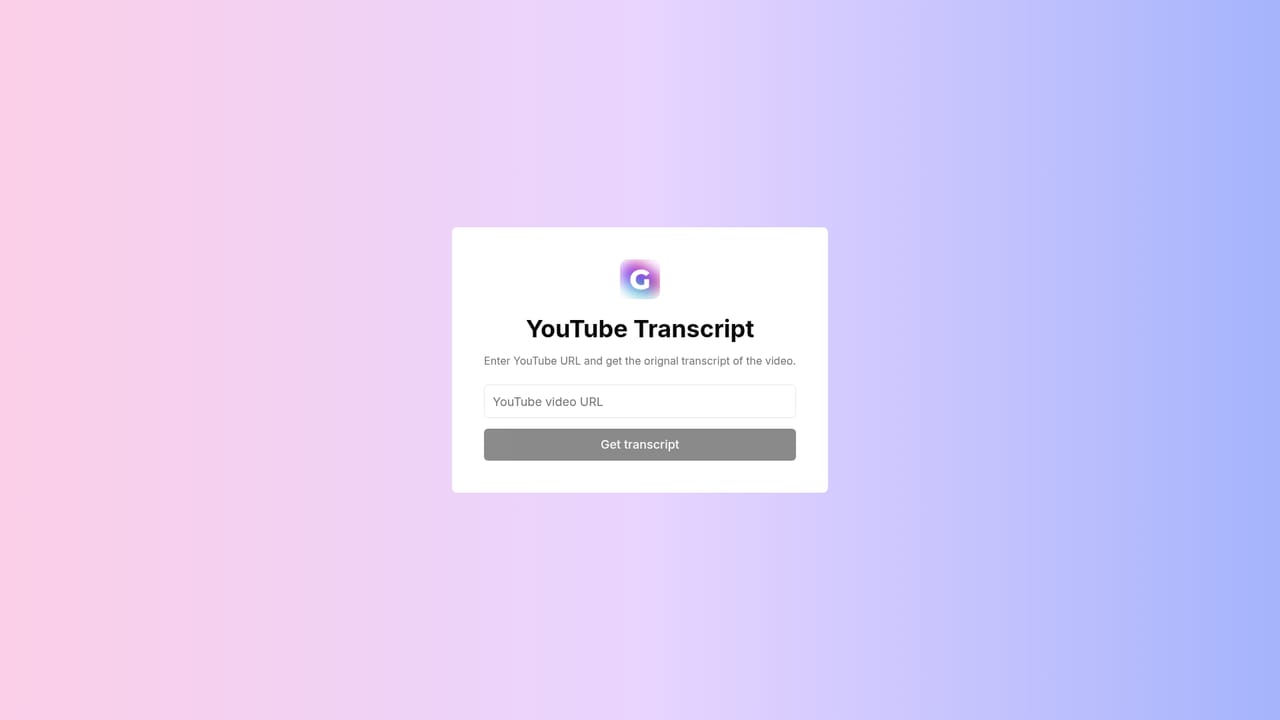
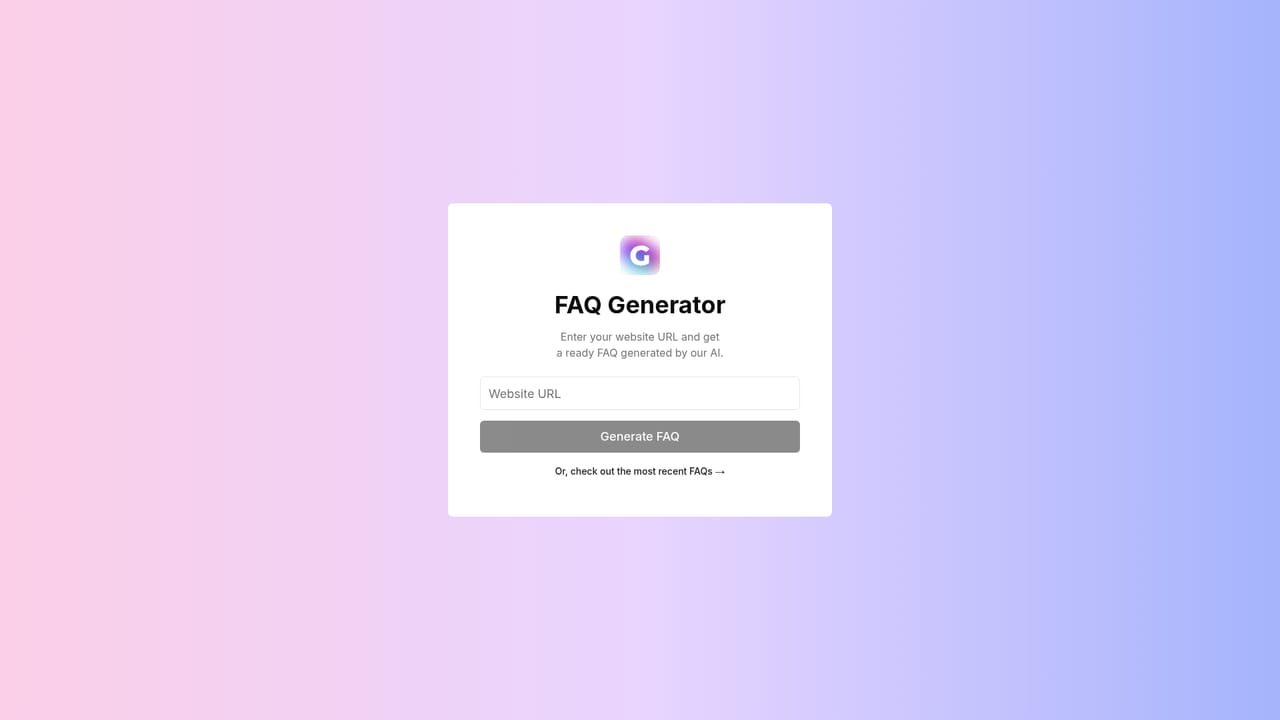
Gistly is a browser extension that turns long YouTube videos into short written summaries. Install it once and every YouTube watch page gains a widget offering a TLDR summary, a list of key insights and a timestamped breakdown of the video's main sections. The tool combines its own summarization technology with OpenAI GPT, so the output reads as condensed bullet points rather than a raw transcript dump. The workflow suits anyone who consumes a lot of video and needs the substance without the runtime: students catching up on lectures, professionals skimming conference talks, researchers scanning interviews, and creators who want to check what a competitor covered. Because the widget lives inside the YouTube player page, no separate dashboard or copy-paste step is needed. Open a video, let the AI process it for a few seconds, and read the result in place of the ad panel. Beyond the basic summary, Gistly produces timestamped paragraphs that let a reader jump to the part of the video that matters. It accepts input in any language and translates summaries into more than 40 output languages, which makes foreign-language content usable without a separate translation tool. Summaries can be shared with other people or posted to social media, and the transcript can be extracted for reuse. Extra tools cover generating blog articles and FAQ content from a video. The FAQ notes that videos of four to six hours can be handled, and that unlisted uploads of your own content can be summarized too. The main constraint is scope: Gistly only works with YouTube. Podcasts and news segments are supported only when they happen to be hosted there, so users who pull audio from other platforms will need a different solution. It also competes with general-purpose chat assistants that accept a pasted link, though those typically require more manual steps than an embedded widget. Gistly positions itself as the fast, single-purpose option for video comprehension rather than a full research or note-taking suite.
Runs as a browser extension that embeds its widget into YouTube watch pages. Summarization combines Gistly's proprietary AI with OpenAI GPT. No other third party integrations are stated.
Core features include TLDR summaries, key insights, timestamped paragraph breakdowns, shareable summaries and translation into over 40 languages. Extra tools generate blog posts, FAQ content and raw transcripts from a video. Videos in any input language are supported, including unlisted uploads of your own footage and lengthy recordings.
Learn more AI Angels400+ customizable AI girlfriends for NSFW chat, voice calls, and roleplay
 Candy AIExperience the future of companionship with AI friends who chat, role-play, and connect with you on a human level.
 ourdream.aiA vast AI roleplay platform with millions of characters for chat, images, video and voiceAI Angels400+ customizable AI girlfriends for NSFW chat, voice calls, and roleplayCandy AIExperience the future of companionship with AI friends who chat, role-play, and connect with you on a human level.ourdream.aiA vast AI roleplay platform with millions of characters for chat, images, video and voice


