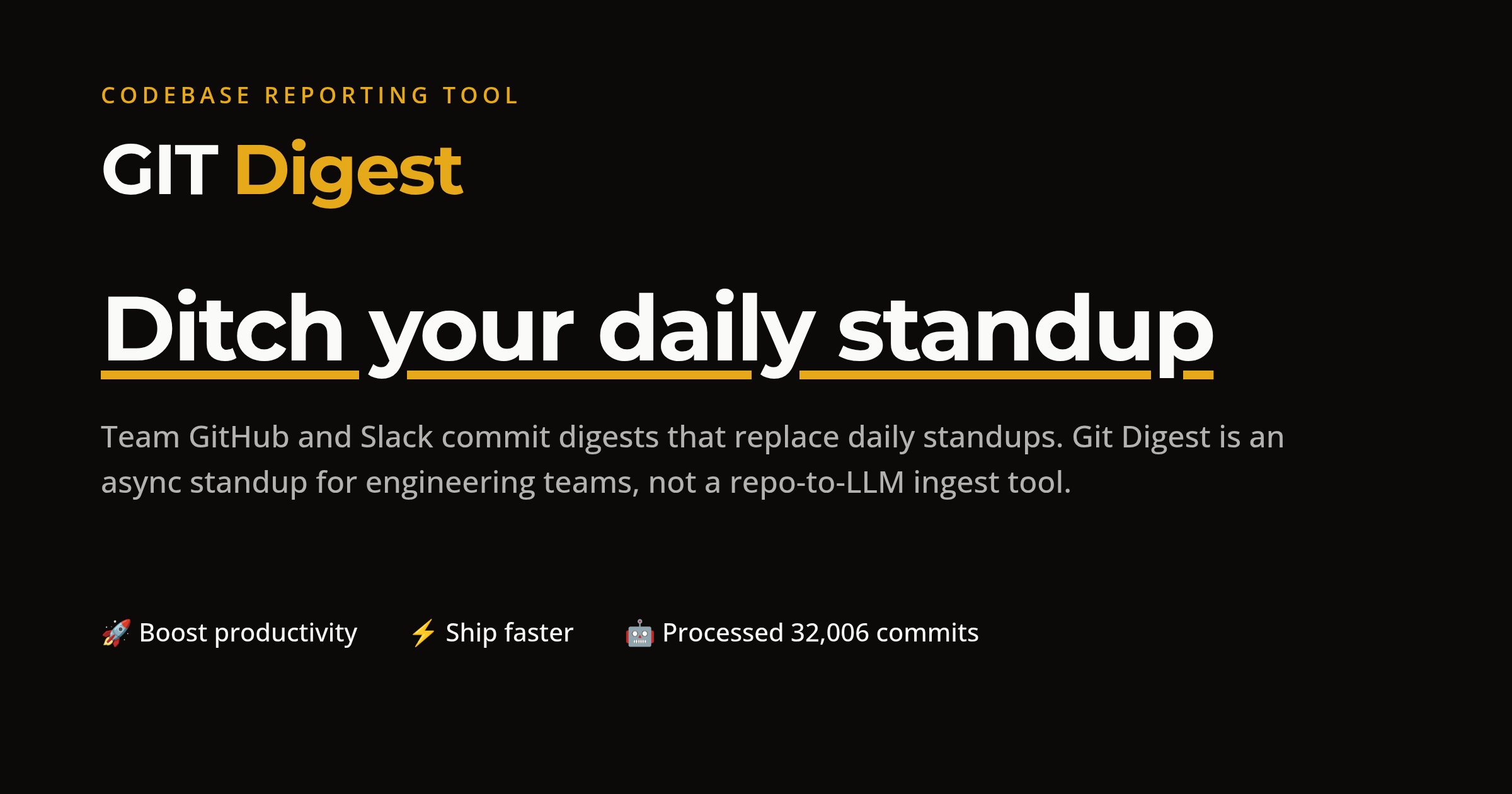
Git Digest

AI code reports that replace your daily standup

Beginner
Screenshot of Git Digest, AI code reports that replace your daily standup

What is Git Digest?

Git Digest is an AI summarizer tool. Git Digest reads commits and pull request diffs from your GitHub repositories and emails or Slacks plain-language code change summaries to the whole team. Auto-categorized entries, velocity charts and no per-seat pricing make it a standup replacement aimed at engineering leads, CTOs and product managers.

Git Digest is an asynchronous status layer for engineering teams. It connects to your GitHub account, reads the diffs and commits flowing into the repositories you select, and turns them into plain-language code change summaries that arrive by email or in a Slack channel. Each entry is auto-categorized as a feature, improvement, bugfix or refactoring, attributed to the developer who made the change, and paired with the commit and pull request behind it. The pitch is straightforward: instead of pulling everyone into a fifteen minute call to say what they did yesterday, the team reads a digest. The product is built for engineering managers, CTOs and product managers rather than for individual developers chasing autocomplete. A PM who cannot read a diff gets a sentence explaining that a payment module was fixed or that JWT tokens replaced the old auth flow, with a link to dive into the code when more detail is needed. Git Digest also charts activity over time, so leads can see velocity trends, code hotspots and how work is distributed across repositories. Multi-user organization accounts mean the whole team can be invited at once rather than billed per head. Setup runs through GitHub sign-in, repository selection and a pricing choice, which the company says takes about five minutes. Slack notification is a one-click configuration against your preferred channel, and digests can be scheduled daily or weekly. Organization owner or admin privileges on GitHub are required, since the tool needs broad repository access. Compared with repo-to-LLM ingest tools that push a codebase into a chat context, Git Digest stays narrower: it reports on change, not on the entire source tree. That makes it a standup replacement and a lightweight management dashboard rather than a coding assistant. The vendor states source code is not stored and that summaries are encrypted at rest, though the summaries remain AI generated and are positioned as a complement to, not a substitute for, normal review practice.

How do you use Git Digest?

  1. 1Sign up with GitHub
    Authenticate using your GitHub account. Organization owner or admin privileges are needed so the tool can reach the repositories you want summarized.
  2. 2Choose repositories and a plan
    Pick which repositories feed the digest and select either the annual subscription or the one-time lifetime option.
  3. 3Generate a first report
    Let the analysis run against recent commits and pull requests, then read through the auto-categorized summaries to check the tone and depth suit your team.
  4. 4Connect Slack
    Use one-click setup to pick the channel that should receive digests, so updates appear where the team already talks.
  5. 5Set the digest schedule
    Choose daily or weekly delivery, then invite the rest of the organization so everyone receives the same report.

Pros and cons

Pros

  • Summaries are written for non-engineers, so PMs can follow progress without reading diffsAI
  • Digests land in Slack or email on a daily or weekly schedule, which removes a recurring meeting from the calendarAI
  • One organization price covers unlimited members, repositories and summaries, with no per-seat mathsAI
  • Entries are auto-tagged as feature, bugfix, improvement or refactoring and link back to the underlying commitAI
  • Velocity and activity charts give managers a historical view that a verbal standup never producesAI

Cons

  • Requires GitHub organization owner or admin access, which is a hard sell at security-conscious companiesAI
  • GitHub only; there is no support for GitLab, Bitbucket or other hosts on the homepageAI
  • Summaries are AI generated and the vendor itself advises treating them as a supplement rather than a replacement for existing processAI
  • The value depends on clean commit and PR hygiene, so teams with vague messages will get vague digestsAI
  • No free tier is listed, and the lifetime option at $1,000 is a large upfront commitment for a young toolAI

How much does Git Digest cost?

Pricing

One plan for the whole organization, with unlimited team members, repositories and code change summaries. The subscription is $25 per month billed annually (the site notes $48 saved yearly), and a lifetime option costs $1,000 as a one-time payment. A 30-day money-back guarantee is advertised. No per-seat pricing.

Learn more

Support

24/7 support is listed on the subscription plan, and the site provides a support email address for questions.

Integrations

GitHub for repository access and Slack for notifications. No other integrations are listed on the homepage.

Features

AI analysis of commit and pull request diffs turned into natural language summaries, auto-categorized as feature, bugfix, improvement or refactoring. Daily or weekly email digests, Slack notifications, velocity and activity analytics with historical trends, and multi-user organization accounts with bulk invites.

Frequently asked questions about Git Digest

  • How much does Git Digest cost?
    One plan for the whole organization, with unlimited team members, repositories and code change summaries. The subscription is $25 per month billed annually (the site notes $48 saved yearly), and a lifetime option costs $1,000 as a one-time payment. A 30-day money-back guarantee is advertised. No per-seat pricing.
  • How do you use Git Digest?
    The walkthrough on this page covers 5 steps: 1. Sign up with GitHub 2. Choose repositories and a plan 3. Generate a first report 4. Connect Slack 5. Set the digest schedule.
  • What platforms does Git Digest support?
    Git Digest is available on Web App.
  • What does Git Digest integrate with?
    GitHub for repository access and Slack for notifications. No other integrations are listed on the homepage.
  • What are the limitations of Git Digest?
    Requires GitHub organization owner or admin access, which is a hard sell at security-conscious companies. GitHub only; there is no support for GitLab, Bitbucket or other hosts on the homepage. Summaries are AI generated and the vendor itself advises treating them as a supplement rather than a replacement for existing process.

Status

StatusActive
Views0
Outbound clicks0
Added10/21/2026

Platforms

Web App

Pricing

SubscriptionPaid