Free trial
The free tier is not time limited and allows unlimited basic editing with preview quality downloads. HD and 4K exports are the paid boundary rather than a trial period.
Learn moreBrowser based AI photo editing for cutouts, cleanups and upscaling

Photiu.ai is an AI image upscaler tool. A browser based AI photo editor combining background removal up to 4K, object erasing, image upscaling, unblurring and text to image generation in one workspace, with manual erase and restore brushes for cleaning up cutouts.
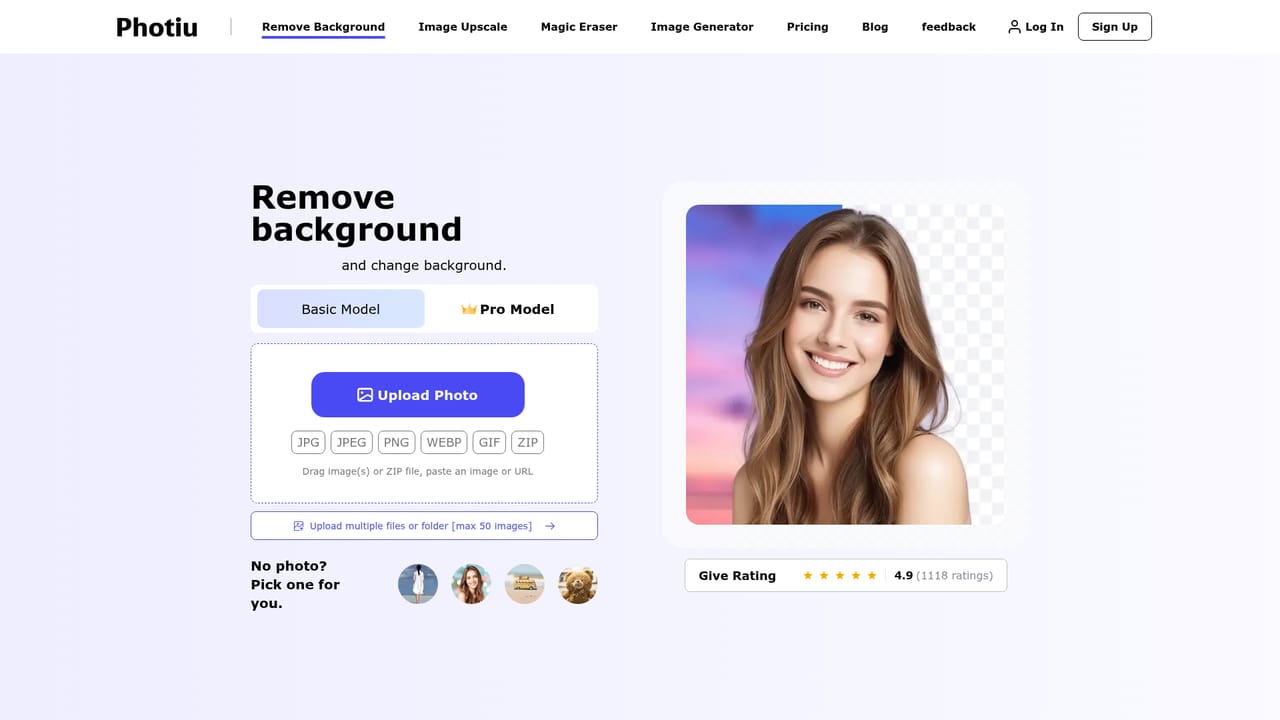
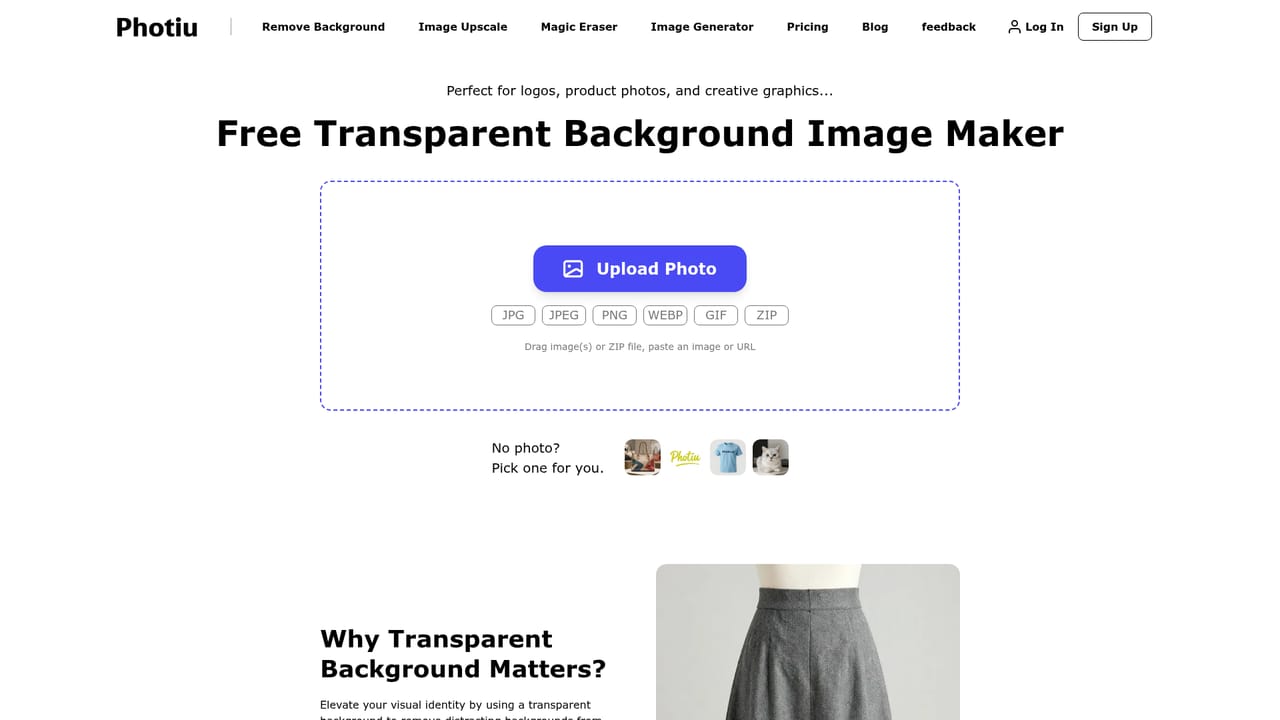
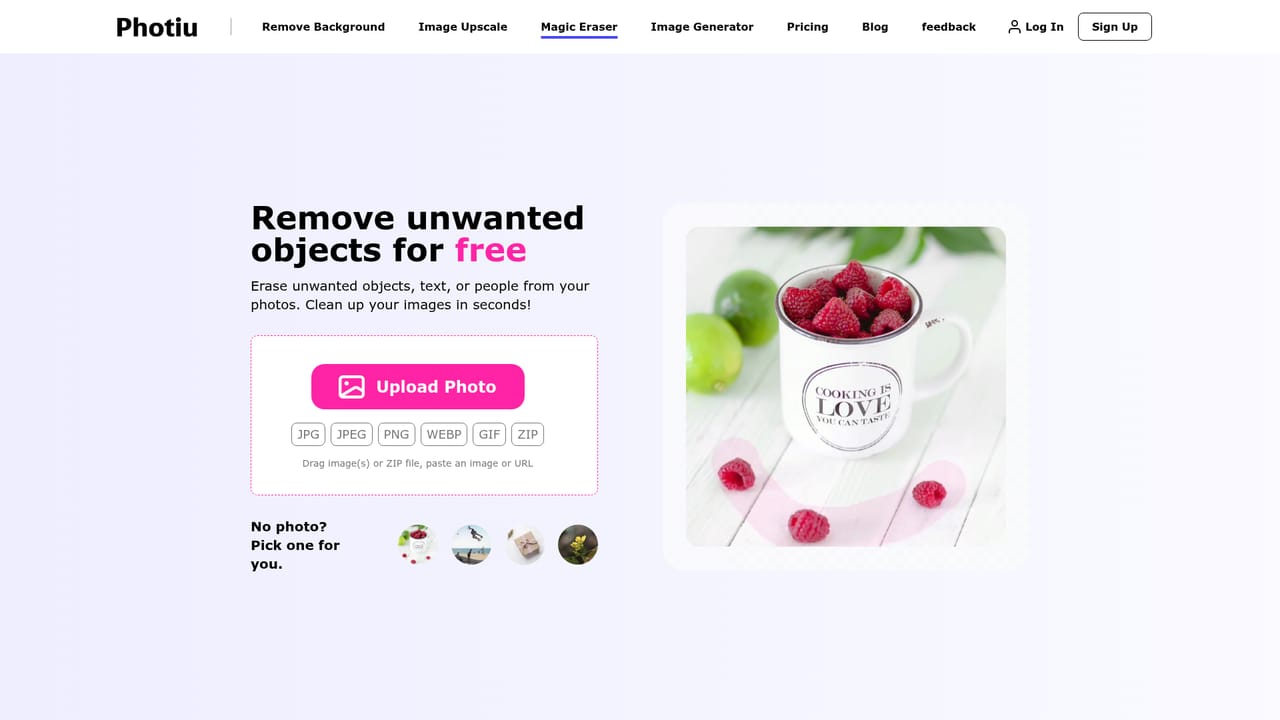
Photiu.ai is a browser based photo editing suite built around a single, familiar workflow: upload an image, let an AI model process it, then fine tune the result by hand. The core tool is a background remover that handles HD output up to 4K resolution and accepts JPG, JPEG, PNG and WEBP files. Alongside it sit an image upscaler (with dedicated unblur and photo enhancer modes), a magic eraser for removing unwanted objects, and a text driven image generator for building new visuals from scratch. Multiple files or a ZIP folder can be dropped in at once, up to 50 images per batch. The practical value is in the refinement layer. Background removal runs in seconds, but the output is not locked in: an Erase and Restore brush lets you correct edges the model missed, which matters for hair, transparent materials and product shots with awkward outlines. Once the subject is isolated, the background can be swapped for a solid colour (transparent, white and red have dedicated entry points) or replaced with a custom image. In practice this covers the everyday jobs that usually send people to Photoshop: marketplace listings, ad creative, portrait retouching and social posts. Photiu.ai positions itself for eCommerce sellers, marketers, designers, social media creators and photographers, and the interface assumes no prior editing experience. Everything runs in the browser with no installation, and the site describes processing as secure and privacy focused. There is also a stated audience of developers automating image workflows, though the homepage does not document an API, so that use case should be treated as unverified until you check directly. The obvious comparison set is the crowded field of standalone background removers and upscalers. Photiu.ai's argument is consolidation: one workspace for cutouts, object removal, upscaling and generation rather than four separate subscriptions. The free tier returns preview quality files, so anyone needing HD or 4K exports should expect to pay.
The free tier is not time limited and allows unlimited basic editing with preview quality downloads. HD and 4K exports are the paid boundary rather than a trial period.
Learn moreFree use is available with limits: images can be edited and downloaded at preview quality at no cost, while HD and 4K exports require a small fee. The homepage does not publish specific plan prices or subscription tiers, so exact costs must be checked inside the product.
Learn moreBackground removal with HD and 4K output, manual Erase and Restore brushes, background replacement with colour presets or custom images, object removal via magic eraser, image upscaling with unblur and enhancer modes, text to image generation, and batch upload of up to 50 images or a ZIP file. All processing runs in the browser.
 AI Angels400+ customizable AI girlfriends for NSFW chat, voice calls, and roleplay
 Candy AIExperience the future of companionship with AI friends who chat, role-play, and connect with you on a human level.
 ourdream.aiA vast AI roleplay platform with millions of characters for chat, images, video and voiceAI Angels400+ customizable AI girlfriends for NSFW chat, voice calls, and roleplayCandy AIExperience the future of companionship with AI friends who chat, role-play, and connect with you on a human level.ourdream.aiA vast AI roleplay platform with millions of characters for chat, images, video and voice


