Free trial
The homepage invites users to try the tool for free in its meta description, but no trial length or conditions are stated on the page.
Learn moreNo-code browser automation that runs inside Chrome

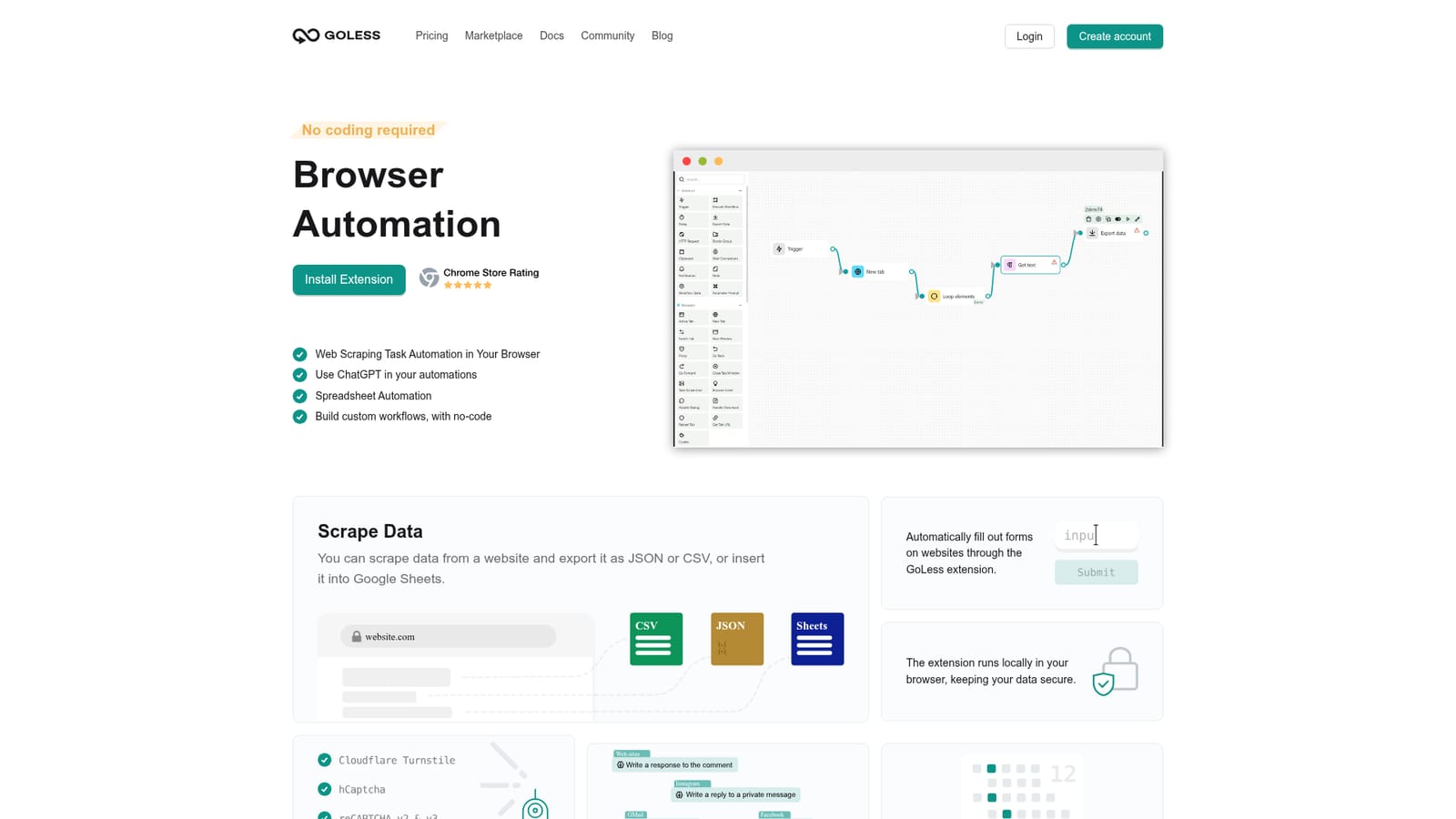
GoLess is a no-code Chrome extension for automating browser tasks: scraping data into CSV, JSON or Google Sheets, filling forms, running spreadsheet workflows, solving CAPTCHAs, calling ChatGPT inside a flow, and sharing workflows with a team. Workflows are built in a drag-and-drop editor or cloned from a marketplace.
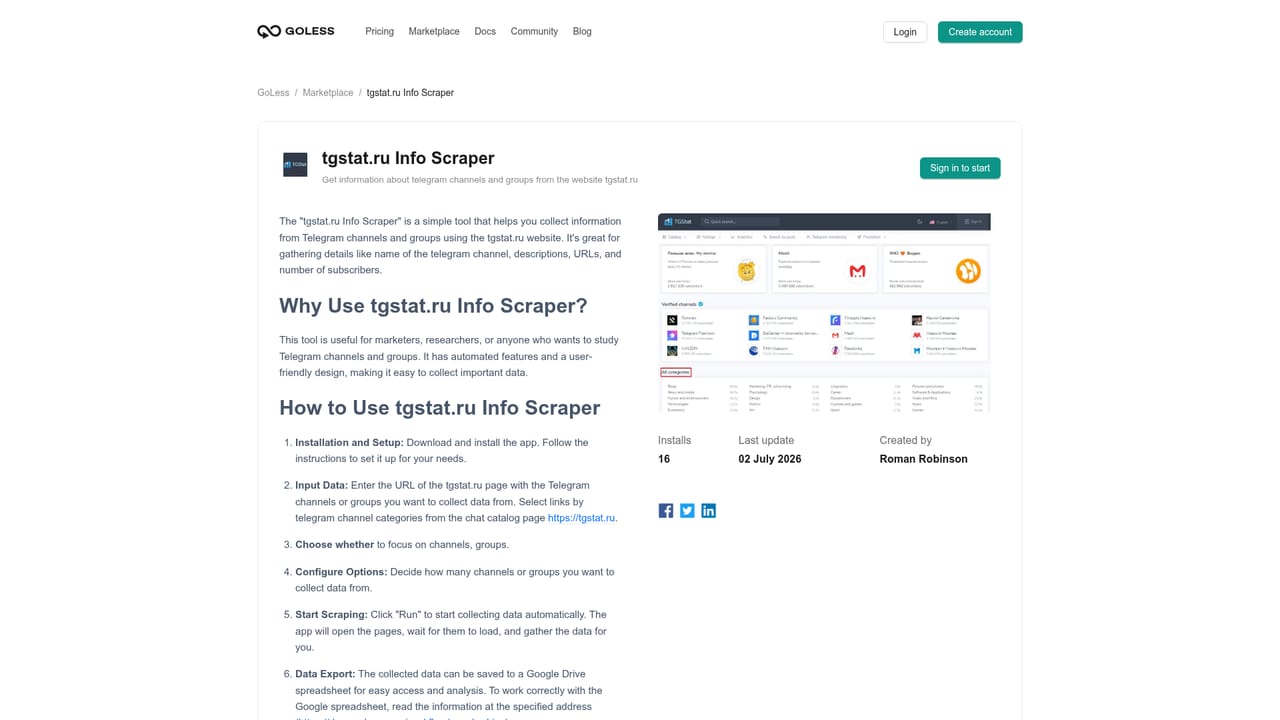
GoLess is a Chrome extension for building browser automations without writing code. Workflows are assembled in a drag-and-drop editor that shows the sequence as a block diagram, so a task like pulling product data off a page or filling in a form is built from visual steps rather than a script. The extension runs locally in the browser, which keeps the data it touches on the user's own machine. The tool covers the tasks that usually eat time in a browser: extracting data from sites and exporting it as JSON or CSV or pushing it into Google Sheets, filling out web forms, automating spreadsheet work, and testing interactive elements such as buttons and links. A CAPTCHA recognition step is included so routine runs are less likely to halt at a verification screen. ChatGPT can be called inside an automation to generate responses, and triggers let a workflow start at a set time, date or other condition. Finished workflows can be shared with team members. Beginners typically start in the workflow marketplace, which lists ready-made automations from other users (a Pinterest board saver, an Instagram auto unfollow tool, YouTube view bots, cookie collectors) and can be customized instead of built from scratch. That makes the product useful for growth and social media operators, data collectors, QA testers, and small teams that want spreadsheet and form chores handled without hiring a developer. Compared with heavier automation suites, GoLess is deliberately narrow: it works on browser actions rather than system-wide or API-first pipelines. That focus is its appeal for anyone whose repetitive work happens in tabs, and its limit for anyone who needs automations to run outside Chrome or on a schedule while the computer is off. The extension is only available in the desktop version of Chrome.
The homepage invites users to try the tool for free in its meta description, but no trial length or conditions are stated on the page.
Learn moreSupport runs through documentation at docs.goless.com, which the homepage links from its FAQ section. No live chat, email or paid support tier is described.
Learn moreGoogle Sheets is named as an export and data source for spreadsheet automation, and ChatGPT is available as a step inside workflows. No other integrations are stated on the homepage.
Scrapes site data and exports as JSON or CSV or into Google Sheets, fills web forms, automates spreadsheets, tests site elements with automated clicks, recognizes and resolves CAPTCHAs, calls ChatGPT inside workflows, supports time and condition triggers, and shares workflows with team members. Workflows are built visually in the extension with no coding.
 AI Angels400+ customizable AI girlfriends for NSFW chat, voice calls, and roleplay
 Candy AIExperience the future of companionship with AI friends who chat, role-play, and connect with you on a human level.
 ourdream.aiA vast AI roleplay platform with millions of characters for chat, images, video and voiceAI Angels400+ customizable AI girlfriends for NSFW chat, voice calls, and roleplayCandy AIExperience the future of companionship with AI friends who chat, role-play, and connect with you on a human level.ourdream.aiA vast AI roleplay platform with millions of characters for chat, images, video and voice




