Goodhues

Design templates for your home, then shop every piece.

Beginner
Screenshot of Goodhues, Design templates for your home, then shop every piece

What is Goodhues?

Goodhues is an aesthetic discovery tool that designs templates for your home, then shop every piece. Goodhues starts from curated interior design templates, adapts them to your own room with AI, and turns the result into a shoppable product list you can swap, save or buy.

Goodhues is an AI design and shopping companion built around a simple three step loop: explore, customize, shop. The starting point is a library of curated interior spaces put together by designers and creators, each carrying its own style, mood and product selection. Rather than asking a model to invent a room from nothing, you begin with a visual direction that already works and adjust it from there. The customization layer is where the AI does its job. You point the tool at your own room and it adapts the reference design to that space, shifting layout, colors and overall vibe so the template reads as yours instead of a showroom photo. According to the homepage, this adaptation is presented as instant, which matters for people comparing options quickly rather than commissioning a full design project. The third step closes the gap that most mood boards leave open. Every design carries a product list, and Goodhues lets you swap pieces, save the ones you like or buy the full set without hunting each item down separately. That makes it a practical tool for homeowners furnishing a room, renters who want a fast restyle, and shoppers who need a concrete buying list rather than inspiration alone. Its closest alternatives sit in two camps. Generative image tools can render a pretty interior but rarely tell you what is in it or where to buy it, while traditional interior design services deliver a plan but at a much slower pace and higher cost. Goodhues positions itself between the two: template led, AI adjusted, and tied directly to purchasable products. The site currently routes new users to a waitlist, so access is gated rather than open, and no pricing, integration or support details are published on the homepage yet.

How do you use Goodhues?

  1. 1Join the waitlist
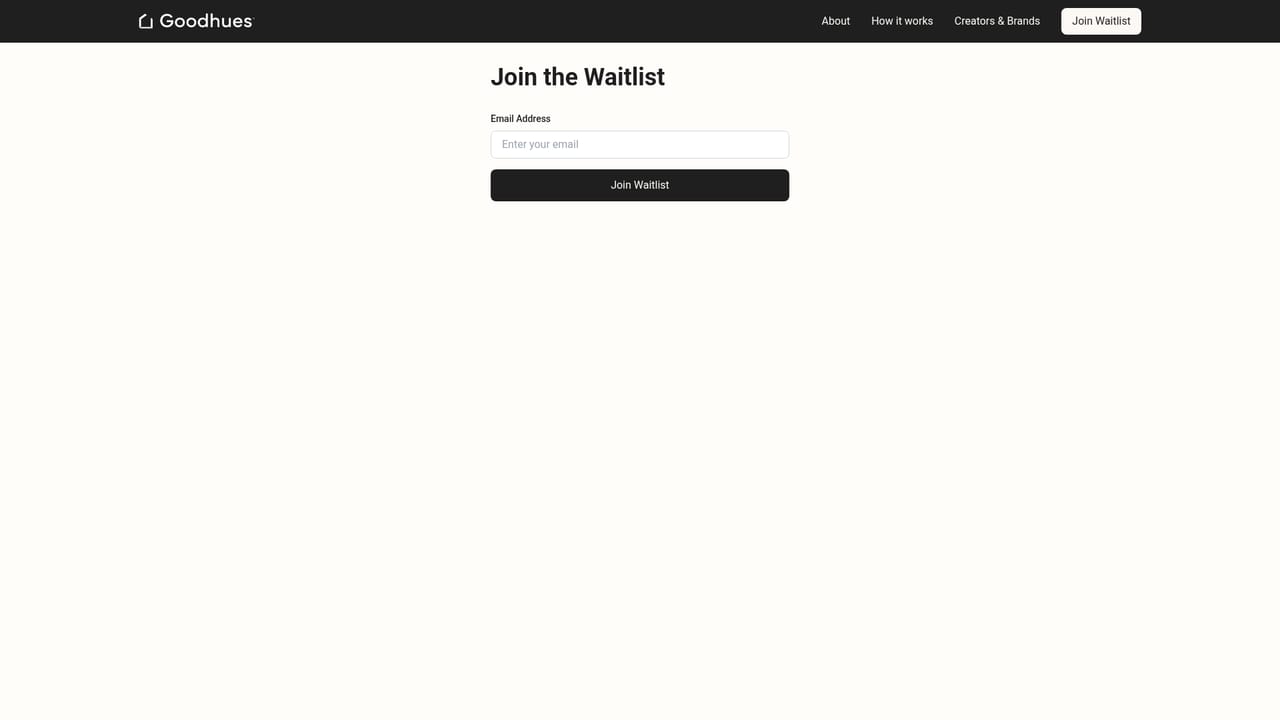
    Goodhues currently opens through a waitlist. Submit your details on the waitlist page and wait for access before starting a project.
    Goodhues — Join the waitlist
  2. 2Explore curated spaces
    Browse the design library and pick a space whose style and mood match what you want, keeping an eye on the product selection attached to it.
  3. 3Customize for your room
    Apply AI customization so the template adapts to your own room, adjusting layout, colors and overall vibe until it fits the space.
  4. 4Review and swap products
    Open the product list behind the design and swap individual pieces for alternatives that suit your budget or existing furniture.
  5. 5Save or buy
    Save the designs and items you want to keep, then purchase the pieces you have settled on directly from the list.

Pros and cons

Pros

  • Starts from designer made templates instead of blank prompts, which gives beginners a credible style baselineAI
  • AI customization adapts layout, colors and mood to your actual room rather than a generic renderAI
  • Every design comes with a full product list, closing the loop between inspiration and purchaseAI
  • Product swapping and saving let you adjust the shopping list without redrawing the whole designAI
  • Three step flow (explore, customize, shop) is easy to grasp without design software experienceAI

Cons

  • Access is gated by a waitlist, so the product cannot be evaluated or used todayAI
  • Product selection depends entirely on which curated spaces exist; there is no described way to source arbitrary itemsAI
  • No pricing, plan tiers or trial terms are published on the homepageAI
  • No integrations, export options or file formats are documented, so how designs leave the tool is unclearAI
  • Adaptation quality to a real room is only claimed, with no samples or case studies on the homepage to verify itAI

How much does Goodhues cost?

Features

Curated design templates from creators, each with a defined style, mood and product selection. AI customization that adapts a chosen design to your own room by changing layout, colors and vibe. A full product list per design, with options to swap, save or buy the pieces in a few clicks.

Frequently asked questions about Goodhues

  • How do you use Goodhues?
    The walkthrough on this page covers 5 steps: 1. Join the waitlist 2. Explore curated spaces 3. Customize for your room 4. Review and swap products 5. Save or buy.
  • What platforms does Goodhues support?
    Goodhues is available on Web App.
  • What are the limitations of Goodhues?
    Access is gated by a waitlist, so the product cannot be evaluated or used today. Product selection depends entirely on which curated spaces exist; there is no described way to source arbitrary items. No pricing, plan tiers or trial terms are published on the homepage.

Status

StatusActive
Views0
Outbound clicks0
Added10/22/2026

Platforms

Web App

Pricing

Paid