Support
Support runs through standard Google for Developers feedback channels on the product page. Workspace administrators handle access configuration in the Google Admin console, with a linked Admin Help article for details.
On-device meeting notes that stay on your Mac
Own Google AI Edge Foresight? Verify ownership to get a dofollow link

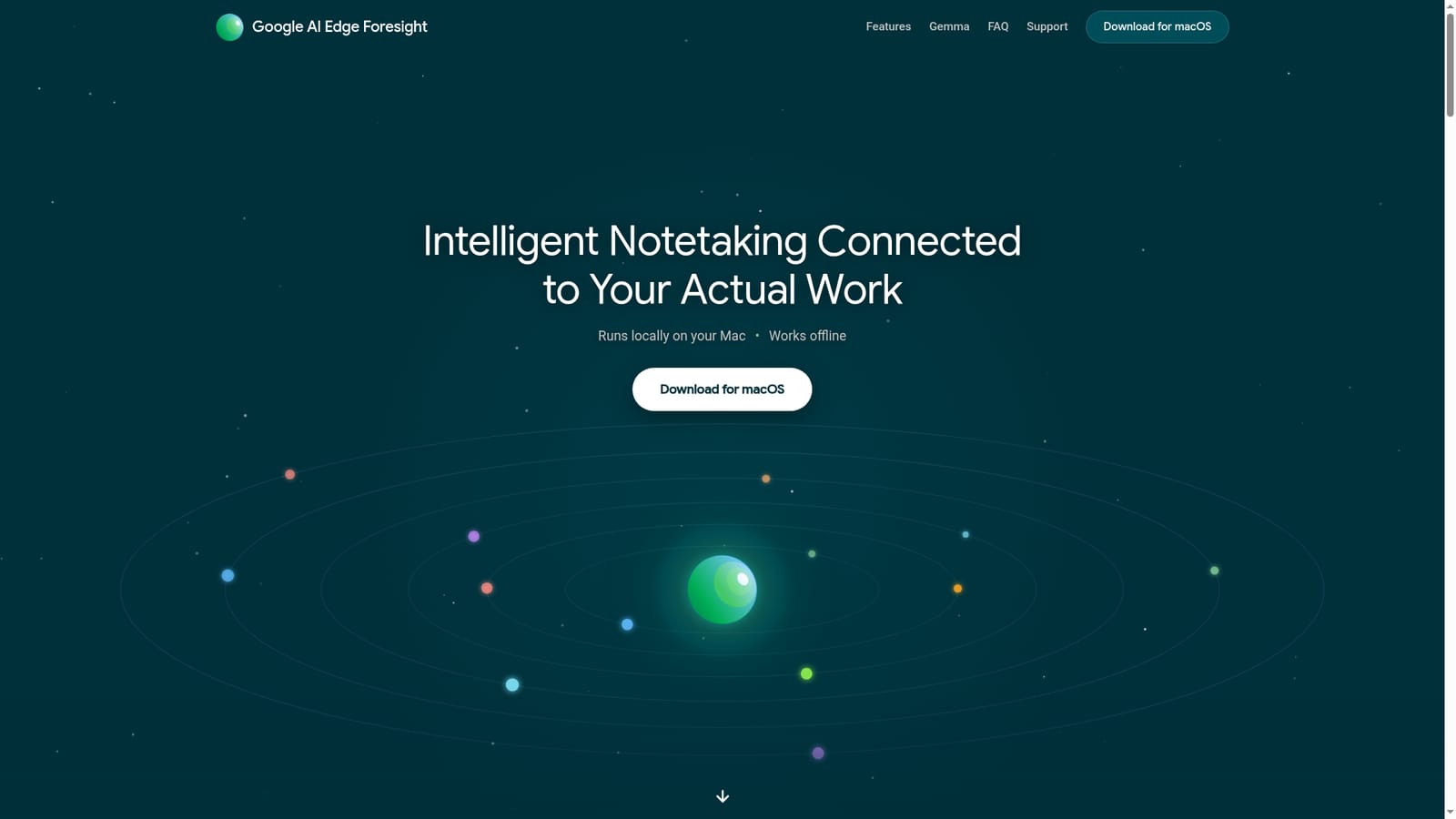
Google AI Edge Foresight is an AI transcriber tool. A macOS notetaking app from Google that transcribes meetings locally, turns shorthand bullets into polished notes, and answers questions from your own files using on-device Gemma models. Offline first, Apple Silicon only.
Google AI Edge Foresight is a macOS notetaking assistant built around a simple idea: the meeting should get your attention, not the keyboard. While a call or in-person discussion runs, Foresight listens in the background and transcribes system audio. You jot rough shorthand bullets for the points you care about, and the app expands them into finished notes using the transcript. Everything happens on the machine itself. The second half of the product is a local knowledge base. You point Foresight at project folders, Google Drive, PDFs, Office documents, diagrams, web bookmarks and calendar entries, and it indexes them for semantic search. During a conversation it can surface context cards with citations when a topic from your imported files comes up, either through chat or through a Live Assistance mode that answers questions automatically. The stated purpose is cutting prep time and the awkward follow-up emails that come from forgetting a detail. Under the hood the app relies on Gemma models running on the device, including EmbeddingGemma 2, a 740M parameter multimodal embedding model that places text, image, video and audio in one vector space. That design removes the usual cloud round trip: indexing, retrieval and transcription all run locally, and the app works with no internet connection at all. It is optimized for Apple Silicon. Foresight sits closest to cloud meeting assistants such as Otter or Fireflies, and its pitch is the opposite one: nothing is uploaded, so confidential documents and proprietary discussions stay on disk. The tradeoffs are real. There is no Windows or web build, the download is macOS only, and Google Workspace accounts need an administrator to switch on Early Access Apps and Core Data Access before sign-in works.
Support runs through standard Google for Developers feedback channels on the product page. Workspace administrators handle access configuration in the Google Admin console, with a linked Admin Help article for details.
Connects to local folders, Google Drive, Google Calendar and existing meeting tools such as Google Meet and Zoom; it listens to system audio rather than requiring a plugin inside those apps.
Local transcription of meeting and system audio, shorthand bullets expanded into polished notes from the transcript, semantic search across folders, Drive, PDFs, Office files, Markdown and bookmarks, calendar-aware context, chat retrieval over personal knowledge, and Live Assistance that shows cited context cards during calls. Powered by on-device Gemma models including EmbeddingGemma 2 for cross-modal retrieval.
 AI Angels400+ customizable AI girlfriends for NSFW chat, voice calls, and roleplay
 Candy AIExperience the future of companionship with AI friends who chat, role-play, and connect with you on a human level.
 ourdream.aiA vast AI roleplay platform with millions of characters for chat, images, video and voiceAI Angels400+ customizable AI girlfriends for NSFW chat, voice calls, and roleplayCandy AIExperience the future of companionship with AI friends who chat, role-play, and connect with you on a human level.ourdream.aiA vast AI roleplay platform with millions of characters for chat, images, video and voice


