GPT Image 2 3rd party

AI image generator built for sharp text, photorealism, and accurate color.

Beginner
Screenshot of GPT Image 2 3rd party, AI image generator built for sharp text, photorealism, and accurate color

What is GPT Image 2 3rd party?

GPT Image 2 3rd party is a web based AI image generator emphasizing sharp text rendering, photorealistic 4K output, and accurate color reproduction, aimed at designers, marketers, and content creators who need fast, style flexible visuals.

GPT Image 2 3rd party is an AI image generation tool focused on three recurring weak points of earlier image models: blurry embedded text, an unnatural warm color cast, and shallow understanding of real world context. The homepage positions it as a model capable of rendering legible text with over 95% accuracy, producing photorealistic output up to 4K resolution, and interpreting complex scenes with cultural and factual nuance. Generation is described as taking under 30 seconds per image, with both text to image and image to image modes available directly in the browser. The tool targets designers, marketers, game developers, e-commerce sellers, and content creators who need production ready visuals without commissioning photography or illustration. Testimonials on the page describe use cases such as concept art, social ad creatives, product mockups, character design, and video thumbnails, suggesting the tool is built for repeated commercial output rather than one off experimentation. Over 50 artistic styles are supported, spanning photorealism, illustration, watercolor, and 3D renders, which widens its appeal beyond strictly photoreal workflows. In practice, a user selects a model, aspect ratio, and resolution, writes a prompt (with prompt case examples available for inspiration), and spends credits to generate an image, with higher resolutions consuming more credits per output. Paid plans scale the credit allowance and per credit cost, and the site also references related models (GPT Image, Nano Banana 2, Nano Banana Pro) accessible through the same credit system, positioning GPT Image 2 as one option within a broader generation suite rather than a single standalone model. Within the crowded AI image generation category, GPT Image 2 differentiates mainly through text clarity and color accuracy claims rather than through unique editing tools or deep customization features, which makes it a reasonable fit for users whose main frustration with prior tools was garbled text or an orange tinted output rather than a need for advanced compositing or API driven pipelines.
How do you use GPT Image 2 3rd party?

  1. 1Open the generator on the homepage
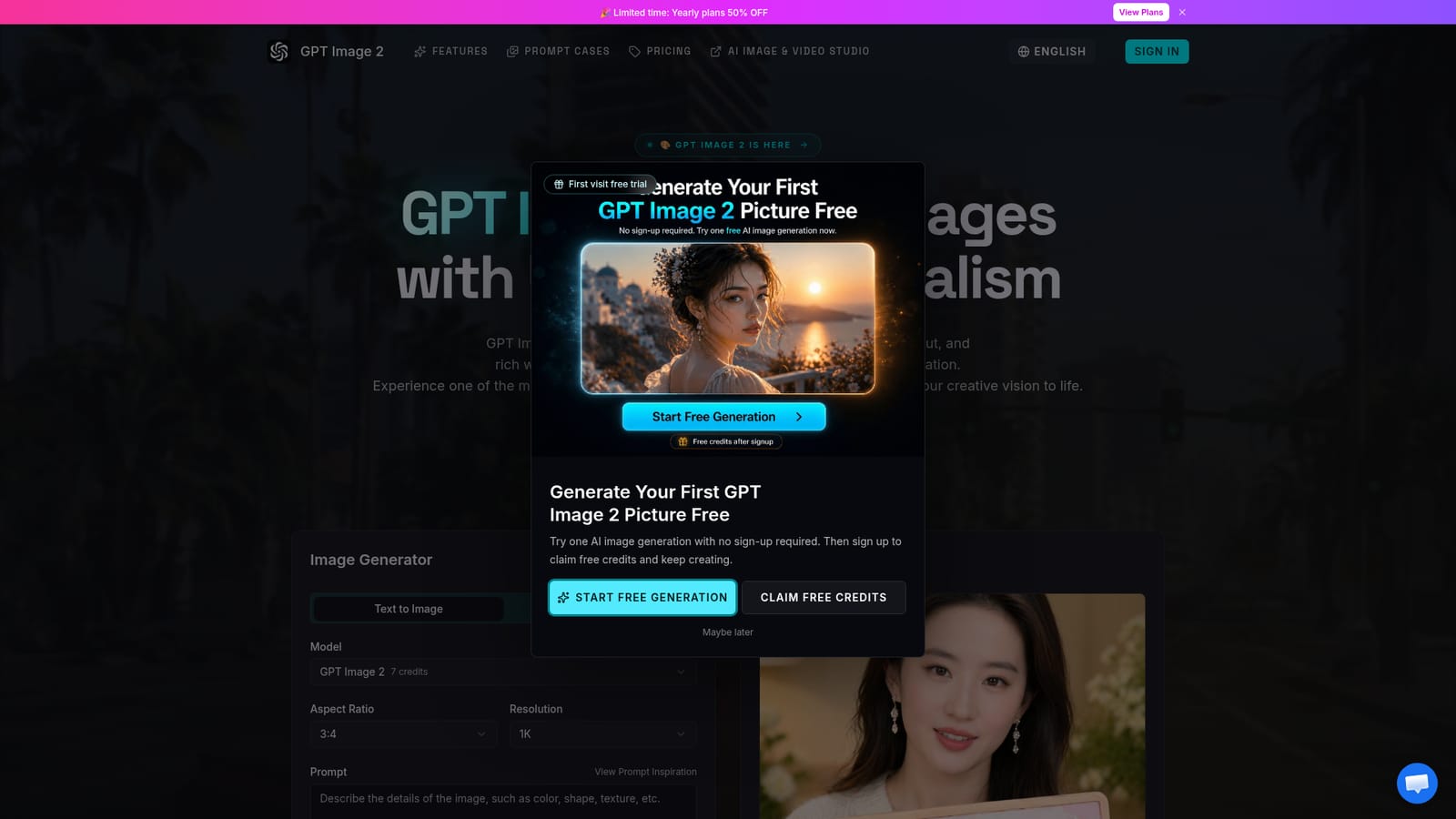
    Go to the GPT Image 2 homepage where the image generator panel is embedded directly on the page, with text to image and image to image modes available.
    GPT Image 2 3rd party — Open the generator on the homepage
  2. 2Browse prompt cases for inspiration
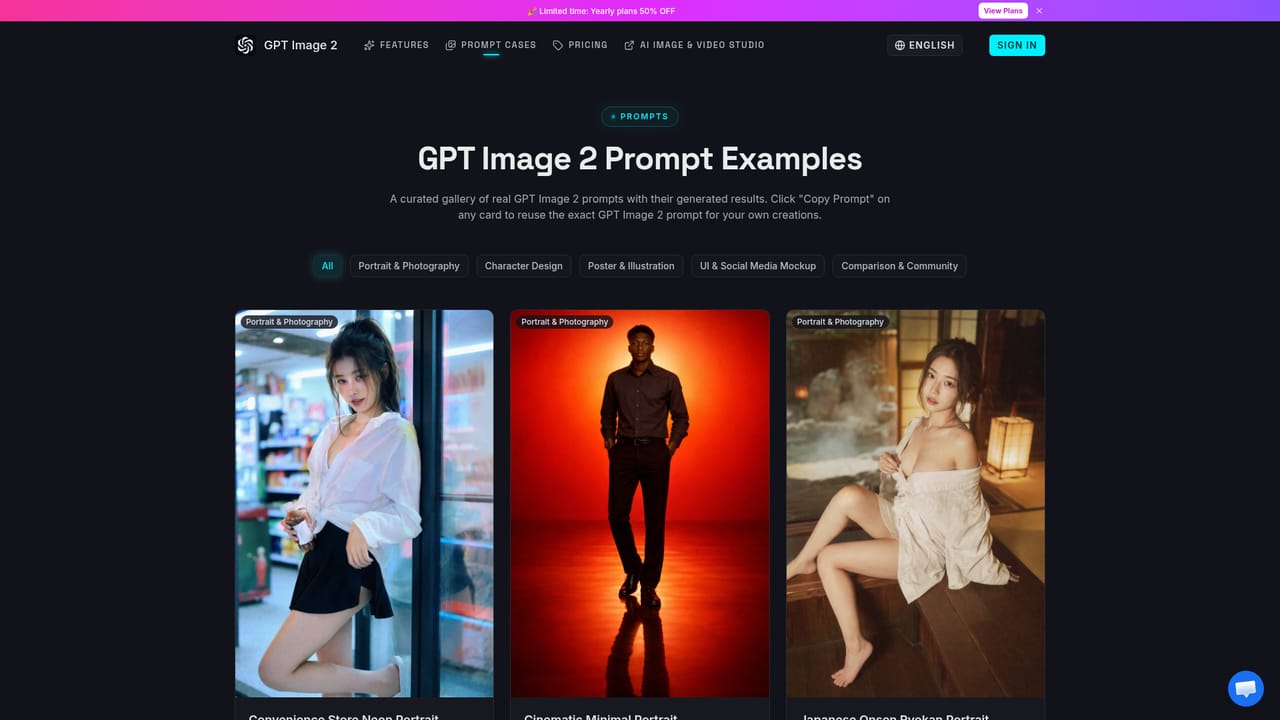
    Check the Prompt Cases page for example prompts and outputs before writing your own, especially useful for understanding how phrasing affects text rendering and style.
    GPT Image 2 3rd party — Browse prompt cases for inspiration
  3. 3Configure model, aspect ratio, and resolution
    Select a model, choose an aspect ratio, and set resolution up to 4K; higher resolutions consume more credits per generation.
  4. 4Write a prompt and generate
    Enter a prompt describing the scene, subject, or embedded text, then submit to generate; results typically appear in under 30 seconds.
  5. 5Review plans and credit costs
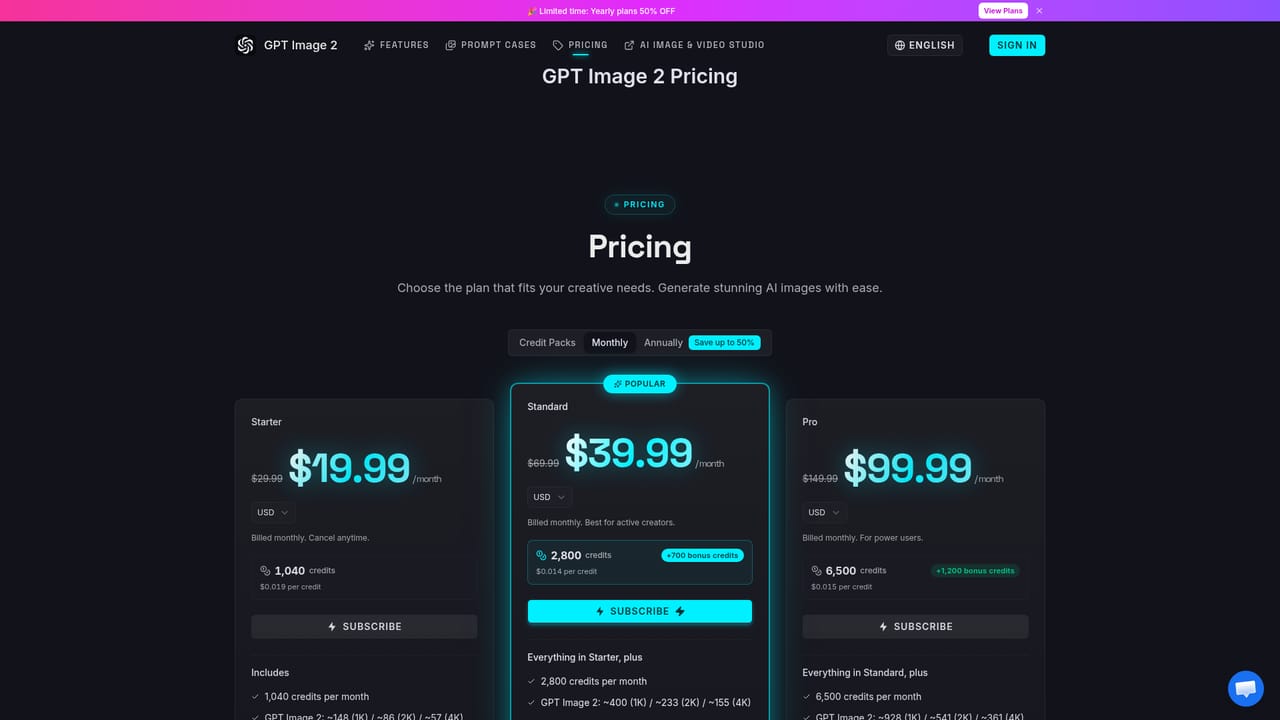
    Compare Starter, Standard, and Pro plans on the pricing page to see how credit allowances map to GPT Image 2 output at different resolutions.
    GPT Image 2 3rd party — Review plans and credit costs
  6. 6Read background on the model
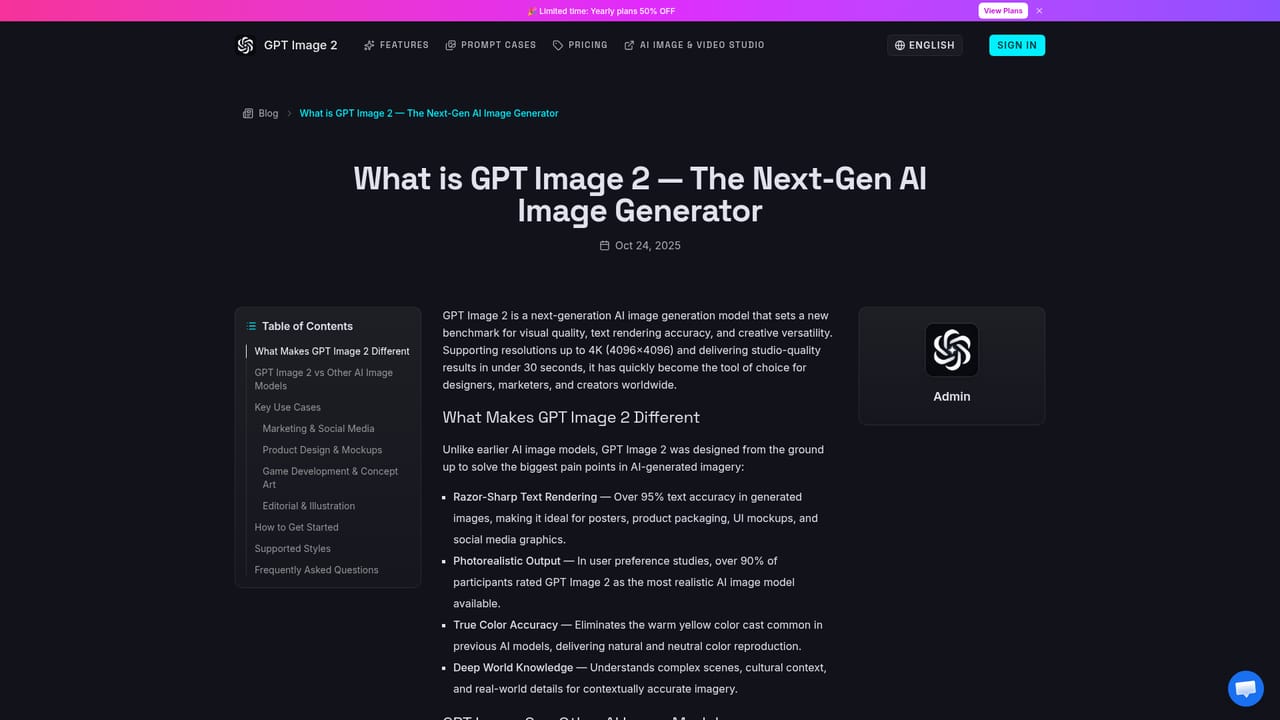
    Visit the blog post explaining what GPT Image 2 is for more context on its design goals and capabilities before committing to a plan.
    GPT Image 2 3rd party — Read background on the model

Pros and cons

Pros

  • Text rendering is claimed at over 95% accuracy, useful for posters and text heavy graphicsAI
  • Supports resolutions up to 4K (4096x4096) for production grade outputAI
  • Covers 50+ artistic styles from photorealism to illustration and 3D rendersAI
  • Offers both text to image and image to image generation in one interfaceAI

Cons

  • Credit based pricing with per model, per resolution costs can be hard to estimate before generatingAI
  • No API or developer integration is mentioned anywhere on the homepageAI
  • FAQ questions about commercial use and licensing are listed but answers are not shown on the pageAI
  • No dedicated support contact, help center, or documentation link is visible on the siteAI
  • Free credits for new users are limited, so meaningful testing likely requires a paid planAI

How much does GPT Image 2 3rd party cost?

Free trial

New users receive free credits to try the generator, and the site mentions a limited time 50% discount across all paid plans.

Learn more

Pricing

Credit based subscription plans: Starter at $19.99/month (1,040 credits), Standard at $39.99/month (2,800 credits plus 700 bonus), and Pro at $99.99/month (6,500 credits plus 1,200 bonus), with per credit cost decreasing on higher tiers; credit packs and annual billing also offered.

Learn more

Features

Text to image and image to image generation with claimed 95%+ text rendering accuracy, photorealistic output up to 4K resolution, corrected color accuracy without warm cast, deep contextual world knowledge, fine detail control, and support for 50+ artistic styles.

Frequently asked questions about GPT Image 2 3rd party

  • How much does GPT Image 2 3rd party cost?
    Credit based subscription plans: Starter at $19.99/month (1,040 credits), Standard at $39.99/month (2,800 credits plus 700 bonus), and Pro at $99.99/month (6,500 credits plus 1,200 bonus), with per credit cost decreasing on higher tiers; credit packs and annual billing also offered.
  • Does GPT Image 2 3rd party offer a free trial?
    New users receive free credits to try the generator, and the site mentions a limited time 50% discount across all paid plans.
  • How do you use GPT Image 2 3rd party?
    The walkthrough on this page covers 6 steps: 1. Open the generator on the homepage 2. Browse prompt cases for inspiration 3. Configure model, aspect ratio, and resolution 4. Write a prompt and generate 5. Review plans and credit costs 6. Read background on the model.
  • What platforms does GPT Image 2 3rd party support?
    GPT Image 2 3rd party is available on Web App.
  • What are the limitations of GPT Image 2 3rd party?
    Credit based pricing with per model, per resolution costs can be hard to estimate before generating. No API or developer integration is mentioned anywhere on the homepage. FAQ questions about commercial use and licensing are listed but answers are not shown on the page.

Status

StatusActive
Views0
Outbound clicks0
Added10/15/2026

Platforms

Web App

Pricing

FreemiumSubscription