Free trial
3-day free trial with 1,000 requests and no stated commitment; cancellation is allowed at any time.
Learn moreReal-time fraud and data quality checks for web apps and payments

Greip is an API-first fraud prevention suite covering payment fraud analysis, card and IBAN checks, IP and VPN intelligence, email and phone validation, and content moderation, with a dashboard for alerts and a custom rules engine developers can tune.
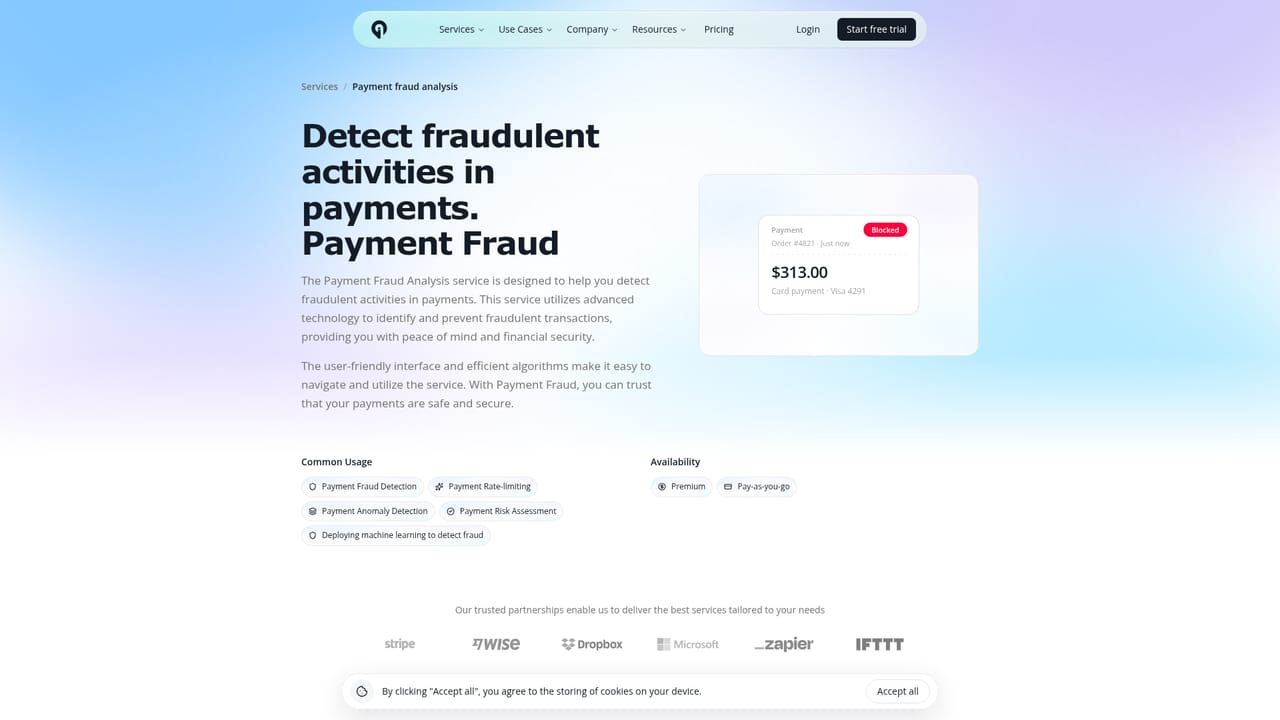
Greip is a fraud prevention and data validation toolkit delivered through an API and a monitoring dashboard. Rather than a single-purpose checker, it bundles nine distinct services: payment fraud analysis that pairs BIN checks with machine learning transaction scoring, card issuer verification for bank, brand and country details, IBAN validation with issuing bank insight, content moderation for profane text, VPN and proxy detection, IP location intelligence, network intelligence via ASN, country intelligence, and email plus phone number scoring to catch disposable or fake sign-ups. The pitch is straightforward: stop bad data and fraudulent activity before it costs money. In practice, a development team wires the relevant endpoint into the parts of a product where risk enters. A sign-up form calls the email and phone scoring service to reject temporary addresses and known bad number prefixes. A checkout calls payment fraud analysis and the BIN lookup before authorizing a card. Both flows can push incoming IPs through the proxy and VPN detector and the geolocation service to flag masked or mismatched traffic. Results land on the dashboard as alerts with a risk score, an event type and the associated user, and the account view aggregates blocked payments, suspicious IPs, spam emails and fake numbers over rolling windows. Custom rules and blacklists sit on top of the default scoring. Teams can write their own conditions, for example blocking payments from high-risk countries, marking specific BINs as invalid, whitelisting verified enterprise accounts or blocking disposable email domains, and attach an action such as overwriting the score, forcing invalidation or blacklisting. This is what separates Greip from a plain IP lookup API: the same vendor supplies payment, identity and content signals that can be combined into one policy layer. Greip is aimed at developers and product teams running ecommerce, fintech or subscription platforms, particularly small and mid-sized operations that want fraud tooling without a dedicated risk engineering group. There are official libraries for Node.js, Python, JavaScript, Go, Ruby and Flutter, plus a Postman collection, and self-serve pricing with a pay-as-you-go calculator. Compared with established fraud platforms, the scope is narrower and the machine learning model is only claimed for transaction analysis, so buyers should test detection quality against their own traffic before committing.
3-day free trial with 1,000 requests and no stated commitment; cancellation is allowed at any time.
Learn moreSelf-serve pricing with a pay-as-you-go calculator and a detailed pricing page. The homepage does not state plan amounts; it only lists a 3-day trial with 1,000 requests.
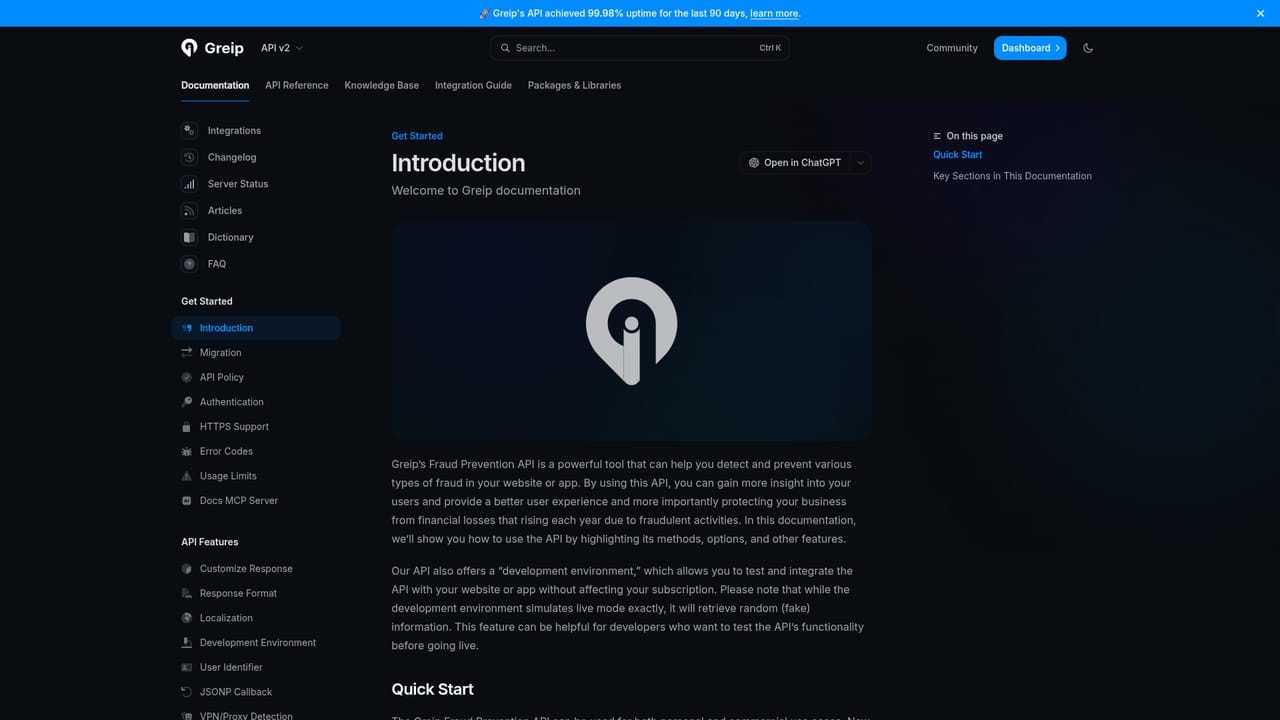
Learn moreDocumentation portal at docs.greip.io plus a dashboard; the homepage does not describe support channels or response times.
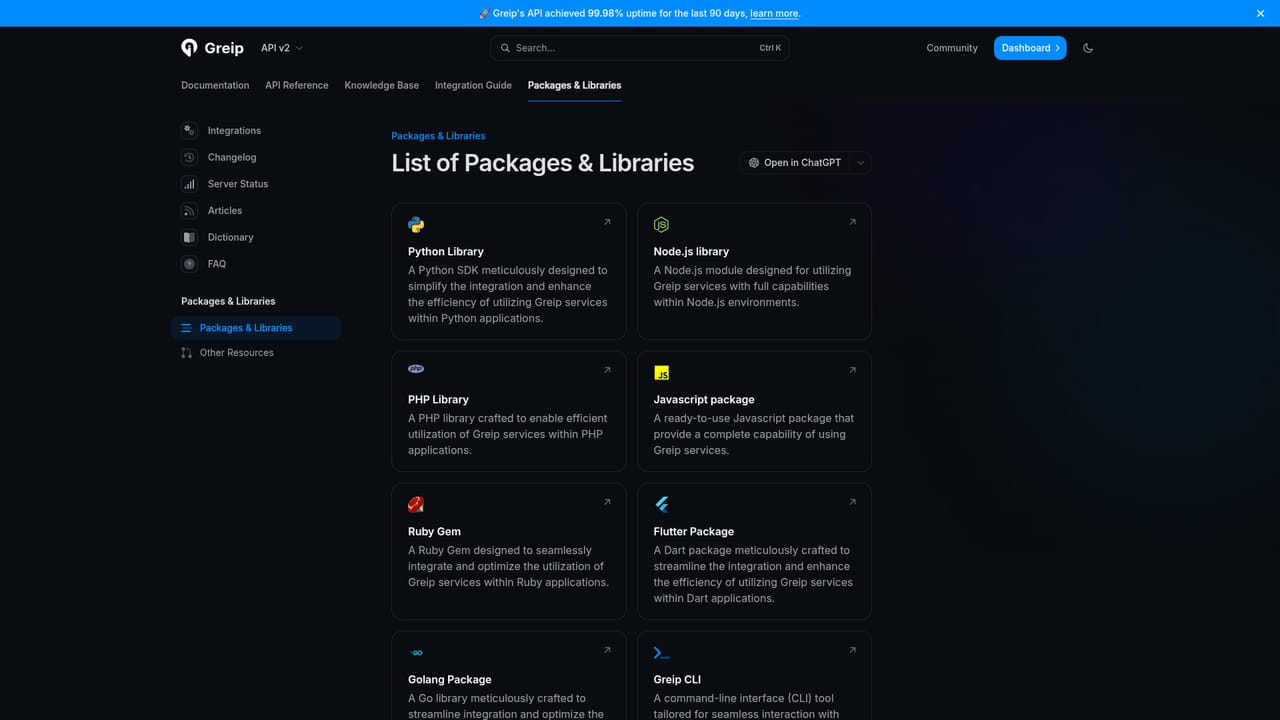
Learn moreOfficial packages for Node.js, Python, JavaScript, Go, Ruby and Flutter, a Postman collection, and documented API access. Homepage partner logos include Stripe, Wise, Dropbox, Microsoft, Zapier and IFTTT.
Learn morePayment fraud analysis combining BIN checks and machine learning transaction scoring, card issuer verification, IBAN validation with bank insight, content moderation, VPN and proxy detection, IP location intelligence, ASN network intelligence, country intelligence, email and phone scoring, plus a dashboard with alerts, custom rules and blacklists.
Learn more AI Angels400+ customizable AI girlfriends for NSFW chat, voice calls, and roleplay
 Candy AIExperience the future of companionship with AI friends who chat, role-play, and connect with you on a human level.
 ourdream.aiA vast AI roleplay platform with millions of characters for chat, images, video and voiceAI Angels400+ customizable AI girlfriends for NSFW chat, voice calls, and roleplayCandy AIExperience the future of companionship with AI friends who chat, role-play, and connect with you on a human level.ourdream.aiA vast AI roleplay platform with millions of characters for chat, images, video and voice


