Vidmoat

Type a prompt, get a finished edit on a timeline you can still touch.

Beginner API
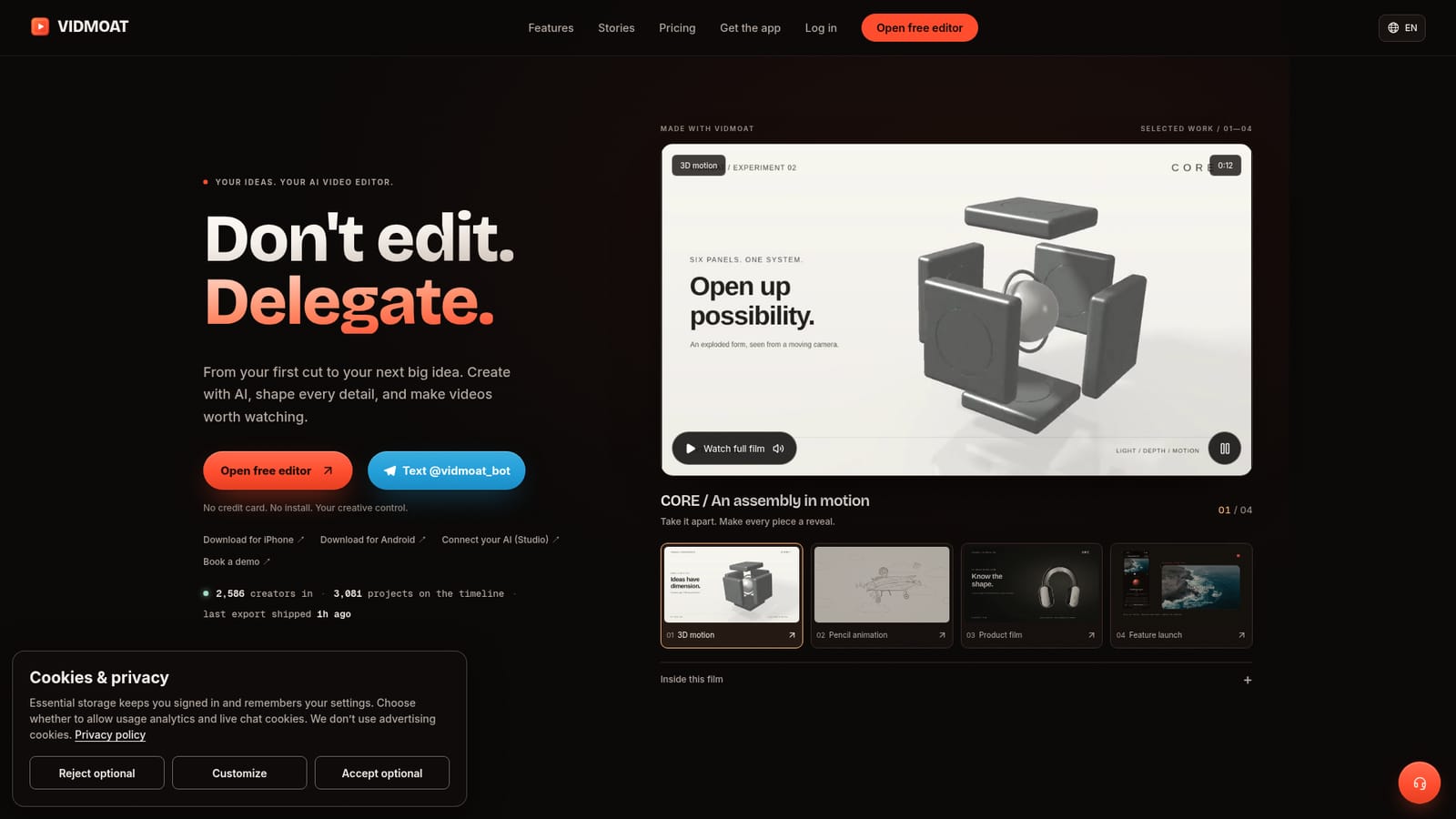
Screenshot of Vidmoat, Type a prompt, get a finished edit on a timeline you can still touch

What is Vidmoat?

Vidmoat is a hosted AI video editor that turns a text prompt into a captioned, color-graded, platform-reformatted edit on a real timeline, usable from the browser, mobile apps, a Telegram bot or MCP-connected agents.

Vidmoat is a hosted AI video editor built around an agent that watches raw footage minute by minute, then executes a full edit from a single written instruction: cutting dead air, writing word-synced captions, grading color, removing backgrounds and reframing for different platforms. Unlike purely automated render tools, every change the agent makes lands on a standard, scrubbable timeline, so the output stays fully adjustable by hand rather than being locked inside a black box. The tool is aimed at people who generate a lot of raw footage and need short, platform-ready cuts without learning a traditional editor: podcasters turning a long recording into a dozen captioned clips, chefs condensing an hour of cooking into a one-minute recipe video, coaches breaking down client form, plus dedicated workflows for gaming montages, real estate tours, course lessons, music edits and product videos. The free Hobby plan is built for first-time users who have never opened an editing timeline before. In practice, the same project can be driven from several places: the browser editor at vidmoat.com, native iPhone and Android apps, a Telegram bot (with WhatsApp and Discord working similarly) that returns a finished MP4 inside the chat, or over MCP so agents in Claude, Cursor or ChatGPT can import media, run more than 65 timeline commands, preview frames and render output without opening the app. Projects, credits and plan limits stay consistent across all of these entry points. Against manual editors like CapCut or Premiere, Vidmoat's distinction is that the agent operates the timeline itself from plain-language instructions instead of requiring frame-by-frame manual work, while still leaving a conventional, editable project underneath. That combination, plus the MCP connector for external coding agents, sets it apart from most AI video tools that only generate or caption clips without exposing a real timeline.

How do you use Vidmoat?

  1. 1Open the free editor
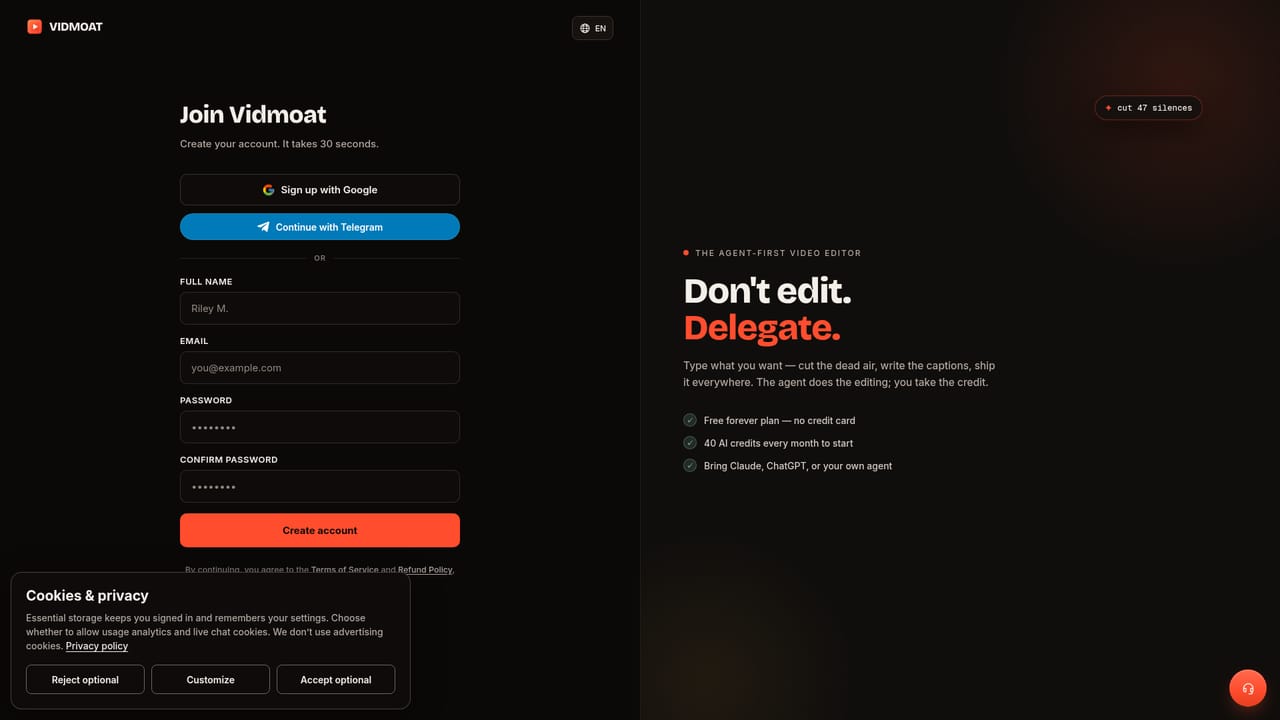
    Go to vidmoat.com and start a project with no credit card or install required, or text a clip directly to @vidmoat_bot instead.
    Vidmoat — Open the free editor
  2. 2Upload your footage
    Bring raw clips into a project; Auto-Cut can scan hours of footage to find usable takes and strip dead air before you start prompting.
    Vidmoat — Upload your footage
  3. 3Describe the edit you want
    Type an instruction such as 'make this a punchy TikTok' and watch the agent add captions, cut silences and grade color step by step.
  4. 4Review and adjust the timeline
    Every automated change stays on a normal timeline, so clips, captions and effects can be tweaked by hand before anything is finalized.
  5. 5Reformat for each platform
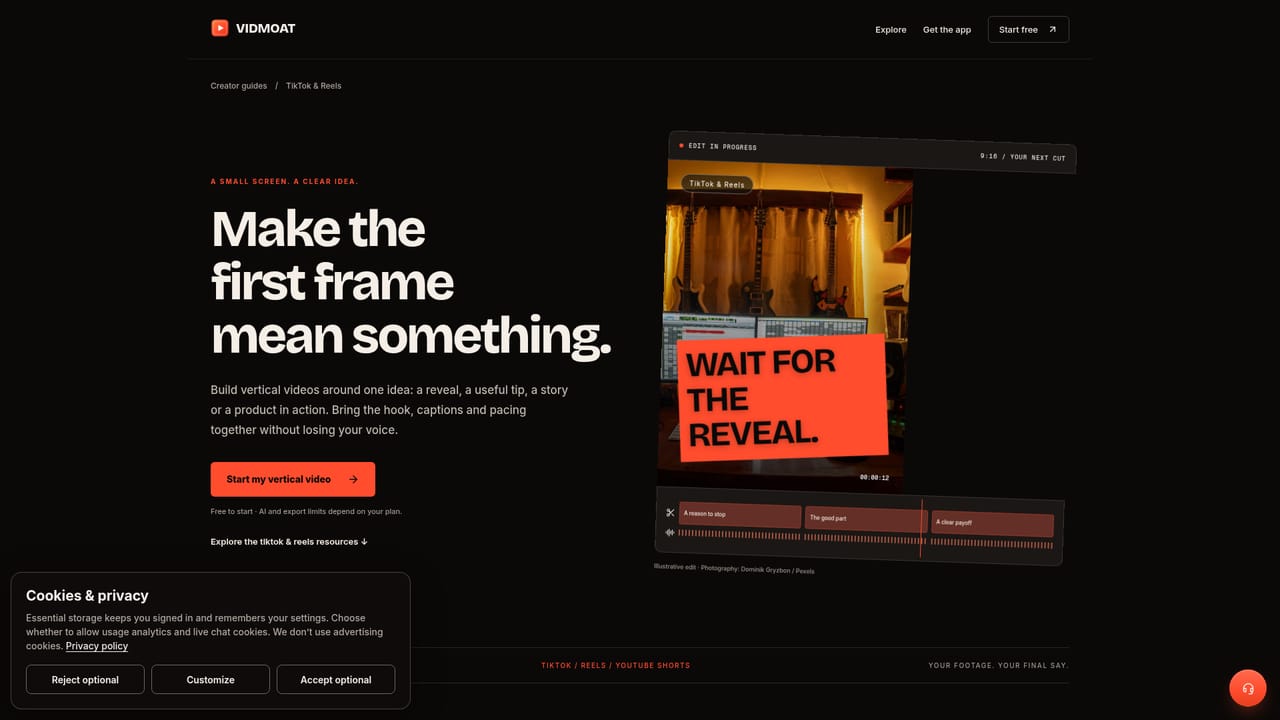
    Switch formats to get the same edit reframed and re-hooked for TikTok, Reels, YouTube or Shorts without rebuilding the cut.
    Vidmoat — Reformat for each platform
  6. 6Render or connect an agent
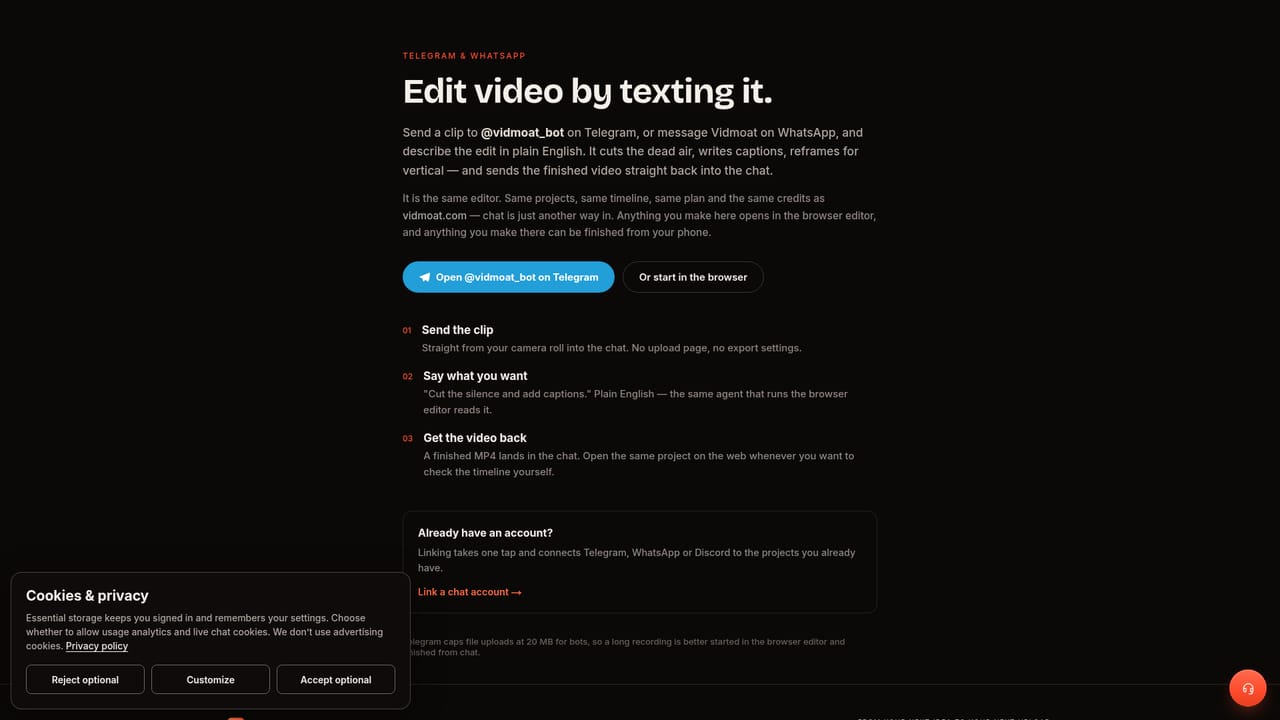
    Export the finished MP4 from the browser or app, or connect Vidmoat to Telegram, WhatsApp, Discord or an MCP client for chat and agent-driven editing.
    Vidmoat — Render or connect an agent

Pros and cons

Pros

  • Non-editors can produce finished, captioned videos from a single plain-language promptAI
  • Every automated edit lands on a real timeline that stays fully adjustable by handAI
  • Same project works from the browser, iOS and Android apps, a Telegram bot, and MCP agentsAI
  • Free Hobby plan is usable indefinitely rather than a time-limited trialAI
  • One edit can be reframed and re-hooked for TikTok, Reels, YouTube and Shorts in one passAI

Cons

  • Free plan exports are capped at 720p and carry a watermarkAI
  • Exact paid plan pricing is not detailed on the homepage and requires checking the pricing page separatelyAI
  • Relying on an agent for multi-step edits may reduce control for editors who want precise manual-first workflowsAI
  • MCP and advanced API access for custom agents are tied to the higher Studio tier rather than available to everyoneAI
  • Chat-based editing via Telegram or WhatsApp depends on a third-party messaging app being set up correctlyAI

How much does Vidmoat cost?

Pricing

Vidmoat offers a free Hobby plan with 720p watermarked exports plus paid tiers that add 4K exports, no watermark and pro effects; a Studio-level tier adds personal API keys for custom MCP integrations. Full tier details are listed on the pricing page.

Learn more

Support

An on-page FAQ covers editing without experience, mobile and chat access, privacy, MCP setup, cancellation and current AI capabilities.

Integrations

Works through a Telegram bot (with WhatsApp and Discord support described similarly) and over MCP, letting Claude, Cursor or ChatGPT import media, run timeline commands and render video.

Learn more

Features

Prompt-driven editing agent that reads footage word by word, auto-cuts dead air, writes word-synced captions, removes or replaces backgrounds, applies 33+ effects, and reframes one edit for TikTok, Reels, YouTube and Shorts on a reviewable timeline.

Learn more

Frequently asked questions about Vidmoat

  • How much does Vidmoat cost?
    Vidmoat offers a free Hobby plan with 720p watermarked exports plus paid tiers that add 4K exports, no watermark and pro effects; a Studio-level tier adds personal API keys for custom MCP integrations. Full tier details are listed on the pricing page.
  • Does Vidmoat have an API?
    Yes, Vidmoat offers an API.
  • How do you use Vidmoat?
    The walkthrough on this page covers 6 steps: 1. Open the free editor 2. Upload your footage 3. Describe the edit you want 4. Review and adjust the timeline 5. Reformat for each platform 6. Render or connect an agent.
  • What platforms does Vidmoat support?
    Vidmoat is available on Web App, iOS, Android, MacOS, Windows and Discord.
  • What does Vidmoat integrate with?
    Works through a Telegram bot (with WhatsApp and Discord support described similarly) and over MCP, letting Claude, Cursor or ChatGPT import media, run timeline commands and render video.
  • What are the limitations of Vidmoat?
    Free plan exports are capped at 720p and carry a watermark. Exact paid plan pricing is not detailed on the homepage and requires checking the pricing page separately. Relying on an agent for multi-step edits may reduce control for editors who want precise manual-first workflows.

Status

StatusActive
Views0
Outbound clicks0
Added10/15/2026

Platforms

Web AppiOSAndroidMacOSWindowsDiscord

Pricing

FreeFreemiumSubscription

Creator

@vidmoat

Twitter / X