Veevid AI

One interface, every leading AI video model, synced audio built in.

Beginner API
Screenshot of Veevid AI, One interface, every leading AI video model, synced audio built in

What is Veevid AI?

Veevid AI is a web platform that converts text prompts or images into cinematic videos with synchronized audio, drawing on multiple third-party video, image, and audio models in one interface.

Veevid AI is a web-based video generation platform that turns written prompts or uploaded images into finished video clips, including matching audio, without requiring any editing software. Instead of building its own single model, it gives users access to a roster of current video, image, and audio engines such as Kling 4.0, LTX 2.5, Grok Imagine, Wan 3.0, MiniMax H3 Max, Seedance 2.5, Seedream 5.0 Pro, and Eleven v4, letting creators pick whichever engine suits a given shot or style rather than committing to one vendor's limitations. The tool is aimed at people who need finished video output fast: social media creators, marketers producing ads and product demos, and small teams making explainer or storytelling content who do not have a dedicated editing workflow. The process is reduced to three steps: describe a scene or upload a reference image, choose a model along with aspect ratio and duration, then preview and download the result. Outputs can reach 4K resolution, with an upscaler available for sharpening lower-resolution generations, and the system aims to pair generated motion with naturally synced audio and effects. Where Veevid differentiates itself from single-model generators is the aggregation layer: rather than forcing a choice between dedicated text-to-video, image-to-video, lip-sync, or upscaling tools, it bundles these functions (motion control, camera controls, character swap, video extension, virtual try-on) under one account. This makes it a reasonable fit for creators who currently juggle several separate AI video and audio tools and want fewer logins and exports. It sits alongside other multi-model aggregators rather than single-purpose generators, trading some depth of control for breadth of access and simplicity for non-editors.
How do you use Veevid AI?

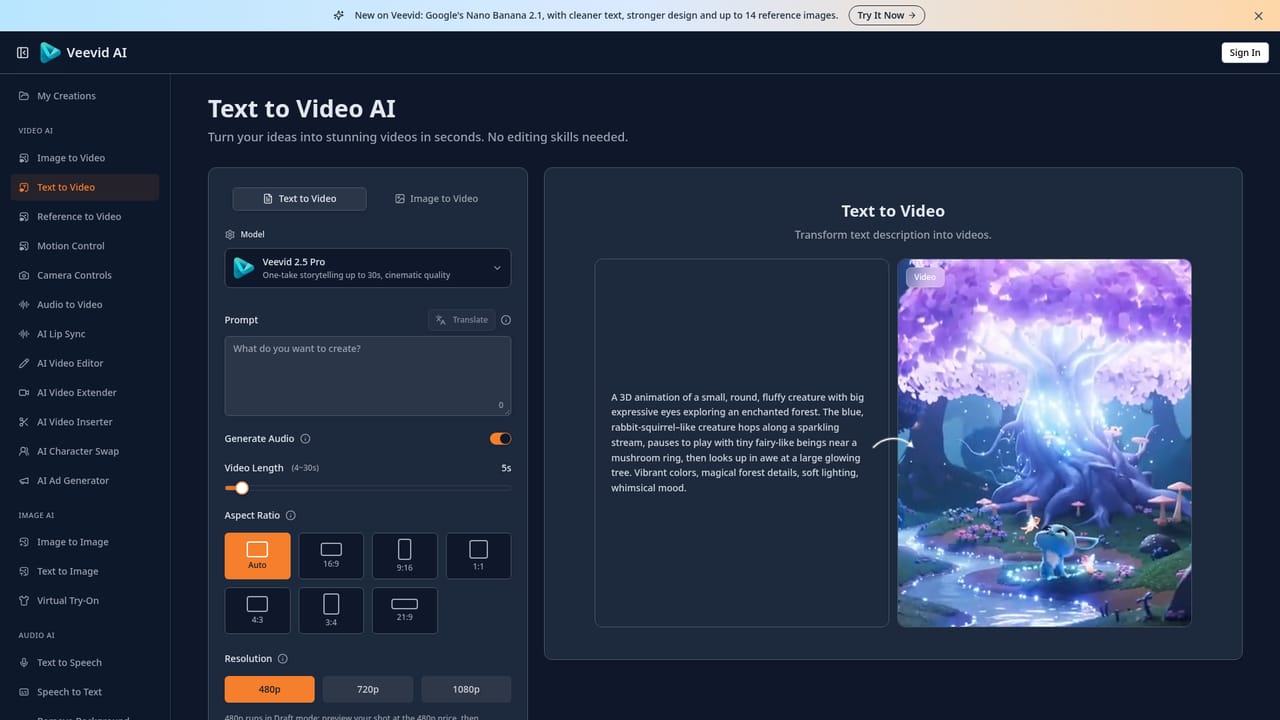
  1. 1Choose text-to-video or image-to-video
    Decide whether to start from a written prompt describing the scene and motion, or upload a reference image to animate.
    Veevid AI — Choose text-to-video or image-to-video
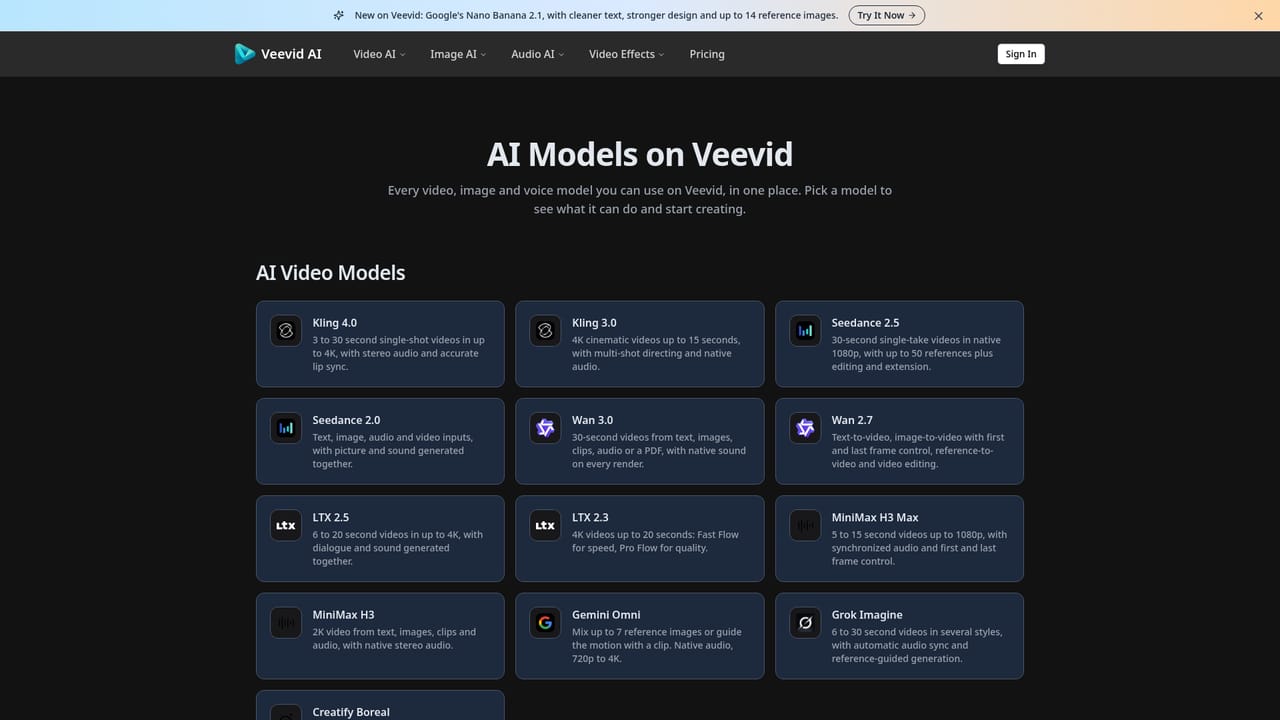
  2. 2Pick an AI model for the job
    Browse the available video, image, and audio models and select one suited to the desired style, from cinematic realism to anime or product shots.
    Veevid AI — Pick an AI model for the job
  3. 3Set aspect ratio and duration, then generate
    Configure the output format and length before running the generation, which the platform completes in minutes.
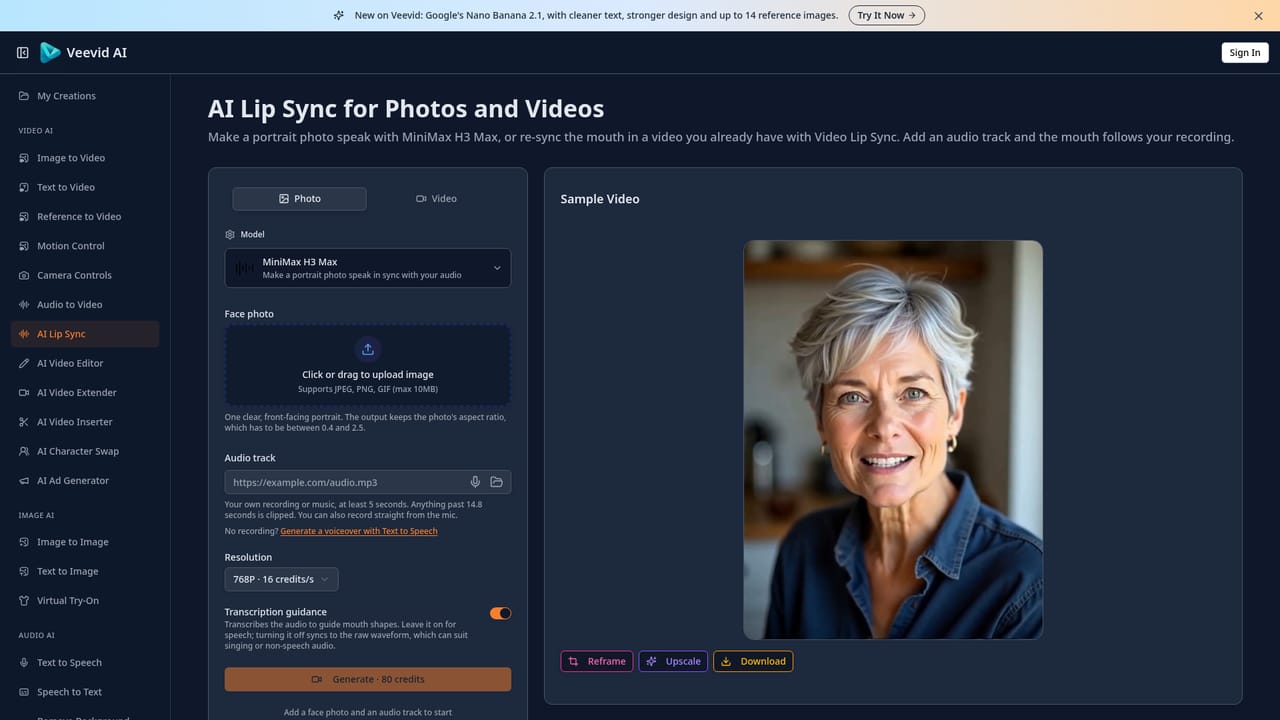
  4. 4Add synchronized audio or lip sync
    Apply automatic audio matching or lip-sync tools so dialogue and sound effects align with the generated motion.
    Veevid AI — Add synchronized audio or lip sync
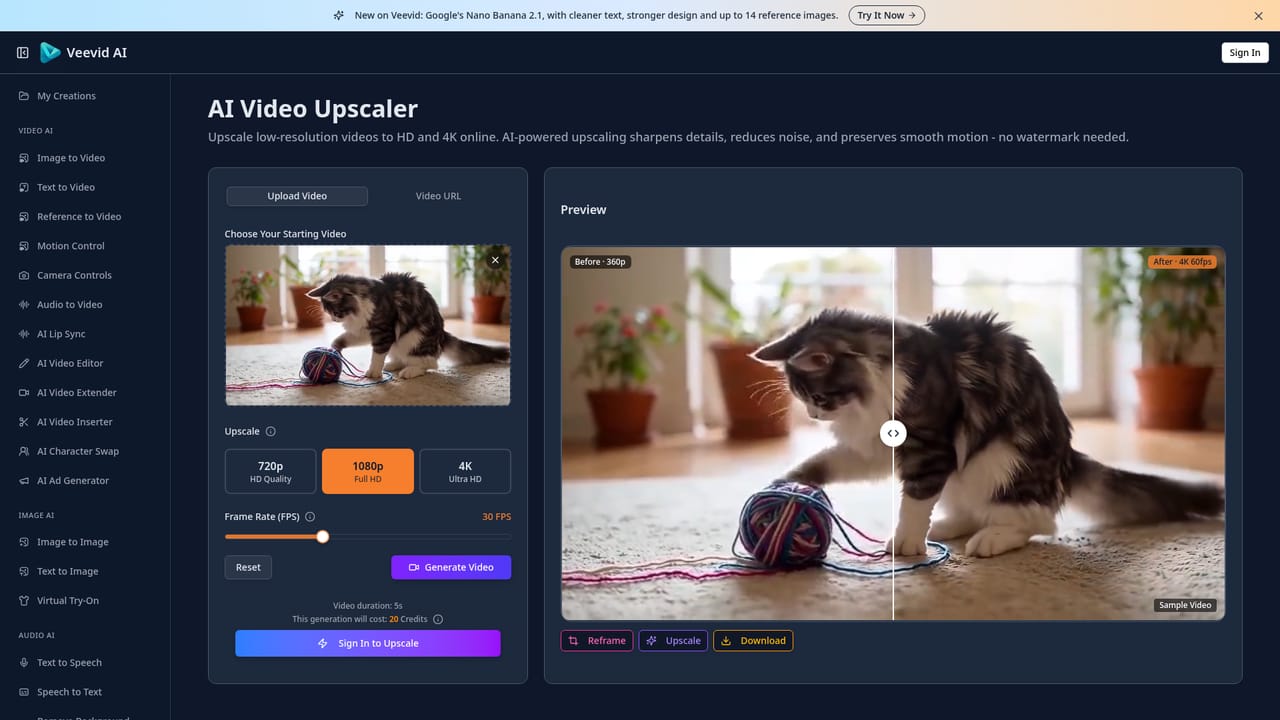
  5. 5Upscale or resize for the target platform
    Run the video through the upscaler for higher resolution or resize it to fit specific social platforms before export.
    Veevid AI — Upscale or resize for the target platform
  6. 6Preview, download, and share the result
    Review the finished clip, download the file, and export it for commercial use, YouTube, TikTok, or other channels.

Pros and cons

Pros

  • Aggregates many current video, image, and audio generation models in a single interface so users avoid switching platformsAI
  • Produces synchronized audio automatically alongside generated video, reducing the need for separate audio editing toolsAI
  • Supports output up to 4K resolution with a built-in upscaler for sharpening lower-quality clipsAI
  • Workflow is reduced to prompt or image input plus model selection, requiring no editing experienceAI
  • Covers a wide range of formats including ads, social clips, product demos, lip-sync, and stylized effect videosAI

Cons

  • Homepage does not break down concrete plan prices or usage limits, making cost comparison difficult before signing upAI
  • Offering many selectable models adds a decision burden for users unfamiliar with the strengths of each engineAI
  • No mention of team collaboration, shared workspaces, or project management features for larger production teamsAI
  • Automated safety filtering could block or restrict certain creative, stylized, or mature content without clear guidanceAI
  • Platform availability appears limited to a web app with no listed desktop or mobile applicationsAI

How much does Veevid AI cost?

Pricing

Veevid offers monthly, annual, and lifetime subscription plans aimed at individuals, teams, and enterprises, with each tier providing different usage limits across the full suite of AI video, image, and audio tools.

Learn more

Support

Support is reachable by email (hello@veevid.ai) and through the platform's Discord community for creator questions and discussion.

Integrations

Veevid integrates a range of third-party video, image, and audio generation models, including Kling, LTX, Grok Imagine, Wan, MiniMax, Seedance, Seedream, FLUX, Qwen, GPT Image, and Eleven, accessible from a single interface.

Learn more

Features

Text-to-video and image-to-video generation, synchronized audio, lifelike motion simulation, up to 4K output with upscaling, access to multiple third-party AI models, lip sync, character swap, video extension, and content safety filtering.

Frequently asked questions about Veevid AI

  • How much does Veevid AI cost?
    Veevid offers monthly, annual, and lifetime subscription plans aimed at individuals, teams, and enterprises, with each tier providing different usage limits across the full suite of AI video, image, and audio tools.
  • Does Veevid AI have an API?
    Yes, Veevid AI offers an API.
  • How do you use Veevid AI?
    The walkthrough on this page covers 6 steps: 1. Choose text-to-video or image-to-video 2. Pick an AI model for the job 3. Set aspect ratio and duration, then generate 4. Add synchronized audio or lip sync 5. Upscale or resize for the target platform 6. Preview, download, and share the result.
  • What platforms does Veevid AI support?
    Veevid AI is available on Web App.
  • What does Veevid AI integrate with?
    Veevid integrates a range of third-party video, image, and audio generation models, including Kling, LTX, Grok Imagine, Wan, MiniMax, Seedance, Seedream, FLUX, Qwen, GPT Image, and Eleven, accessible from a single interface.
  • What are the limitations of Veevid AI?
    Homepage does not break down concrete plan prices or usage limits, making cost comparison difficult before signing up. Offering many selectable models adds a decision burden for users unfamiliar with the strengths of each engine. No mention of team collaboration, shared workspaces, or project management features for larger production teams.

Status

StatusActive
Views0
Outbound clicks0
Added10/15/2026

Platforms

Web App

Pricing

SubscriptionPaid