Video Watermark Remover

AI erases watermarks from TikTok, YouTube, and Sora 2 clips without blurring the footage.

Beginner
Screenshot of Video Watermark Remover, AI erases watermarks from TikTok, YouTube, and Sora 2 clips without blurring

What is Video Watermark Remover?

Video Watermark Remover is a generative video tool. Browser-based AI tool that removes logos, text, and platform watermarks from TikTok, YouTube, Instagram, and AI-generated video like Sora 2, aiming to preserve original resolution without blur.

Video Watermark Remover is a browser-based tool that uses machine learning to detect and erase logos, text overlays, and platform watermarks from video footage. It targets content pulled from TikTok, YouTube, Instagram, and AI generators such as OpenAI Sora 2, Pika, and Runway, reconstructing the pixels beneath a removed watermark so the frame looks untouched rather than blurred or patched. The tool is built for people who need clean video assets on a recurring basis: content creators repurposing clips across channels, social media managers scrubbing outdated branding from archived footage, video editors prepping client or stock material, and filmmakers cleaning Sora 2 preview overlays before grading and compositing. Businesses also use it to remove supplier or third-party watermarks from product and training videos before redistribution. In practice, a user uploads a video file or pastes a source URL, and the AI analyzes the footage frame by frame to locate static and animated watermark patterns, including moving platform badges and timestamps. It then fills the affected area using surrounding pixel and motion data before returning a processed file in the original resolution, up to 4K, in common formats such as MP4, MOV, and AVI, ready to drop into editors like Premiere Pro, DaVinci Resolve, or CapCut. Batch handling lets users push through multiple clips without repeating the upload cycle for each one. Within the watermark removal category, the tool differentiates itself by framing AI-generated content as a core use case, with explicit support for Sora 2 overlays alongside standard social platform badges. It positions itself as a browser utility rather than a full editing suite, so it fits best as one step in a broader post-production or content repurposing workflow rather than as a standalone editor.

How do you use Video Watermark Remover?

  1. 1Upload the source video
    Upload a video file from your device or paste a video URL from TikTok, YouTube, Instagram, or another source. Common formats like MP4, MOV, and AVI are supported.
    Video Watermark Remover — Upload the source video
  2. 2Let the AI detect the watermark
    The system analyzes the footage frame by frame to locate static or animated watermarks, logos, text overlays, and timestamps automatically.
  3. 3Review the processed clip
    Once processing finishes, preview the result to confirm the watermark area has been reconstructed cleanly without blur or artifacts.
  4. 4Download the clean master
    Download the watermark-free video in its original resolution, ready for import into Premiere Pro, DaVinci Resolve, CapCut, or another editor.
  5. 5Batch process additional clips
    Repeat the upload and processing steps for multiple videos when clearing watermarks from an entire content library.
  6. 6Check past outputs
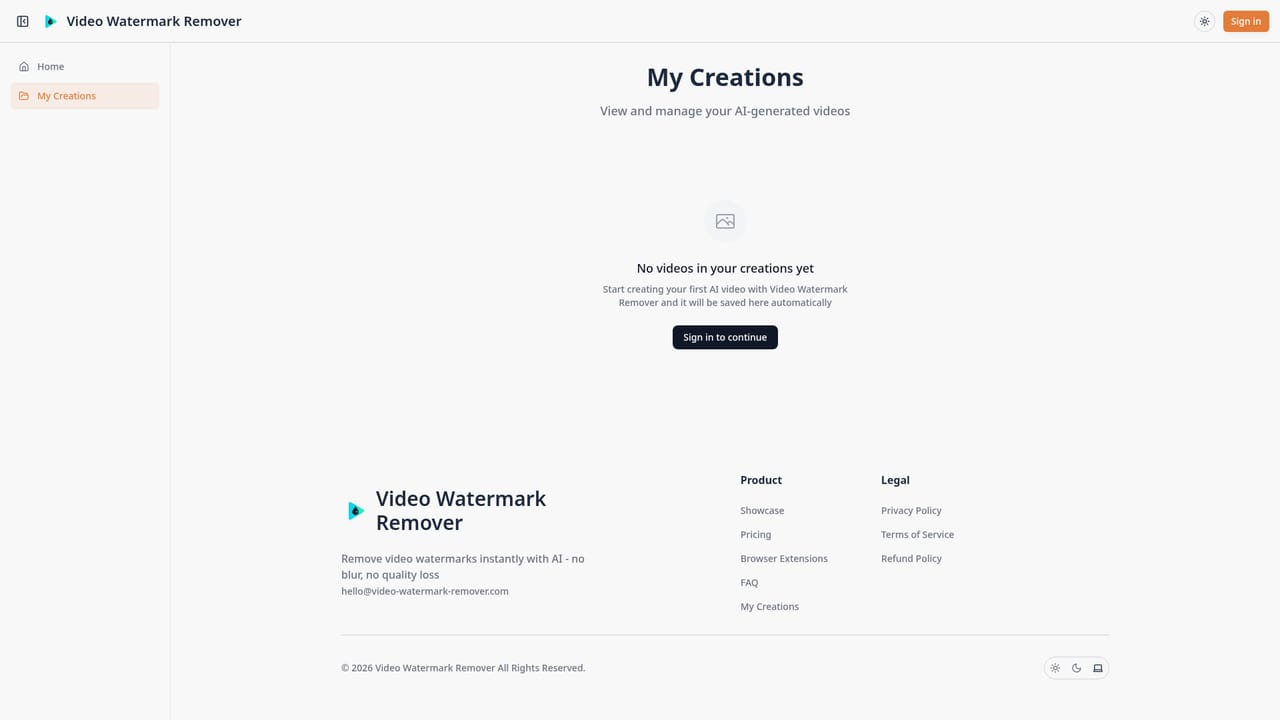
    Revisit previously processed videos and downloads from the creations area of the account.
    Video Watermark Remover — Check past outputs

Pros and cons

Pros

  • Handles both static and animated watermarks across multiple social platforms and AI video generators.AI
  • Reconstructs pixels to avoid the blur or pixelation typical of manual watermark removal.AI
  • No software installation required since processing happens entirely in the browser.AI
  • Batch processing supports clearing watermarks from large video libraries efficiently.AI
  • Dedicated handling for Sora 2 preview overlays suits creators working with AI-generated footage.AI

Cons

  • Homepage does not disclose specific pricing figures, so total cost is unclear before signing up.AI
  • No stated free trial or free tier, so results cannot be tested without paying.AI
  • Processing still takes a few minutes per clip, which can add up across long or complex videos.AI
  • No mention of an API, so developers cannot automate the removal pipeline programmatically.AI
  • Privacy claims about encryption and automatic deletion are not independently verifiable from the homepage alone.AI

How much does Video Watermark Remover cost?

Support

Support is reachable via the listed email address; no live chat, phone, or dedicated help center is described on the homepage.

Integrations

Outputs are formatted for use in standard editing software such as Premiere Pro, DaVinci Resolve, and CapCut, though no direct API or third-party service integrations are described.

Learn more

Features

AI-driven detection and removal of static and animated watermarks, logos, and text from video, with claimed no-quality-loss reconstruction up to 4K, batch processing, multi-platform source support (TikTok, YouTube, Instagram, Sora 2), and export to common editing formats.

Frequently asked questions about Video Watermark Remover

  • How do you use Video Watermark Remover?
    The walkthrough on this page covers 6 steps: 1. Upload the source video 2. Let the AI detect the watermark 3. Review the processed clip 4. Download the clean master 5. Batch process additional clips 6. Check past outputs.
  • What platforms does Video Watermark Remover support?
    Video Watermark Remover is available on Web App and Browser extension.
  • What does Video Watermark Remover integrate with?
    Outputs are formatted for use in standard editing software such as Premiere Pro, DaVinci Resolve, and CapCut, though no direct API or third-party service integrations are described.
  • What are the limitations of Video Watermark Remover?
    Homepage does not disclose specific pricing figures, so total cost is unclear before signing up. No stated free trial or free tier, so results cannot be tested without paying. Processing still takes a few minutes per clip, which can add up across long or complex videos.

Status

StatusActive
Views0
Outbound clicks0
Added10/15/2026

Platforms

Web AppBrowser extension

Pricing

Paid