Free trial
The homepage does not state a free trial. A free AI LinkedIn photo generator page exists as a lower-commitment entry point, but it is not described as a full trial of the paid service.
Learn moreStudio-quality AI headshots from selfies in about an hour
Own Headshot Photo? Verify ownership to get a dofollow link

Headshot Photo converts a few selfies into up to 100 professional headshots in about an hour, with style choices for outfits and backgrounds. High resolution, full ownership, a 100 percent money-back guarantee, and plans from $34 make it a low-risk option for LinkedIn, resumes, and team pages.
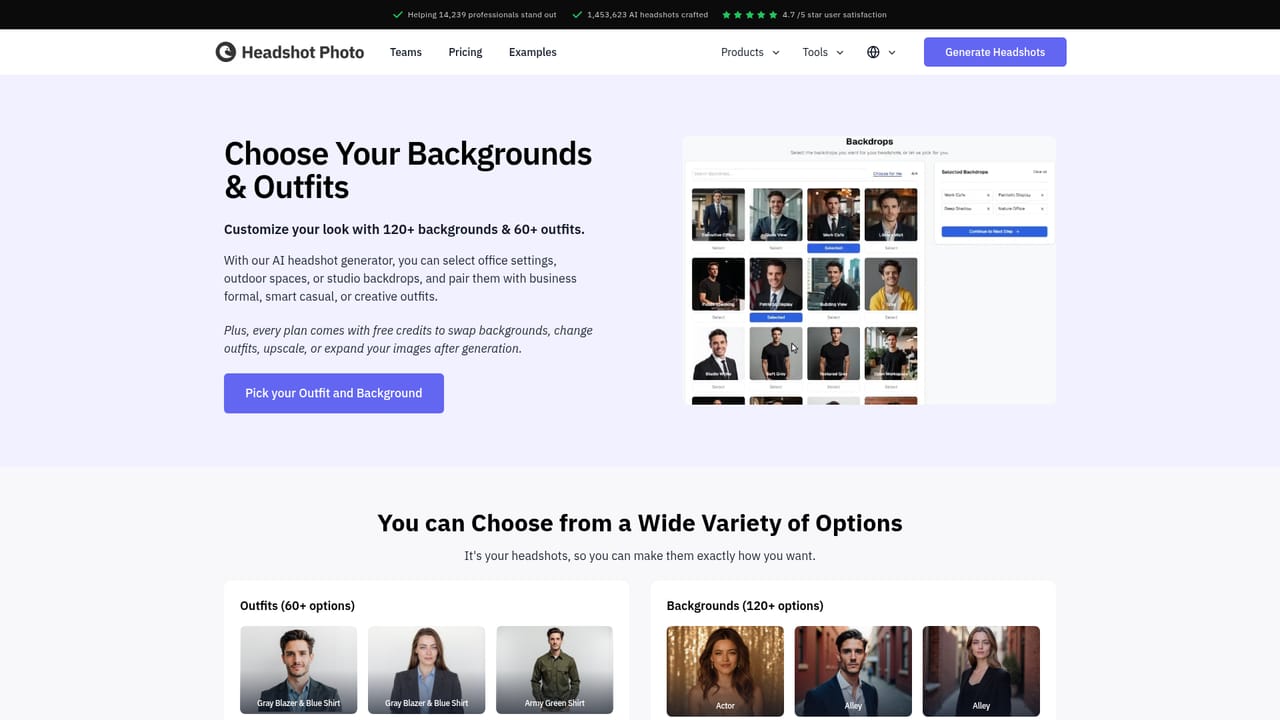
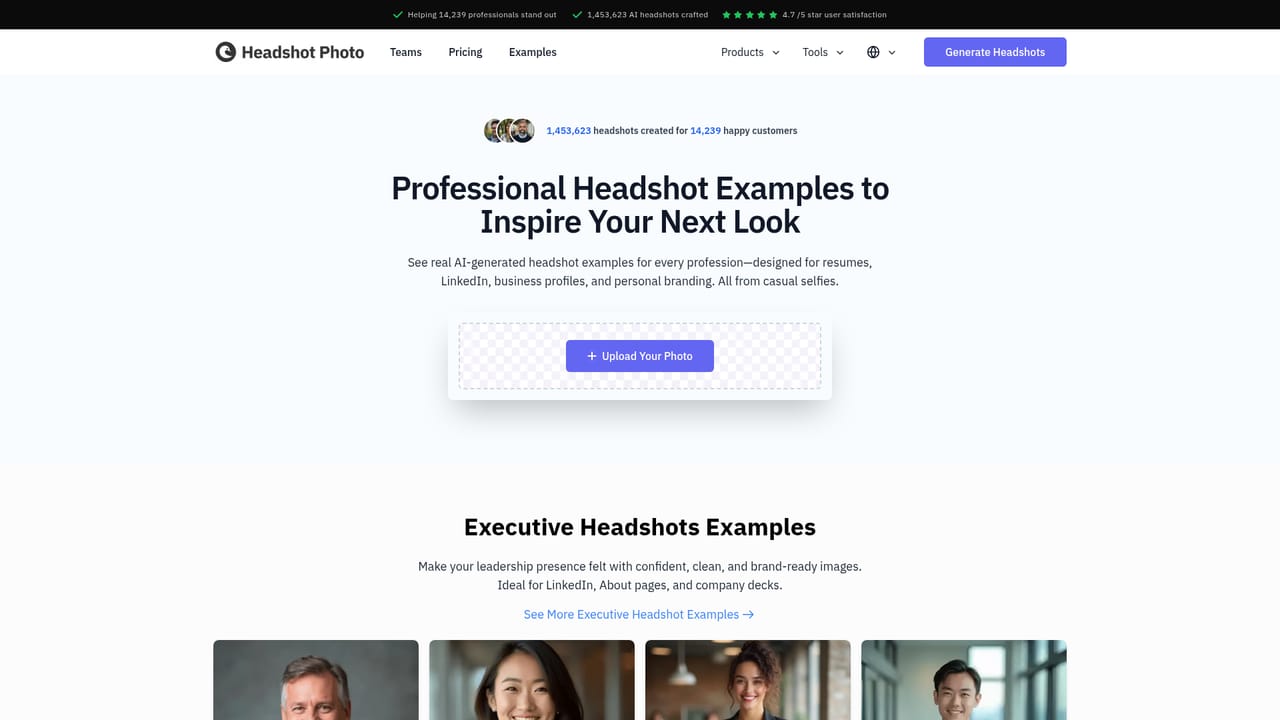
Headshot Photo turns a handful of everyday selfies into a set of professional business headshots, delivered in roughly one hour. The service is built for people who need a polished portrait for LinkedIn, a resume, a company team page, or a speaker bio but cannot justify the cost and scheduling of a studio shoot. According to the site, it has produced over 1.4 million AI headshots for more than 14,000 professionals and holds a 4.7 out of 5 rating on Reviews.io. The workflow is deliberately simple: upload your photos, choose the styles you want, and the system generates up to 100 headshots. You are not editing images manually or writing prompts. Styles cover different outfits and backgrounds, so a single session can yield corporate, outdoor, and modern office looks. The output is high resolution, and the site states that you own the images outright. A 100 percent money-back guarantee is offered, which lowers the risk of trying it for a one-off need like a job search. The tool sits in a crowded field of AI headshot generators, and its positioning is speed and volume rather than granular control. It does not advertise advanced retouching, custom lighting setups, or brand-specific art direction. Instead it competes on turnaround (about an hour), a fixed style library, and team packages for companies that need consistent portraits across staff. If you want a photographer-directed result with detailed briefs, this is not that product; if you want many usable options fast, it fits. It is a web app, so any modern browser works, and the starting price is $34 per the homepage. The free LinkedIn photo generator page suggests a lower-commitment entry point for testing quality before paying. Overall, Headshot Photo is a practical choice for job seekers, freelancers, and small teams that need credible professional portraits without a photo studio.
The homepage does not state a free trial. A free AI LinkedIn photo generator page exists as a lower-commitment entry point, but it is not described as a full trial of the paid service.
Learn morePlans start at $34 according to the homepage. The site states a 100 percent money-back guarantee and offers separate team packages for companies. Exact per-plan image counts and feature tiers are not listed on the homepage.
Learn moreUpload a few selfies and receive up to 100 professional headshots in about one hour. Style options cover outfits and backgrounds, output is high resolution, and the site states full ownership of the images. Built for LinkedIn, resumes, and company team pages, with team packages and a money-back guarantee.
Learn more AI Angels400+ customizable AI girlfriends for NSFW chat, voice calls, and roleplay
 Candy AIExperience the future of companionship with AI friends who chat, role-play, and connect with you on a human level.
 ourdream.aiA vast AI roleplay platform with millions of characters for chat, images, video and voiceAI Angels400+ customizable AI girlfriends for NSFW chat, voice calls, and roleplayCandy AIExperience the future of companionship with AI friends who chat, role-play, and connect with you on a human level.ourdream.aiA vast AI roleplay platform with millions of characters for chat, images, video and voice


