Free trial
A free 7-day trial is available with the macOS download. No account is required to try the app.
Learn morePrivate offline dictation for Mac that types in any app

HoldSpeak is a native Mac dictation app that transcribes speech on-device and inserts text at the cursor in any app. It works offline, needs no account, supports 100+ languages, and is sold as a one-time license rather than a subscription.
HoldSpeak is a Mac dictation utility that turns speech into text directly at the cursor. Rather than opening a separate transcription window, it runs in the menu bar: a global hotkey starts recording, and the transcribed words are inserted into whichever app currently has focus. That includes chat tools such as ChatGPT and Claude, code editors like VS Code and Xcode, terminal apps, browsers, email clients, and document editors. The stated goal is to let people write at the speed they speak, with the homepage comparing typical keyboard speed to voice input. The defining design choice is that everything runs on the Mac. Recording and transcription are handled by a model on the device, with no cloud processing and no account required. That makes HoldSpeak usable offline, on a plane or with no signal, and it means voice audio is not uploaded to any service. The app is a native build for Apple Silicon running macOS 14.6 or later, with a 12 MB download and a small idle footprint. It recognizes more than 100 languages and detects the spoken language automatically, and punctuation and sentence breaks are handled without manual input. In daily use, HoldSpeak fits into existing habits rather than replacing them. A user sets a hotkey, speaks, and continues working in the same window. A personal dictionary covers names, product terms, and jargon that general models tend to misspell. Settings let the hotkey and transcription behavior be adjusted. Because the words land at the cursor in any text field, no per-app plugins are needed. HoldSpeak is aimed at Mac users who write a lot and want a low-friction, private alternative to cloud dictation services. Its pricing model differs from the subscription approach used by many competitors: a one-time license purchase with lifetime access and an included year of updates. It is not a meeting recorder or a transcript archive, and it is Mac only.
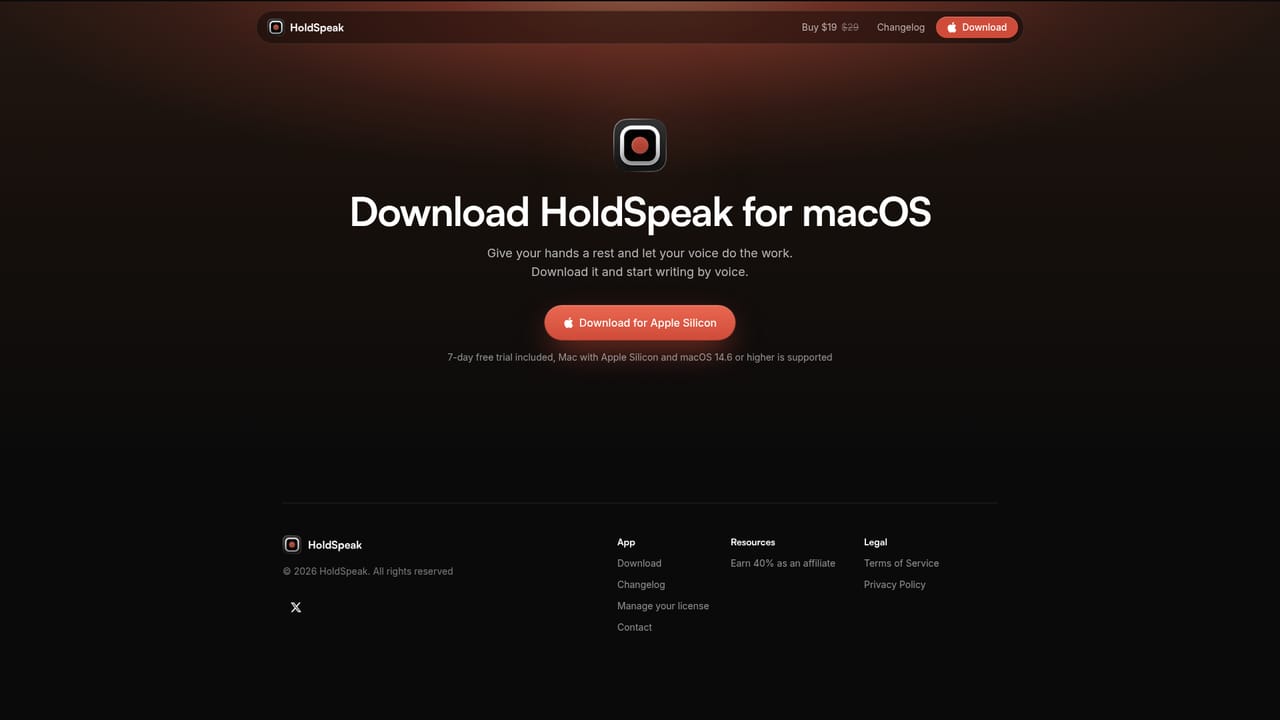
A free 7-day trial is available with the macOS download. No account is required to try the app.
Learn moreOne-time license purchase with no subscription. A 1 Mac license is $19, 2 Macs cost $29, and 3 Macs cost $39. Each license includes lifetime access, unlimited transcription, all features, and one year of updates. An optional renewal for another year of updates is available at a discount; users can also keep the current version indefinitely.
Learn moreHoldSpeak does not use plugins; it types into whichever app has focus, including ChatGPT, Claude, Cursor, VS Code, Xcode, Zed, iTerm, Safari, Figma, Slack, Discord, Word, Excel, and Obsidian.
On-device transcription with no cloud processing, no account, and offline use. A global hotkey inserts text at the cursor in any Mac app, with automatic punctuation and language detection for 100+ languages. A personal dictionary handles custom names and terms. The app is a native menu bar utility for Apple Silicon with a 12 MB download and low memory use.
 AI Angels400+ customizable AI girlfriends for NSFW chat, voice calls, and roleplay
 Candy AIExperience the future of companionship with AI friends who chat, role-play, and connect with you on a human level.
 ourdream.aiA vast AI roleplay platform with millions of characters for chat, images, video and voiceAI Angels400+ customizable AI girlfriends for NSFW chat, voice calls, and roleplayCandy AIExperience the future of companionship with AI friends who chat, role-play, and connect with you on a human level.ourdream.aiA vast AI roleplay platform with millions of characters for chat, images, video and voice


