Free trial
No time-limited trial is described. The Free plan itself provides 1 credit for the first week, which serves as the way to test the tool before paying.
Learn moreTurn two still photos into a short AI hug video in a few clicks.

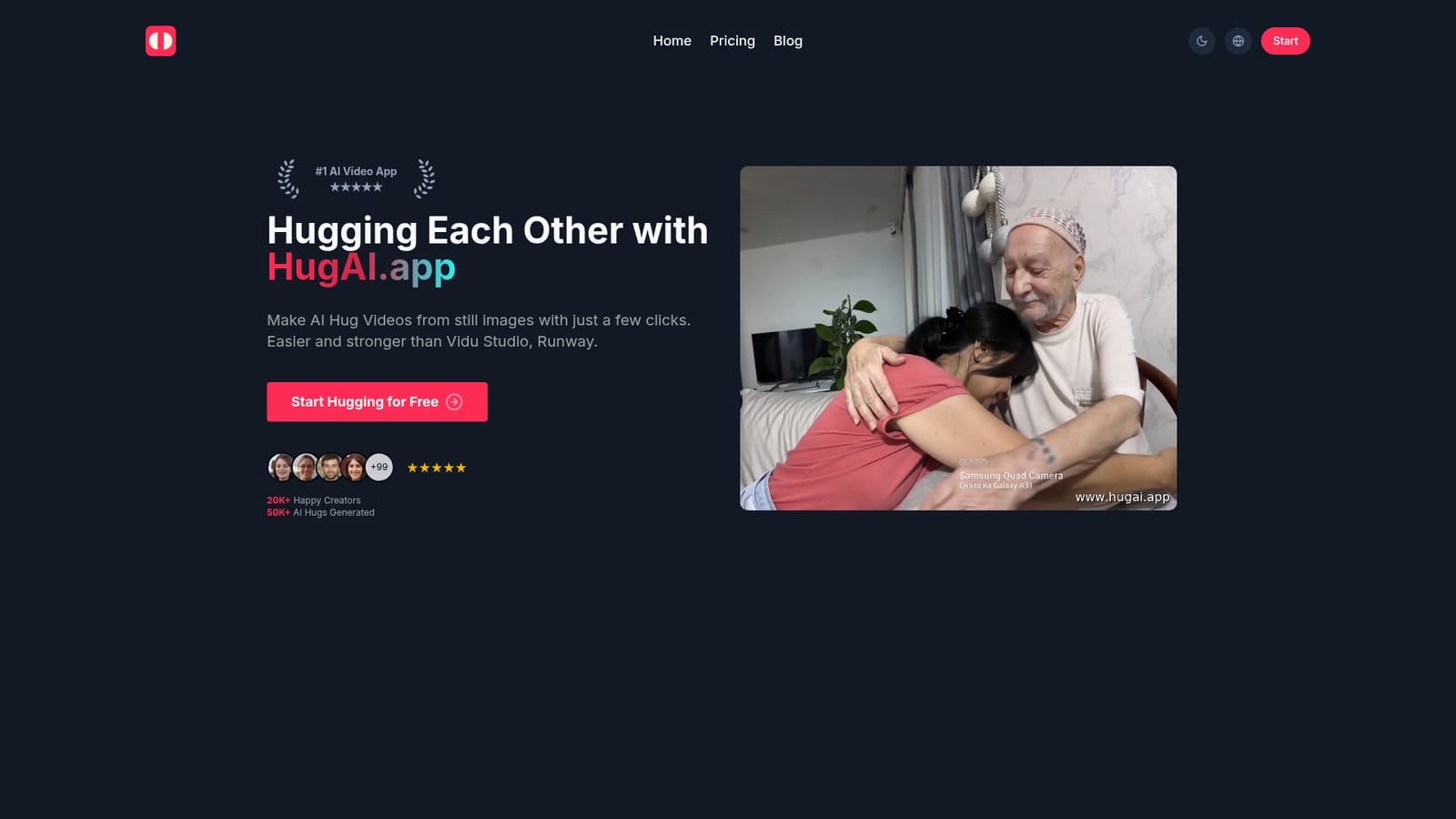
Hug AI is a generative video tool that turns two still photos into a short AI hug video in a few clicks. Hug AI is a browser-based generator that converts two uploaded photos into a short hugging video. Upload a left and right image, click generate, and download an MP4.
Hug AI is a web app that animates still photos into short videos of two people hugging. The workflow is deliberately narrow: you supply two images, one for each side of the embrace, press generate, and the service returns an MP4 clip showing the pair moving into a hug. There is no timeline, no keyframing and no manual rigging, so the product sits closer to a one-purpose novelty generator than to a general video editor. The tool is aimed at people who already have photos and want motion without learning production software: social media managers building dynamic posts, photographers offering animated previews of wedding or portrait shoots, teachers animating illustrations, and designers or indie filmmakers mocking up quick animatics. The site also pitches itself to e-commerce sellers who want static product shots turned into video. Because output is a plain MP4, clips drop into the usual social and presentation channels without conversion. In practice you upload a left image and a right image containing the people you want to pair, click the generate button and wait for the render. The homepage states that most common input formats are accepted (JPG, PNG, WEBP) and that results arrive within minutes. Its own guidance for quality is straightforward: portraits, landscapes and illustrations all work, and clear, high-contrast photos of identifiable people give the best results. No technical skill is claimed as necessary; the interface is described as upload-and-click. Positioning is the interesting part. Hug AI repeatedly benchmarks itself against Vidu Studio and Runway, arguing it is simpler to operate than the former and more capable than the latter for this specific effect. That comparison only holds for hug animation. Anyone needing scene-level control, longer runtimes or broader motion generation should treat this as a single-effect utility rather than a substitute for a full video platform.

No time-limited trial is described. The Free plan itself provides 1 credit for the first week, which serves as the way to test the tool before paying.
Learn moreFree tier at $0 with 1 credit for the first week. Starter is $6 per month billed yearly (listed at $9.99 monthly) for 10 credits, about $0.60 per credit. Pro is $24 per month billed yearly (listed at $39.99 monthly) for 50 credits, about $0.48 per credit. All tiers list fast generation, no ads, no watermark, commercial license, priority queue and stealth generation.
Learn moreSupport is handled through an FAQ section on the homepage covering pricing, file formats, commercial use and image quality. No email address, help centre or ticket system is listed.
Upload a left and right photo, click generate and receive an MP4 hugging video. Accepts JPG, PNG and WEBP input and works with portraits, landscapes and illustrations. All plans list fast generation, an ad-free interface, no watermark, a commercial license, a priority processing queue and stealth generation.
 AI Angels400+ customizable AI girlfriends for NSFW chat, voice calls, and roleplay
 Candy AIExperience the future of companionship with AI friends who chat, role-play, and connect with you on a human level.
 ourdream.aiA vast AI roleplay platform with millions of characters for chat, images, video and voiceAI Angels400+ customizable AI girlfriends for NSFW chat, voice calls, and roleplayCandy AIExperience the future of companionship with AI friends who chat, role-play, and connect with you on a human level.ourdream.aiA vast AI roleplay platform with millions of characters for chat, images, video and voice


