Free trial
Users can get started for free without entering a credit card. Limits on the free access are not stated on the homepage.
Learn moreAI generator for app icons, banners and brand assets

IconBrain is an AI generator that creates app icons, banners and brand assets from a text description, with Minimal, 3D and Glass style choices. It targets developers and creators who want polished visuals without design skills.
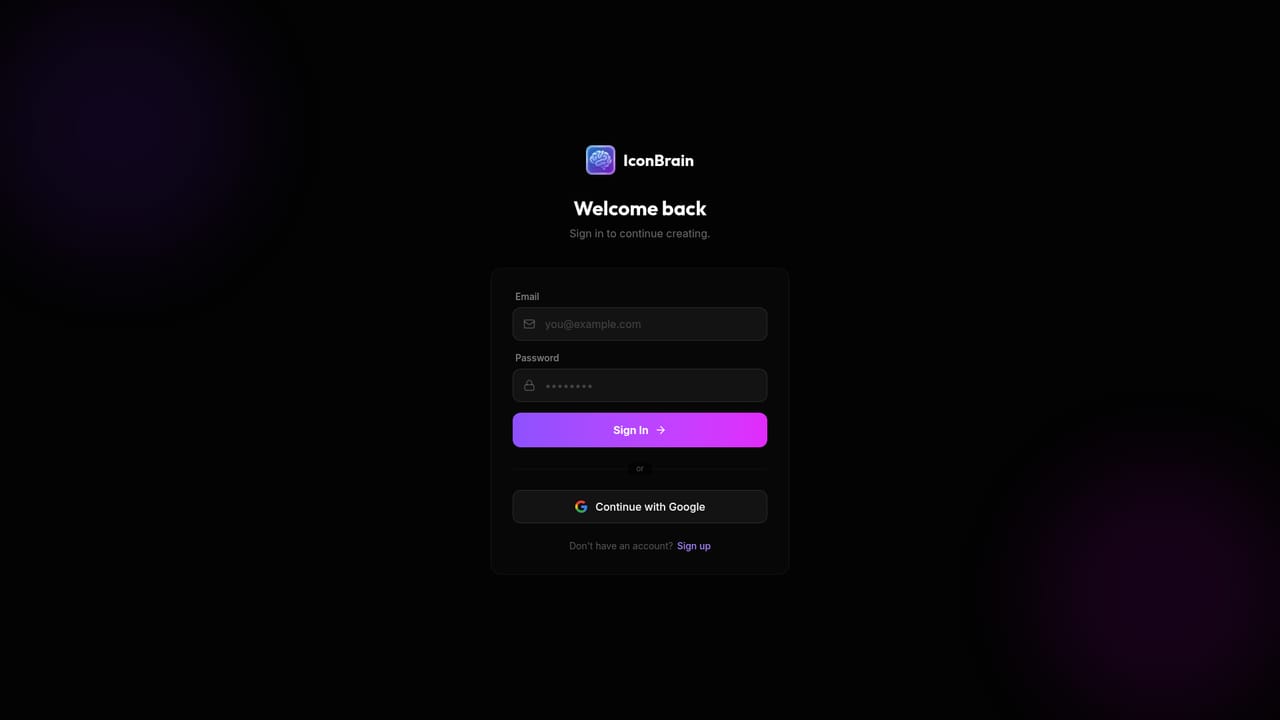
IconBrain is a web-based generator that turns a written description into app icons, banners and other brand assets. It positions itself as a single studio for the visual pieces a new product needs at launch, so a founder or developer can get a usable mark without opening a design application or hiring an illustrator. The core workflow is prompt-driven. A user describes the idea behind the icon, then picks a visual style from the options the site highlights: Minimal, 3D or Glass. The AI produces icon candidates from that brief, and the result is meant to be good enough for real app listings and brand use rather than a rough concept. Beyond icons, the homepage also names banners and general brand assets as part of the same toolset, which suggests the service is aiming at a complete starter identity instead of a one-off logo. The audience is mostly small teams and individuals: indie developers shipping mobile or web apps, creators who need consistent artwork, and startups that want to move quickly. The site states that no design skills are required and that no credit card is needed to begin, and it cites more than 500 developers and creators as users. Access starts at a login page, so generation happens inside an account rather than as an anonymous demo. Among alternatives, IconBrain sits closer to focused icon generators than to general image models such as Midjourney or DALL-E. Its narrower scope trades flexibility for convenience: style presets and an icon-first framing reduce the prompt engineering that a general-purpose image generator usually demands. Full design suites like Figma or Illustrator give far more manual control, but they assume design knowledge that this tool deliberately sidesteps. Buyers who need vector exports, detailed licensing terms or API automation should confirm those details after signing up, because the homepage does not spell out pricing tiers, export formats or integrations. For quick, stylised icon work with minimal setup, it is a straightforward option.
Users can get started for free without entering a credit card. Limits on the free access are not stated on the homepage.
Learn moreThe homepage offers a free start with no credit card required. It does not state paid plan prices or usage limits.
Learn moreGenerates app icons from text descriptions in Minimal, 3D or Glass styles. Also covers banners and wider brand assets, aimed at users with no design experience.


