Support
A Discord community server is linked from the site, which serves as the main public channel for help and discussion.
AI diffusion tools for seamless textures and PBR material maps

Iliad is a browser toolkit for AI generated seamless textures and PBR material maps, with a texture canvas, a material generator and a reference to texture converter aimed at 3D and game artists.
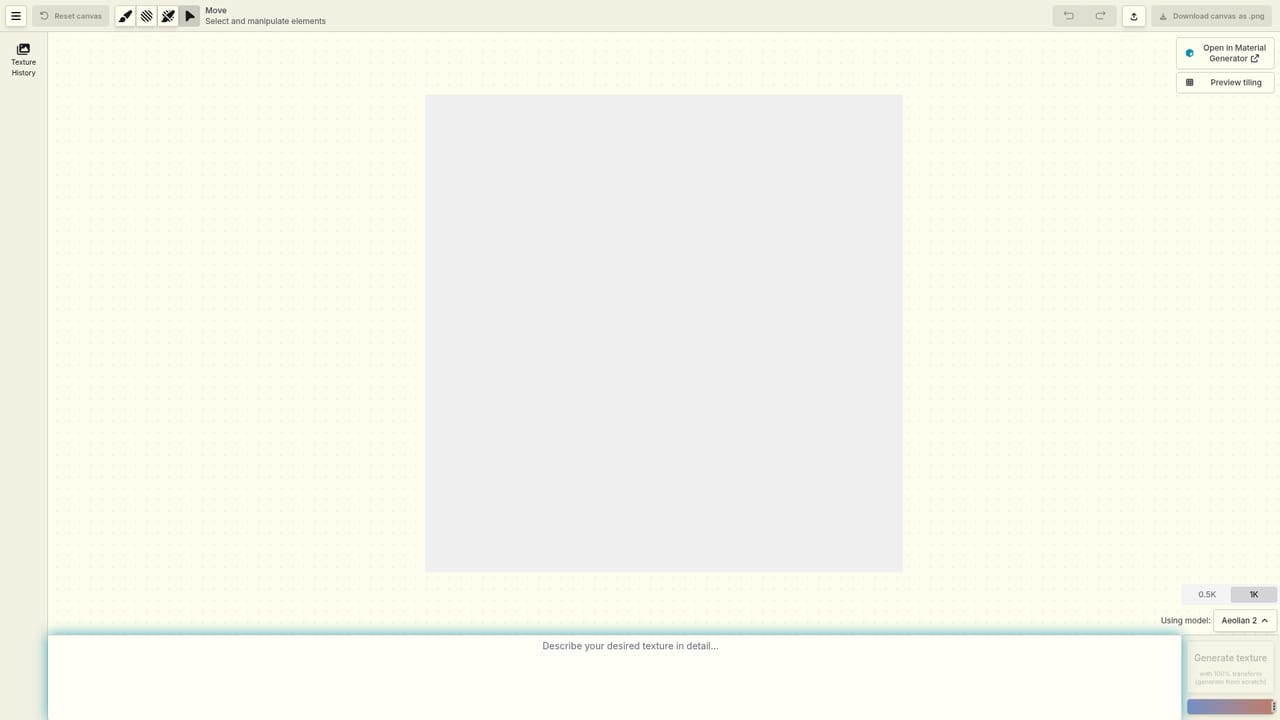
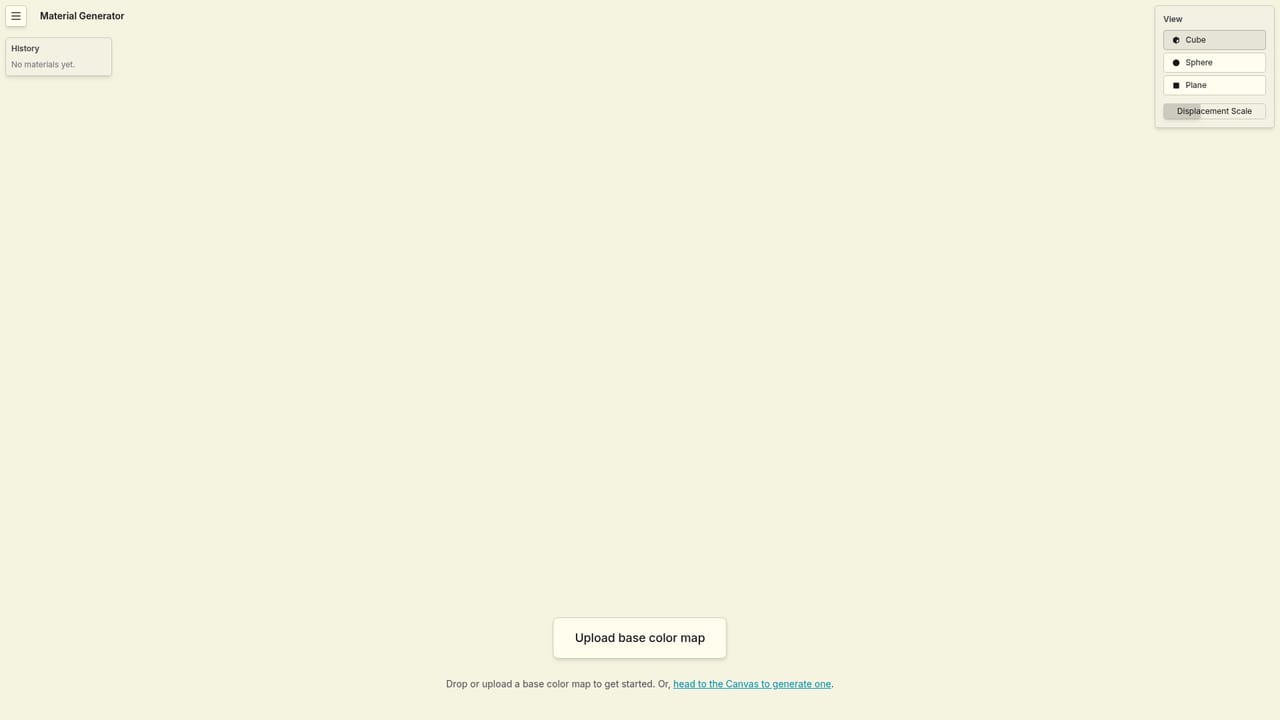
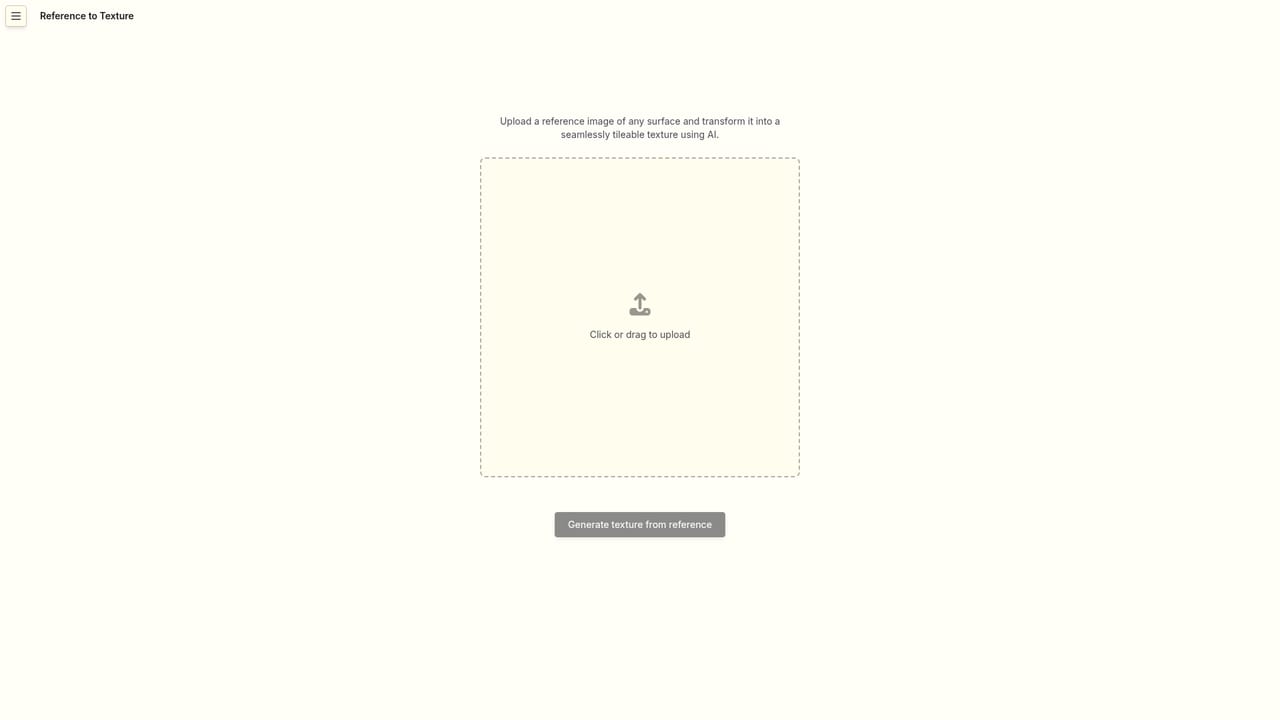
Iliad is a browser based toolkit for generating seamless, tileable textures and the PBR maps that go with them. Its public roster splits into three diffusion tools: Texture Canvas for creating custom tileable textures, Material Generator for deriving full PBR material map sets from a single texture, and Reference to Texture for converting an existing image reference into a seamless, repeating surface. All three sit behind a free account, and the site's gallery shows the range in practice, from mossy cliffs and weathered planks to velvet, galvanized metal and floral patterns. The product family points at one audience: 3D artists, environment and prop designers, game developers and lookdev teams who need surface detail they can drop straight into a material pipeline. The nature of the output matters here. Tileable textures are not decorative images; they are assets intended to repeat across geometry, which means edge continuity and map consistency (albedo, roughness, normal and so on) are the real tests of whether a generator is useful. Material Generator is built around that second part of the job, taking a flat texture and expanding it into a PBR set rather than stopping at a pretty picture. In practice the workflow is a small set of pages rather than a deep application. An account is created with Google or an email signup, then the tools open in the browser: the canvas, the material generator and the reference converter. Iliad also runs a Library page for organizing what has been produced, and the site publishes example textures as individual pages, so results can be inspected before committing time to the tool. The wider context is worth knowing. Iliad describes itself as the maker of Aqueduct, a node based procedural material engine now in open early access, and frames the diffusion tools as a companion to that graph based approach. Artists weighing Iliad against general purpose image generators should note the specialization: it is narrower and more technical, aimed at materials rather than concept art. The site owner's homepage does not publish plan details, so cost has to be checked on the pricing page before standardizing on it.
A Discord community server is linked from the site, which serves as the main public channel for help and discussion.
Texture Canvas creates custom seamlessly tileable textures. Material Generator turns a texture into PBR material maps. Reference to Texture converts a reference image into a seamless texture. A Library page keeps generated assets organized, and the site publishes example textures to inspect. Iliad's team also offers Aqueduct, a node based procedural material engine in open early access.
 AI Angels400+ customizable AI girlfriends for NSFW chat, voice calls, and roleplay
 Candy AIExperience the future of companionship with AI friends who chat, role-play, and connect with you on a human level.
 ourdream.aiA vast AI roleplay platform with millions of characters for chat, images, video and voiceAI Angels400+ customizable AI girlfriends for NSFW chat, voice calls, and roleplayCandy AIExperience the future of companionship with AI friends who chat, role-play, and connect with you on a human level.ourdream.aiA vast AI roleplay platform with millions of characters for chat, images, video and voice


