Free trial
3 free AI credits every day with no account, enough for up to 3 standard image edits. Unused credits expire daily. Local preview, crop and adjustment tools are free, while Magic Edit requires a paid plan or credit pack.
Learn moreFour focused AI photo tools in one browser workspace

Huelift is a browser photo editor with four AI tools (enhancement, background removal, watermark removal, style transfer) plus manual crop and adjustment. It gives 3 free credits daily with no sign-in and moves to monthly credit plans for heavier use and Magic Edit.
Huelift is a browser-based photo editor built around four focused AI tools: a photo enhancer, a background remover, a watermark remover and a style transfer engine. Each one is treated as a separate workspace rather than a single crowded canvas, so a user picks the task that matches the photo and works through it with a before and after comparison. A manual editor wraps around these tools for cropping, local adjustment and preview, which means small corrections can happen without spending credits. The enhancer offers several modes tied to distinct problems: face restoration, noise reduction, compression cleanup and a stronger restoration pass. The background remover isolates a subject and exports a transparent PNG, with a refinement step for hair, glass and soft edges. The watermark remover asks the user to brush over the mark, then rebuilds the covered area from surrounding colour and texture. Style transfer ships painterly presets such as watercolour, oil painting and anime, and also accepts a custom description or reference image for more directed results. It suits casual users cleaning up family photos, sellers producing product cutouts, and social media creators chasing a stylised look. There is no sign-in wall for the standard tools: visitors get 3 free credits each day, one credit per standard task, and can compare and download without an account. That makes Huelift a reasonable first stop before committing to a heavier subscription editor. The trade-offs are real, though. Enhancements estimate detail rather than recover it, generative styles can shift small features, and enhancement downscales input to a 1536 pixel maximum edge, so it is not a route to 4K restoration. Magic Edit sits behind paid plans. Against general purpose editors, Huelift wins on simplicity and on cost of entry rather than depth. There is no layer stack or advanced masking, and the credit model means repeat edits are charged separately. For quick, single-purpose fixes it is leaner than a full desktop suite; for precise retouching work, it will feel limited.


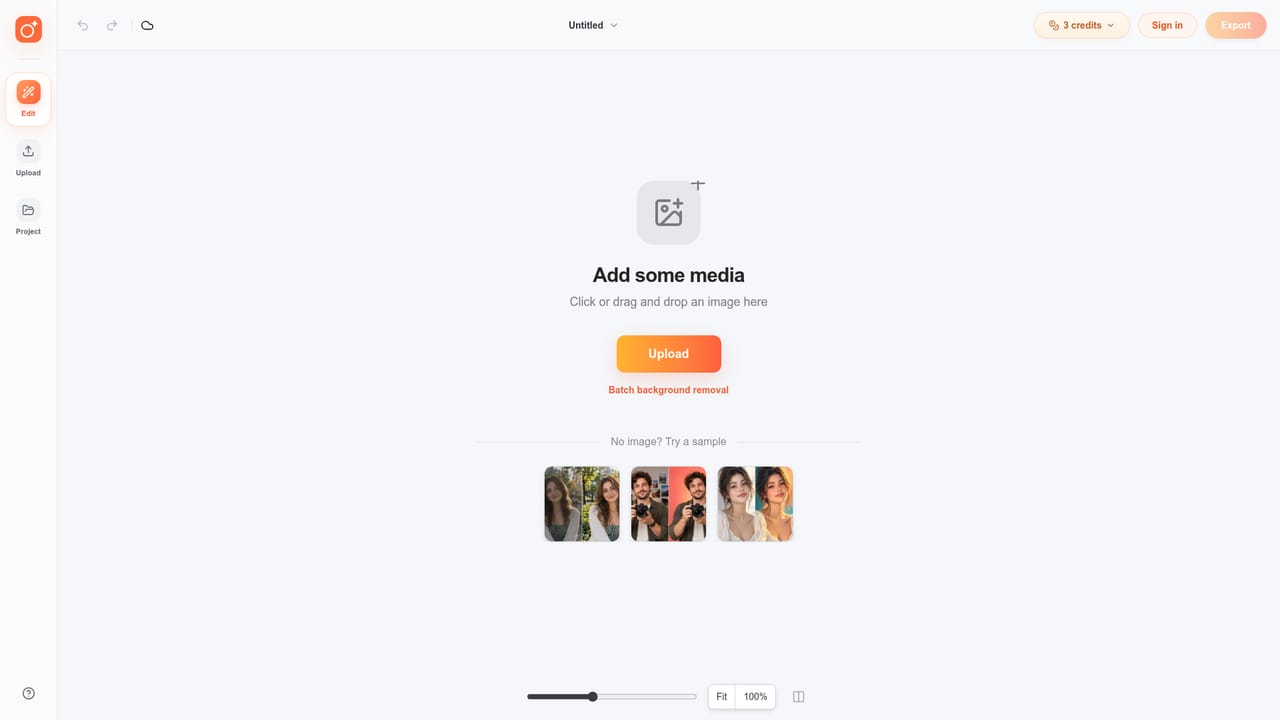

3 free AI credits every day with no account, enough for up to 3 standard image edits. Unused credits expire daily. Local preview, crop and adjustment tools are free, while Magic Edit requires a paid plan or credit pack.
Learn moreFree tier with 3 daily credits, no sign-in. Paid plans bill yearly at $5.75 per month (Starter, 20 credits), $15.75 (Creator, 60 credits) and $34.92 (Studio, 150 credits), each with 10GB storage and priority support. Monthly plans, credit packs and a 30 percent monthly saving are advertised. Prices in USD, taxes at checkout.
Learn morePriority support is listed on all paid tiers. No separate help centre, documentation portal or community channel is described on the homepage.
AI processing runs through Replicate, with images sent to private storage and a temporary link passed to the service. No third party app integrations are documented on the homepage.
Photo Enhancer with face restoration, noise reduction, compression cleanup and strong restoration modes. Background Remover producing transparent PNGs with edge refinement. Watermark Remover that reconstructs brushed areas from surrounding pixels. Style Transfer with watercolour, oil painting and anime presets plus custom descriptions and reference images. Manual crop, adjustment and comparison tools throughout.
 AI Angels400+ customizable AI girlfriends for NSFW chat, voice calls, and roleplay
 Candy AIExperience the future of companionship with AI friends who chat, role-play, and connect with you on a human level.
 ourdream.aiA vast AI roleplay platform with millions of characters for chat, images, video and voiceAI Angels400+ customizable AI girlfriends for NSFW chat, voice calls, and roleplayCandy AIExperience the future of companionship with AI friends who chat, role-play, and connect with you on a human level.ourdream.aiA vast AI roleplay platform with millions of characters for chat, images, video and voice


