Free trial
One free eligible HD download is available per account or device, plus unlimited free low-resolution previews before signing in.
Learn moreSwap words, prices and dates in photos while keeping the original lettering style

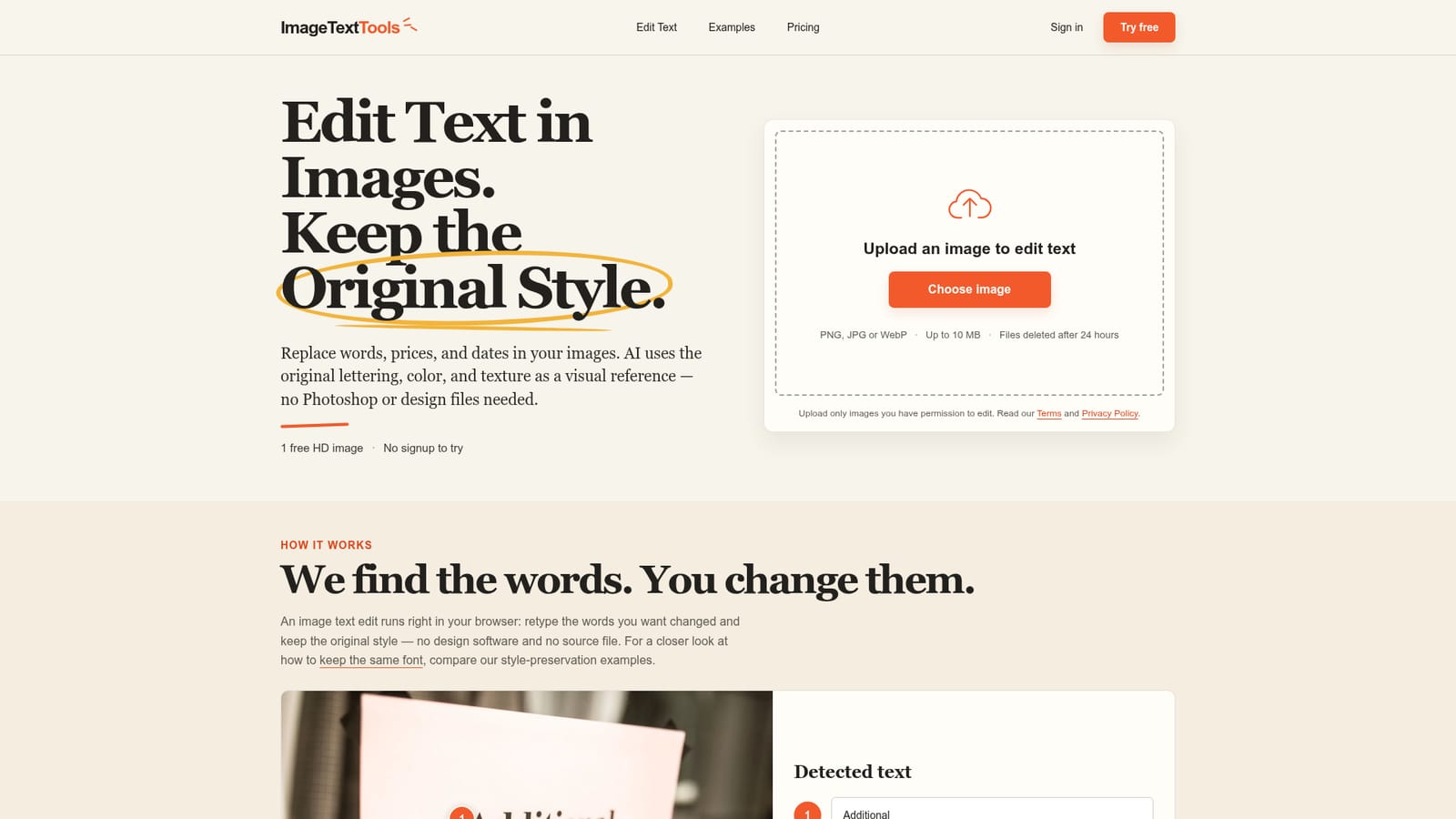
ImageTextTools is an edit number on image tool. ImageTextTools lets users retype specific words, prices or dates inside an uploaded photo, with AI redrawing the text in a similar style, size and colour, no font file or design software required.
ImageTextTools is a browser-based editor that changes the wording inside a photo without touching the surrounding image. A user uploads a picture, the system detects lines of text, and the person retypes only the words that need to change, such as a sale percentage, an event date or shop hours. The AI redraws the new text using the original size, colour and angle as a visual reference, so there is no font file to match and no design software to open. The tool targets people who need a quick, one-off correction to a photographed sign, label, poster or handwritten note rather than a full design workflow. Small business owners updating a sale sign, event organisers changing a date on a poster, or anyone fixing a typo in a photographed menu are typical users. It is not aimed at professional retouchers who need pixel-perfect control, since the output is generated rather than manually composited. In practice, each edit produces three alternative versions of the same change, letting the user pick the cleanest result before downloading. A first HD download is free per account, after which further edits draw from paid credit packs. Previews are unlimited and free, but at lower resolution, so testing an idea costs nothing. The editor works directly in a mobile or desktop browser, with files such as JPG, PNG and WebP accepted up to 10MB and deleted after 24 hours. Compared with full photo editors or font-matching plugins, ImageTextTools trades precision and manual control for speed and simplicity. It performs best on short, clearly readable text such as prices, dates and signage, and is explicitly weaker on dense paragraphs, small or blurry lettering, and text on curved or heavily angled surfaces. It sits closer to a narrow utility for correcting specific words in a photo than a general-purpose image editing suite.
One free eligible HD download is available per account or device, plus unlimited free low-resolution previews before signing in.
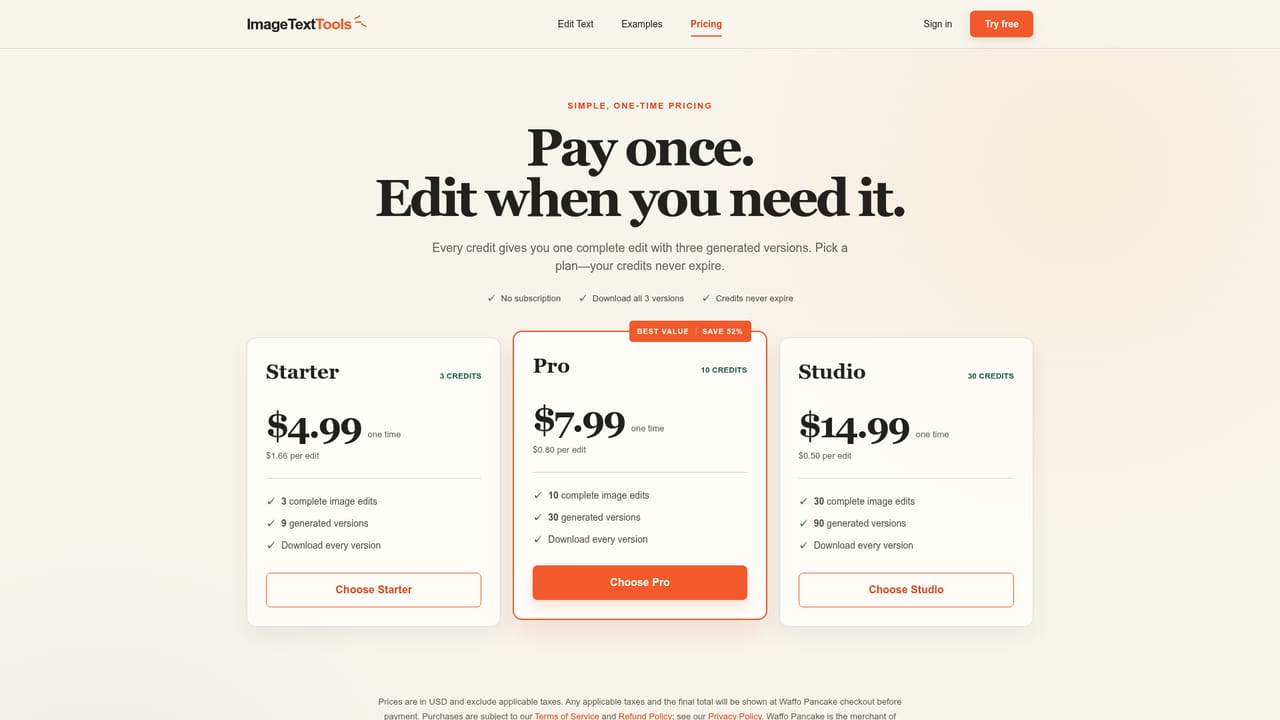
Learn morePaid credit packs start at $4.99 for 3 edits. Each edit generates three versions and includes individual HD downloads of all three without any extra credit charge.
Learn moreRefunds for unused credit packs are handled under a published Refund Policy, with support contact available for review of service issues.
Learn moreAI detects and redraws text in a selected image area, preserving size, colour and angle without matching a font file. Each edit produces three versions, supports JPG, PNG and WebP uploads up to 10MB, and runs in-browser on desktop or mobile.
Learn more AI Angels400+ customizable AI girlfriends for NSFW chat, voice calls, and roleplay
 Candy AIExperience the future of companionship with AI friends who chat, role-play, and connect with you on a human level.
 ourdream.aiA vast AI roleplay platform with millions of characters for chat, images, video and voiceAI Angels400+ customizable AI girlfriends for NSFW chat, voice calls, and roleplayCandy AIExperience the future of companionship with AI friends who chat, role-play, and connect with you on a human level.ourdream.aiA vast AI roleplay platform with millions of characters for chat, images, video and voice


