Free trial
A free plan gives 20 welcome credits plus 5 more per daily visit, enough for roughly two basic videos or six images. It is not a time limited trial, but free credits expire within two days.
Learn moreOne photo, fourteen AI video engines, no editing skills required
Own ImageToVideoAI.net? Verify ownership to get a dofollow link

ImageToVideoAI.net is an AI image upscaler tool. A browser workspace that turns still photos into short AI videos using fourteen engines including Kling, Runway, Veo and Grok Imagine, with extra tools for text to video, image generation and upscaling under one credit based account.
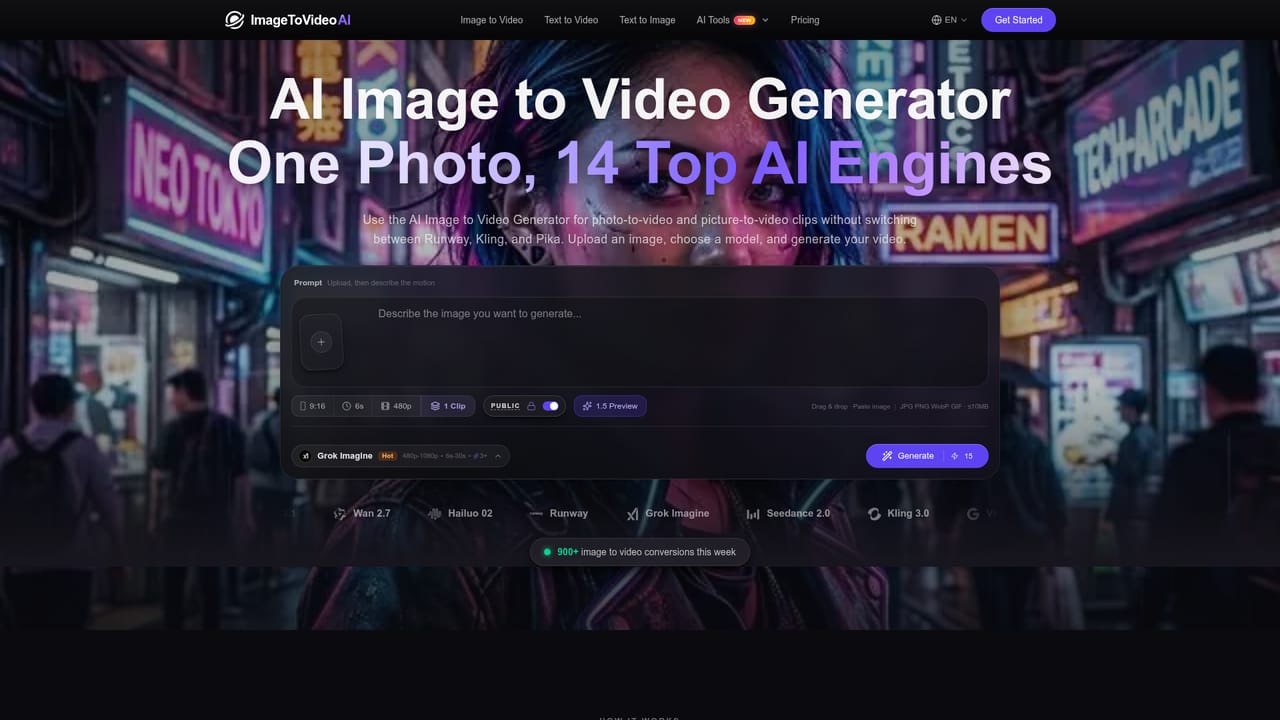
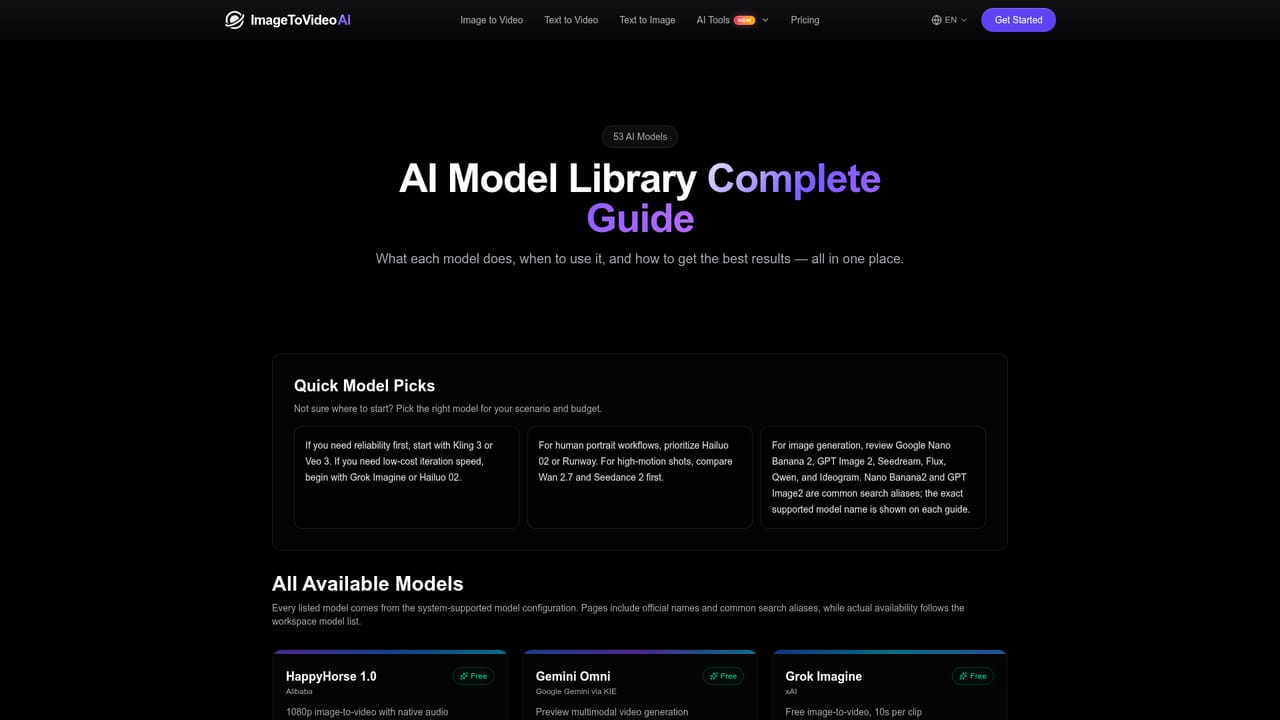
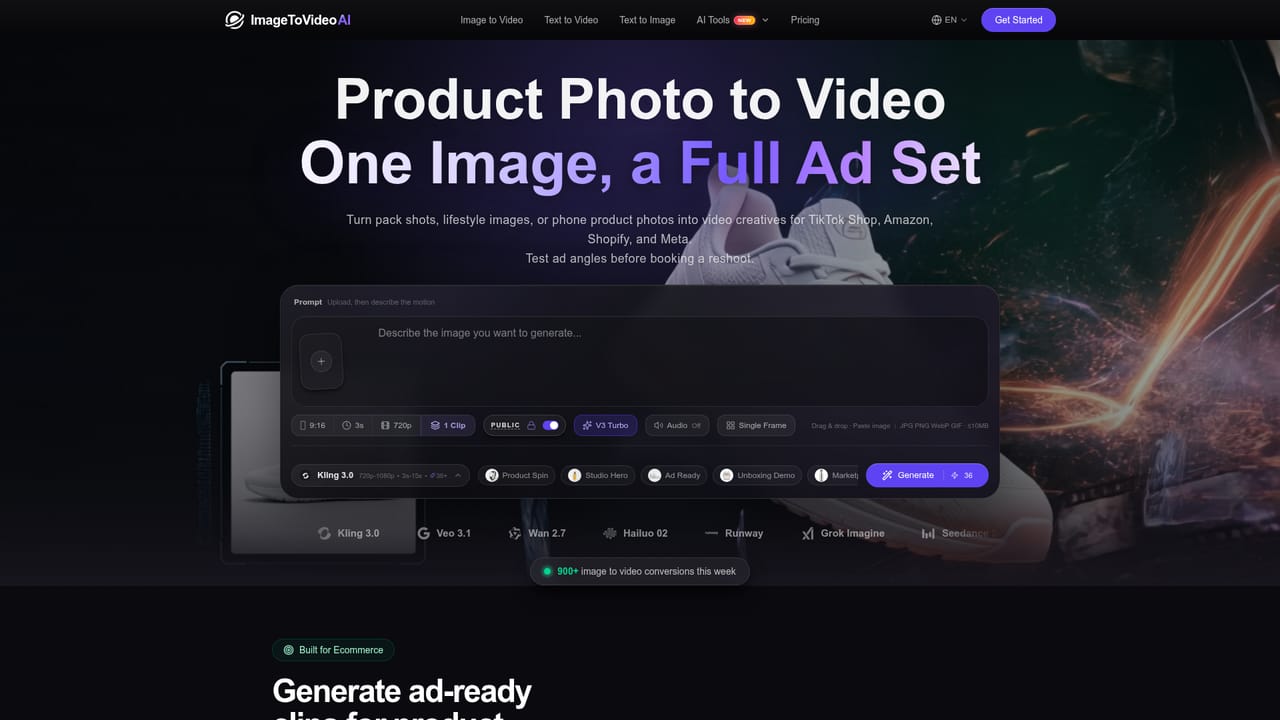
ImageToVideoAI is a browser based workspace built around a single idea: upload a still image, describe the motion you want, and let a choice of fourteen generative video engines produce the clip. The model roster is the centrepiece and it is unusually broad for a tool at this price point, spanning Seedance 2.0, Kling 3.0 and 2.6, Veo 3.1, Wan 2.7, Hailuo 02, Runway and Grok Imagine. Each engine has its own strengths, so the same upload can be run through several of them to compare motion quality, lighting and how faithfully the source frame is preserved. The workflow is deliberately stripped back. Images go in through drag and drop or paste, in JPG, PNG, WebP or GIF up to 10MB, and the workspace exposes aspect ratio, duration, resolution, clip count and a public or private toggle before generation. Prompts can be as short as two words or as detailed as a full cinematic brief. Finished clips appear in a sidebar for preview and download without a watermark, and the site keeps full history with parameter traceback so earlier settings can be recovered. Around the core image to video function sits a wider toolkit: text to video, video to video, text to image, image to image, background removal, image upscaling and merges. Curated workflows give the product most of its character, covering old photo animation, product photo to video, anime to live action style motion, AI hug and AI kiss scenes, and epic trailer style sequences. A gallery of example generations with the exact prompts attached doubles as a learning resource for users who do not yet know how to write motion prompts. It suits social media creators, small ecommerce sellers producing ad clips from product shots, and hobbyists animating family photographs or fan art. Anyone comparing it against Kling or Runway directly should note that the value here is aggregation and convenience rather than a proprietary model. Buyers who need fine control, batch pipelines or an API should look elsewhere, but for fast one-off clips across several engines from one account, the coverage is hard to match.
A free plan gives 20 welcome credits plus 5 more per daily visit, enough for roughly two basic videos or six images. It is not a time limited trial, but free credits expire within two days.
Learn moreFree tier with 20 welcome credits plus 5 from daily visits, expiring in two days. Starter is $23.9 per month on the sale price for 2,000 monthly credits, Pro is $55.9 per month for 6,000 credits, and a $49.9 pay as you go pack gives 2,500 credits that do not expire. Yearly billing is available.
Learn moreEmail support with a stated response window of 24 hours on Starter and 12 hours priority support on Pro. No live chat or phone channel is listed.
Image to video across fourteen engines (Seedance, Kling, Veo, Wan, Hailuo, Runway, Grok Imagine), plus text to video, video to video, text to image, image to image, merge images, background removal and upscaling. Controls cover aspect ratio, duration, resolution and clip count, with history, parameter traceback and watermark free downloads.
 AI Angels400+ customizable AI girlfriends for NSFW chat, voice calls, and roleplay
 Candy AIExperience the future of companionship with AI friends who chat, role-play, and connect with you on a human level.
 ourdream.aiA vast AI roleplay platform with millions of characters for chat, images, video and voiceAI Angels400+ customizable AI girlfriends for NSFW chat, voice calls, and roleplayCandy AIExperience the future of companionship with AI friends who chat, role-play, and connect with you on a human level.ourdream.aiA vast AI roleplay platform with millions of characters for chat, images, video and voice