Free trial
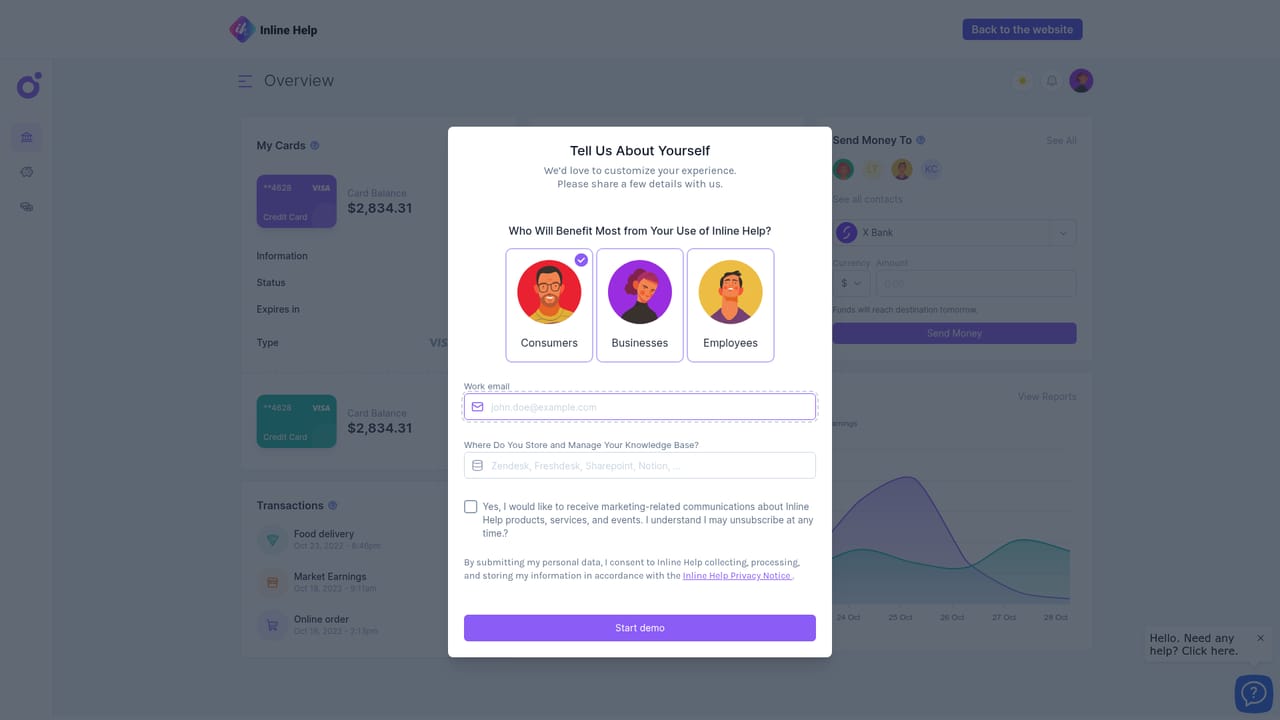
A 14-day free trial is offered with no credit card required, and the site says setup takes under five minutes.
Learn moreNo-code AI user assistance layered on your own knowledge base

Inline Help turns an existing knowledge base into proactive in-app support through AI explanations, a chatbot, no-code tooltips and a unified help widget. Built for SaaS product and support teams that want answers delivered inside the interface rather than in a separate help centre.
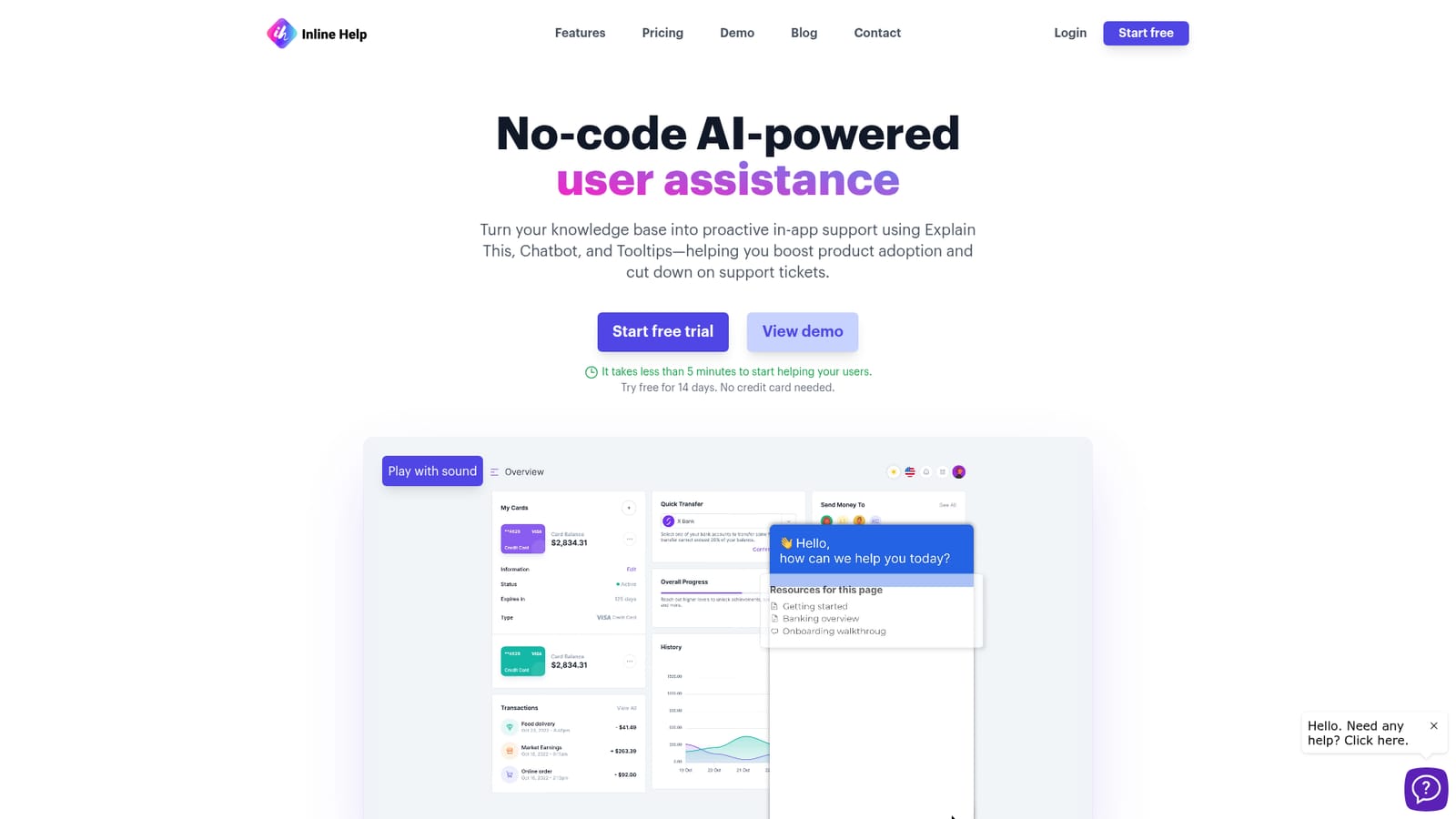
Inline Help is a no-code layer that sits on top of an existing knowledge base and turns it into in-app, context-aware user assistance. Instead of building a separate help centre and hoping users find it, the product places answers directly inside the interface, which the vendor positions as a way to lift product adoption and reduce inbound support tickets. It is built by the team behind Inline Manual, and the site notes that the wider product family is used by more than 500 companies. The toolkit is split into four parts. Explain This lets a user tap any element of the website and get an AI-generated explanation of what it does, removing the manual work of authoring tooltips. The Chatbot answers questions in real time using the organisation's own knowledge content rather than a generic model. Tooltips are created without code, and a single Widget gathers the whole support surface (explanations, chat, and ticket submission) in one place. A knowledge base feature delivers repository content to users according to the context they are in. In practice, this suits SaaS product teams, customer support and success departments, and onboarding specialists who already maintain documentation and want that material surfaced inside the application. The website describes setup as taking under five minutes, and everything is positioned as no-code, so the build does not require developer involvement. Security credentials are stated on the homepage: ISO 27001 certification and GDPR compliance. Inline Help competes with conventional in-app guidance tools and standalone support chatbots, and its differentiator is that it is proactive rather than reactive: guidance appears at the moment of confusion. Buyers should weigh that against the dependence on knowledge base quality, since the AI answers are only as good as the source material behind them. No pricing figures, integration list, or mobile platform details appear on the homepage, so those need to be confirmed directly with the vendor.
A 14-day free trial is offered with no credit card required, and the site says setup takes under five minutes.
Learn moreThe product itself includes ticket submission within the widget, but the homepage lists no dedicated vendor support channels or help centre.
Explain This provides AI explanations when users tap any part of the interface. No-code tooltips add on-spot guidance, a Chatbot answers queries in real time from your own knowledge, a Widget consolidates explanations, chat and ticket submission, and the knowledge base feature delivers repository content matched to user context.
 AI Angels400+ customizable AI girlfriends for NSFW chat, voice calls, and roleplay
 Candy AIExperience the future of companionship with AI friends who chat, role-play, and connect with you on a human level.
 ourdream.aiA vast AI roleplay platform with millions of characters for chat, images, video and voiceAI Angels400+ customizable AI girlfriends for NSFW chat, voice calls, and roleplayCandy AIExperience the future of companionship with AI friends who chat, role-play, and connect with you on a human level.ourdream.aiA vast AI roleplay platform with millions of characters for chat, images, video and voice


