Free trial
The homepage offers a free download of the Windows software and a browser editor that can be opened without installation, but it does not state what the free tier includes or how long it lasts.
Learn moreAI photo editing for quick background and object fixes

InPixio is a background tool. An AI photo editor with one click background removal, generated replacement backgrounds, object erasing and standard color adjustments, available as a browser editor, a Windows download and an iOS app.
inPixio is an AI assisted photo editor built around a handful of jobs that most people actually need done: cutting a subject out of its background, dropping in a new backdrop, erasing something unwanted, and cleaning up color and detail. The suite is offered in two forms. The online editor runs in a browser with no installation, aimed at quick jobs and small business owners who need a product shot cleaned up without opening a full editing package. The Windows application puts the same AI tools on the desktop for people who want offline work and more control over complex edits such as object removal and sky replacement. The headline feature is background removal, which the company positions as a one click operation that holds up on intricate edges like hair and fabric. Change Background extends that into composites: swap a dull wall for a landscape, replace a sky, or generate a new backdrop from scratch. A magic eraser style object removal tool deletes unwanted elements and reconstructs the area behind them rather than leaving a smudge. Around those three AI features sits a conventional adjustment layer of controls: brightness, contrast, filters, color enhancement and sharpening. The tool fits beginners and time pressed small teams more than retouchers. The interface is deliberately stripped back, and the pitch is speed and cost rather than granular control, so anyone who needs layered compositing, masking curves or color managed print workflows will find the ceiling quickly. It competes with browser based background removers and with mid range desktop editors, and its case rests on bundling both modes plus generated backgrounds in one affordable package. There is also an iOS app for edits made on a phone.


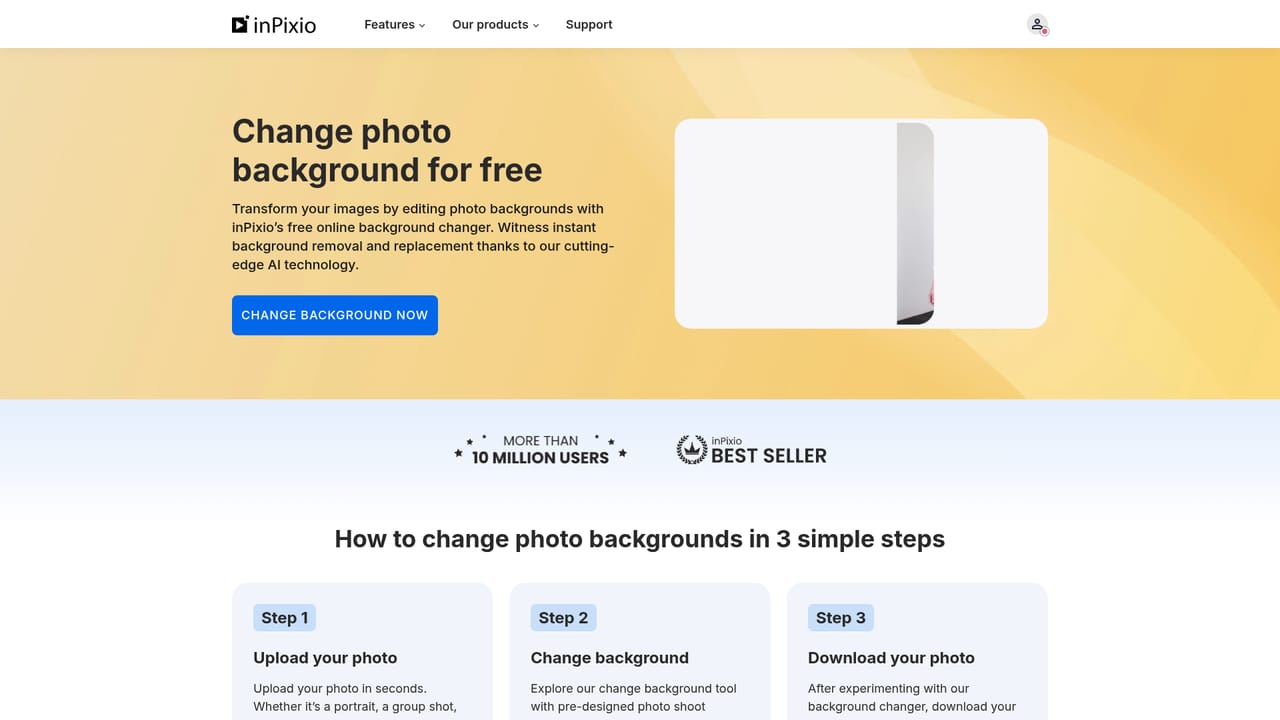


The homepage offers a free download of the Windows software and a browser editor that can be opened without installation, but it does not state what the free tier includes or how long it lasts.
Learn moreCore AI features are one click background removal, AI generated replacement backgrounds and sky swaps, and object removal that rebuilds the erased area. Standard editing covers brightness, contrast, filters, color enhancement and sharpening. The same tools appear in the online editor, the Windows application and the iOS app.
Learn more AI Angels400+ customizable AI girlfriends for NSFW chat, voice calls, and roleplay
 Candy AIExperience the future of companionship with AI friends who chat, role-play, and connect with you on a human level.
 ourdream.aiA vast AI roleplay platform with millions of characters for chat, images, video and voiceAI Angels400+ customizable AI girlfriends for NSFW chat, voice calls, and roleplayCandy AIExperience the future of companionship with AI friends who chat, role-play, and connect with you on a human level.ourdream.aiA vast AI roleplay platform with millions of characters for chat, images, video and voice


