InstantVisualizer

AI picks three real-paint exterior color schemes for your house photo

Beginner
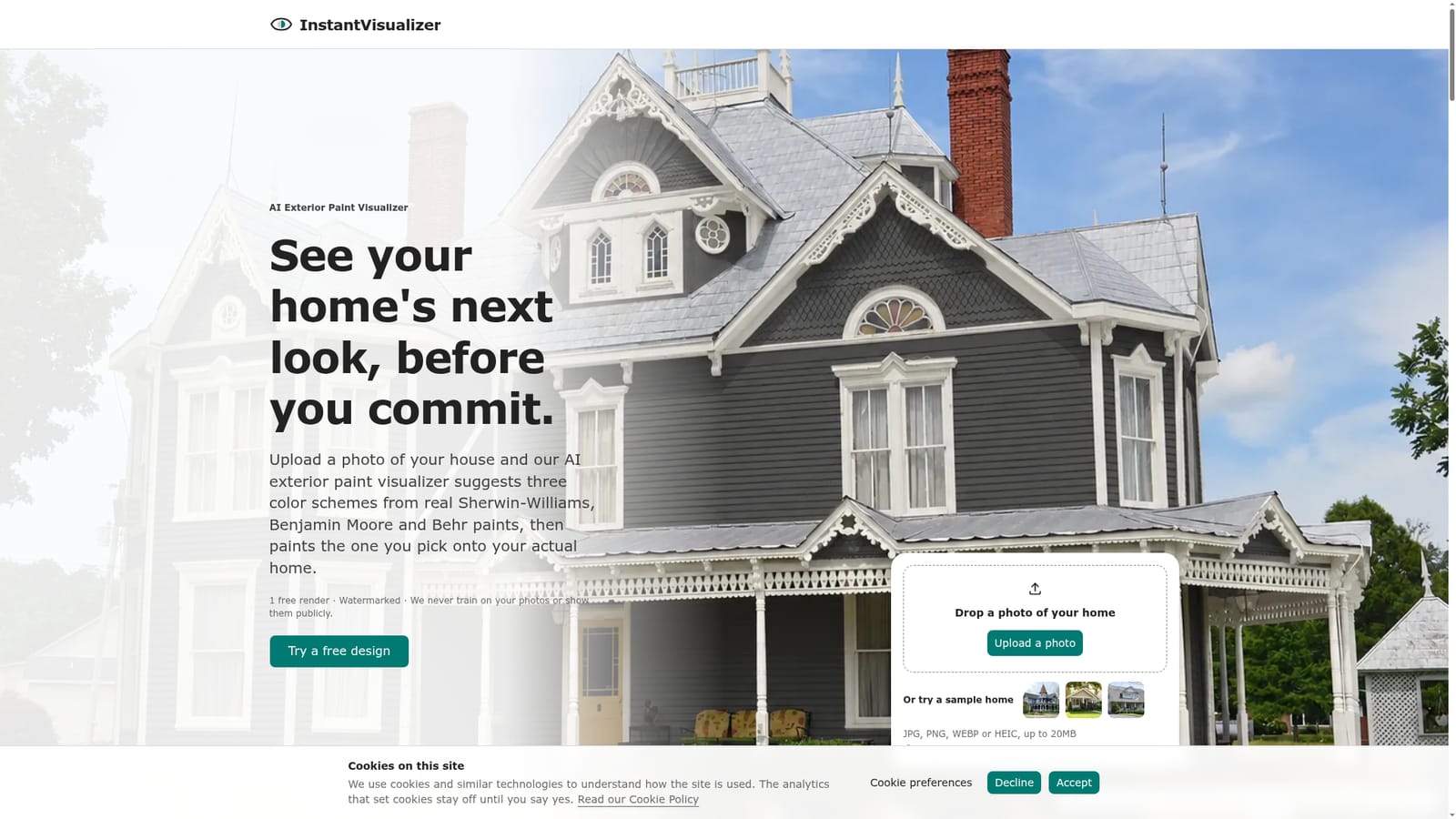
Screenshot of InstantVisualizer, AI picks three real-paint exterior color schemes for your house photo

What is InstantVisualizer?

InstantVisualizer is a web app that reads a photo of your house and suggests three exterior color schemes from real Sherwin-Williams, Benjamin Moore and Behr codes, then renders your pick. The first render is free.

InstantVisualizer is a web-based exterior paint visualizer that starts from a photo of your own house. Instead of handing over a color picker and a masking tool, it uses an AI designer named Izzy to read the photo, identify the paintable parts such as siding, trim, shutters and the front door, and propose three color schemes built only from real Sherwin-Williams, Benjamin Moore and Behr codes. The scheme you choose is then rendered onto the photo. In practice the flow has three stages. A user uploads one daytime photo (JPG, PNG, WEBP or HEIC, up to 20MB) or starts from a sample home, then reviews Izzy's list of what it found and switches individual parts between Paint and Keep, which is useful for brick, stone or a roof that should stay as it is. Izzy then offers a classic, a fitted and a bolder scheme, each with a short rationale and a stated risk, for example two near-black colors that look identical from the street. Changes can be requested in plain words, and a Swap option offers alternatives for a single color. Every color carries its brand, code, HEX value, light reflectance value, suggested sheen, where to buy it and the closest match in the other two brands. The tool suits homeowners who are undecided before buying samples, and professionals such as painters, contractors, interior designers and color consultants who need to show clients a finished look. Paid plans export a one-page summary with before and after images and paint codes, which can accompany an HOA application or a quote. The Designer plans add 4K output, a commercial license and summaries branded with a company name. Among alternatives, brand visualizers from Sherwin-Williams, Behr and Benjamin Moore, and Hover, expect the user to choose colors. InstantVisualizer's difference is that it makes the selection and explains it, while spanning three paint brands. Renders are previews only, since screen colors are approximate and a sample should be tested on the wall.
How do you use InstantVisualizer?

  1. 1Sign in for the free render
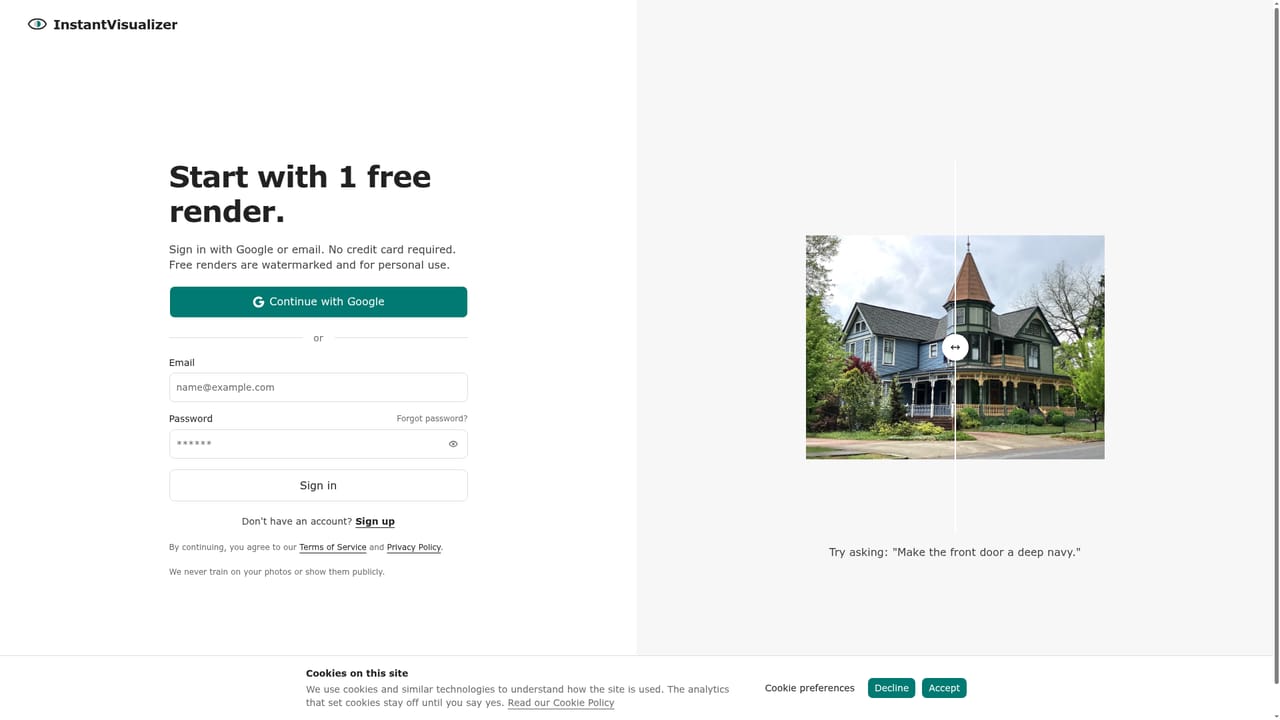
    Sign in with Google or email to receive one free render and 10 messages with Izzy. No credit card is required.
    InstantVisualizer — Sign in for the free render
  2. 2Upload a daytime photo
    Use one straight-on daylight photo showing the whole front of the house, or start with a sample home. JPG, PNG, WEBP and HEIC up to 20MB work.
    InstantVisualizer — Upload a daytime photo
  3. 3Review the paintable parts
    Check Izzy's list of siding, trim, shutters and door, and switch any part between Paint and Keep, for example brick or stone.
  4. 4Choose a color scheme
    Compare the classic, fitted and bolder schemes with their reasoning and risks. Ask for tweaks in plain words or use Swap on a single color.
  5. 5Generate the render and take the color list
    Render the chosen scheme, compare before and after, and note each brand, code, sheen and store. Paid plans export a one-page summary.
    InstantVisualizer — Generate the render and take the color list

Pros and cons

Pros

  • Suggests three complete schemes with reasoning and stated risks, so users are not left choosing every color aloneAI
  • Uses only real, purchasable paint codes, with HEX, LRV, sheen and store details for each colorAI
  • Lists the closest match in the other two brands for every colorAI
  • No manual wall masking; parts can be corrected with a simple Paint or Keep toggleAI
  • The company states it never trains on user photos or shows them publiclyAI

Cons

  • The free render is limited to 1K resolution, watermarked and for personal use onlyAI
  • Limited to three paint brands, so colors from other manufacturers are not availableAI
  • Behr codes need verifying in store, and on-screen colors are only approximateAI
  • Results depend on a good straight-on daytime photo; angled or shadowed shots reduce accuracyAI
  • Focused on exterior painting only, with no interior or landscaping visualizationAI

How much does InstantVisualizer cost?

Free trial

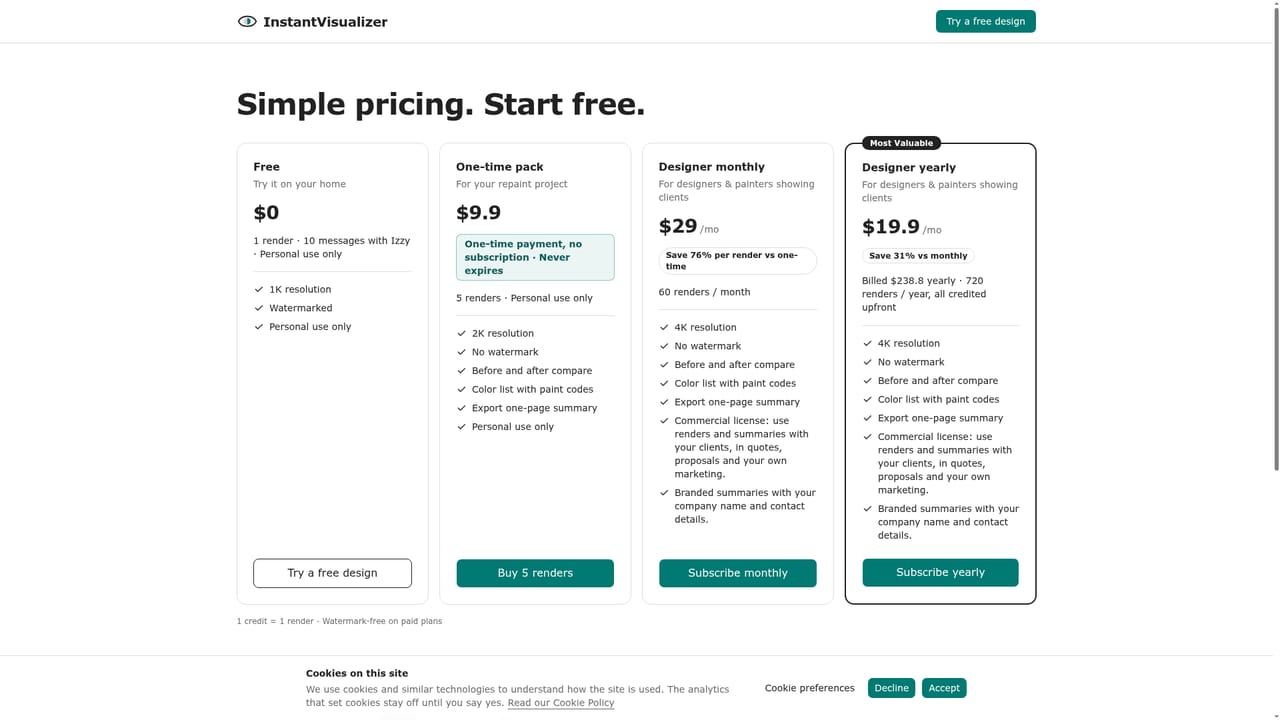
Signing in with Google or email gives 1 free render and 10 messages with Izzy, no credit card. The render is 1K, watermarked and for personal use only.

Learn more

Pricing

First render free (1K, watermarked, personal use). One-time pack of 5 renders is $9.90 (2K, no watermark, never expires). Designer is $29/month for 60 renders in 4K with a commercial license, or $19.90/month billed $238.80 yearly for 720 renders.

Learn more

Features

AI-chosen exterior schemes from Sherwin-Williams, Benjamin Moore and Behr codes, with HEX, LRV, sheen, store and cross-brand matches. Paint or Keep toggles, plain-language edits, Swap, before and after compare, and a one-page summary export on paid plans.

Frequently asked questions about InstantVisualizer

  • How much does InstantVisualizer cost?
    First render free (1K, watermarked, personal use). One-time pack of 5 renders is $9.90 (2K, no watermark, never expires). Designer is $29/month for 60 renders in 4K with a commercial license, or $19.90/month billed $238.80 yearly for 720 renders.
  • Does InstantVisualizer offer a free trial?
    Signing in with Google or email gives 1 free render and 10 messages with Izzy, no credit card. The render is 1K, watermarked and for personal use only.
  • How do you use InstantVisualizer?
    The walkthrough on this page covers 5 steps: 1. Sign in for the free render 2. Upload a daytime photo 3. Review the paintable parts 4. Choose a color scheme 5. Generate the render and take the color list.
  • What platforms does InstantVisualizer support?
    InstantVisualizer is available on Web App.
  • What are the limitations of InstantVisualizer?
    The free render is limited to 1K resolution, watermarked and for personal use only. Limited to three paint brands, so colors from other manufacturers are not available. Behr codes need verifying in store, and on-screen colors are only approximate.

Status

StatusActive
Views0
Outbound clicks0
Added10/18/2026

Platforms

Web App

Pricing

FreemiumPaid