Support
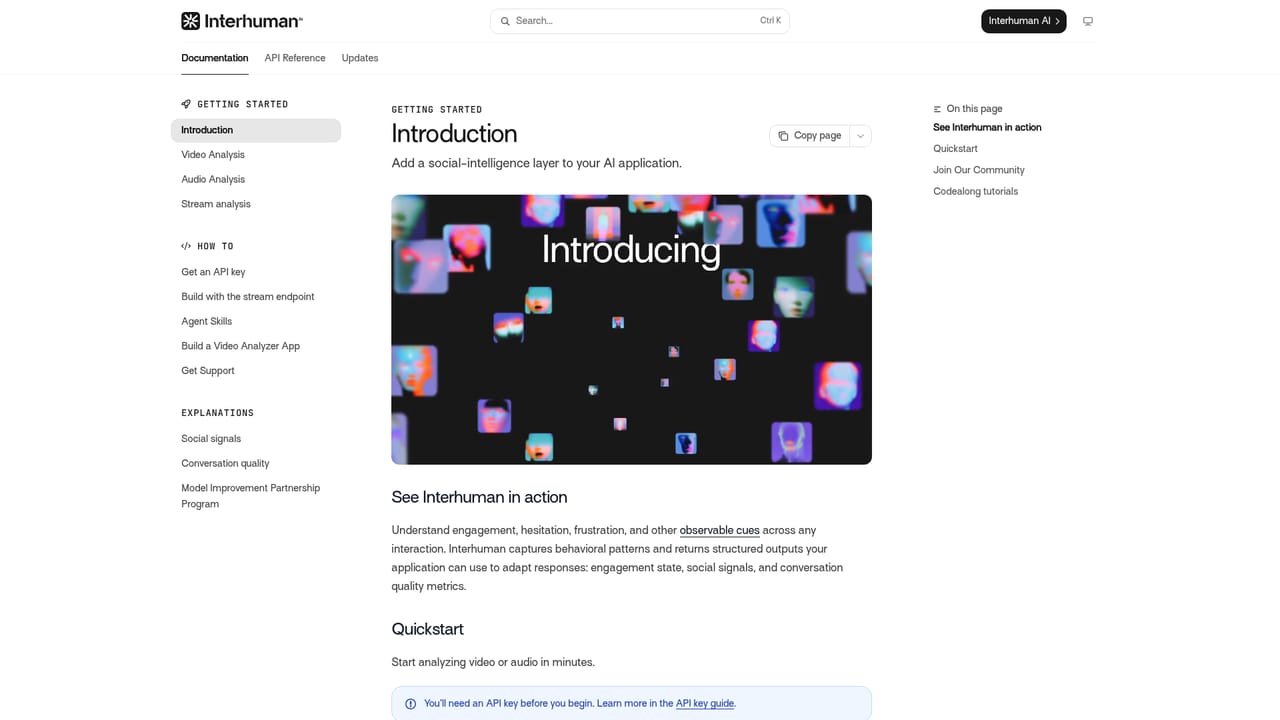
Support runs through a dedicated documentation site covering the API. The homepage does not describe support tiers, response times or a help centre beyond those docs.
Learn moreSocial intelligence API that reads voice, face and body language
Own Interhuman AI? Verify ownership to get a dofollow link

Interhuman AI is an API for developers that extracts twelve social signals from voice, face and body language in video or audio, built for conversational AI, coaching, research and robotics products.
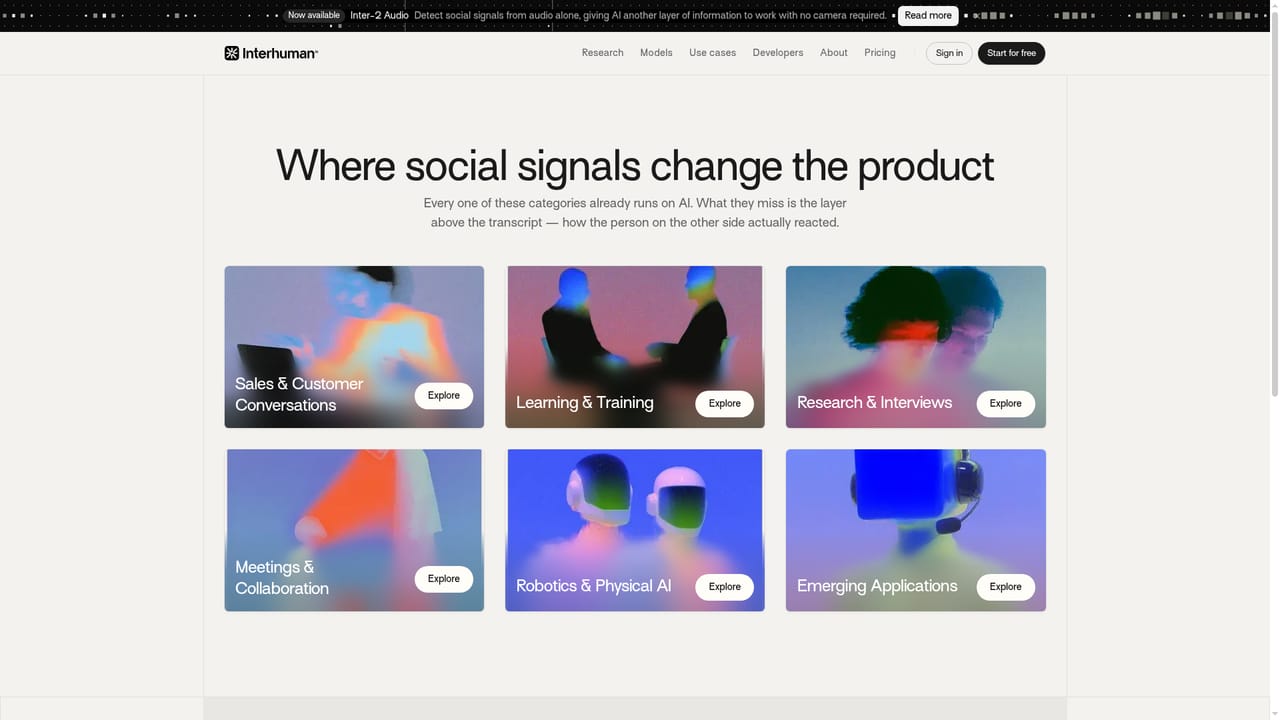
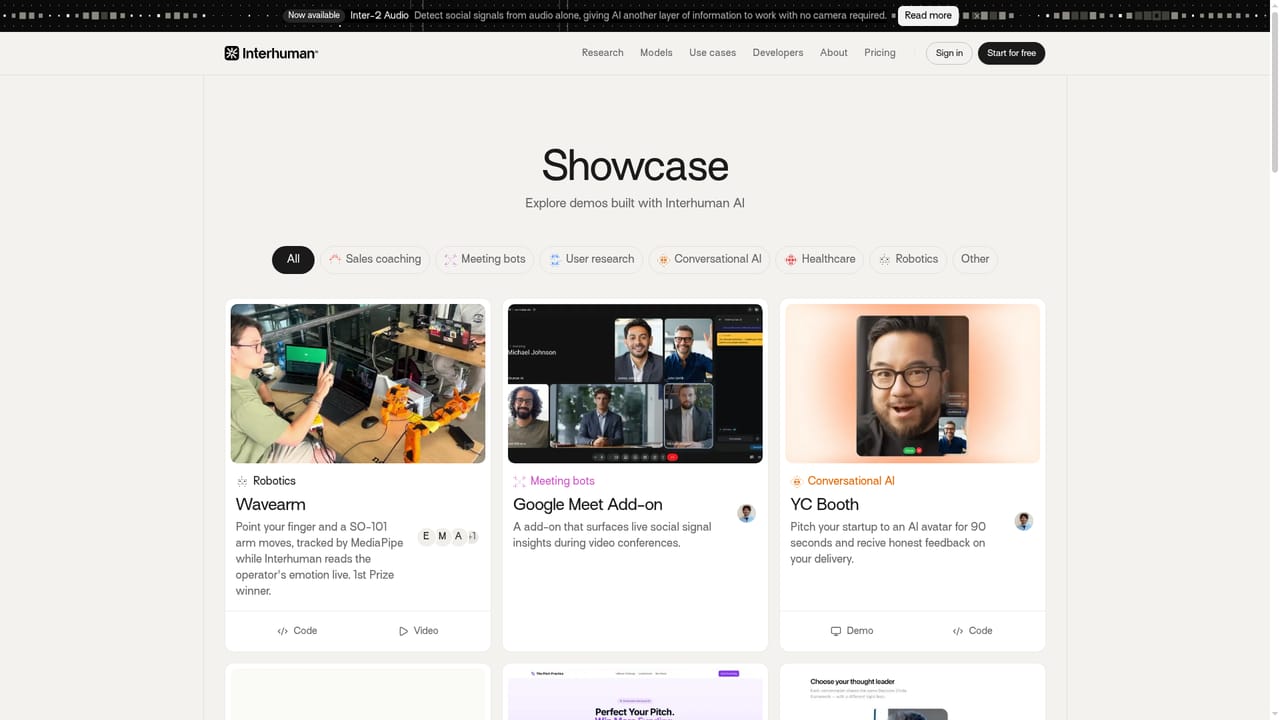
Interhuman AI is a developer platform that turns raw video and audio into structured readings of how people communicate. Instead of stopping at a transcript, the Inter-2 models analyze a single video stream for voice, facial expression and body language, then return twelve social signals aligned in time. The company positions this as social intelligence infrastructure: a layer any AI system can call on to interpret human behavior as it unfolds in a conversation. The result is not a sentiment label but a set of observable behavioral cues that downstream software can act on. In practice the product is an API. A developer uploads a recorded clip or streams live input, names the model, and receives JSON containing analysis windows, each tagged with an engagement status and the detected signals. Documentation covers both upload and streaming paths, with code samples in TypeScript and Python, so the integration work is conventional API plumbing rather than a bespoke pipeline. Inter-2 Audio extends the same idea to audio alone, which matters for phone calls, voice agents and settings where no camera is available. The audience is builders rather than end users. Sales coaching tools, mock interview platforms, research interview systems, meeting bots and robotics teams all appear in the published use cases and showcases. One example sends a bot into a meeting to report where a speaker sounded confident or lost the room; another reads operator emotion while a robot arm follows a pointed finger. Buyers comparing this with transcription services or general multimodal models should note the difference in focus: Interhuman is narrow, behavior specific and built on communication research. Pricing is not published on the homepage, so cost has to be established directly with the company. The engineering skill required is real: this is an API product with no consumer app, and meaningful use means writing code and handling video capture. Teams that need a quick analytics dashboard will find it too low level, while product groups building conversational AI or coaching software will find the signal vocabulary already mapped to their problems.
Support runs through a dedicated documentation site covering the API. The homepage does not describe support tiers, response times or a help centre beyond those docs.
Learn moreNo integration marketplace is described. The API is designed to be called from a developer's own application, and published showcases show it combined with Google Meet add-ons, meeting bots and AI avatars.
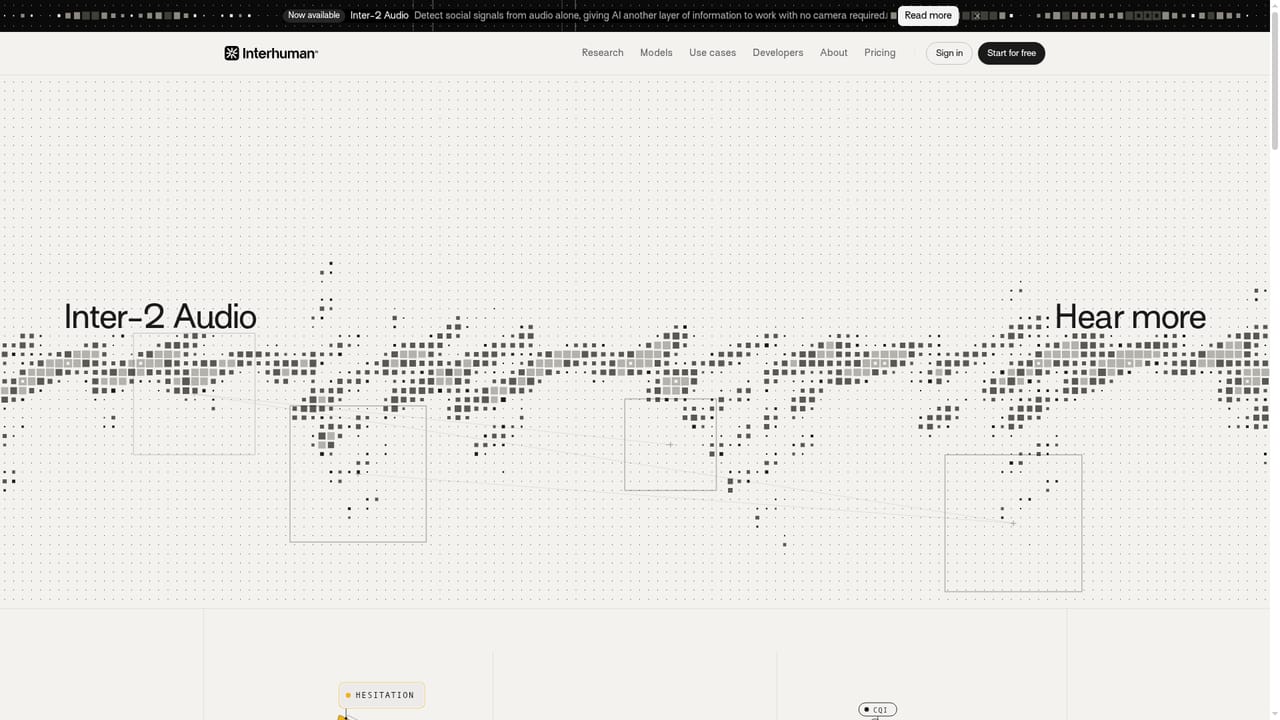
Inter-2 detects twelve social signals from video, audio and text processed together in temporal alignment, returning analysis windows with an engagement status. Inter-2 Audio performs the same detection from audio alone with no camera required. Developers can upload a recorded file or stream live input, and the API responds with JSON that lists signals per window. Models are built on behavioral science research into voice, facial expression and body language.
Learn more AI Angels400+ customizable AI girlfriends for NSFW chat, voice calls, and roleplay
 Candy AIExperience the future of companionship with AI friends who chat, role-play, and connect with you on a human level.
 ourdream.aiA vast AI roleplay platform with millions of characters for chat, images, video and voiceAI Angels400+ customizable AI girlfriends for NSFW chat, voice calls, and roleplayCandy AIExperience the future of companionship with AI friends who chat, role-play, and connect with you on a human level.ourdream.aiA vast AI roleplay platform with millions of characters for chat, images, video and voice


