Integrations
The site advertises more than 400 connectors plus browser automation for systems without an API. Named systems in the execution log include HubSpot, Intercom, Salesforce, Zendesk, Apollo and Slack.
Deploy autonomous digital workers across revenue, IT, service and ops.

Jeeva is a meta AI automation tool. Jeeva runs autonomous digital workers for support, IT, revenue, security and finance. Teams describe a job in plain language and the shared runtime handles planning, memory, execution and human approvals across connected systems.
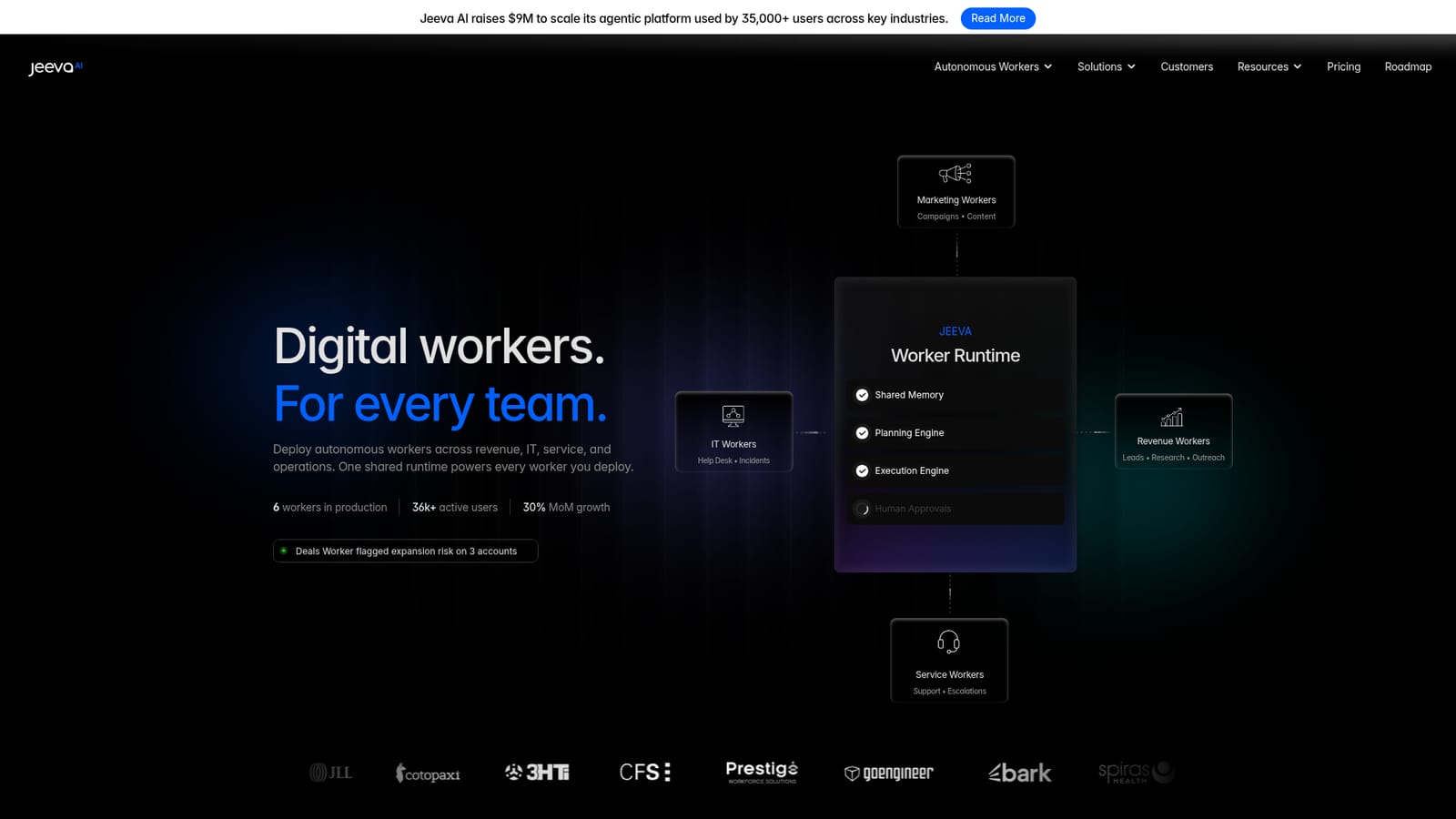
Jeeva is a platform for building and running autonomous digital workers: software agents that take on recurring business tasks end to end rather than waiting for a prompt. The company positions the product around a shared worker runtime that powers every agent a team deploys, with planning, memory, execution and approval steps built into one layer. Its public site lists workers in production across customer service, IT operations, revenue, growth, security and finance, and cites active users in the tens of thousands across a handful of live deployments. The design philosophy is natural language first. Instead of drawing node diagrams or chaining workflow blocks, a user describes what the worker should do and Jeeva assembles the process from there. Each worker follows a visible sequence: ingest a signal such as a ticket, invoice or anomaly, gather context from connected systems, reason about the next step, act through API connectors or browser automation, and log the outcome. Published process examples include ticket resolution, contract review with clause flagging and redlines, invoice matching against approved purchase orders, and first-response security playbooks. The product is aimed at operations, support, revenue and IT teams inside companies that have repetitive, rules-bounded work crossing several systems. A five layer stack separates perception, reasoning, action, memory and governance, and the governance layer matters most for buyers: every worker carries its own identity, permissions and audit trail, and sensitive actions can be routed for human approval while routine work continues unattended. The site advertises more than 400 connectors plus browser automation for systems that lack an API. Among agent platforms, Jeeva leans toward vertical, ready-made workers rather than a blank canvas for developers to assemble from scratch. That makes it faster to stand up a support or finance agent, but it also means teams wanting unusual or deeply custom logic should check how far the described-worker model stretches before committing.

The site advertises more than 400 connectors plus browser automation for systems without an API. Named systems in the execution log include HubSpot, Intercom, Salesforce, Zendesk, Apollo and Slack.
Describes a five layer worker stack: perception via webhooks, tickets, alerts and schedules; a planning engine that branches and self-heals; action through 400+ connectors plus browser automation; persistent memory across sessions and systems; and governance with worker identity, permissions and auditability. Human approvals, continuous execution and multi-system actions are included.
 AI Angels400+ customizable AI girlfriends for NSFW chat, voice calls, and roleplay
 Candy AIExperience the future of companionship with AI friends who chat, role-play, and connect with you on a human level.
 ourdream.aiA vast AI roleplay platform with millions of characters for chat, images, video and voiceAI Angels400+ customizable AI girlfriends for NSFW chat, voice calls, and roleplayCandy AIExperience the future of companionship with AI friends who chat, role-play, and connect with you on a human level.ourdream.aiA vast AI roleplay platform with millions of characters for chat, images, video and voice


