Free trial
New users get free credits on sign-up with no credit card required. Credits are only consumed on successful generations.
Learn moreTurn flat jewelry product photos into on-model shots in about a minute
Own Jewelry Model AI? Verify ownership to get a dofollow link

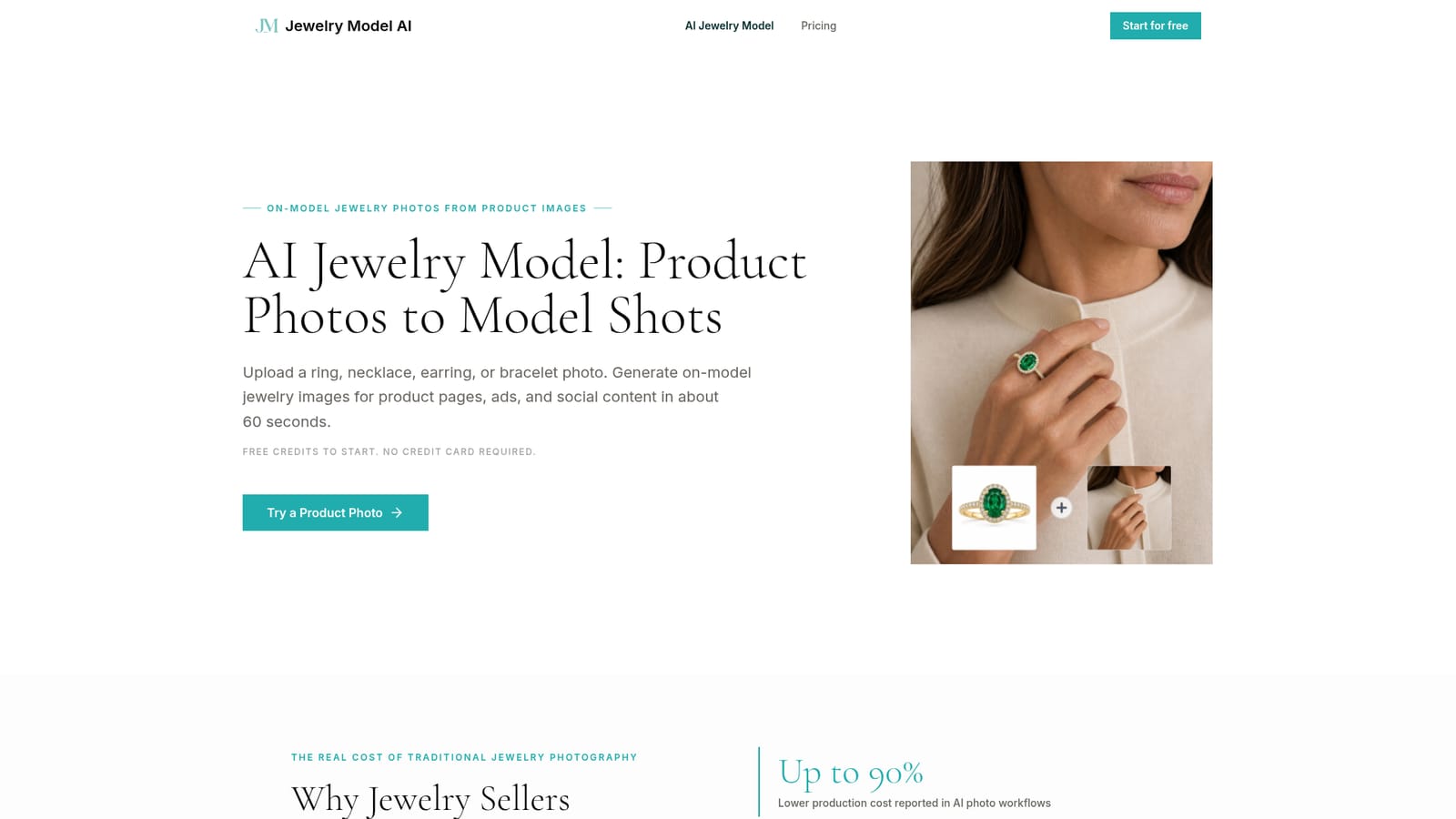
Jewelry Model AI is an image generator tool that turns flat jewelry product photos into on-model shots in about a minute. Jewelry Model AI generates photorealistic on-model images from ring, necklace, earring and bracelet product photos, with type-specific placement controls, credit-based pricing and a commercial license on paid plans.
Jewelry Model AI is a web tool that converts a plain product photo of a ring, necklace, earring or bracelet into a photorealistic image of the piece being worn. It targets online jewelry sellers who need model imagery for product pages, ads and social posts but cannot justify the cost and lead time of a studio shoot with a hired model. The workflow has three stages. The user picks a jewelry type, which determines the available model presets and placement options. Next comes a photo upload, followed by a choice between a preset AI model and one the user supplies. At generation time the placement can be set manually for tighter control or left to the AI. The result appears in a preview panel after roughly a minute and can be downloaded at full resolution. Each jewelry type has its own placement logic: rings can target a specific finger, earrings the left ear, right ear or both, bracelets the left or right wrist, and necklaces are positioned around the neckline and pendant location. The product positions itself on fidelity to the source photo. The uploaded image acts as the main reference so that stone cuts, settings, metal tone and engravings stay visible, though the site itself advises reviewing every output before publishing and recommends clear, well-lit inputs such as white-background shots, flat lays or clean smartphone photos. Customers are independent Etsy and Shopify designers, growing e-commerce brands scaling catalogs, and agencies handling several jewelry clients. Pricing is credit-based. New accounts receive free credits without a card, and three monthly subscriptions (Starter, Pro, Studio) add larger credit allowances, up to 4K output, queue priority and a commercial license. Among alternatives, it sits between general-purpose AI image generators, which tend to reinterpret product details, and virtual try-on tools that cover only some jewelry categories. Its narrow focus on four jewelry types is both its main selling point and its boundary.
New users get free credits on sign-up with no credit card required. Credits are only consumed on successful generations.
Learn moreCredit-based. Starter is $19/month (500 credits, up to 50 standard generations), Pro is $49/month (1,500 credits, up to 150), and Studio is $99/month (4,000 credits, up to 400). All include up to 4K output and a commercial license.
Learn moreSupport level scales by plan: basic on Starter, priority on Pro and fast-track on Studio, with matching queue priority.
Ring, necklace, earring and bracelet try-ons with type-specific placement, preset or custom models, auto or manual positioning, about 60 second generation, full-resolution download, up to 4K output on paid plans.