Free trial
The homepage invites visitors to start a trial, but it does not state a trial length or which products the trial covers.
Learn moreAI assisted exploratory data analysis, from notebooks to desktop

Kanaries is an AI spreadsheet generator tool. Kanaries bundles PyGWalker, GWalkR, Graphic Walker Desktop and an embeddable charting component into one visual analytics stack, with AI chat for querying data in natural language and shareable chart web apps for team review.
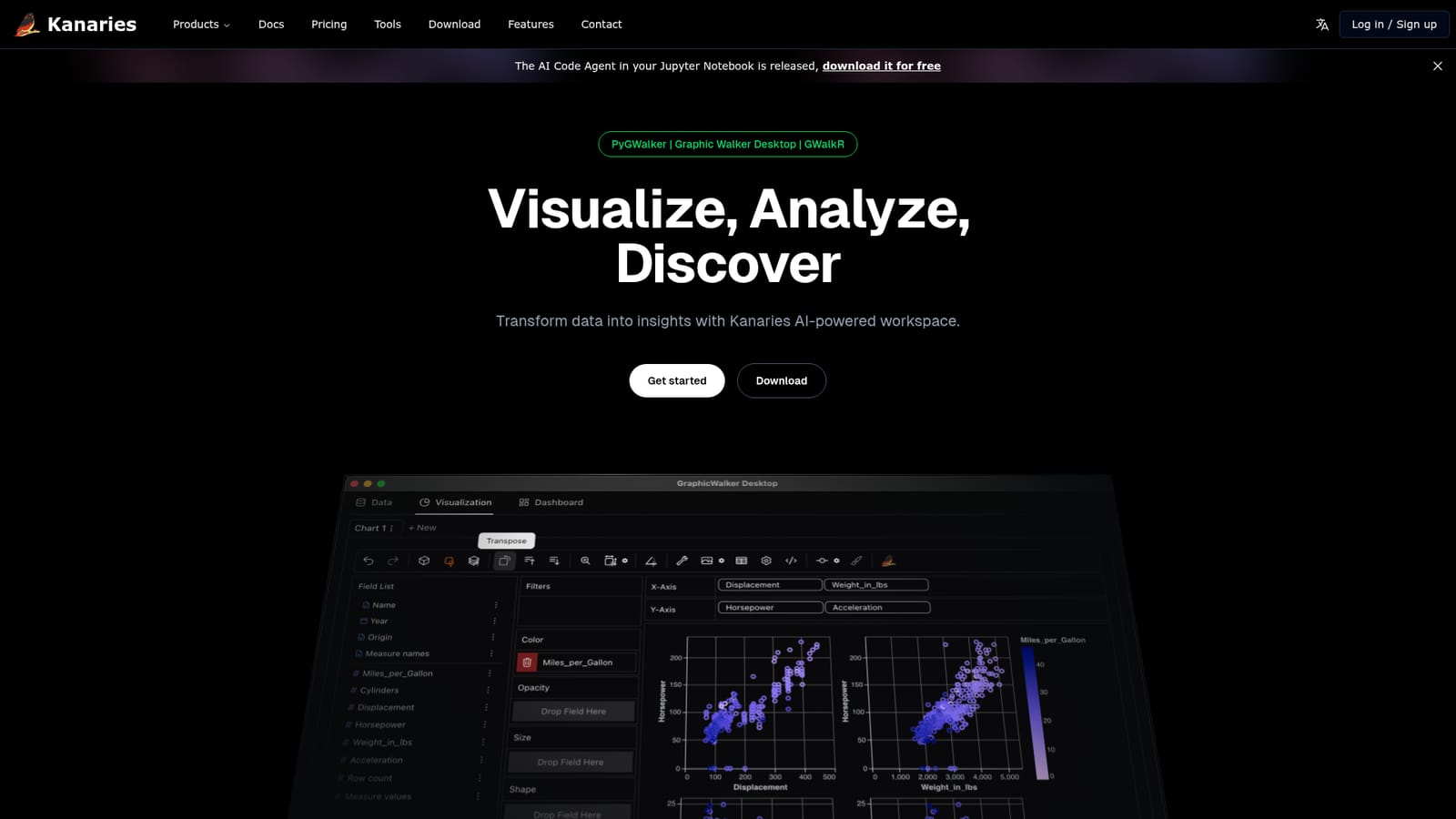
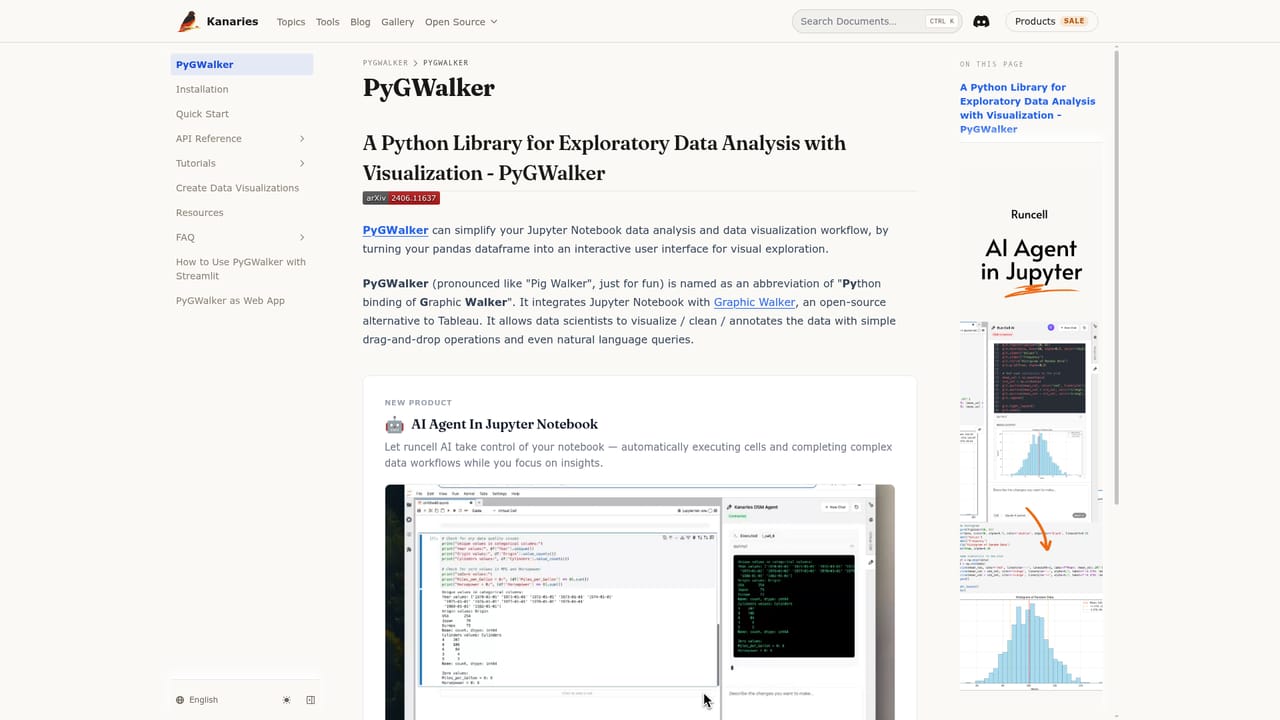
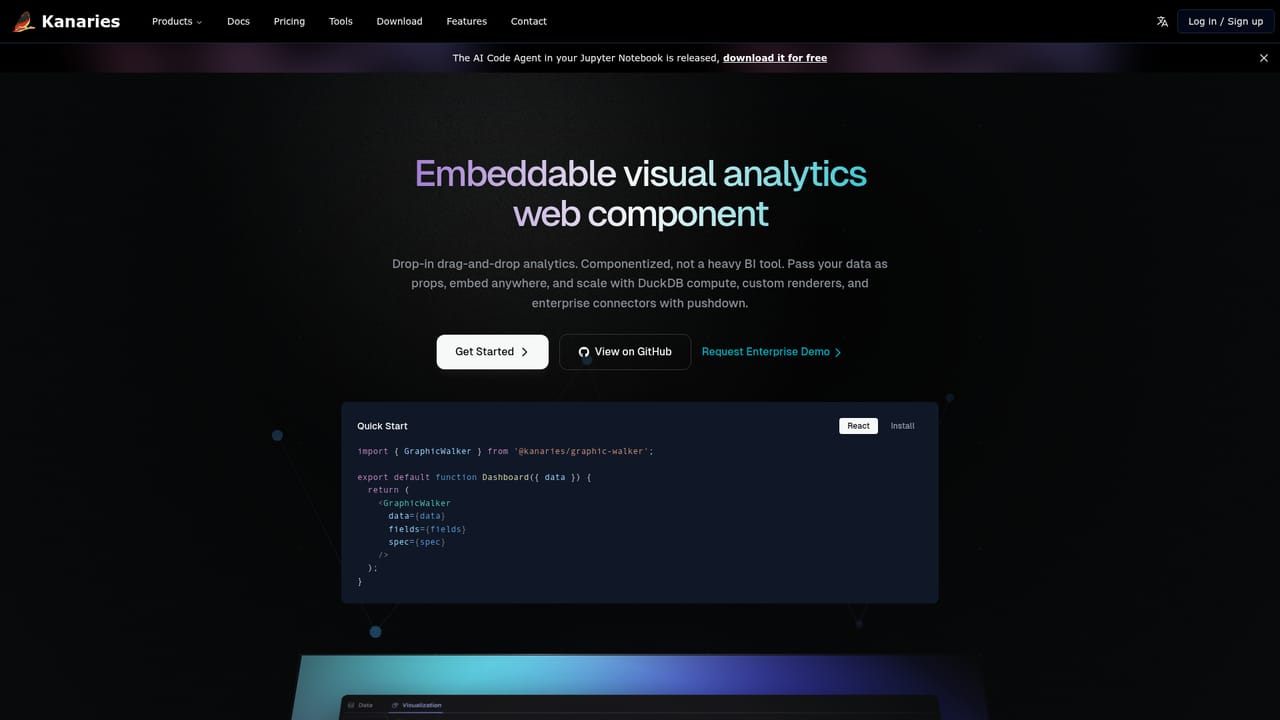
Kanaries is a visual analytics workspace built around one goal: getting from a raw dataset to a readable chart without writing a pile of plotting code. The product is not a single app but a family of tools that share an approach. PyGWalker turns a pandas DataFrame into an interactive exploration surface with one line of code inside a Jupyter notebook. GWalkR does the same job for R data frames in RStudio. Graphic Walker Desktop is a native macOS and Windows editor for offline, higher performance work, and the Graphic Walker component lets developers embed the same drag and drop analytics into React, Vue or Angular applications. The hosted Kanaries workspace ties these pieces together with a chat layer called VizChat. In practice the workflow is drag and drop first. Fields are dropped onto shelves to build charts, and the visual output updates as you explore rather than waiting on a rerun. VizChat takes questions in natural language and returns answers drawn from the loaded data, which suits analysts who want a quick read on a distribution or a relationship before committing to a deeper pass. Finished charts can be shared with teammates as web apps so colleagues explore the same data without installing anything. Runcell.dev, the sibling product, adds an AI code agent inside Jupyter that understands the notebook's code and data, offers inline completions and suggests next analytical steps. Who it fits: data scientists and analysts already living in Python or R notebooks, small teams that want an internal BI surface without a heavyweight platform, and developers who need an embeddable charting component rather than another dashboard vendor. Kanaries sits between notebook plotting libraries like matplotlib and full BI suites like Tableau or Power BI. It borrows the exploratory freedom of the first and some of the sharing convenience of the second, at the cost of the governance and enterprise breadth the big platforms carry.
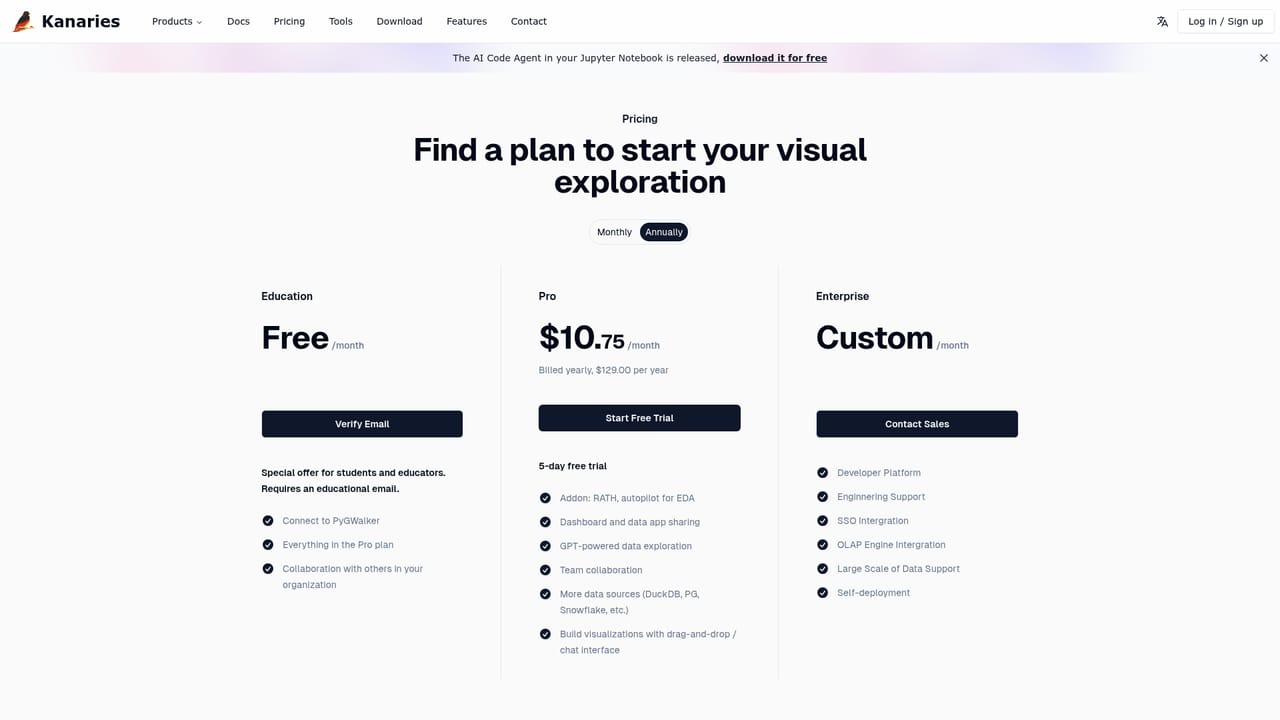
The homepage invites visitors to start a trial, but it does not state a trial length or which products the trial covers.
Learn moreBuilt for pandas DataFrames in Jupyter, R data frames in RStudio, and React, Vue or Angular front ends via the Graphic Walker component.
Learn moreDrag and drop data exploration with live chart updates, one line DataFrame visualization for pandas and R, VizChat natural language queries over loaded data, shareable chart web apps, an offline desktop editor for macOS and Windows, an embeddable analytics component for React, Vue and Angular, and AI code assistance for Jupyter notebooks through Runcell.dev.
Learn more AI Angels400+ customizable AI girlfriends for NSFW chat, voice calls, and roleplay
 Candy AIExperience the future of companionship with AI friends who chat, role-play, and connect with you on a human level.
 ourdream.aiA vast AI roleplay platform with millions of characters for chat, images, video and voiceAI Angels400+ customizable AI girlfriends for NSFW chat, voice calls, and roleplayCandy AIExperience the future of companionship with AI friends who chat, role-play, and connect with you on a human level.ourdream.aiA vast AI roleplay platform with millions of characters for chat, images, video and voice




