Free trial
Keep Cloud can be tried for free by signing up through the platform. The open-source edition is also available for self-hosting at no cost.
Learn moreOpen-source AIOps platform that tames alert noise across your stack

KeepHQ is a meta AI automation tool. Open-source AIOps and alert management platform that consolidates alerts from 100+ monitoring and ticketing integrations, adds a queryable single pane of glass and a YAML workflow engine for enrichment and automation, with AI correlation reserved for the Enterprise tier.
Keep is an open-source AIOps and alert management platform built for teams that field alerts from many systems at once. It sits between your monitoring, incident response, ticketing and change management tools, pulling signals into a single pane of glass so operators can see what is actually firing rather than chasing each tool separately. The project describes itself as a Swiss knife for alerts at scale, and the framing is fair: the value lies in consolidation and automation rather than in any single feature. The product works in four stages. First, bidirectional integrations connect monitoring systems, IRM, ticketing, source control, change management and CMDB sources, with alerts and signals staying in sync across both ends. Second, a common query language lets teams slice, group and analyse the collected alert stream, with rule-based grouping to cut duplicate noise. Third, a YAML-based workflow engine (compared on the site to GitHub Actions, but with a UI) runs actions such as querying MySQL, enriching alerts with the results, updating Jira tickets or executing Python scripts. Fourth, the Enterprise tier adds AI-driven alert correlation based on past incidents and a knowledge base, plus summarisation and a continuous feedback loop. Deployment comes in three shapes: self-hosted open source, a managed cloud with a free trial, and enterprise cloud or on-premises. The audience is SREs, operators and platform engineers in complex environments, from startups to global enterprises, and there is a dedicated offering for managed service providers. Teams that only need basic uptime checking will find it heavy. Those juggling dozens of alert sources and wanting to lower their mean time to resolution are the intended fit. Keep competes with commercial AIOps suites on the enterprise end and with lighter alert routers below. Its differentiators are the open-source core, the breadth of integrations and a workflow layer that goes beyond forwarding alerts. The project is now part of Elastic, which is worth noting for anyone evaluating long-term roadmap stability.
Keep Cloud can be tried for free by signing up through the platform. The open-source edition is also available for self-hosting at no cost.
Learn moreThree deployment paths: self-hosted open source, Keep Cloud with a free trial, and Enterprise on cloud or on-premises with AI-driven alert correlation and summarisation. No numeric prices are published on the homepage, so enterprise costs require a conversation with sales.
Learn moreSupport runs through a public Slack community with roughly 700 members, GitHub for the open-source project, a status page and a demo booking route for sales conversations.
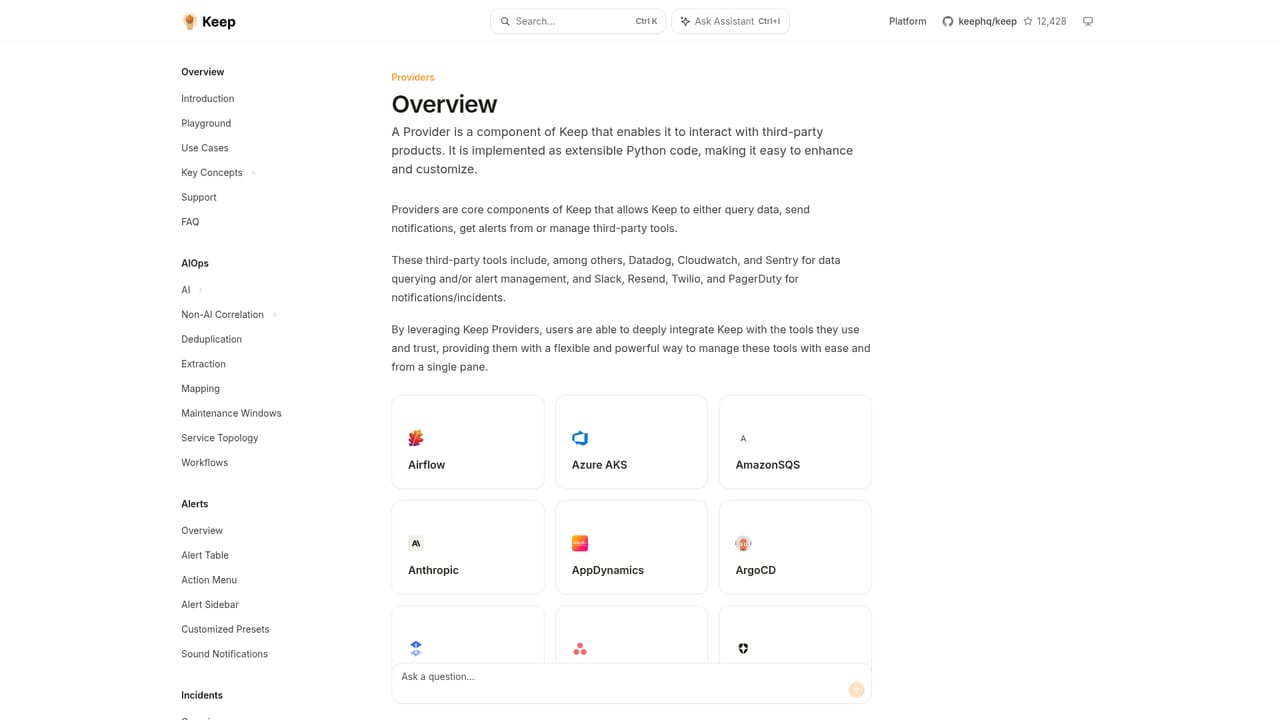
The homepage cites 90+ integrations and a providers list of over 110, spanning monitoring (AppDynamics, Datadog, Grafana, Prometheus, CloudWatch), IRM and ticketing (PagerDuty, Jira), source control, change management and CMDB systems.
Learn moreBidirectional integrations, a single pane of glass with a common query language and rule-based grouping, a YAML workflow engine with a UI for enrichment and automated actions, and Enterprise-only AI alert correlation and summarisation built on past incidents and a knowledge base.
Learn more AI Angels400+ customizable AI girlfriends for NSFW chat, voice calls, and roleplay
 Candy AIExperience the future of companionship with AI friends who chat, role-play, and connect with you on a human level.
 ourdream.aiA vast AI roleplay platform with millions of characters for chat, images, video and voiceAI Angels400+ customizable AI girlfriends for NSFW chat, voice calls, and roleplayCandy AIExperience the future of companionship with AI friends who chat, role-play, and connect with you on a human level.ourdream.aiA vast AI roleplay platform with millions of characters for chat, images, video and voice


