Free trial
New accounts get one free trend, five free images and one free video, with no card details mentioned on the homepage.
Learn moreOne workspace for every leading image, video and ad model

Kubflow AI is a generative image tool. Kubflow AI bundles leading image, video, voice and language models into one workspace, with website-to-video ads, UGC avatars, viral trend remakes, reusable workflows and an AI Agent that plans and generates with approval at each step.
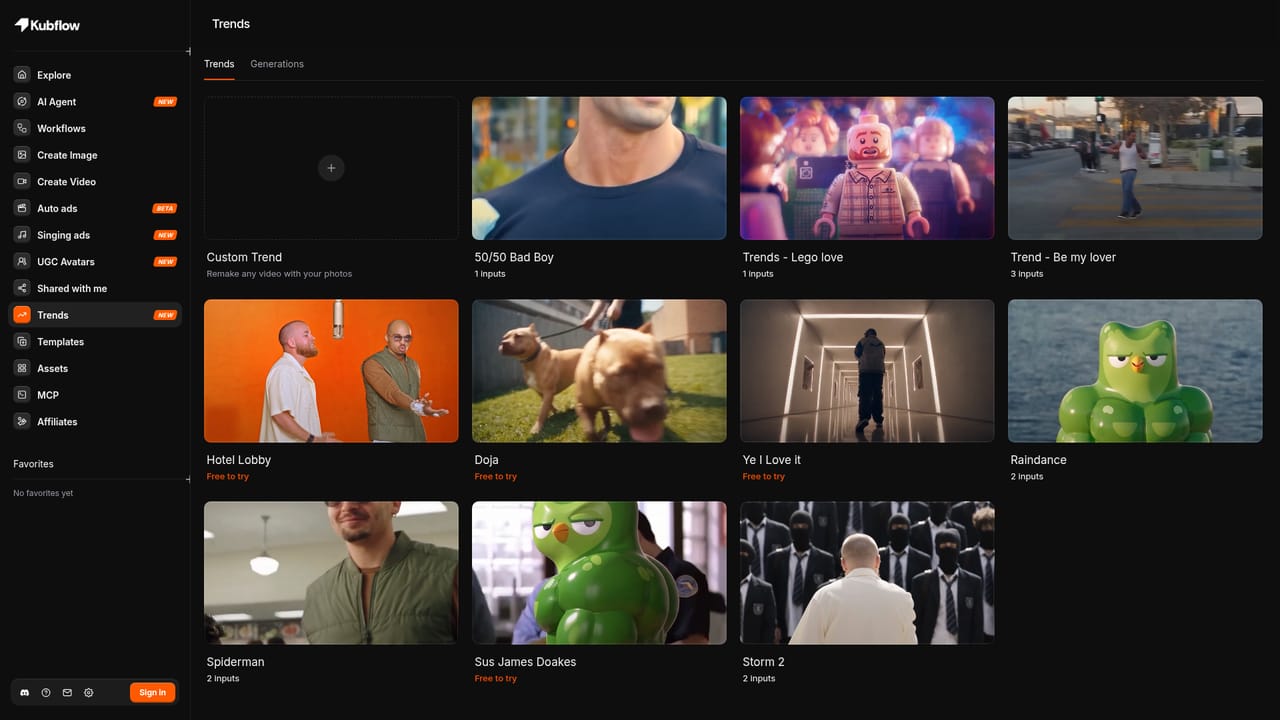
Kubflow AI is a creative workspace that puts several major image, video, voice and language models behind a single interface, then adds ad-focused tooling on top. Rather than subscribing to each model provider separately, users pick a task (an image, a video, a UGC clip, a website-to-video ad) and the platform routes it to a capable model. The roster named on the site includes Seedance 2.5 and Wan 3.0 and Veo 3.1 for video, GPT Image 2.5 and Nano Banana Pro and Seedream 5.0 Pro for images, ElevenLabs v4 for voice, and Claude Opus 5.5 plus GPT-6 Astra for writing and agent work. The strongest pull is advertising. Auto ads takes a website URL and a chosen visual look (claymation, studio product, felt puppets, bold editorial, 3D cartoon, street interview) and returns a finished video ad, a feature still marked beta. UGC Avatars supplies a cast of named on-camera creators with different niches such as lifestyle, beauty, tech and animated styles; the user writes a script and the avatar performs it. A Trends section packages viral formats, including a Spiderman remake, that can be re-shot with the user's own product or photos. The AI Agent is the connective tissue. Chatting with GPT-6 Astra produces a plan, a storyboard and then the generated assets, with each step approved before credits are spent. Workflows chain models into reusable pipelines, and a template library shows how existing pipelines were assembled, from one product image to twenty ads to turning a single take into multiple AI creators. An MCP integration lets Claude Code, Cursor and Codex generate images and videos against Kubflow credits from inside those tools. Small teams and performance marketers get the most value, since the ad and avatar features target paid social creative at volume. Solo creators and agencies that already juggle several model subscriptions are the natural audience. It competes with single-model generators on breadth and with ad-specific tools on the website-to-ad shortcut; the trade-off is that quality depends on which model a task lands on, and the creative range is bounded by the hosted model list.
New accounts get one free trend, five free images and one free video, with no card details mentioned on the homepage.
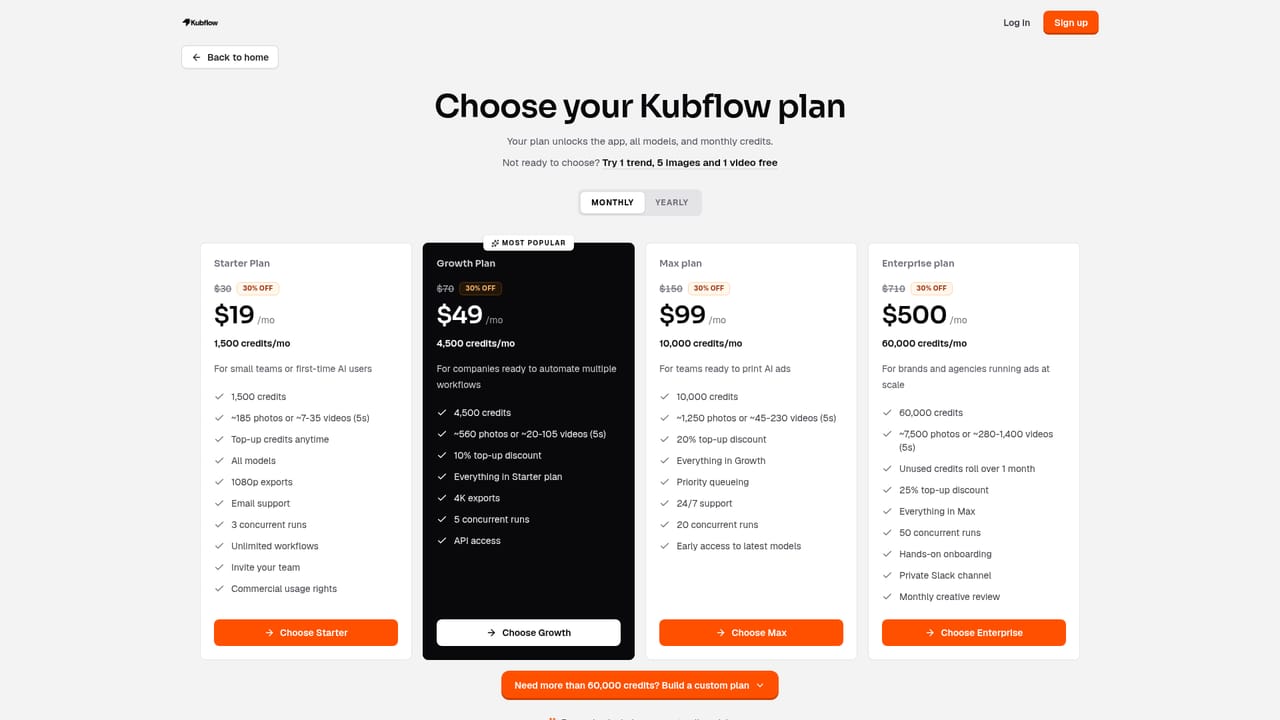
Learn moreThe homepage does not list plan tiers or credit prices. It states that paid plans include commercial use, and that new accounts start with a free allowance.
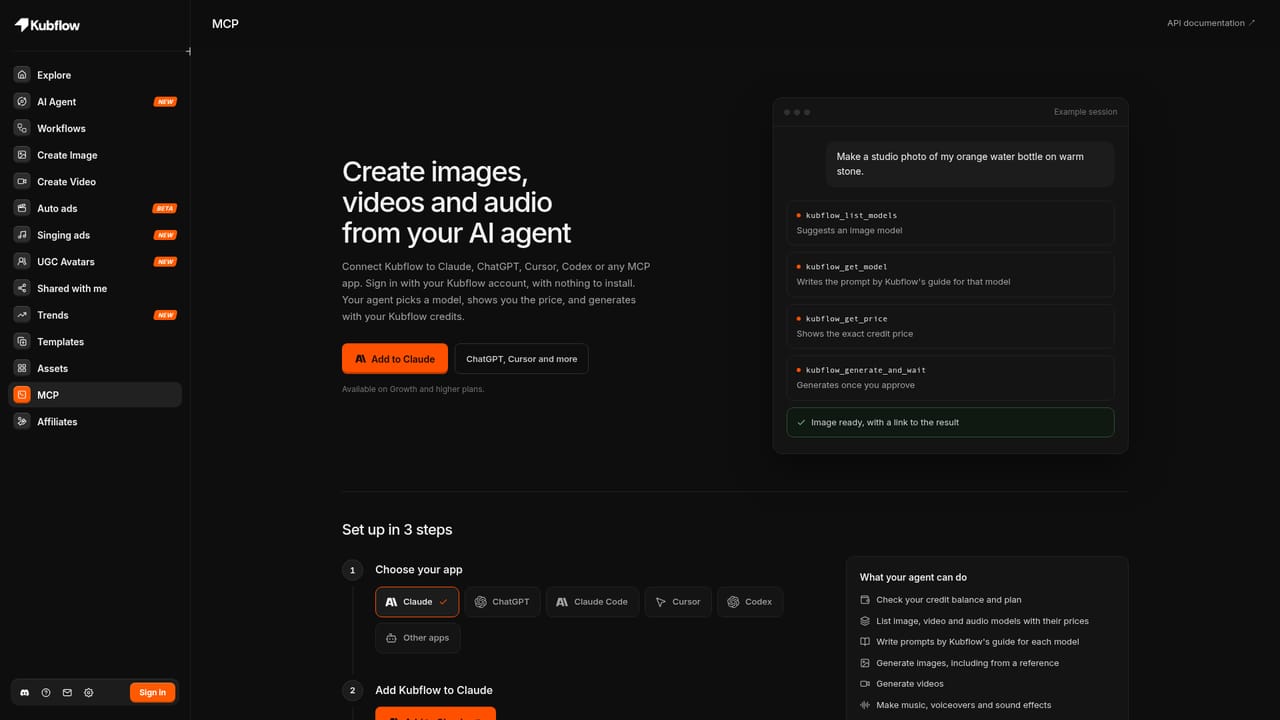
Learn moreA Kubflow MCP server connects the platform to Claude Code, Cursor and Codex so those agents can generate media with Kubflow credits.
Learn moreImage and video generation across Seedance, Veo, Wan, GPT Image, Nano Banana, Seedream and ElevenLabs voices; Auto ads that build a video ad from a website URL; UGC Avatars that speak a written script; a trends library of viral formats; an AI Agent on GPT-6 Astra that plans, writes and generates with step approvals; chained workflows with a template library; and an MCP server for external coding agents.
 AI Angels400+ customizable AI girlfriends for NSFW chat, voice calls, and roleplay
 Candy AIExperience the future of companionship with AI friends who chat, role-play, and connect with you on a human level.
 ourdream.aiA vast AI roleplay platform with millions of characters for chat, images, video and voiceAI Angels400+ customizable AI girlfriends for NSFW chat, voice calls, and roleplayCandy AIExperience the future of companionship with AI friends who chat, role-play, and connect with you on a human level.ourdream.aiA vast AI roleplay platform with millions of characters for chat, images, video and voice


