Free trial
A free plan is offered without a credit card and includes 500 credits, about 40 seconds of audio, plus audio downloads. Commercial rights are not included at this level.
Learn moreText to speech with 700+ voices across 40+ languages

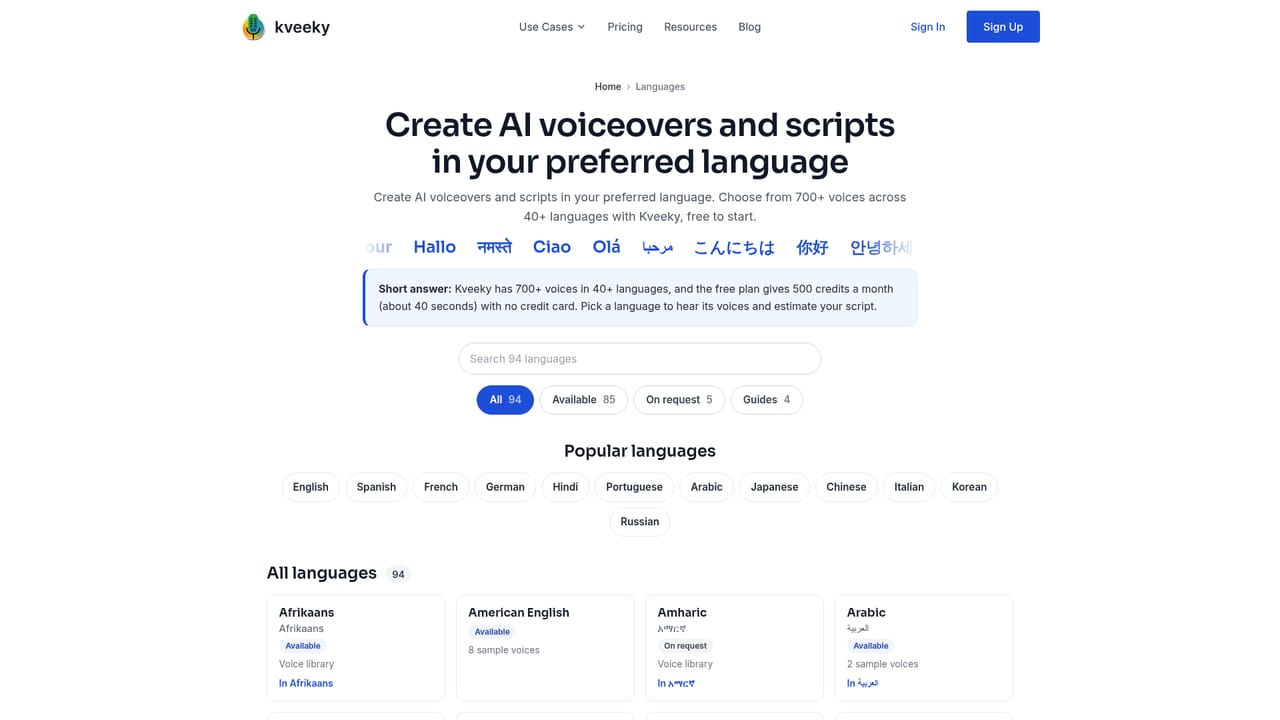
Kveeky turns scripts into downloadable voiceovers using a catalogue of 700+ AI voices in 40+ languages, with project guides for video, e-learning, ads, IVR and audiobooks. A free plan with 500 starter credits lets you test voices before paying for commercial rights.
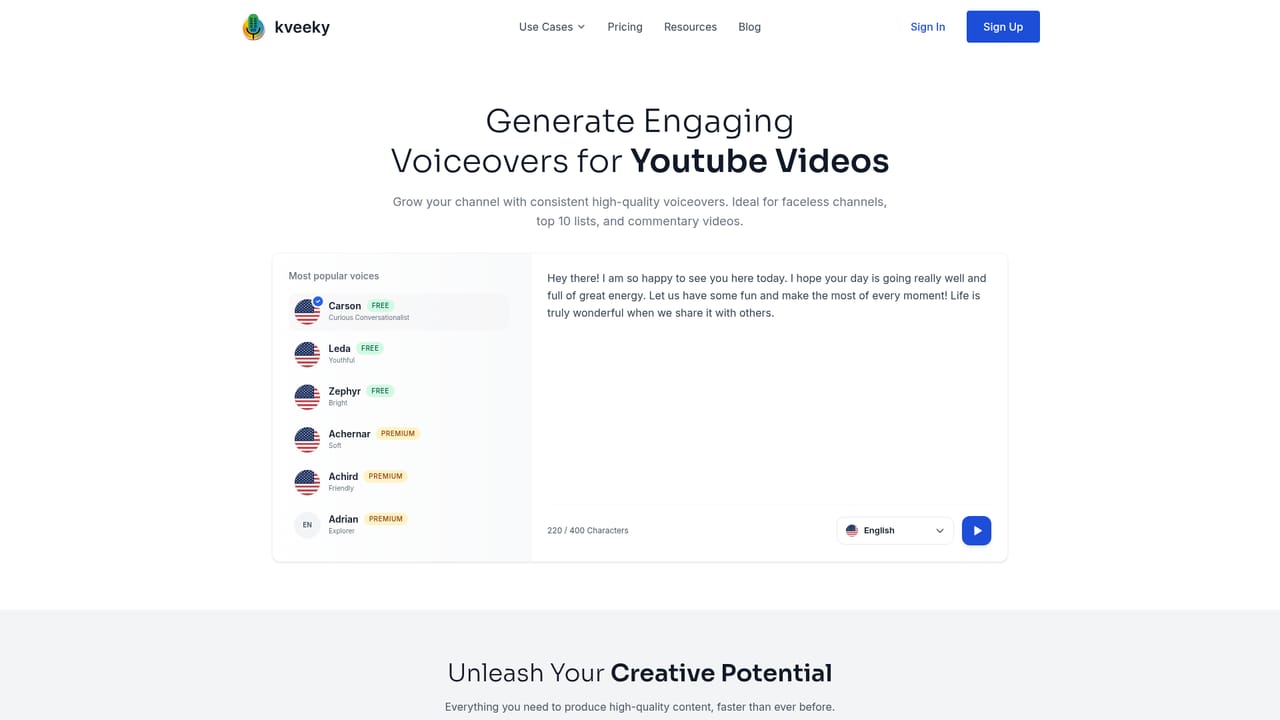
Kveeky is a browser based text to speech studio built around a large voice library. The homepage advertises 700+ AI voices covering more than 40 languages, with English, Spanish, German, Hindi, Japanese, Chinese, Italian, Polish and Turkish among the languages represented in the sample rows. Voices carry descriptive personas rather than bare identifiers (Curious Conversationalist, Royal Narrator, Commercial Announcer, Meditation Guide, Support Leader), which makes casting a matter of matching tone to context instead of auditioning blind. The workflow is straightforward: paste or type a script into the voiceover field, choose a voice and language, then generate and download the audio. A character counter sits alongside the input, and the homepage demo shows a 400 character field in use. Output can be downloaded, and commercial rights are attached to paid plans rather than the free tier. The product is organised around project types as much as around voices, with dedicated landing pages for YouTube videos, e-learning modules, advertisements, product demos, podcasts, phone and IVR greetings, explainer videos and audiobooks. Each page documents the voices and steps that suit that format. It suits creators who need narration without booking a session: video producers, course authors, podcast editors, ad teams and small businesses building phone menus. Voice actors and studios working at scale are a secondary audience, since the plan credits and download rights matter more to them than the preset personas. Kveeky positions itself directly against ElevenLabs, Murf AI, Speechify, VoiceMaker, WellSaid Labs and Typecast, and publishes head to head comparison pages for each. Its pitch is breadth of catalogue and a free entry point rather than proprietary voice cloning, and the paid tiers are where commercial use and higher credit allowances live.
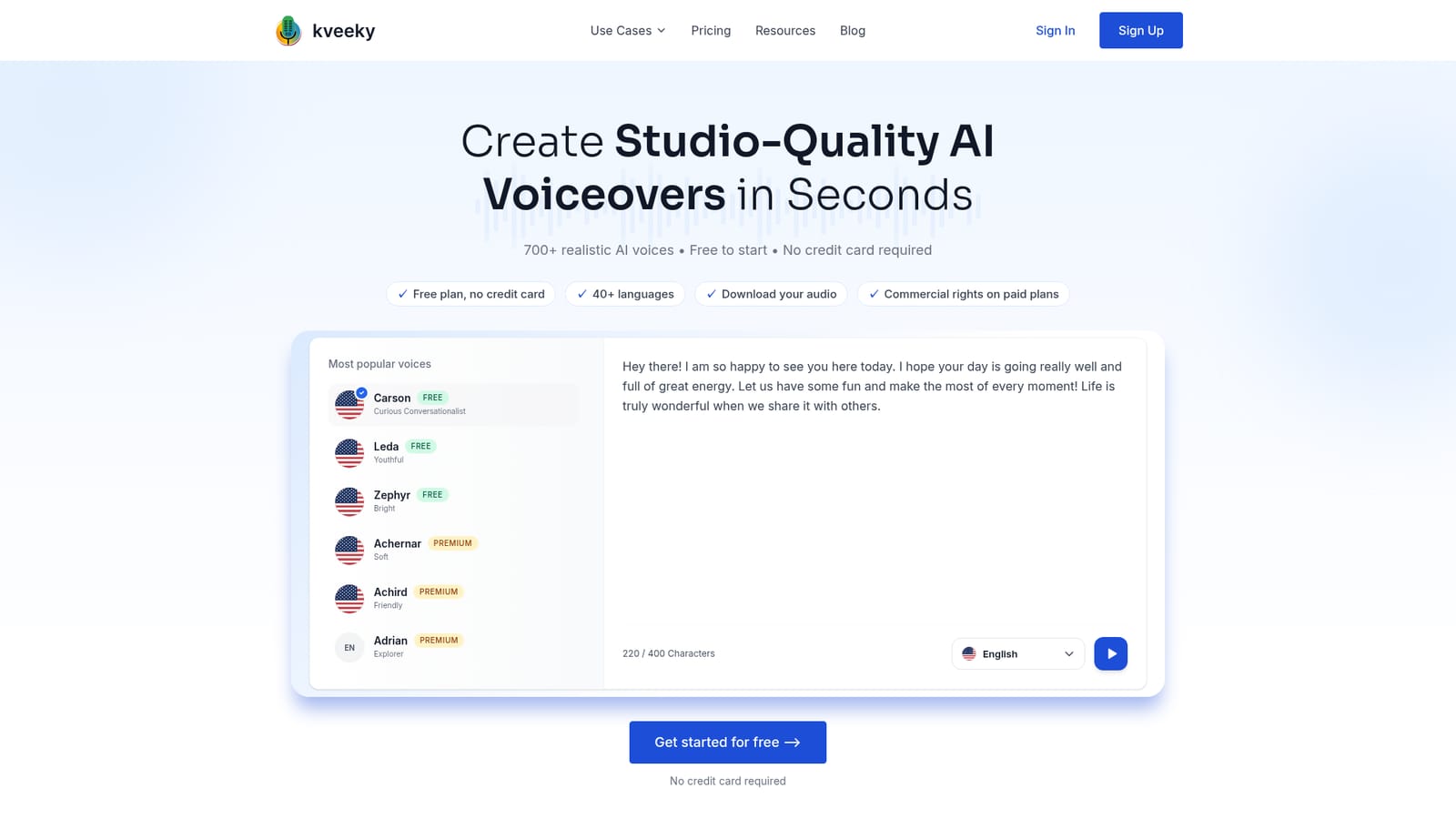
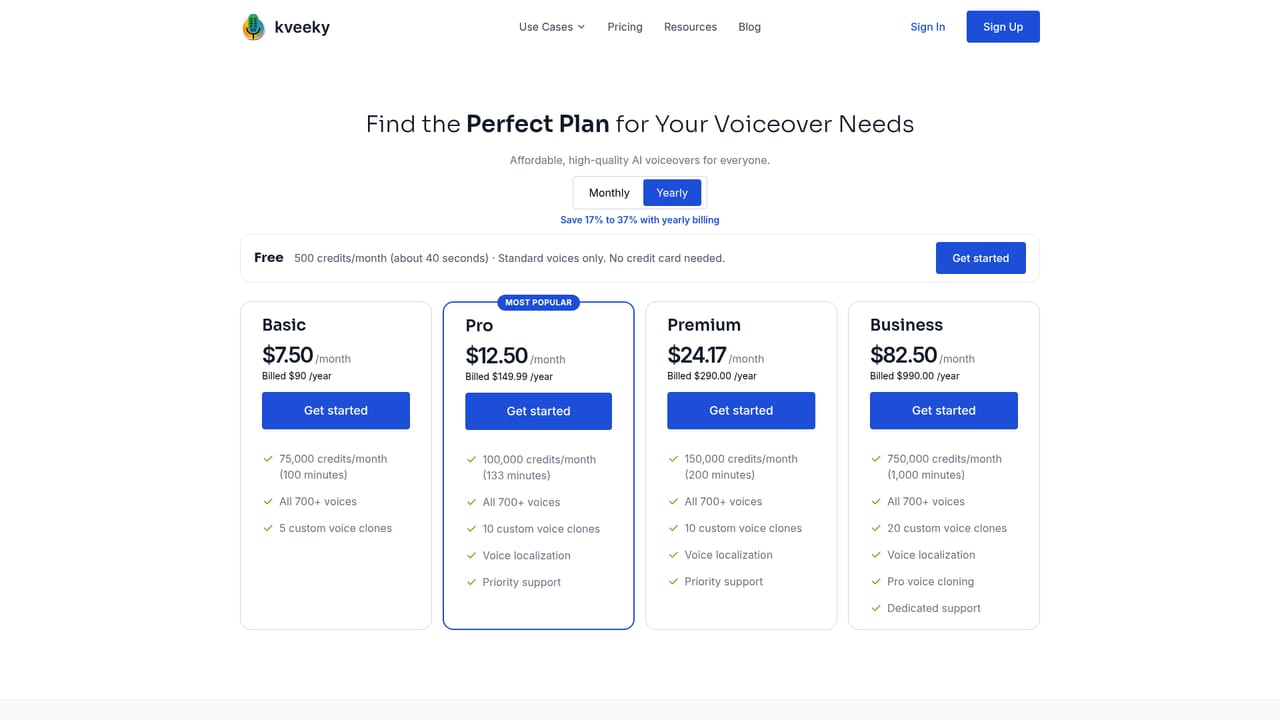
A free plan is offered without a credit card and includes 500 credits, about 40 seconds of audio, plus audio downloads. Commercial rights are not included at this level.
Learn moreThe homepage states a free plan with no credit card, 500 starter credits (roughly 40 seconds) and download access, while commercial rights are limited to paid plans. Exact tier prices, credit allowances and licence terms are not listed on the homepage, so check the pricing page before subscribing.
Learn moreCatalogue of 700+ AI voices across 40+ languages, with persona style descriptions to speed up casting. Script to speech generation with a character counter, audio download, and commercial rights on paid plans. Format specific workflows for YouTube videos, e-learning, advertisements, product demos, podcasts, IVR greetings, explainer videos and audiobooks.
 AI Angels400+ customizable AI girlfriends for NSFW chat, voice calls, and roleplay
 Candy AIExperience the future of companionship with AI friends who chat, role-play, and connect with you on a human level.
 ourdream.aiA vast AI roleplay platform with millions of characters for chat, images, video and voiceAI Angels400+ customizable AI girlfriends for NSFW chat, voice calls, and roleplayCandy AIExperience the future of companionship with AI friends who chat, role-play, and connect with you on a human level.ourdream.aiA vast AI roleplay platform with millions of characters for chat, images, video and voice


