Free trial
The free Starter tier lets you upload, process and preview results without a card, but full downloads are locked and per-file size is capped at 200 MB.
Learn moreVocal remover and stem splitter built for pro-level audio work

LALAL.AI is an audio analysis tool. LALAL.AI separates vocals, instrumentals and individual instruments from audio and video, and adds voice cleaning, de-echo, lead/back splitting, voice changing and voice cloning. Free previews are available, but downloads and batch work require a subscription or top-up.
LALAL.AI began as a single-purpose vocal remover and now runs a broader suite of audio processing tools. The core product takes a finished song or video and separates it into individual layers, known as stems. Vocals, instrumentals, drums, bass, electric and acoustic guitar, piano, synthesizer, strings, and wind instruments can each be pulled out on their own, and the engine is now in its sixth generation. The tool is aimed at two distinct audiences. Producers, DJs and remixers use it to obtain acapellas and instrumentals for edits and mashups, while podcasters, video editors and content teams use the voice tools to clean up spoken audio. A Voice Cleaner strips background noise, an Echo and Reverb Remover improves clarity in roomy recordings, and a Lead/Back Splitter divides main vocals from backing layers. Creative options extend to a Voice Changer for accent and tonality adjustments and a Voice Cloner for producing voiceovers, though these sit alongside rather than replace the separation work. In practice the workflow is upload, preview, then process. Files arrive as audio or video (MP3, WAV, FLAC, OGG, AIFF, AAC, M4A and AVI, MP4, MKV, MOV, M4V), up to 20 at a time in a batch, and the service returns preview snippets quickly. Settings expose choices such as a different neural network, lead/back separation, a noise canceling level, and de-echo, and the output format can be changed before full processing so a video can yield audio stems. Free users see previews and can judge quality, but downloads and longer jobs require a paid tier. Among competitors, LALAL.AI positions itself on stem variety and clean-up tooling rather than on being the cheapest or simplest option. The occasional odd pricing display aside, the plan structure is straightforward, and the addition of a VST plugin, local processing with Lyra, and API access on the Pro tier makes it more of a production utility than a one-off web toy.
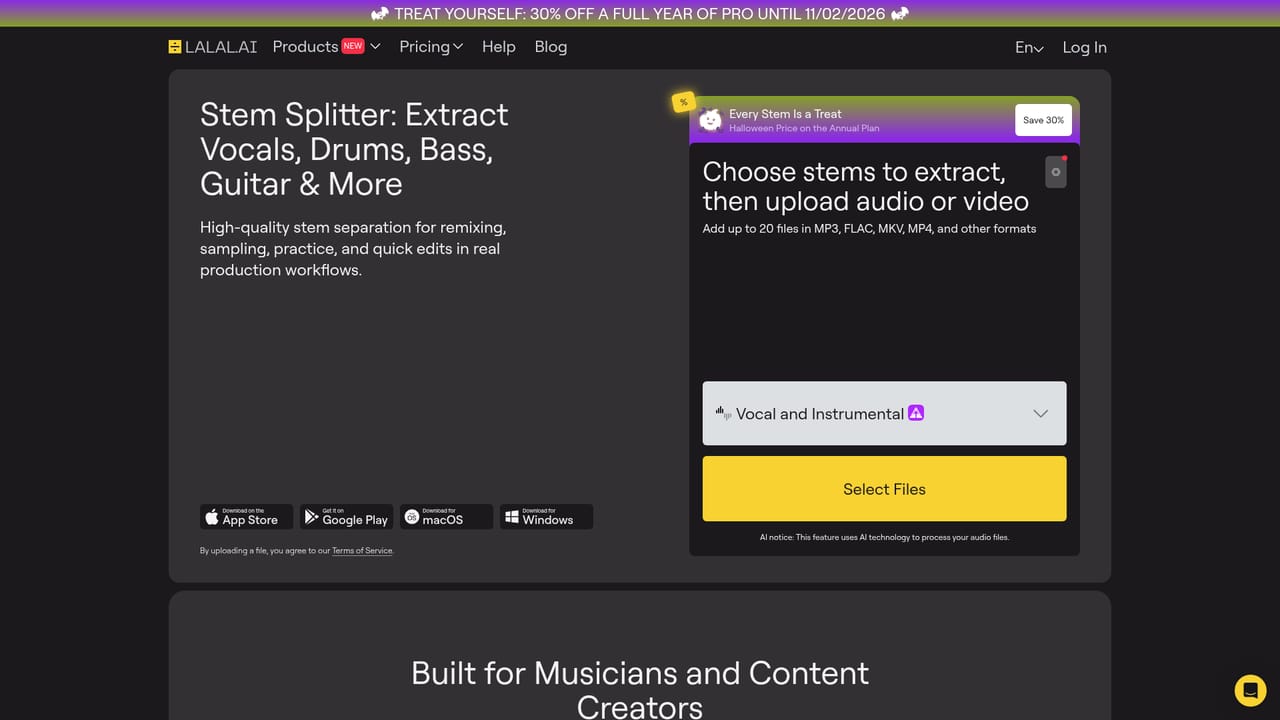
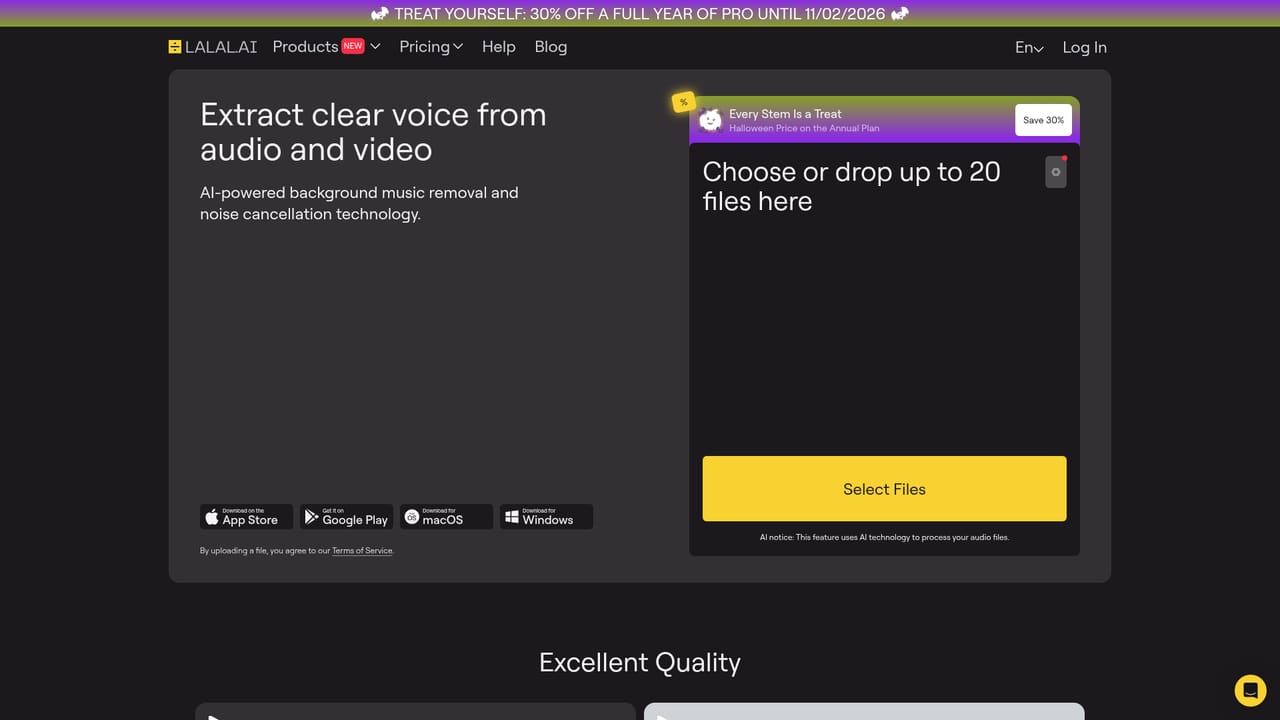
The free Starter tier lets you upload, process and preview results without a card, but full downloads are locked and per-file size is capped at 200 MB.
Learn moreStarter is free with 10 minutes in the relaxed queue, 200 MB uploads and previews but no downloads. Lite is $9.99 per month or $90 annually, with unlimited relaxed queue minutes, 90 fast minutes and a 2 GB limit. Pro is $19.99 monthly or $180 annually and adds VST, Lyra local processing and API. One-off top-ups run from 750 to 5000 minutes.
Learn moreAPI access and custom enterprise integrations are offered on the Pro plan and through business solutions for bulk secure audio. A VST plugin and local processing with Lyra are also included on Pro.
Learn moreVocal and instrumental separation plus individual stems for drums, bass, electric and acoustic guitar, piano, synthesizer, strings and wind. Extras include Voice Cleaner, Echo and Reverb Remover, Lead/Back Splitter, Voice Changer and Voice Cloner, with batch uploads, selectable output formats, alternative neural networks, de-echo and a noise canceling level.
Learn more AI Angels400+ customizable AI girlfriends for NSFW chat, voice calls, and roleplay
 Candy AIExperience the future of companionship with AI friends who chat, role-play, and connect with you on a human level.
 ourdream.aiA vast AI roleplay platform with millions of characters for chat, images, video and voiceAI Angels400+ customizable AI girlfriends for NSFW chat, voice calls, and roleplayCandy AIExperience the future of companionship with AI friends who chat, role-play, and connect with you on a human level.ourdream.aiA vast AI roleplay platform with millions of characters for chat, images, video and voice


