Free trial
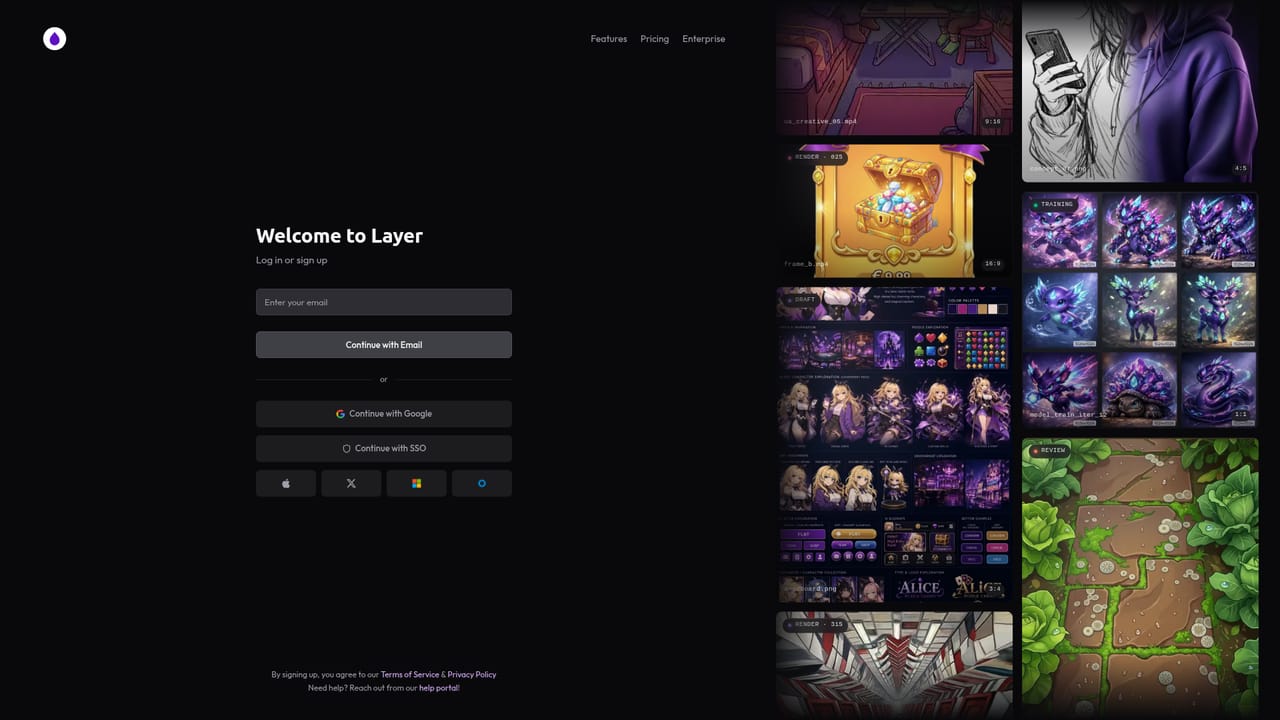
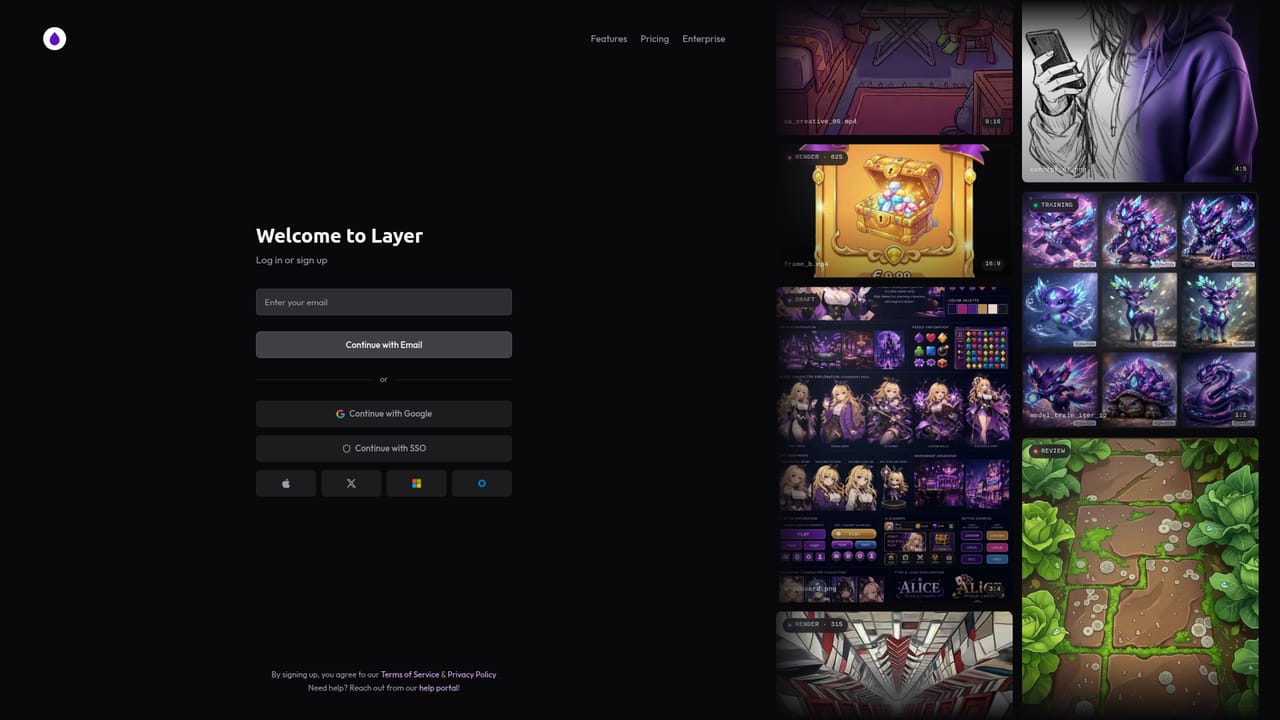
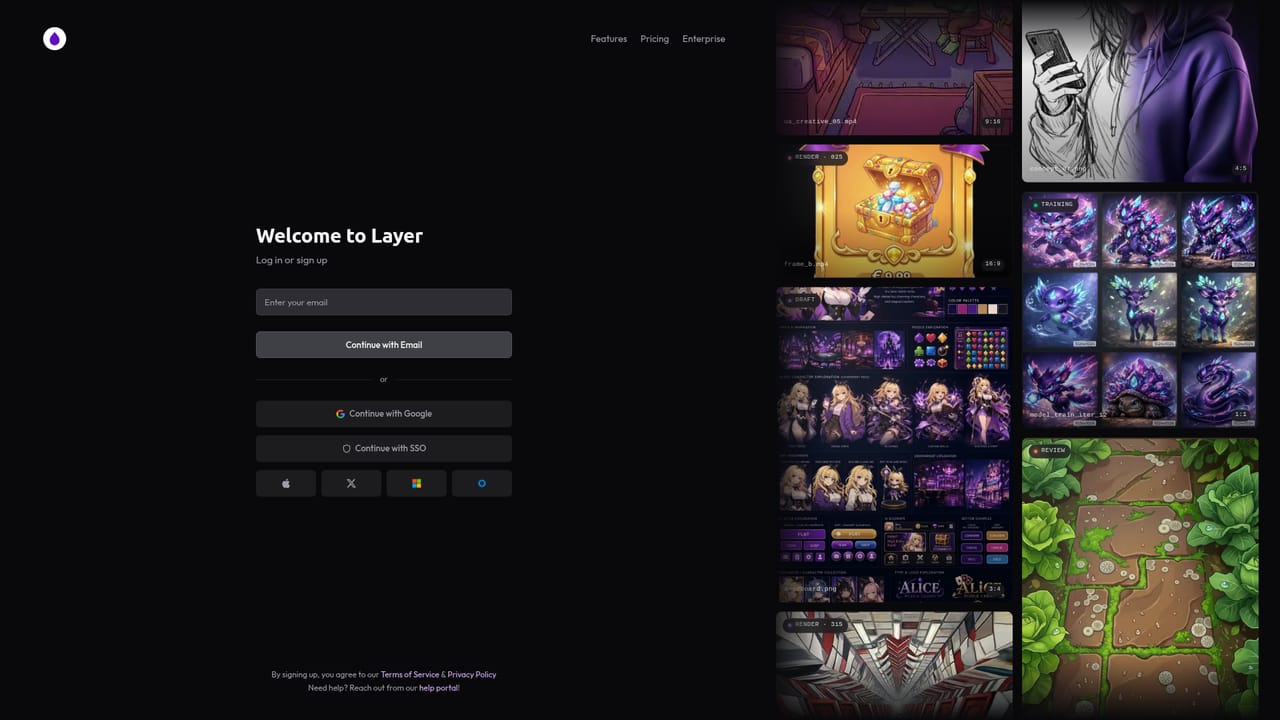
A free starting point is offered: the homepage invites visitors to start creating free, with sign up required to reach the workspace. Plan limits and paid tiers are not described.
Learn moreAgentic creative engine for game art, video, 3D and playables

Layer AI is a generative image tool. A multi model creative workspace for games and content teams: image, video, 3D asset and audio tools in one place, plus custom LoRA training, reusable workflows and brief to playable ad generation, with connectors for Photoshop, Unity, Unreal, Blender, Premiere Pro, After Effects, Figma, Slack and a Claude connection.
Layer AI is a browser based creative production platform aimed at teams that ship large volumes of visual content. Its strongest fit is game studios: the homepage leans heavily on art pipelines, sprite sheets, Spine parts, 3D assets and playable ads, and the client list reads like a mobile games roll call. Rather than wrapping a single model, Layer aggregates more than 300 models across image, video, 3D and audio, then layers editing tools on top of them so assets can be produced and revised in one workspace. The practical core is the tool catalog. Image work covers generation, prompt based editing, background removal, upscaling, inpainting, relighting, camera angle changes, vectorizing and splitting art into movable layers. Video tools handle extension, interpolation, reframing, camera moves, lip sync, motion transfer and subtitles. 3D side tools include remeshing to game ready topology, rigging, UV unwrapping, retopology style segmentation, retexturing and animation of rigged models. Audio covers music, SFX and voice, with audio inpainting for fixing a single moment in a track rather than regenerating the whole file. Style control is handled through custom training: users assemble a reference set of their own artwork to train a LoRA, and can clone a voice from a handful of clips. Workflows chain models and edits into pipelines that rerun on demand, which is where studios get consistency across a character lineup or a seasonal reskin. Playable generation turns a brief into an interactive ad, and a dedicated Claude connection lets prompts run from inside that chat tool. Competitors tend to be either single model chat interfaces or full production suites sold per seat to enterprises. Layer sits in between: broader than a prompt box, lighter to start than a studio suite, with a model menu that can be swapped as new versions land. Teams that need strict brand control and repeatable output will get the most from it; casual one off image generation is not the point here.
A free starting point is offered: the homepage invites visitors to start creating free, with sign up required to reach the workspace. Plan limits and paid tiers are not described.
Learn moreA help centre is published at help.layer.ai, and the site routes enterprise and sales questions through a contact sales form.
Learn moreConnectors are listed for Photoshop, Premiere Pro, After Effects, Blender, Unity, Unreal Engine, Figma and Slack, plus a Chrome extension and a Layer MCP entry point for working inside Claude.
Learn moreImage generation and editing (inpainting, relighting, camera angle, upscaling, vectorize, layer splitting), video generation and post tools (extend, interpolate, lip sync, motion transfer, subtitles, HDR), 3D asset creation with remesh, rig, UV unwrap and animate, audio generation and inpainting, LoRA training, voice cloning, chained workflows, playable ad generation and a Claude connection.
Learn more AI Angels400+ customizable AI girlfriends for NSFW chat, voice calls, and roleplay
 Candy AIExperience the future of companionship with AI friends who chat, role-play, and connect with you on a human level.
 ourdream.aiA vast AI roleplay platform with millions of characters for chat, images, video and voiceAI Angels400+ customizable AI girlfriends for NSFW chat, voice calls, and roleplayCandy AIExperience the future of companionship with AI friends who chat, role-play, and connect with you on a human level.ourdream.aiA vast AI roleplay platform with millions of characters for chat, images, video and voice


