Integrations
The product reaches beyond the core app through a Chrome extension and a Scribe Anywhere capability used inside LinkedIn Sales Navigator. No further integrations are named on this page.
AI email writing that leans on LeadIQ's own prospect data

LeadIQ is an email polishing tool. LeadIQ Scribe generates personalized prospecting emails and subject lines by combining LeadIQ's prospect data with a team's value propositions. Reps review suggested insights, generate variants, and rate or regenerate each message. It runs inside the LeadIQ platform plus a Chrome extension and a Sales Navigator capability.
LeadIQ Scribe is a generative writing layer built into the LeadIQ sales platform. Instead of asking a rep to assemble context by hand, Scribe pulls from the prospect and account data LeadIQ already holds and combines it with the value propositions a team supplies. The output is a prospecting email or a set of subject lines, produced in seconds and aimed at the specific person rather than a segment. The workflow is deliberately short. A rep reviews the insights Scribe surfaces for an account, checks that the suggested value proposition matches what that buyer cares about, and generates message variants. Each subject line and body arrives with thumbs up and thumbs down controls, and a regenerate option lets the rep iterate without rewriting from scratch. Feedback on individual messages feeds back into what the tool proposes next, so the writing drifts toward the tone and angle the rep keeps approving. Scribe targets quota carrying sellers, SDR and BDR teams, and agencies running outbound at volume. It is also used in LinkedIn Sales Navigator through a Scribe Anywhere capability that users cite as the reason it fits their existing routine, and a Chrome extension places the same assistance wherever a rep is already typing. Reviewers on G2 describe daily use for personalized emails and outreach sequences. Among AI writing tools, Scribe's differentiator is that it is not a standalone composer. It sits inside a sales intelligence product, so personalization depends on LeadIQ's data coverage rather than on whatever the rep pastes in. That makes it a poor fit for someone who only wants a generic email assistant, and a reasonable fit for teams already standardizing on LeadIQ for prospecting. The vendor reports a 4.3 out of 5 G2 rating and a top ranking in sales intelligence, and it was named best AI sales tool in 2023 by the Tenbound user community. The site is candid about the underlying problem: roughly a quarter of prospecting emails get opened and only one to five percent of those get a reply.
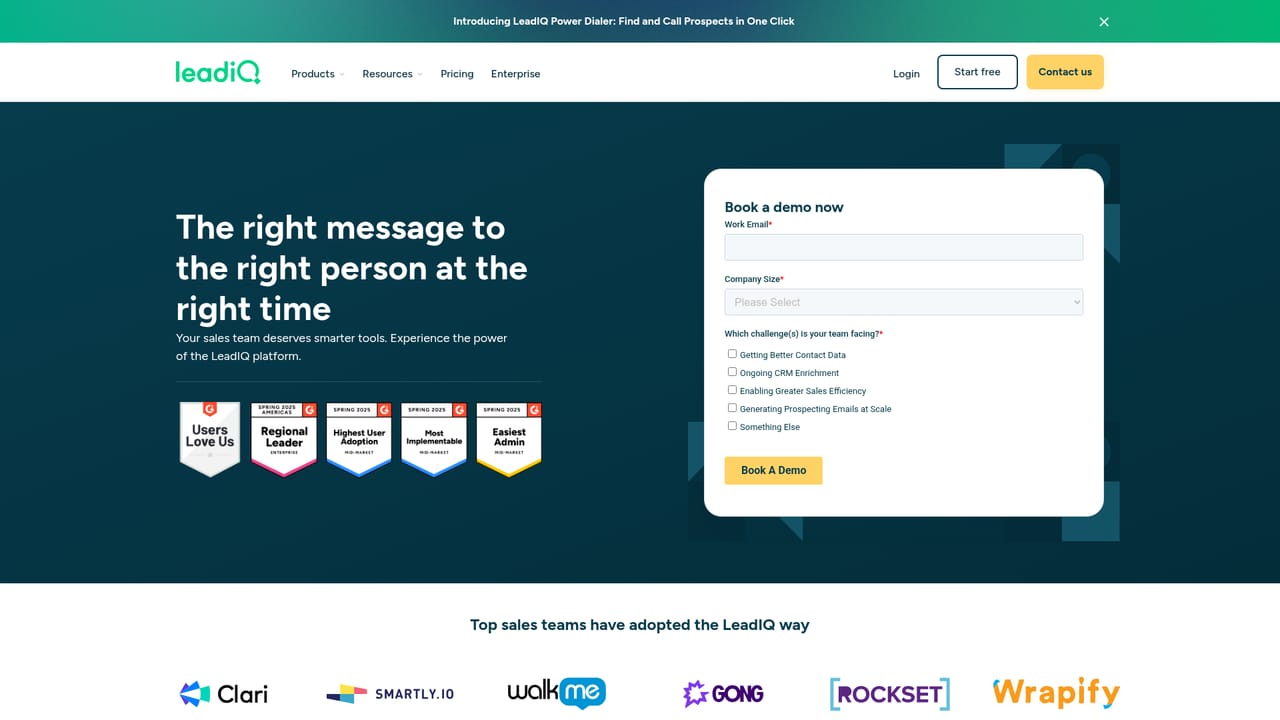
The product reaches beyond the core app through a Chrome extension and a Scribe Anywhere capability used inside LinkedIn Sales Navigator. No further integrations are named on this page.
Generates personalized prospecting emails and subject lines from LeadIQ prospect data plus your value propositions. Reps review account insights, produce message variants, then rate each result with thumbs up or thumbs down and regenerate on demand. Delivered inside the LeadIQ platform, with a Chrome extension and a Sales Navigator capability.
 AI Angels400+ customizable AI girlfriends for NSFW chat, voice calls, and roleplay
 Candy AIExperience the future of companionship with AI friends who chat, role-play, and connect with you on a human level.
 ourdream.aiA vast AI roleplay platform with millions of characters for chat, images, video and voiceAI Angels400+ customizable AI girlfriends for NSFW chat, voice calls, and roleplayCandy AIExperience the future of companionship with AI friends who chat, role-play, and connect with you on a human level.ourdream.aiA vast AI roleplay platform with millions of characters for chat, images, video and voice


