Free trial
A free trial is offered through the start free trial button, which opens a demo request form rather than instant self serve signup. Access is arranged after a call with the team.
Learn moreAI contract review, lease redlining and certificate of insurance tracking in one place

LegalGraph automates contract review, lease redlining, key term extraction and certificate of insurance compliance for mid market legal, finance and property teams. It analyses contracts in batches, builds a chronological lease record and sends escalating COI reminders from a single dashboard.
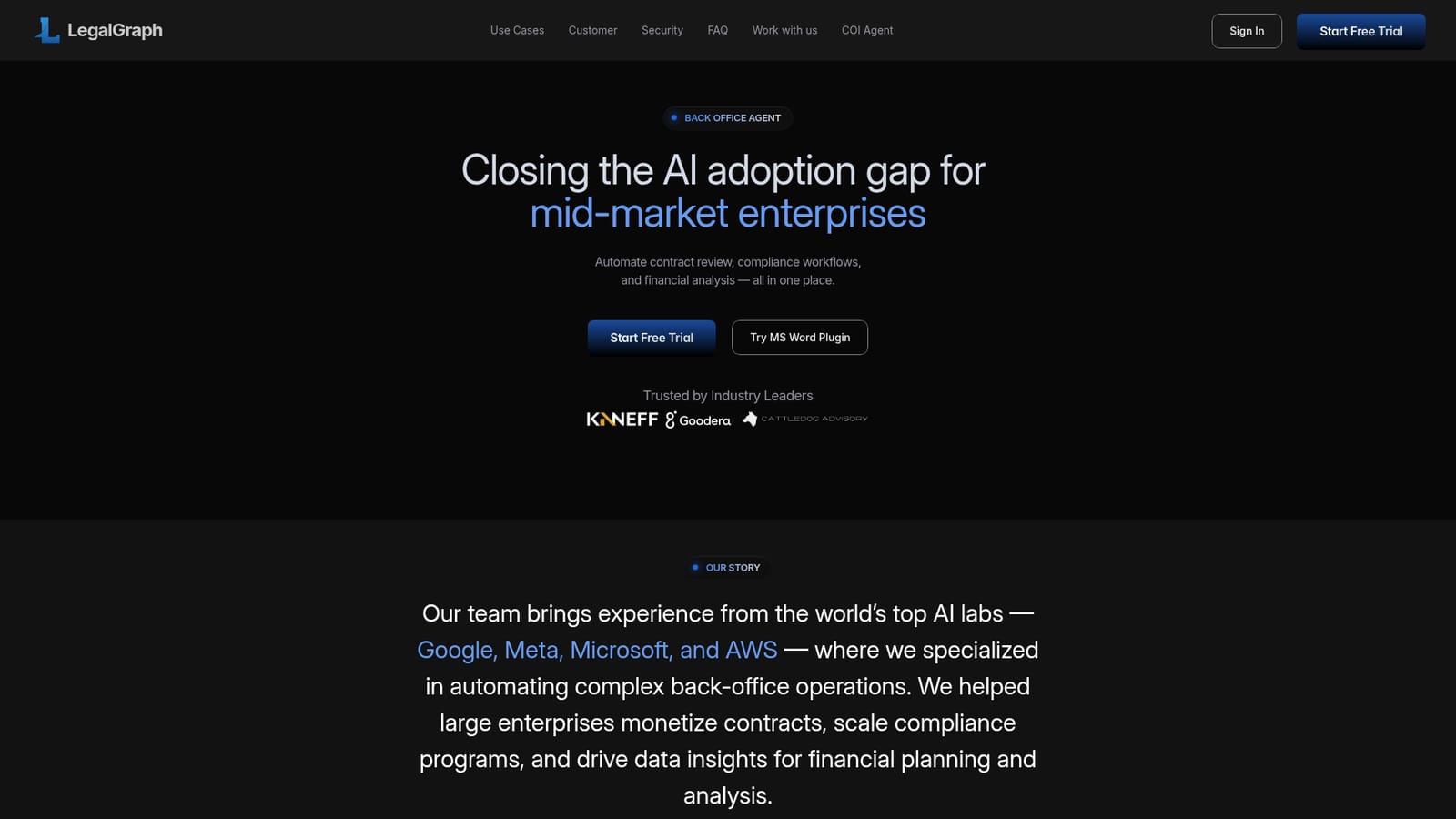
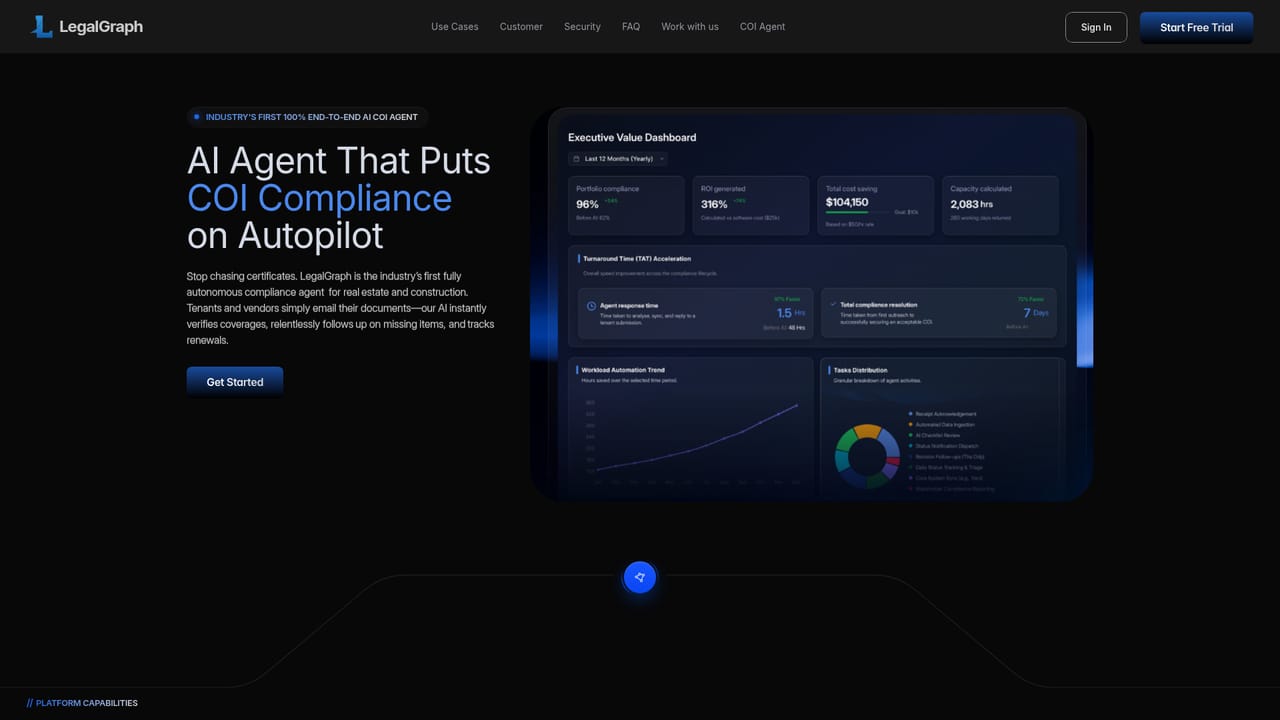
LegalGraph is a back office automation platform aimed at mid market enterprises, with contract work at its centre. A lease agent reads a commercial lease, proposes redlines clause by clause, pulls out key terms, dates and financial obligations, and produces an abstract report. The homepage shows the output clearly: a suggested edit to a maintenance responsibility clause, a changed approval window, a newly inserted early termination clause, then nine extracted terms including rent escalation, security deposit and total rent over the term, reported at 98.4 percent confidence. The platform reaches beyond a single document. A multi contract mode takes ten or more files in one run and lines key terms up side by side, so missing clauses, conflicting obligations and value gaps surface without opening each PDF. A chronology view logs every event from signing onward, including amendments, escalations and renewal options, giving an audit trail that does not depend on old emails. A separate compliance agent manages certificates of insurance for property portfolios, sending reminders before expiry, escalating the tone of follow ups and recording each response. A COI dashboard and a Microsoft Word plugin round out the surface area. The audience is legal, compliance, accounting and finance teams at mid sized firms, particularly in real estate and property management, where leases and insurance certificates create recurring administrative load. The homepage says the founding team came from Google, Meta, Microsoft and AWS, and the tool is built on Anthropic's ecosystem as a Claude Partner Network member. It is not positioned as a contract lifecycle management system, so teams looking for a full CLM replacement should expect a narrower remit. Security credentials listed are SOC2, ISO 27001, GDPR and PIPEDA, plus SSO and AES 256 encryption.
A free trial is offered through the start free trial button, which opens a demo request form rather than instant self serve signup. Access is arranged after a call with the team.
Learn moreSupport is handled through a demo request form with a stated 24 hour response time. No help centre, documentation portal or service level terms are published on the homepage.
Connectors are listed for property management platforms, CRM, document storage and e-signature tools, with 100 plus integrations described as available on request. Specific connectors are not named, so confirm yours with the team.
Lease agent with AI suggested redlines, key term and date extraction, and abstract generation. Multi contract analysis for ten or more documents with side by side term comparison. Automatic contract chronology logging amendments, escalations and renewals. Compliance agent for certificates of insurance with escalating reminders and an audit trail. MS Word plugin and a COI dashboard.
 AI Angels400+ customizable AI girlfriends for NSFW chat, voice calls, and roleplay
 Candy AIExperience the future of companionship with AI friends who chat, role-play, and connect with you on a human level.
 ourdream.aiA vast AI roleplay platform with millions of characters for chat, images, video and voiceAI Angels400+ customizable AI girlfriends for NSFW chat, voice calls, and roleplayCandy AIExperience the future of companionship with AI friends who chat, role-play, and connect with you on a human level.ourdream.aiA vast AI roleplay platform with millions of characters for chat, images, video and voice


