Free trial
The beta is free and requires no credit card, though access is granted through a request form.
Learn moreAI project manager that drafts cited follow-ups for your approval

Leveld is a communication tool. Leveld reads email, meetings and calendars, turns them into a cited register of actions, decisions and risks, and drafts follow-ups that wait for human approval. It is free during an invite-based beta, with Gmail as the first source.
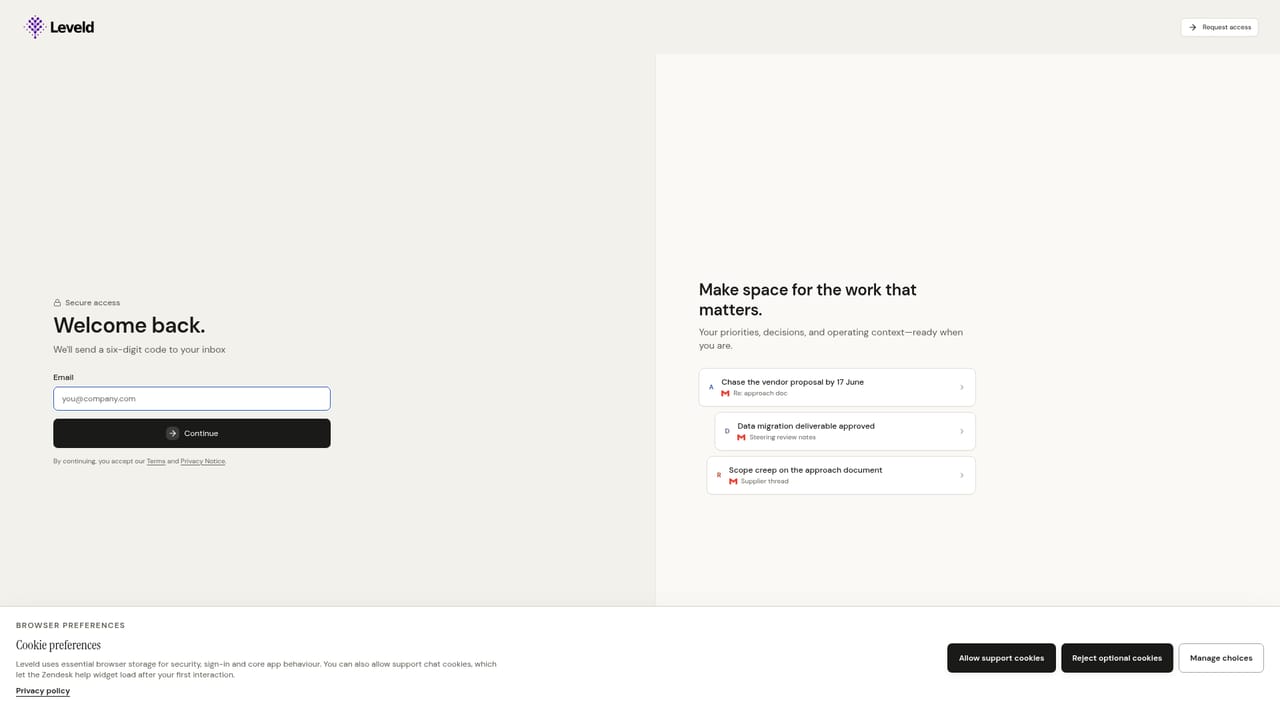
Leveld is an AI project manager built around one idea: project work is scattered across inboxes, chats, calendars and meeting transcripts, and the follow-ups that matter get lost between them. It reads those sources, pulls out the commitments, decisions, risks and facts buried in them, and organises everything into a structured register. Each item names an owner, carries a date where one exists, and links back to the message, document or transcript that produced it. In practice the product works as a daily loop. Leveld ingests new context such as overnight email and calendar changes, flags owner gaps, open decisions and blockers, and then drafts the next move: a reply, a nudge to a colleague, a calendar invite or a meeting summary. Every draft shows the reason behind it, can be edited for wording, owner, timing or priority, and only leaves the workspace once approved. Auto-send exists as an opt-in per action type and is off by default. Corrections feed back so the tool learns preferred phrasing and priorities over time. Onboarding is short. A user signs in with an emailed code, connects Gmail, picks a starting template (Product, Personal, Transformation, IT Infra, or let Leveld decide) and watches the last seven days of email turn into cited actions, decisions and risks. During the beta Gmail is the active source, with Outlook, Slack, Zoom, calendars and transcript tools like Fireflies and Otter described as coming next. Access is by request, and the beta is free with no card required. The audience is people who carry projects without wanting another system to maintain: founders and operators, project and programme managers, product leads, chiefs of staff, team leads and consultants. Leveld positions itself as a layer around existing project tools rather than a replacement, so the formal plan can stay in whatever tracker a team already uses. Compared with a general AI assistant, the emphasis is accountability: evidence attached to every recommendation and human sign-off before anything acts. The company also states that connected data is not used to train its AI.
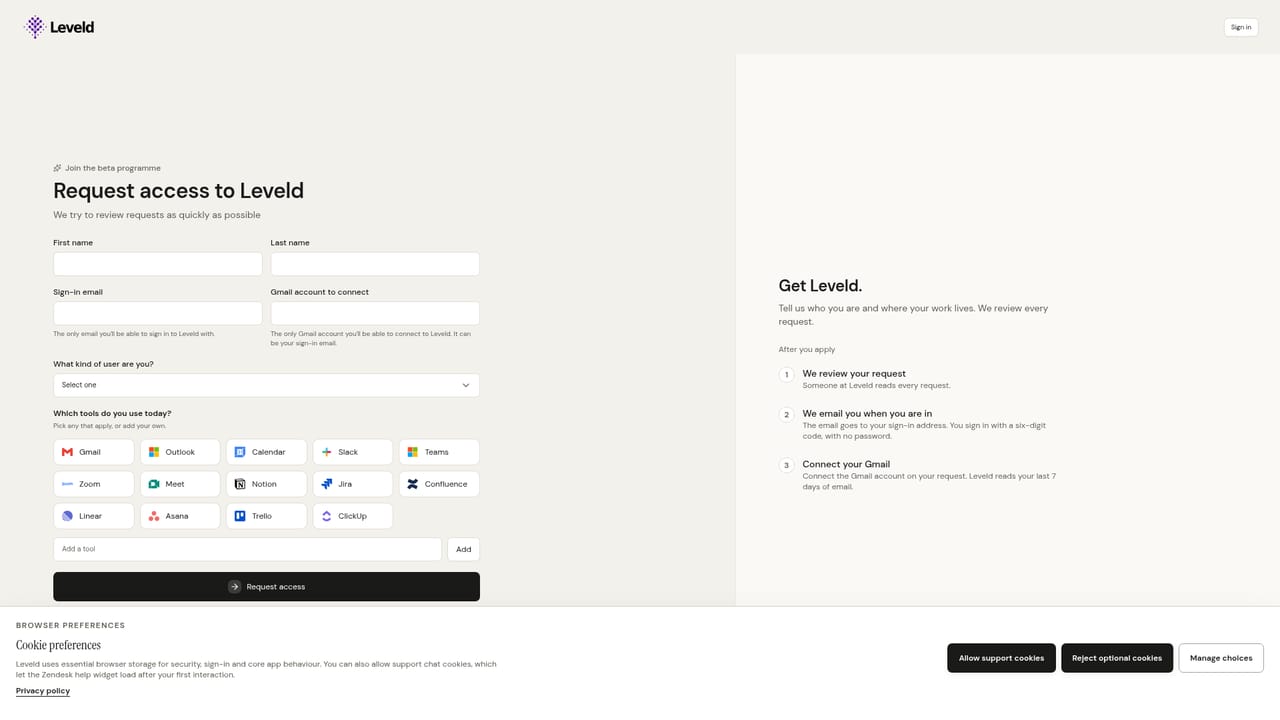
The beta is free and requires no credit card, though access is granted through a request form.
Learn moreFree during the beta with no credit card required. The company says simple per-seat pricing will be shared before the beta ends; no figures are published yet.
Learn moreThe homepage has an FAQ and links to a privacy notice, AI transparency page and data processing agreement. Dedicated support channels are not described.
Gmail is active in the beta. Outlook, Slack, Zoom, calendars, and meeting tools such as Fireflies and Otter are described as coming soon.
Builds a register of actions, decisions, risks and information from email, meetings and documents. Names owners, tracks dates, cites sources, drafts replies, nudges, invites and summaries, and learns from corrections. Approval is required before anything is sent.


