Support
Levity offers access to specialists for complex integrations and production rollouts, and publishes security details plus a Trust Center covering ISO 27001, SOC 2 Type II and GDPR.
Learn moreAI automation built for high-volume logistics inboxes

Levity is an AI automation hub for logistics operations. It analyses high-volume email inboxes to find automation opportunities, builds classified and routed flows with AI actions, and adds human review plus feedback loops so automations keep improving in production.
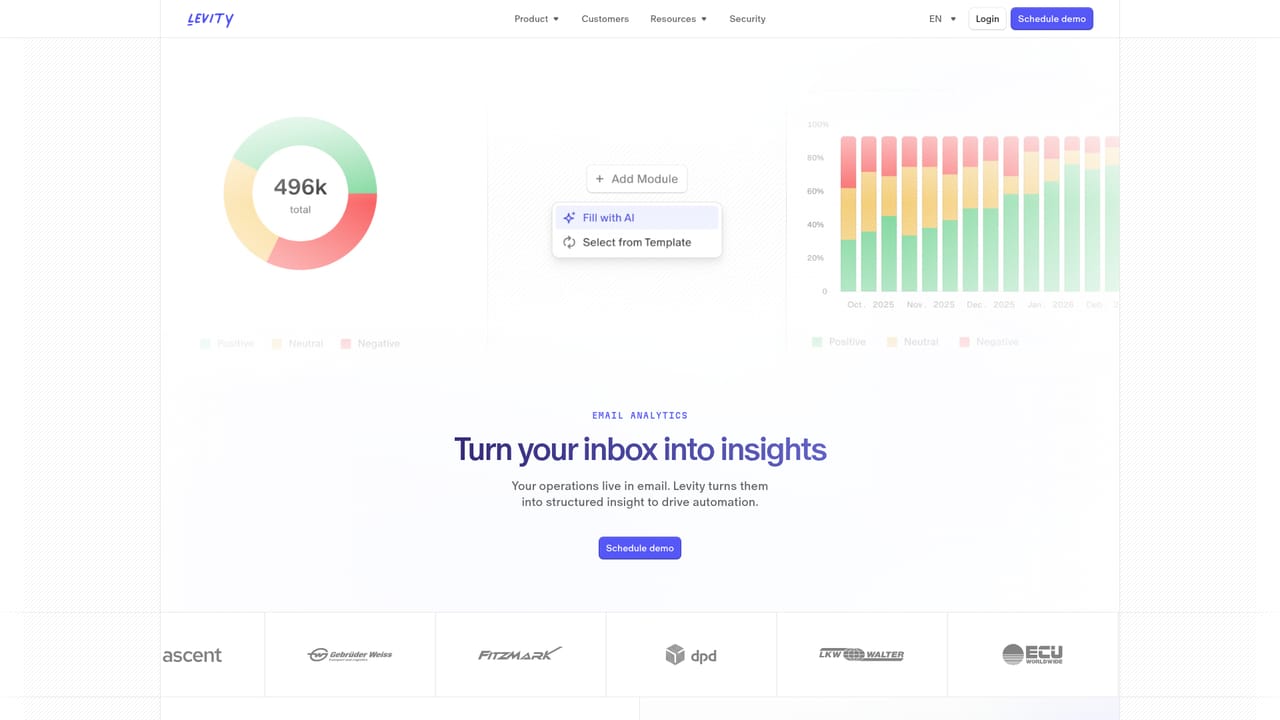
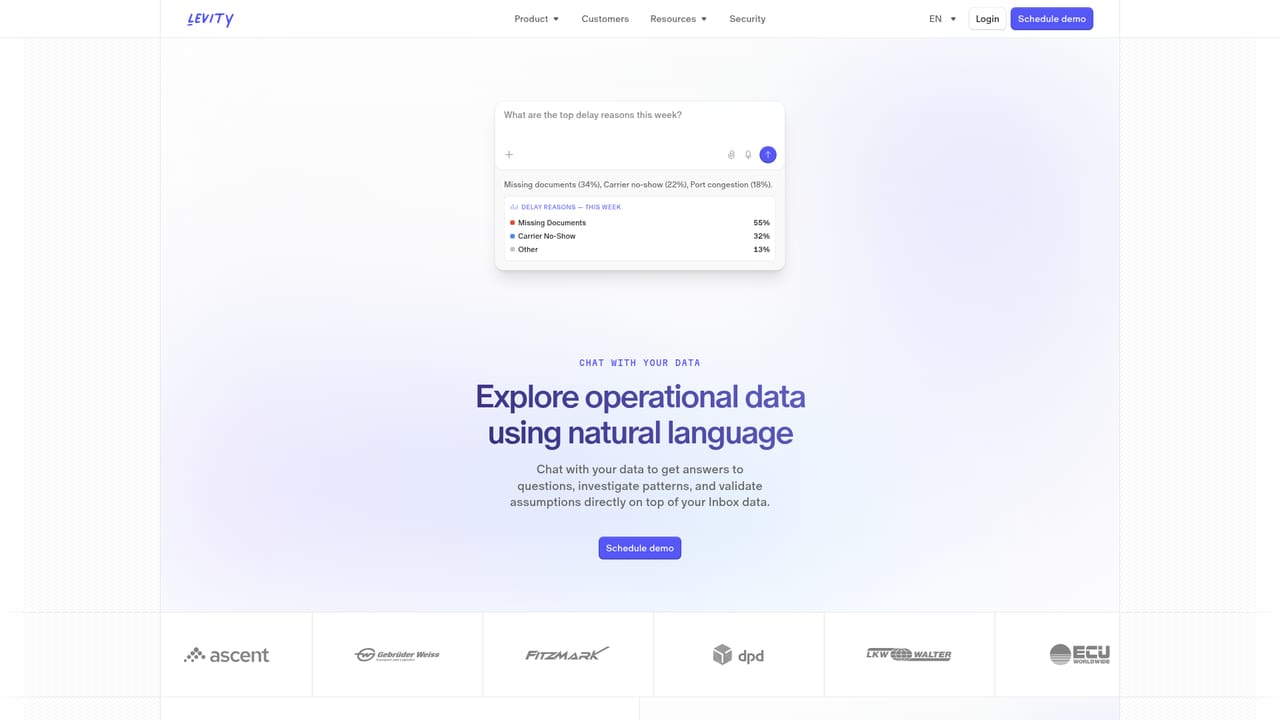
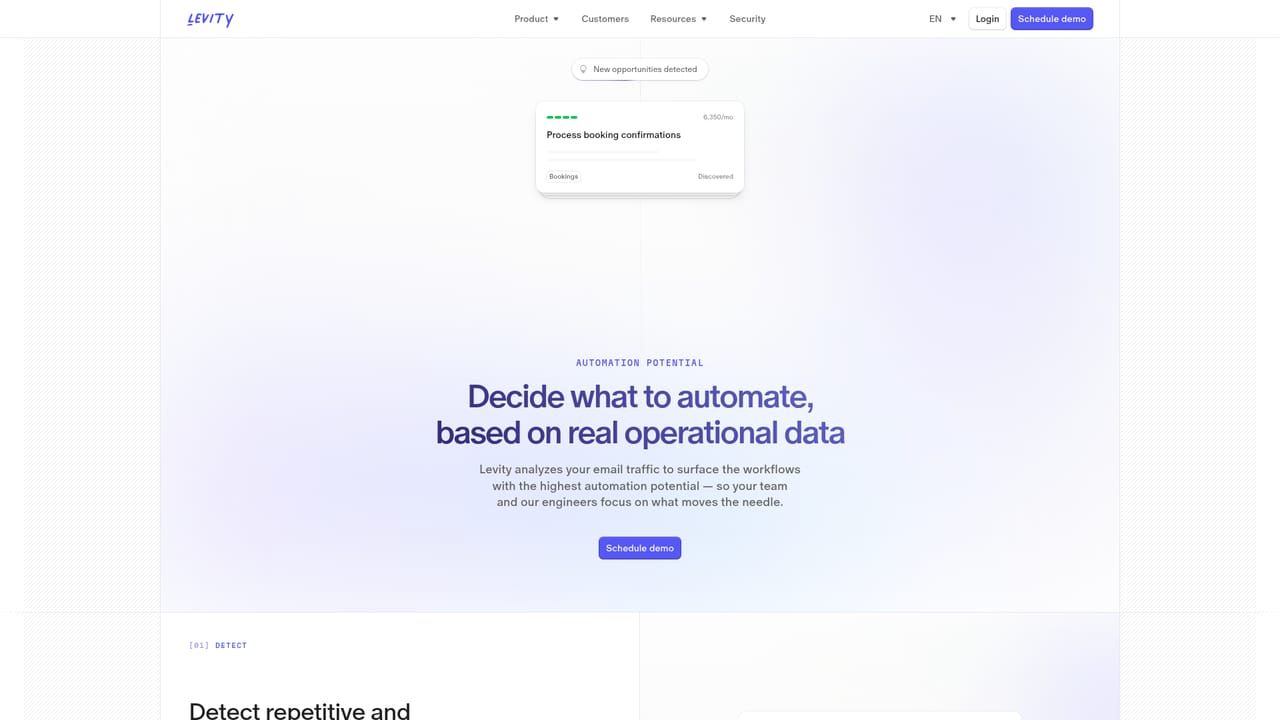
Levity is a communication intelligence platform aimed at the operational side of logistics. Rather than dropping a generic assistant next to an existing team, it is built to redesign how email-driven work gets done, with people and automation sharing the same workflow. The product is organised around three stages: analyse, build and scale. Teams start by studying what actually flows through their shared inboxes, then turn the highest-value patterns into production automations, and finally govern those automations with oversight and feedback tools. The analytics layer is where most evaluations begin. Levity ingests large email volumes and surfaces repetitive requests, handoffs and bottlenecks, breaking traffic down by category such as track and trace, booking, pricing and quoting, damage claims and customs. A chat interface lets staff query that operational data in natural language instead of building reports. From there, an automation potential view helps rank which workflows are worth automating first, which matters in freight where a single misrouted message can cost real money. Building happens in a visual flow editor. A typical flow triggers on a new email, classifies the subject and body, then routes to AI actions like drafting a reply, summarising a thread, extracting key dates or scoring priority. Flows can call other systems through integrations that include Gmail, Outlook, CargoWise, SAP and Zendesk, and Levity states that its Forward Deployed Engineering team will construct custom integrations where needed. Common use cases listed are spot quoting, order entry, track and trace, document handling, arrival notices and accounts receivable and payable. The scale layer is what separates Levity from lighter inbox tools: ticket-style quality control with severity and tagging, human-in-the-loop review where decisions get corrected in the place work happens, and feedback capture that feeds continuous improvement. It is aimed at logistics operators and shared service centres handling millions of messages, not solo users. Levity reports more than 100 million emails processed across production deployments, and it holds ISO 27001, SOC 2 Type II and GDPR compliance. Pricing is not published on the homepage.
Levity offers access to specialists for complex integrations and production rollouts, and publishes security details plus a Trust Center covering ISO 27001, SOC 2 Type II and GDPR.
Learn moreListed connectors include Gmail, Outlook, CargoWise, SAP and Zendesk, and Levity states its Forward Deployed Engineering team builds custom integrations for systems not covered out of the box.
Learn moreEmail analytics dashboards with category and status breakdowns, natural language chat over operational data, automation potential scoring, a visual flow builder with classifiers and AI actions (draft reply, thread summary, date extraction, priority classification), team collaboration on flows, custom integration engineering, quality control ticketing, human-in-the-loop review and feedback capture for continuous improvement.
Learn more AI Angels400+ customizable AI girlfriends for NSFW chat, voice calls, and roleplay
 Candy AIExperience the future of companionship with AI friends who chat, role-play, and connect with you on a human level.
 ourdream.aiA vast AI roleplay platform with millions of characters for chat, images, video and voiceAI Angels400+ customizable AI girlfriends for NSFW chat, voice calls, and roleplayCandy AIExperience the future of companionship with AI friends who chat, role-play, and connect with you on a human level.ourdream.aiA vast AI roleplay platform with millions of characters for chat, images, video and voice


