Free trial
No separate trial is described. A free plan with daily usage is included, so the product can be evaluated without paying, and the pricing page details what each paid tier adds.
Learn moreAn AI copilot that builds editable MIDI inside Ableton Live.

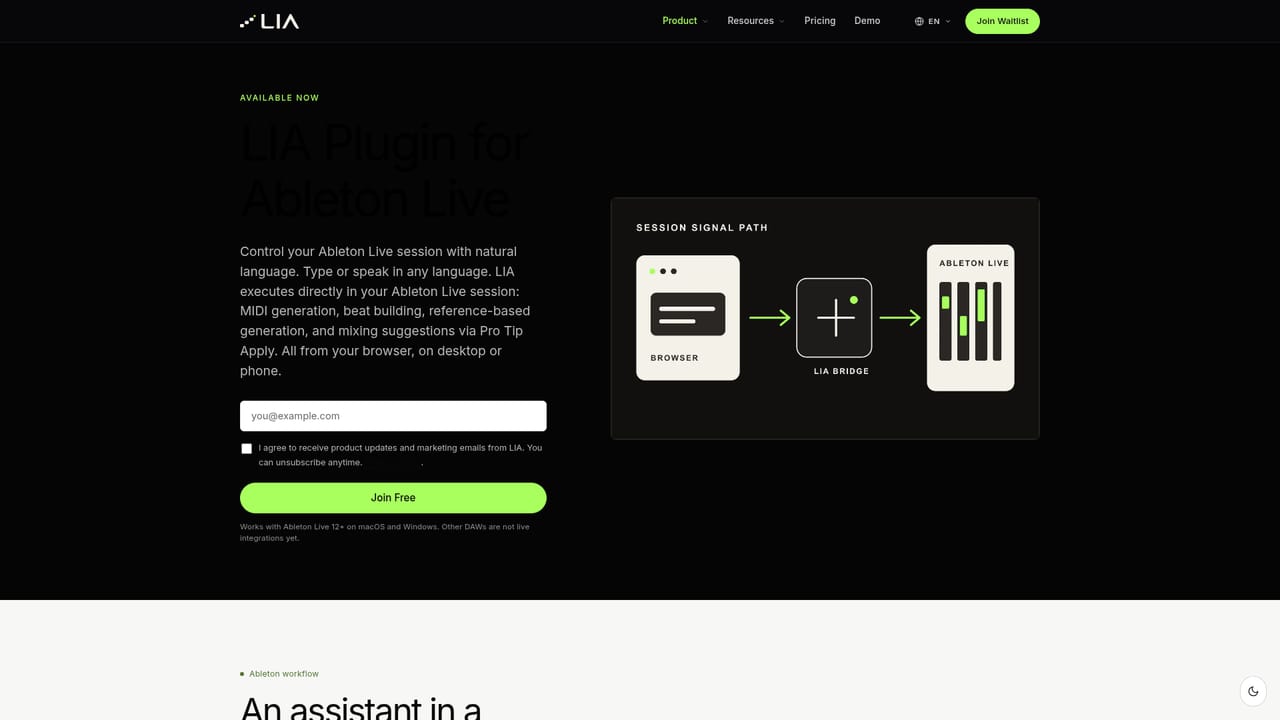
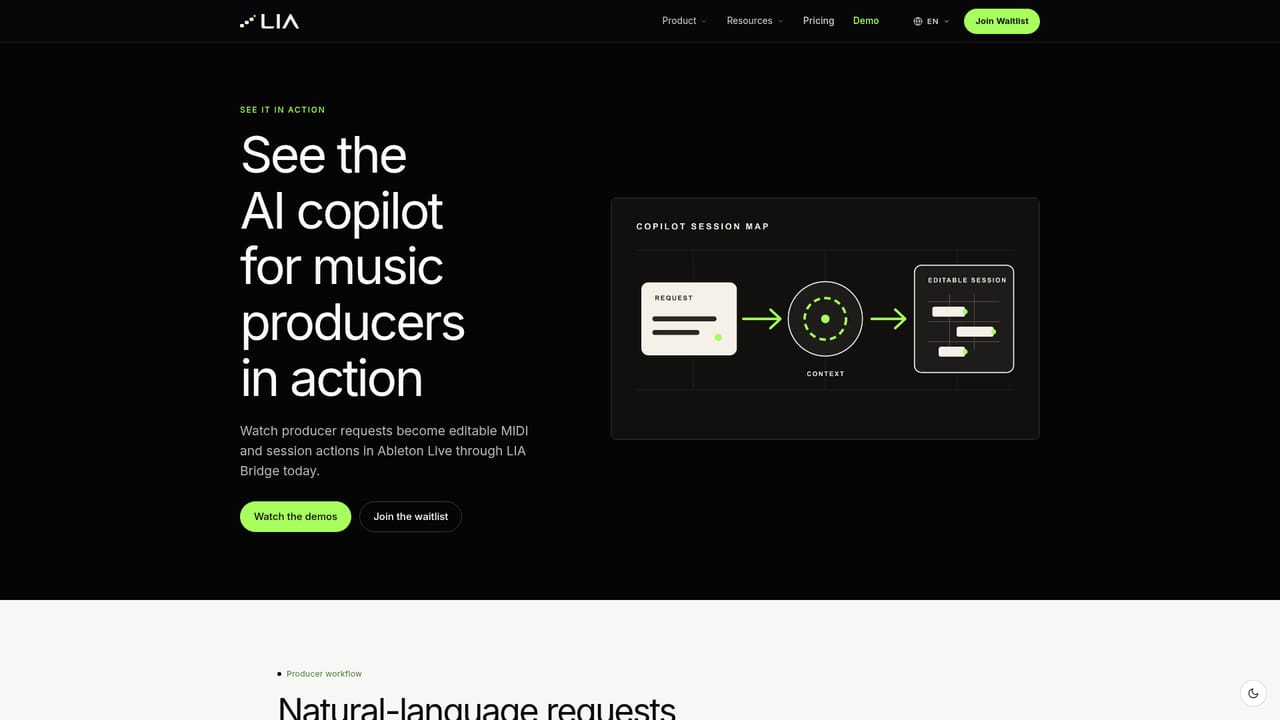
LIA is an AI copilot for music producers that converts natural-language requests into editable MIDI, beats and mix suggestions inside Ableton Live through the LIA Bridge on macOS and Windows. It runs from the browser, keeps every result editable, and treats other DAWs as waitlist targets for now.
LIA is an AI copilot for music producers that takes plain-language requests and turns them into editable material inside Ableton Live. The name stands for Live Intelligent Assistant, and the product is built around a narrow but deliberate idea: the assistant works on the session in front of you rather than rendering a finished track you cannot pull apart. A request such as a four-track beat at a given tempo or a request for reverb on the vocals is interpreted by LIA and passed to the DAW through LIA Bridge, a lightweight connector for macOS and Windows. No Python environment, plugin chain or config file is involved. In practice the loop is ask, build, decide. You type a production request in the web app or the mobile PWA, LIA generates or refines MIDI, beats and session changes, and every result stays open to your edits. Reference-based generation converts a style direction into new editable MIDI. Pro Tip Apply turns a production explanation into an actual session change, so the academy side and the production side share one workspace. The genre observatory lets you set genre, tempo, key and feel, then shapes patterns, harmony, basslines and sound choices around that brief. Mixing suggestions cover levels, EQ and compression, with the producer making the final call. LIA reads the stock instruments and drum kits shipped with the DAW, so output uses sounds already installed. Beginners can describe an outcome in everyday language, while experienced producers can issue detailed technical commands. LIA understands requests in any language, and the interface ships in ten languages including English, Italian, German, Spanish, French, Portuguese, Dutch, Japanese, Korean and Chinese. The honest framing matters. Ableton Live is the only live integration today; FL Studio, Logic Pro, Cubase, Studio One, Reaper, Bitwig and Reason appear only on a waitlist. Realtime Talk Mode and a native mobile app are listed as planned, not shipped. Output is MIDI and session edits, never finished audio files. Against generic chatbots, the difference is direct session control; against audio generators, the difference is that nothing is locked.
No separate trial is described. A free plan with daily usage is included, so the product can be evaluated without paying, and the pricing page details what each paid tier adds.
Learn moreA free plan with daily usage is available. Paid plans start at 24.99 euros per month for more usage and features, and the pricing page compares the current plans with the productions included in each. Remote browser workflows depend on the plan tier.
Learn moreAbleton Live via LIA Bridge on macOS and Windows is the only live DAW integration. FL Studio, Logic Pro, Cubase, Studio One, Reaper, Bitwig and Reason are waitlist targets. Access is through the web app or mobile PWA; native apps are planned.
Learn moreEditable MIDI generation, beat building, reference-based generation, Pro Tip Apply, conversational chat, sound design requests, mixing suggestions and a stock library scan. Realtime Talk Mode and voice control are listed as planned for launch on supported plans.
Learn more AI Angels400+ customizable AI girlfriends for NSFW chat, voice calls, and roleplay
 Candy AIExperience the future of companionship with AI friends who chat, role-play, and connect with you on a human level.
 ourdream.aiA vast AI roleplay platform with millions of characters for chat, images, video and voiceAI Angels400+ customizable AI girlfriends for NSFW chat, voice calls, and roleplayCandy AIExperience the future of companionship with AI friends who chat, role-play, and connect with you on a human level.ourdream.aiA vast AI roleplay platform with millions of characters for chat, images, video and voice