Free trial
Free credits are available on first use, with no account or payment card required, so a single lip sync video can be produced before any plan is purchased.
Learn moreTurn a portrait or clip into a talking, singing video in seconds.

Lip Sync AI is an AI video talk tool that turns a portrait or clip into a talking, singing video in seconds. A single purpose lip sync generator that animates a photo or existing video to match uploaded audio. Free credits with no sign up, paid credit plans for higher volume, multilingual output and commercial licensing on paid tiers.
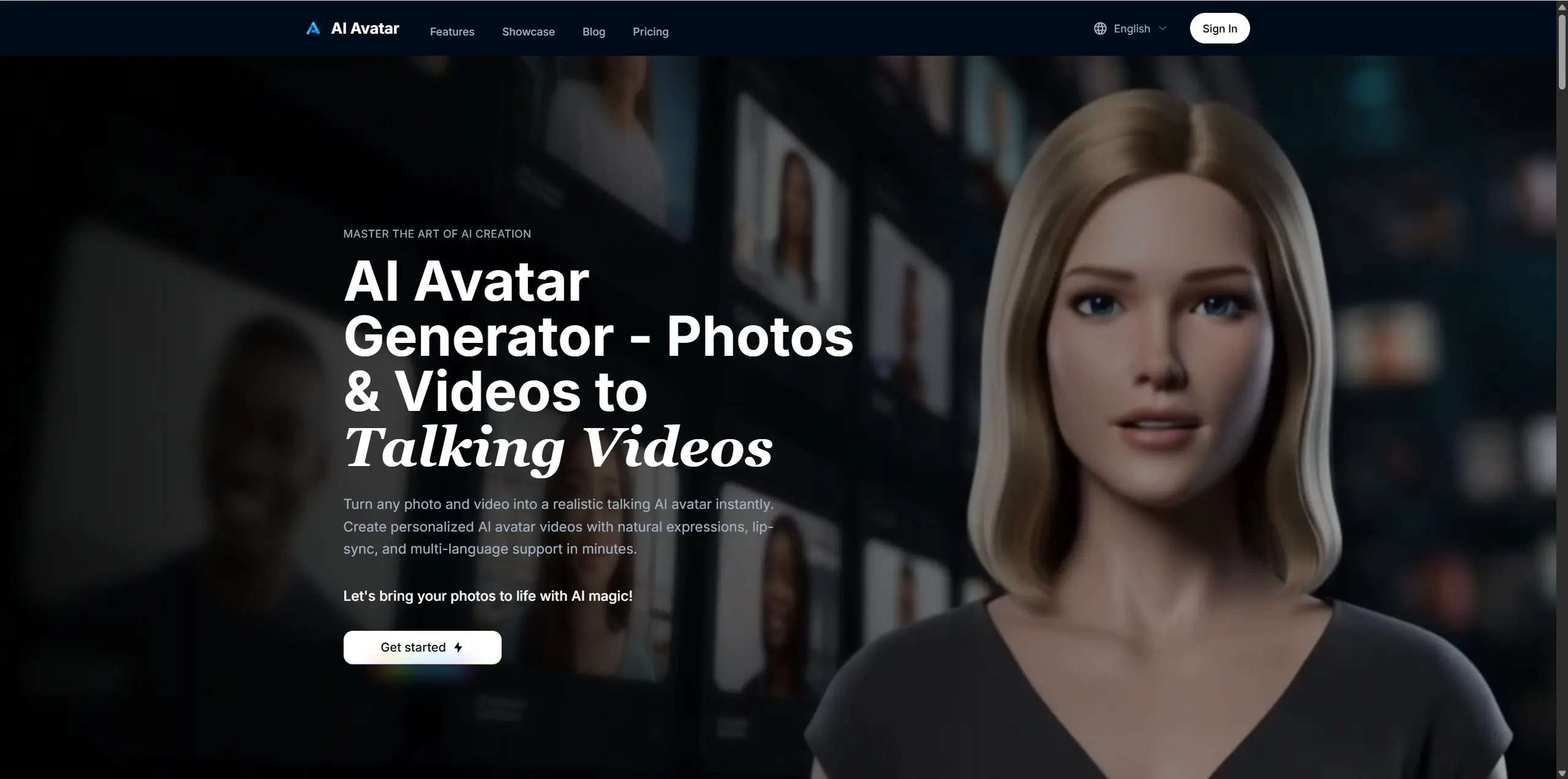
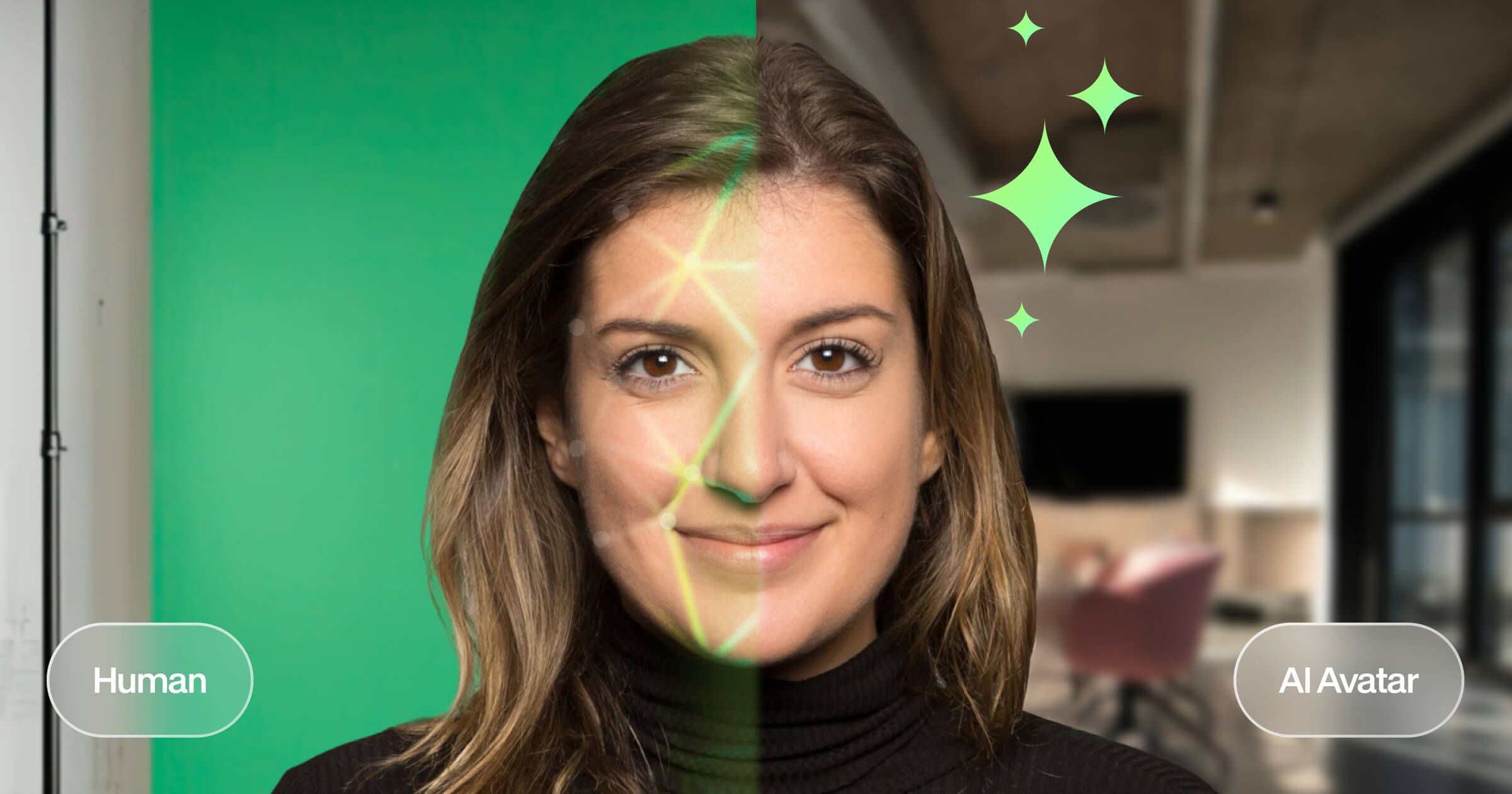
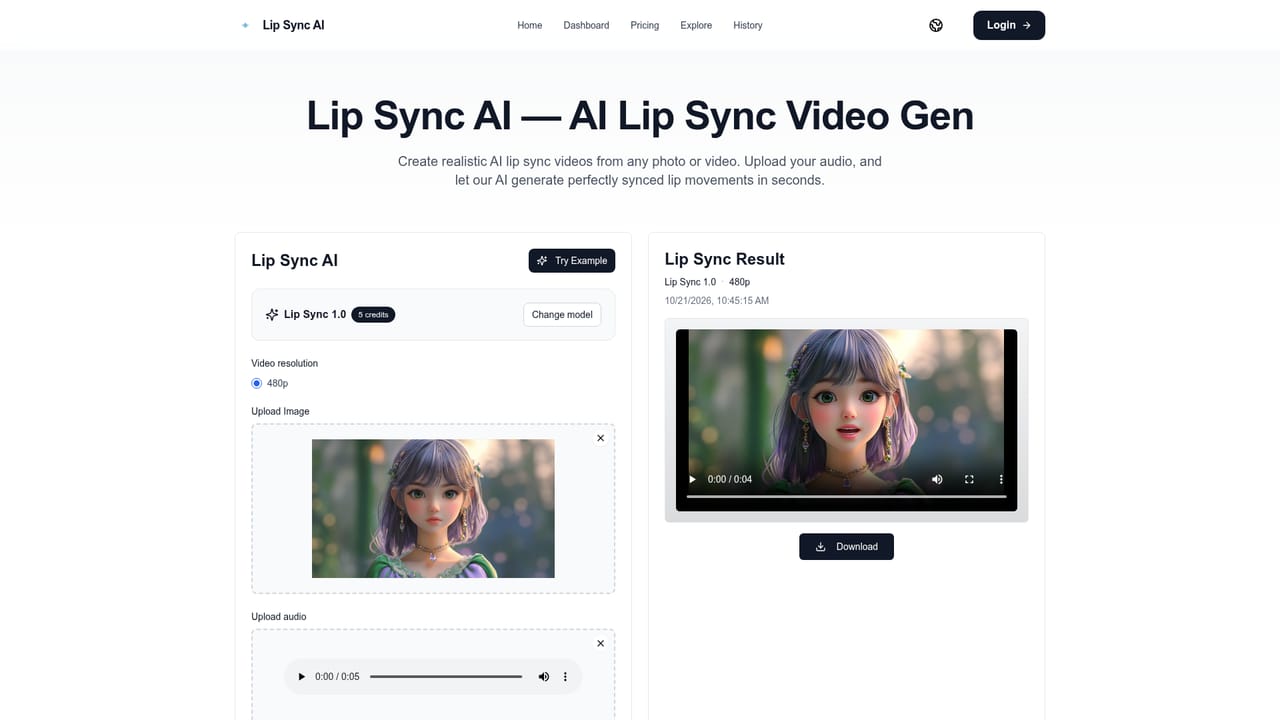
Lip Sync AI is a browser based generator that animates mouth movement to match a supplied audio track. The workflow is deliberately narrow: a user uploads a front facing photo or an existing video, adds an audio file, optionally picks a resolution and model, and receives a rendered clip with the lips matched to the speech or song. The site states that the engine breaks audio into phonemes and maps them onto visemes (mouth shapes), which is the standard deep learning approach behind talking head tools. Both still images and motion footage are supported, so the same tool can produce a singing portrait from a photograph or re-dub a performance that was already filmed. The stated strong points are speed, facial consistency and language coverage. Generation is presented as taking seconds, with a priority queue and faster tiers on the higher plans. Character consistency is claimed to hold the subject's identity across the clip without morphing. Multilingual output is supported according to the FAQ, which makes the product relevant for dubbing and localized content, not just English language novelty clips. Typical uses named by the site include lip sync songs, lip sync battle recreations, talking animals, avatars for social posts, product demos and educational material. Positioning is the clearest thing about the product: it markets itself directly as a free, no sign up alternative to HeyGen and similar paid platforms. That is the honest comparison to keep in mind. Anyone weighing it against a full avatar studio should note that Lip Sync AI is a single purpose renderer, not a script to avatar pipeline with stock presenters or a video editor attached. It suits creators who already have their own footage or portraits and their own audio, and who want fast, cheap sync rather than an end to end production suite. Commercial rights are included on paid plans, and uploaded files are described as encrypted and excluded from training data.
Free credits are available on first use, with no account or payment card required, so a single lip sync video can be produced before any plan is purchased.
Learn moreAnnual and monthly credit subscriptions: Basic at $7.9 per month annual or $9.9 monthly with 100 credits (about 50 videos), Standard at $15.9 annual or $19.9 monthly with 500 credits (about 250 videos), Pro at $39.9 annual or $49.9 monthly with 2000 credits (about 1000 videos). One time add ons of $50 for 800 credits and $100 for 1600 credits need no subscription.
Learn moreSupport is tiered: basic support on the Basic plan, priority support on Standard, and a dedicated account manager on Pro. No separate help centre or documentation hub is listed on the site.
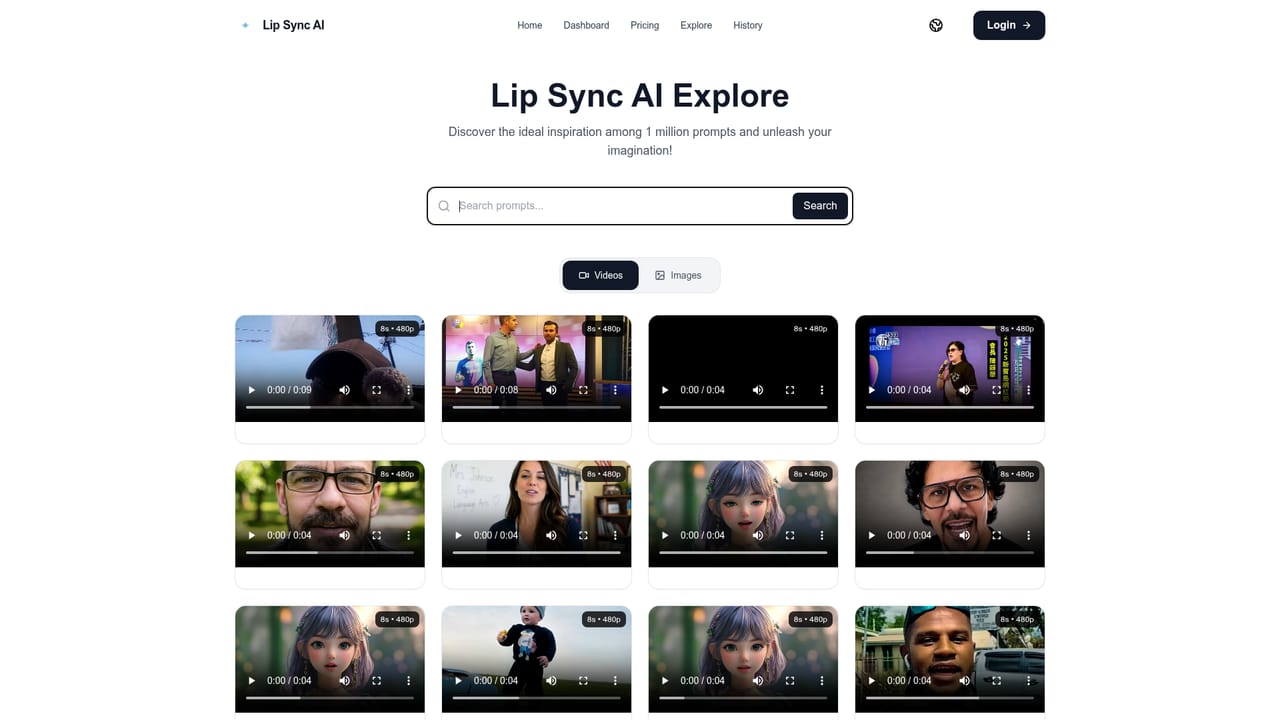
Phoneme to viseme lip matching, photo and video sources, multilingual sync for dozens of languages, character consistency across a clip, optional prompt field, history of past generations, resolution selection and a public gallery of community creations.
 AI Angels400+ customizable AI girlfriends for NSFW chat, voice calls, and roleplay
 Candy AIExperience the future of companionship with AI friends who chat, role-play, and connect with you on a human level.
 ourdream.aiA vast AI roleplay platform with millions of characters for chat, images, video and voiceAI Angels400+ customizable AI girlfriends for NSFW chat, voice calls, and roleplayCandy AIExperience the future of companionship with AI friends who chat, role-play, and connect with you on a human level.ourdream.aiA vast AI roleplay platform with millions of characters for chat, images, video and voice