Free trial
The homepage advertises free lip sync generation and daily credits on login, but does not state which models or resolutions the free allowance covers.
Learn moreFree AI lip sync for talking and singing videos in up to 4K.
Own LipSync.Studio? Verify ownership to get a dofollow link

LipSync.Studio is an AI video talk tool. A web based lip sync studio that turns images or existing video into talking and singing clips, with multi speaker masking, translation, TTS and voice cloning inputs, and output up to 4K.
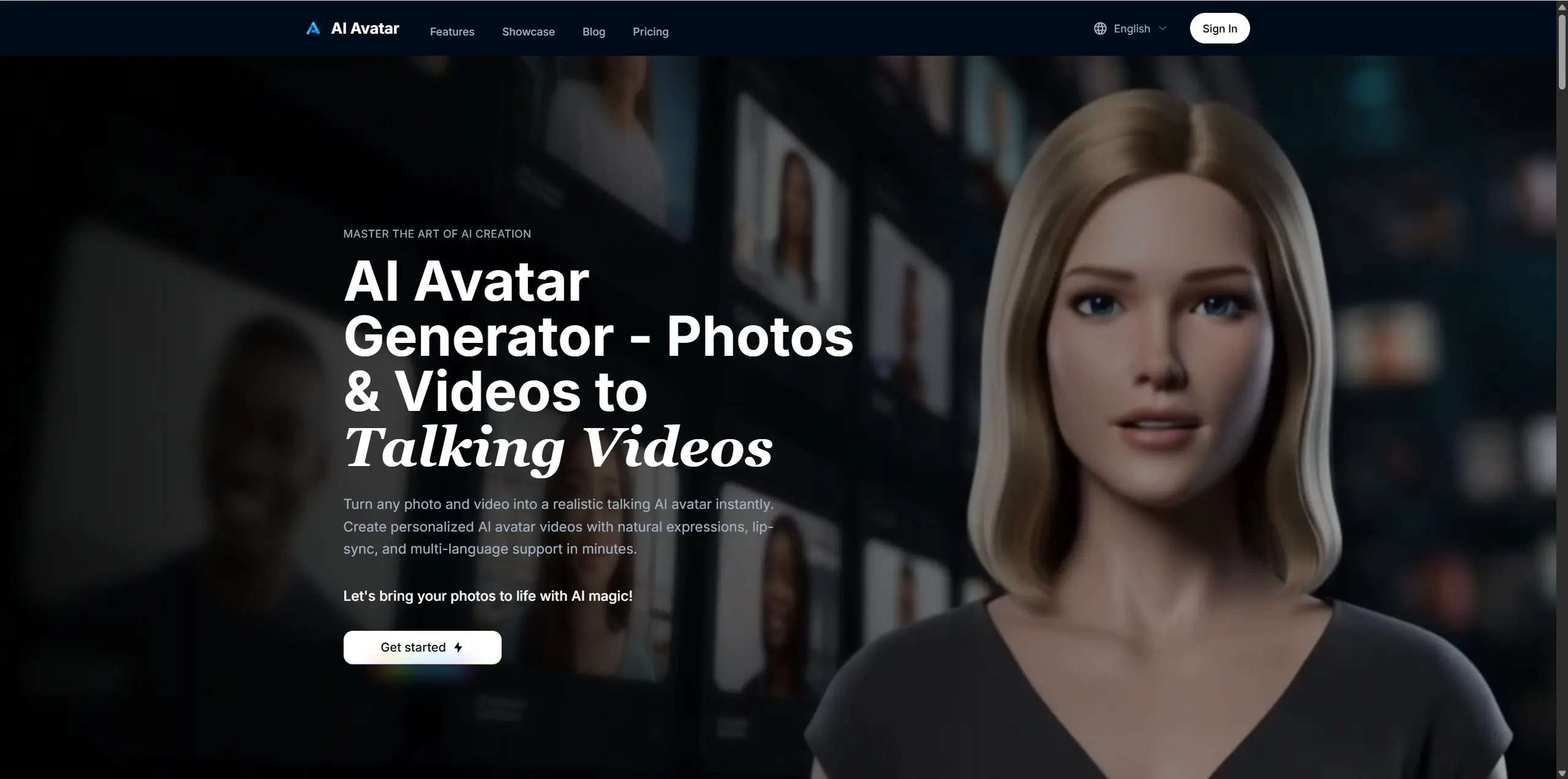
LipSync.Studio is a browser based lip sync and talking avatar generator aimed at creators who need speech or singing matched to a face. It handles two kinds of source material: a still image, which becomes a talking or singing portrait, and an existing video, which can be re-synced for dubbing. Output resolution runs from 360p up to 4K, and the headline claim is a free tier with clips of up to 10 minutes. The product is really a set of workflows rather than one button. Image based models cover a fast 5 minute mode with expression and motion control and a longer 10 minute mode with speaker control. A two speaker mode takes a pair of audio tracks and produces a podcast style conversation, or a single track for a one speaker, one listener scene. Video based models either replace only the lip region or let you pick the speaker, and separate pages handle music videos, video translation and prompt driven dialogue. A masking tool lets you paint which person in a crowded frame should move their mouth, which is the practical answer to group shots where sync otherwise drifts onto the wrong face. Audio can be uploaded or generated in the same interface: text to speech, music, voice cloning and direct recording are all offered as inputs. That makes the tool usable end to end for short social clips, virtual presenters, course narration and localized marketing videos without a separate voice pipeline. The trade off is that the model list is long and none of it is explained with published pricing, so the interface assumes you already know which workflow fits your footage. It competes with dedicated talking head services and with general video generators that bolt on lip sync. LipSync.Studio leans toward breadth: humans, cartoons and animals, multiple speakers, translation and 4K are all in one place. Teams that only need a single portrait animation may find the choices excessive, and anyone who needs contractual guarantees on commercial rights will want to check the terms before relying on it.
The homepage advertises free lip sync generation and daily credits on login, but does not state which models or resolutions the free allowance covers.
Learn moreImage to talking video with expression control (5 min) or speaker control (10 min), two speaker podcast sync, video lip region re-sync, speaker masked control, music video generation, AI video translation with fast and advanced modes, prompt driven dialogue, and audio input via upload, text to speech, music, voice cloning or recording. Output ranges from 360p to 4K.
Learn more AI Angels400+ customizable AI girlfriends for NSFW chat, voice calls, and roleplay
 Candy AIExperience the future of companionship with AI friends who chat, role-play, and connect with you on a human level.
 ourdream.aiA vast AI roleplay platform with millions of characters for chat, images, video and voiceAI Angels400+ customizable AI girlfriends for NSFW chat, voice calls, and roleplayCandy AIExperience the future of companionship with AI friends who chat, role-play, and connect with you on a human level.ourdream.aiA vast AI roleplay platform with millions of characters for chat, images, video and voice